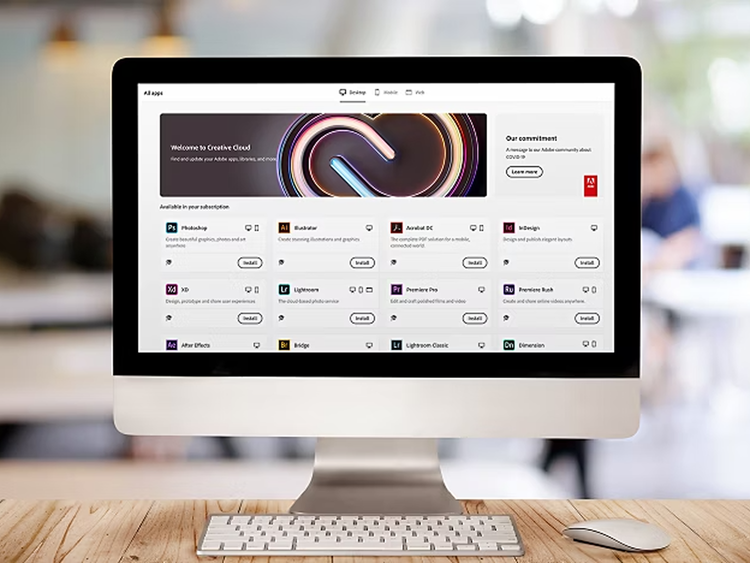
To determine if you have the right number of licenses for installed software, you need to perform a software audit on all personal computers within your organization. Software audits are a standard element of any organization's asset tracking process.
Many asset tracking applications are available, or you can download the free GASP Suite software program, the standard auditing tool of the Business Software Alliance. GASP is a suite of programs designed to help identify and track licensed and unlicensed software and other files installed on computer systems including desktops, laptops, and network servers. Versions are available for both Windows® and Macintosh users.

Scan your PCs for all Adobe software and fonts and record all version numbers and platforms. If you don't have your own auditing form, just use this simple PC inventory form.
Total the actual installations and compare these totals to your licensing records. You can use this Inventory analysis form to facilitate the process. Your licensing records should include copies of all license agreements and the original receipts and invoices. If you have purchased Adobe software through Adobe® Open Options at licensing.adobe.com, these software licensing records should be accessible online.
Order required software. You need to buy new licenses for any unlicensed software you discover, immediately. As you create your list of new licenses required, consider opportunities to standardize all users on the most current version of software, and to purchase maintenance contracts that allow you free version upgrades during the contract term. Your total order may qualify for special volume discounts from your software vendor. The flexible Adobe Open Options volume licensing programs allow you to combine purchases of different Adobe software and maintenance contracts, providing you with the best value.