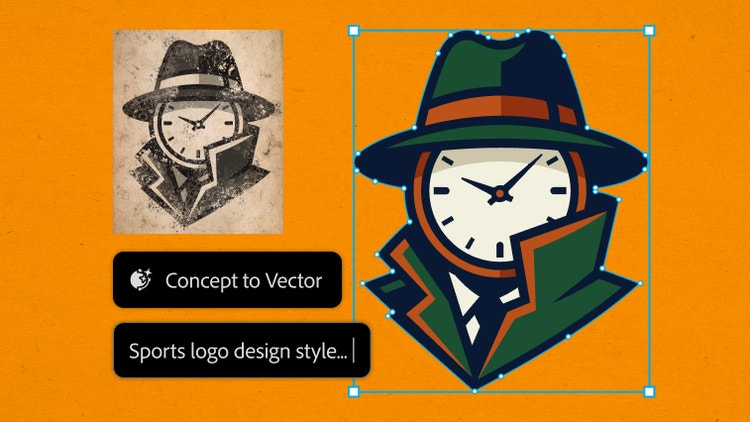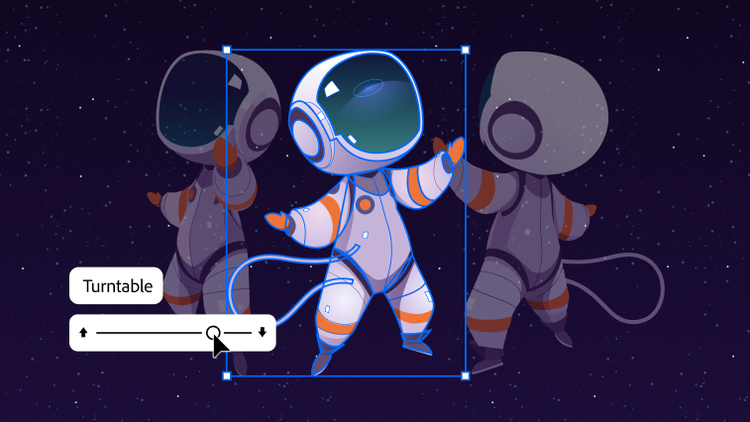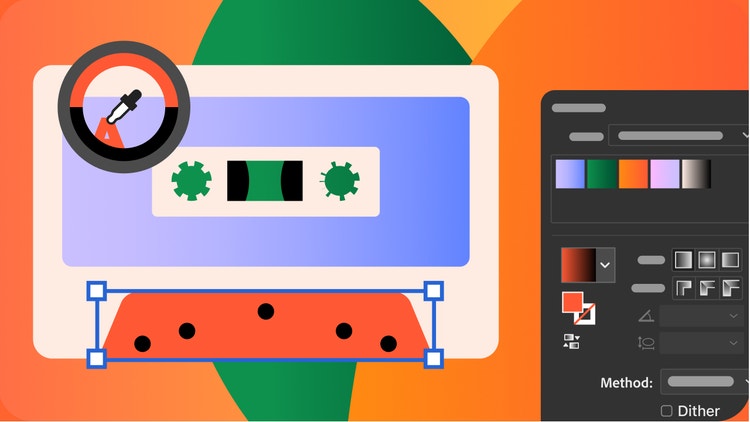
Adobe Illustrator is the industry-leading graphic design tool that lets you design anything you can imagine - from logos and icons to graphics and illustrations - and customise it with professional-level precision, as well as time-saving features like
Repeat for Patterns or
Global Edits. You can use the graphics you create with Illustrator in any size digital or print format and be confident they'll look exactly the way you designed them.
Both products let you create beautiful, precise designs and graphics. The difference lies in how they're created. Illustrator is best for creating graphics that can be infinitely scaled up or down without blurring or losing sharpness, since they're made of points, lines and curves - not pixels. Use these vector graphics in any format you like - small or extra-large, digital or print. Photoshop, on the other hand, is ideal for working with photos and creating or editing pixel-based or raster, graphics.
Learn more about when to use Illustrator vs. Photoshop here.
Not at all. With Illustrator, you can use shapes, lines, curves and edges to create beautiful designs with features like
Shape Builder, even if you've never drawn a thing in your life. Or, try out customisable templates for when you want to get started quickly on a project. The best part is that you can keep modifying and changing colours, fonts, shapes and more - whenever and as much as you like.
Yes. You can download it in the App Store and it's included in your Illustrator or Creative Cloud Pro subscription. Illustrator on the iPad is especially great if you love to draw digitally with natural hand movements - for example, by using an Apple Pencil.
Find out more about Illustrator on the iPad here.
Alternatively at A$35.99/mo (A$431.88/yr) incl. GST for the annual billed monthly plan.
We'll get you started with tutorial videos and hands-on learning, free fonts and templates, access to Adobe Express Premium and more. Learn more about purchasing options on the Creative Cloud plans page.
If you're interested in additional Adobe creative apps, you can also get Illustrator as part of the Creative Cloud Pro plan.
Illustrator is a paid monthly or yearly subscription, but you can sign up for a
free seven-day trial to see if Illustrator is the best graphic design tool for you. Or try making collages, flyers, videos and animations with the regular version of
Adobe Express — it's free forever.
Yes, students and teachers save over 75% on the Creative Cloud Pro plan. Find out more about student plans
here.
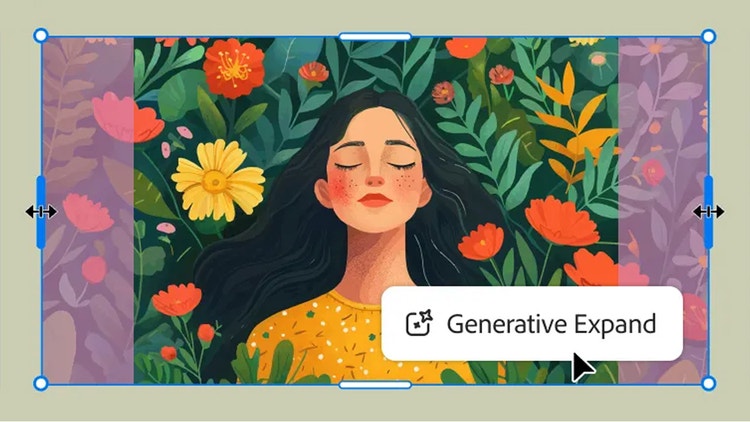
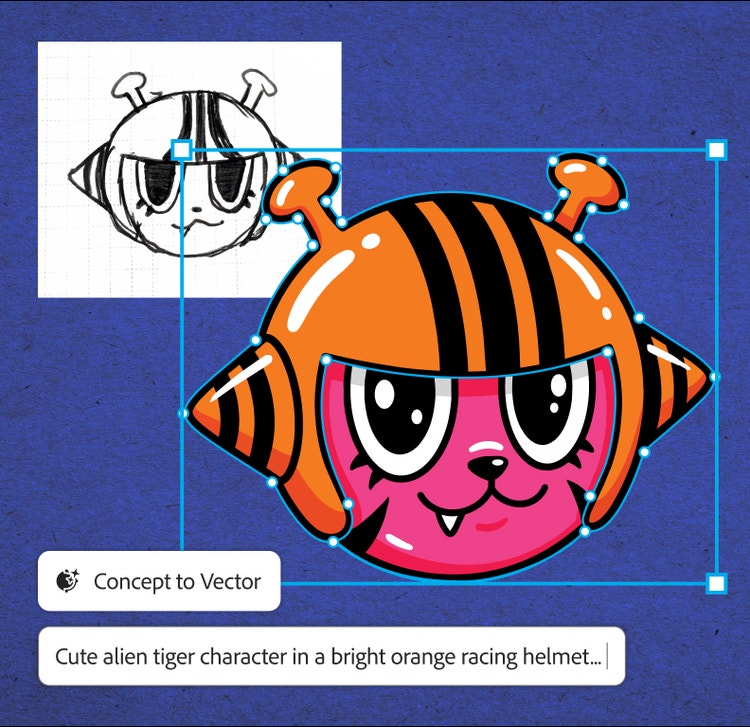
When generating content, you can select between Adobe’s proprietary models or a partner model from the Model drop-down menu. Illustrator is one of the Creative Cloud apps that natively integrates Adobe Firefly, Adobe’s powerful generative AI technology as well as provides the choice to use third party models like GPT 4o, Nano Banana, Ideogram, Imagen 4 and more. Generative Shape Fill, Text to Vector Graphic, Text to Pattern and Generative Expand generations are editable vectors that can easily be scaled.