ENHANCED: Make anything disappear in seconds.
The Remove tool now automatically detects people in the background of your photos for easy removal.

Retouch pics and resize clips. Add effects. Build skills with Guided Edits. And so much more.


The Remove tool now automatically detects people in the background of your photos for easy removal.

Type a description to create anything from a basic background to a detailed image.*

Brush over an area and then type a description of an object to see it appear. It's all powered by generative AI.*

Just use the automatic selection tools to choose what you want to change, pick your new colour and refine to suit your style.

Blend the subject from one, the background from another and elements from many more to create a never-before-seen image.
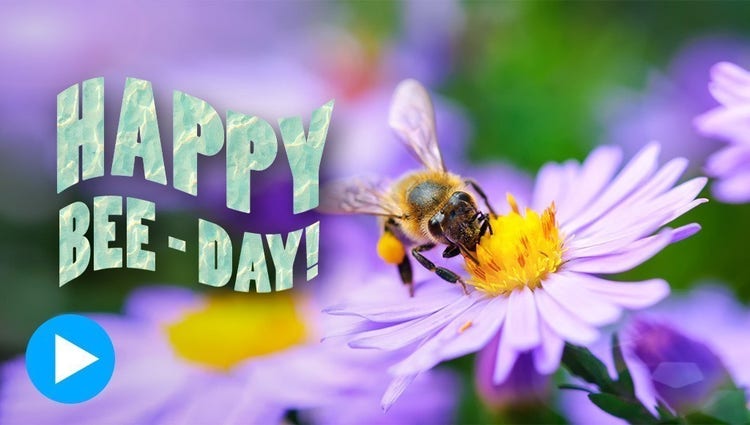
Align text horizontally, vertically or on a path or a shape with Add Text Guided Edit. Warp it and style it with gradients, textures and patterns.

Bring a touch of film magic to any photo by making select elements move, adding animated overlays or creating 3D camera motion.

Get the perfect shot every time by automatically opening closed eyes, turning frowns upside down, fine-tuning face tilt, automatically smoothing skin and more.

Popular one-click edits are at your fingertips. Add four types of motion effects, instantly blur or remove a background, smooth skin, dehaze or colourise a photo and more.

Create collages with just a few clicks. Choose from modern templates and add text for a personal touch.

Take your photos further with thousands of free templates for social posts, videos, posters and more.

Make simple adjustments, customised creations or eye-catching effects with 59 Guided Edits.

With step-by-step help, it’s easier than ever to select an object and change its position, size and more — meaning you can make your creation look exactly how you want.
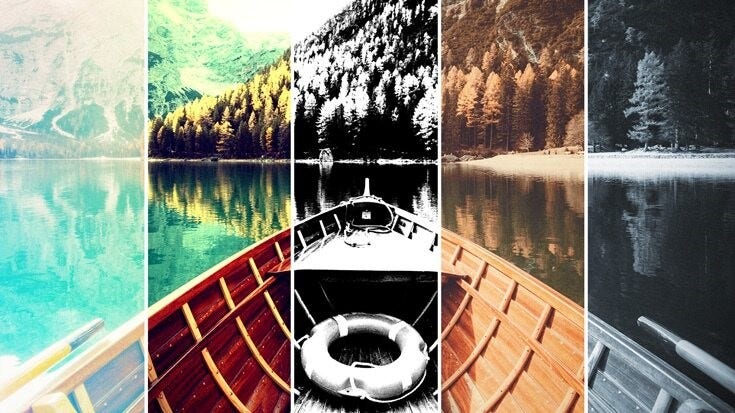
Transform your photos with dozens of filters and effects that let you create blurs, painterly looks, distortions, textures, stlylised text and more.

Try a new background or make a collage with your choice of thousands of beautiful stock photos from right inside the app.
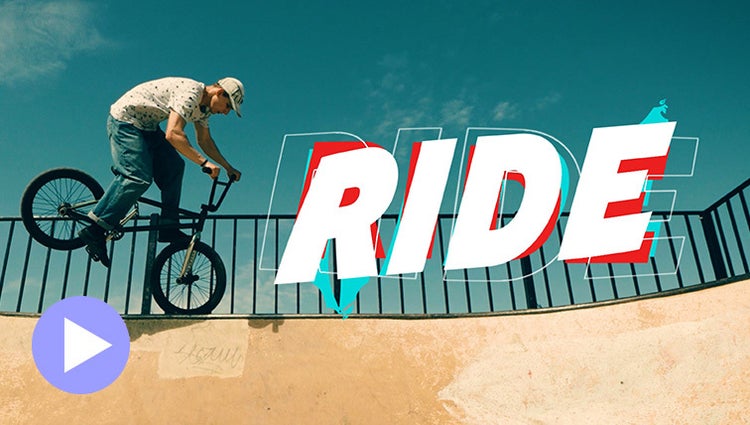
Easily add stylish text, graphics and animations.

Just drag crop handles to resize your videos.

Ensure that clouds and snow look truly white with the White Balance tool and make precise colour and brightness adjustments using colour correction Curves.

Style your text to match your story with controls for alignment, size, direction, colour, spacing and more. And create consistent looks fast using style templates and a style browser.

Built-in hints and animations help you to get up to speed fast.
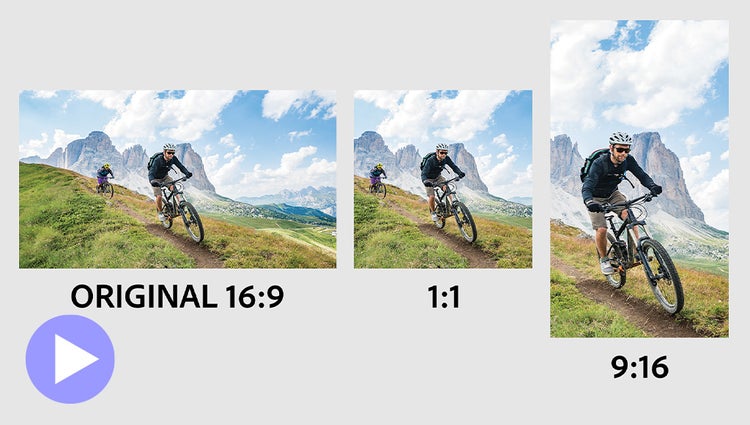
Easily resize for social media and more while keeping the most important part of the action in the frame.
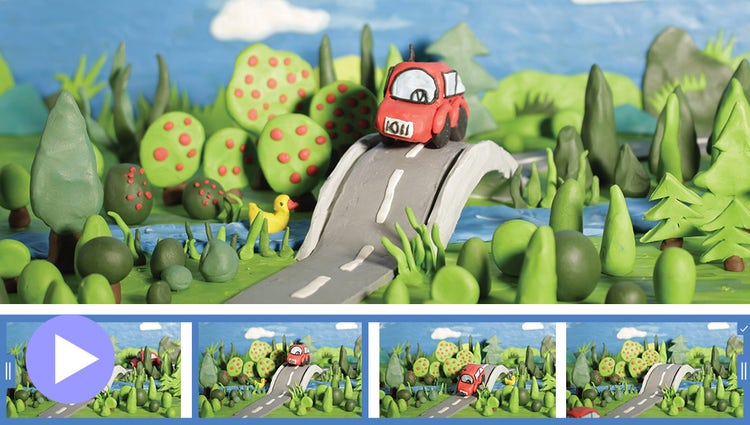
Turn a series of photos or videos into a fun stop-motion film that speeds up the action.
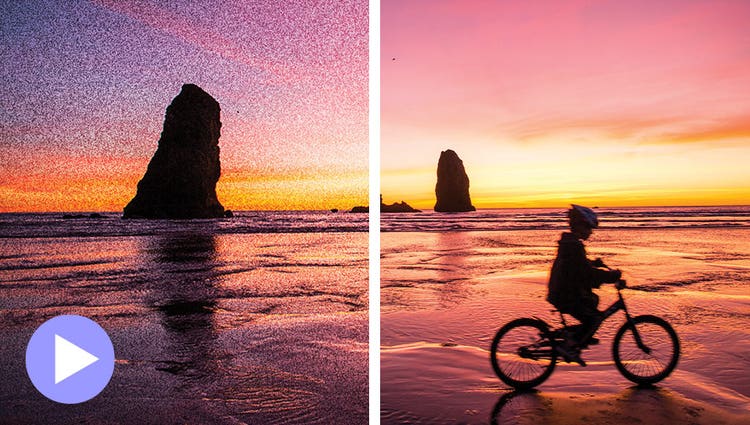
Shot your video in low light? Make it look crisper with a simple drag and drop of the Reduce Noise effect.
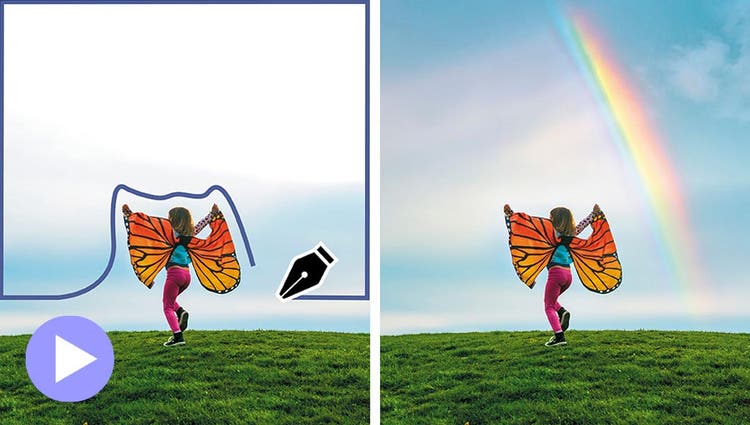
Select a specific object — or area — of your video and easily apply an effect that tracks throughout the video, like brightening the subject or blurring the background.
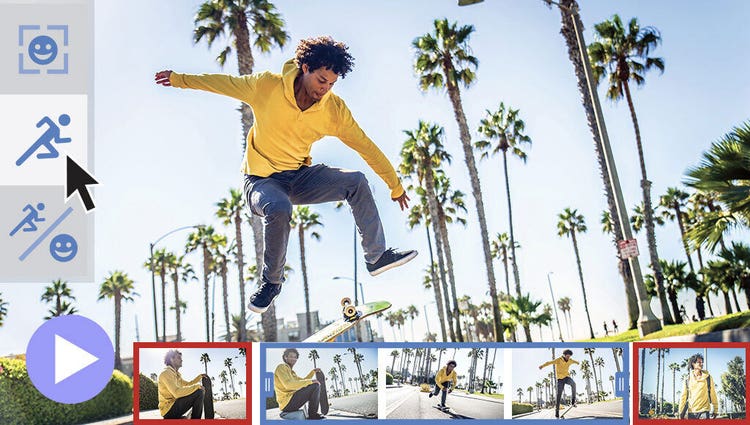
Smart Trim finds and brings together the best scenes based on the style of your video.

See high-quality playback of many effects without rendering first — and crop videos faster — performance boosts in both the standard and trial version. Learn more
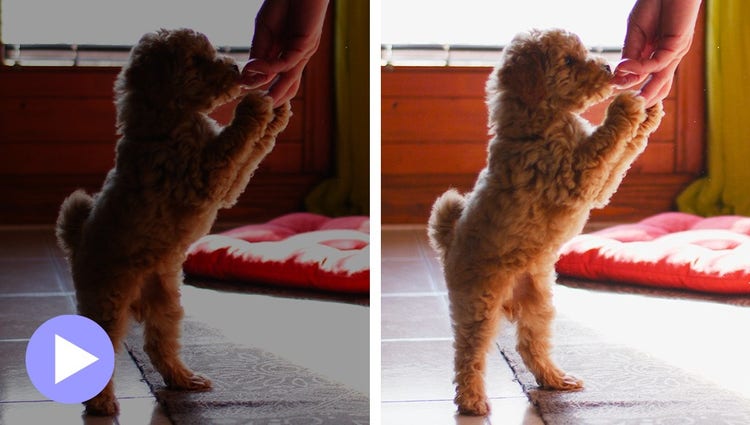
Easily reveal hidden details in the darkest or brightest areas of your videos so there’s more to see in every scene.
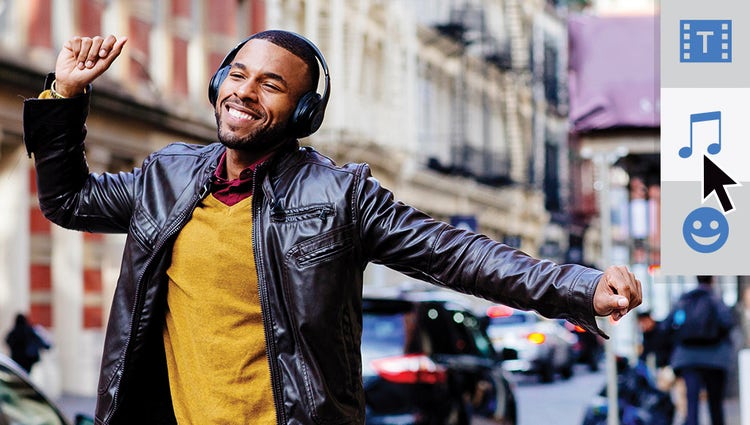
The perfect video needs the perfect soundtrack. Create just the feel you want with fresh audio tracks.
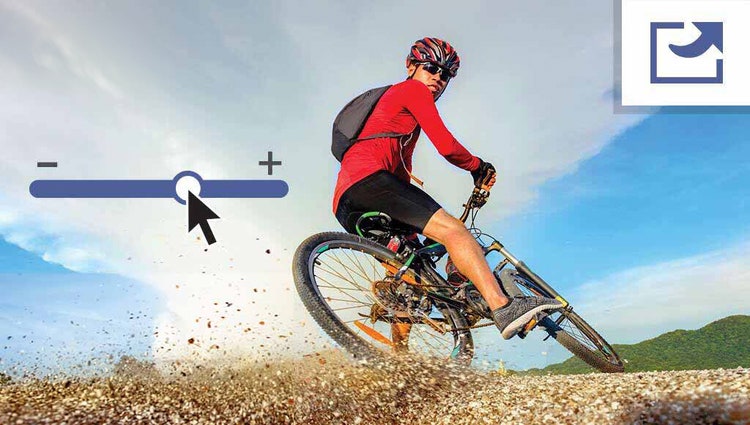
Use a simple slider to reduce the size of your films so you can easily upload them to web and social sites, send them in text messages and more.
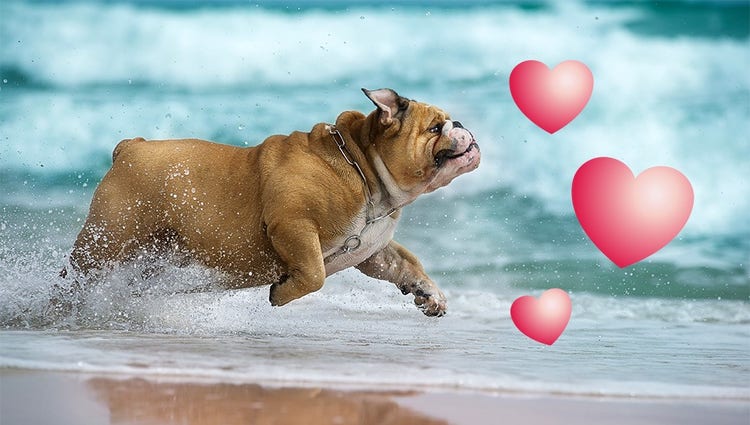
Emphasise key moments or just add some eye-candy with modern graphics.

Type a description to create anything from a basic background to a detailed image.*

Brush over an area and then type a description of an object to see it appear. It's all powered by generative AI.*
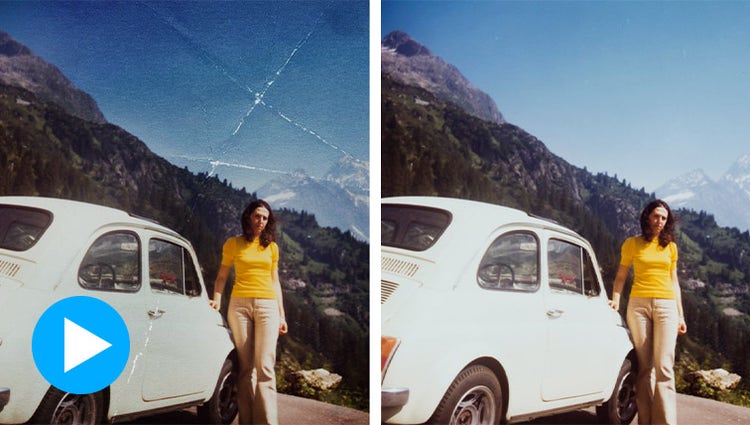
Revive memories by erasing scratches, creases and wear and tear.

The Remove tool now automatically detects people in the background of your photos for easy removal.

Simply scan a code to bring your mobile photos right into Photoshop Elements.

Choose your focal point and Depth Blur filter automatically adds blur just where it’s needed. Adjust details like blur strength plus focal distance and range.
Just use the automatic selection tools to choose what you want to change, pick your new colour and refine to suit your style.

Popular one-click edits are at your fingertips. Add four types of motion effects, instantly blur or remove a background, smooth skin, dehaze or colourise a photo and more.

Get the perfect shot every time by automatically opening closed eyes, turning frowns upside down, fine-tuning face tilt, automatically smoothing skin and more.

Automatic selections make it simple to enhance or replace just one area.

With Artistic Effects, just click to add effects inspired by famous works of art or popular art styles.

Add film magic to any photo by selecting an area and adding motion. Choose the direction, adjust the speed and then save as an MP4 or GIF to share on social.

Add moving overlays like snowflakes and sparkles and create fun animated frames. Then save your photos as MP4s to share on social and more.

With one click, transform your favourite shots into moving photos—fun animated MP4s and GIFs with 2D and 3D camera motion.

Automatically select the subject of your photo with a single click. Then, easily make isolated edits to the subject or the background.

Place one photo inside another by wrapping it around an object like a coffee mug or fitting it inside shapes like the lenses of your subject’s sunglasses.

Give black-and-whites new life or change up the colours in your pics with automatic colorisation.
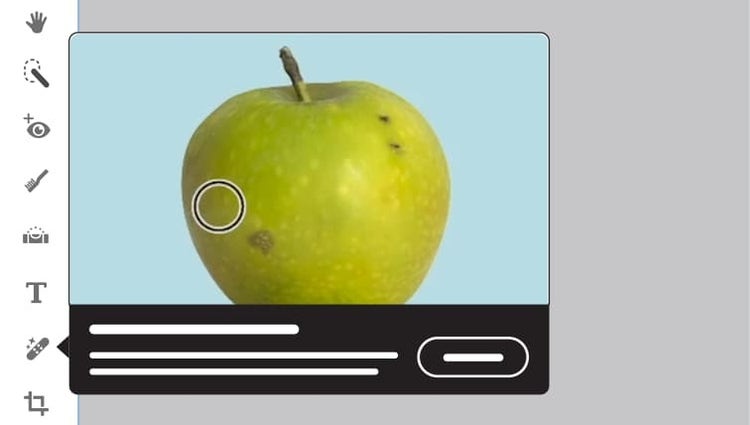
Get up to speed with built-in tooltips and edit faster with modern crop handles, toolbars that adjust based on what you’re doing and a spell checker.
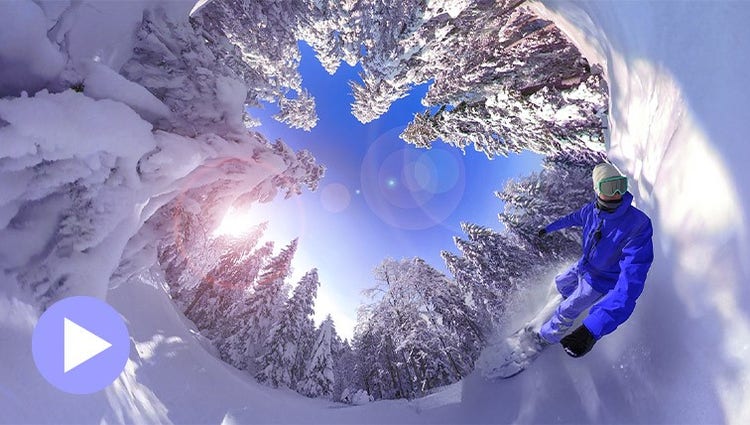
Position your footage and add effects, transitions, text and graphics. Export in VR or standard formats for easy social sharing.
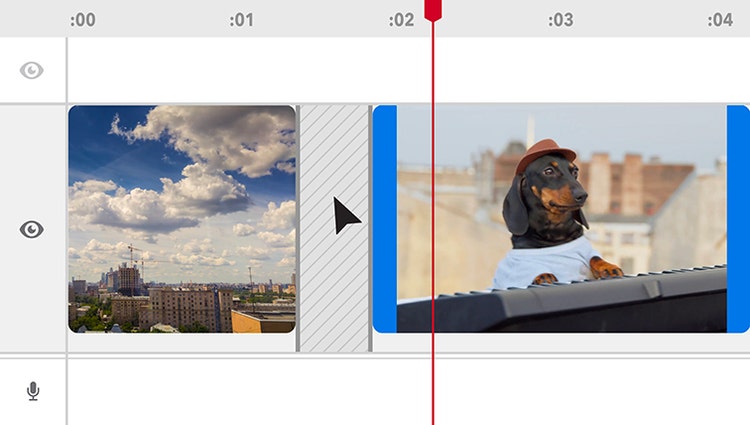
Delete Timeline gaps all at once and experience faster shake stabilisation.
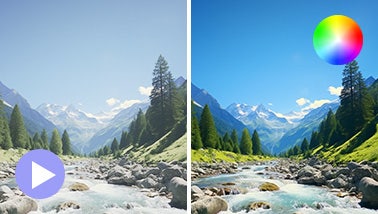
Ensure that clouds and snow look truly white with the White Balance tool and make precise colour and brightness adjustments using colour correction Curves.
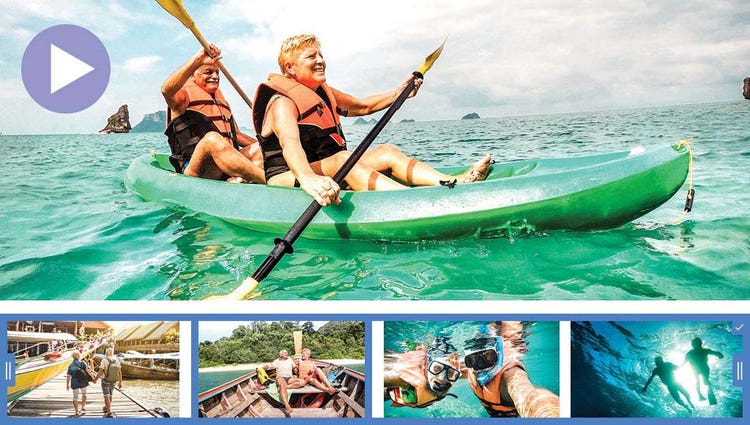
AI and automation quickly turn your clips into videos that draw people in by focusing on motion, close-ups and your highest-quality footage.
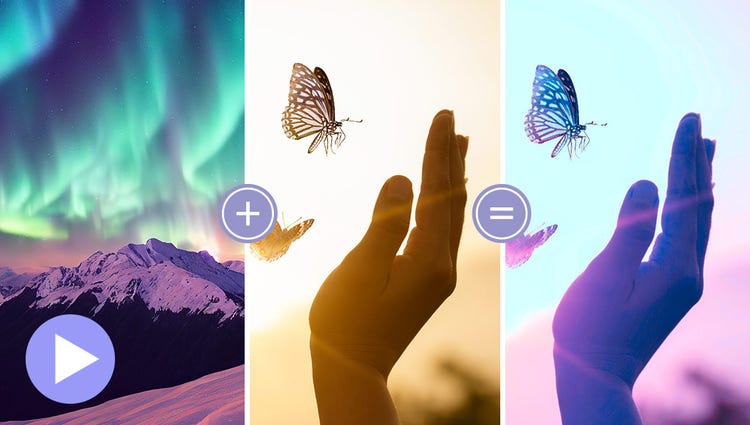
Choose a video or photo with colours you love, click once and then fine-tune hue, saturation and brightness with sliders.
Try effects like Reverb, Vocal Enhancer and DeHummer to improve your listening experience.
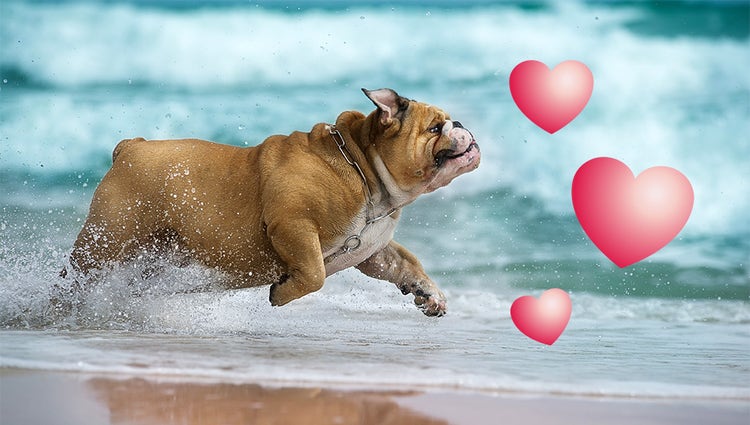
Emphasise key moments or just add some eye-candy with modern graphics.
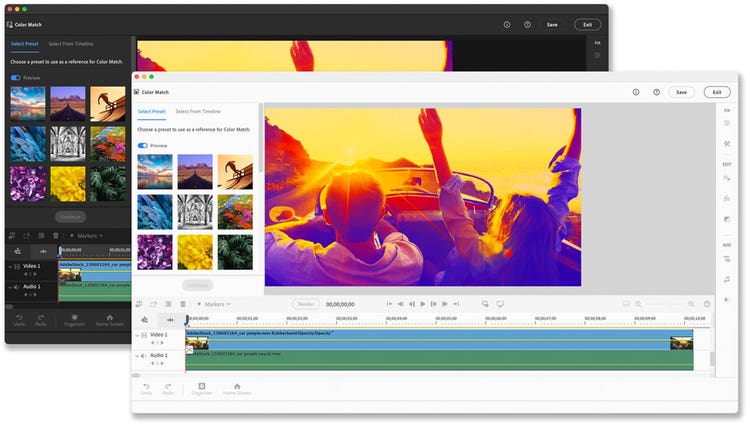
Discover modern fonts, icons, buttons and colours that are easy on the eye. Plus, choose from light and dark mode options.
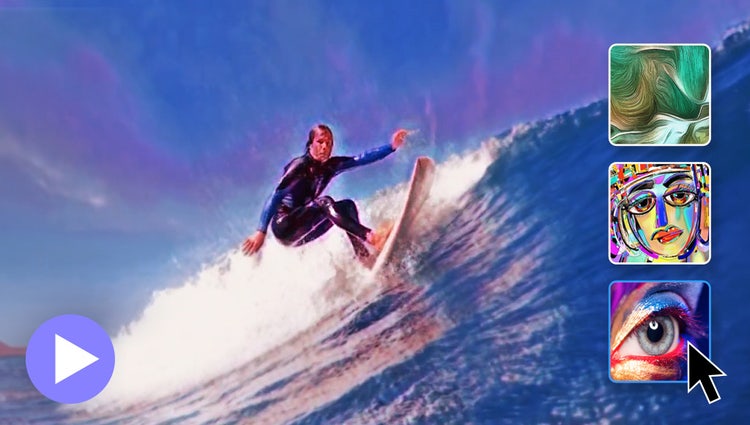
In one click, transform your clips with effects inspired by famous works or art or popular art styles.
Easily resize your videos for social media and more while keeping the most important part of the action in the frame.
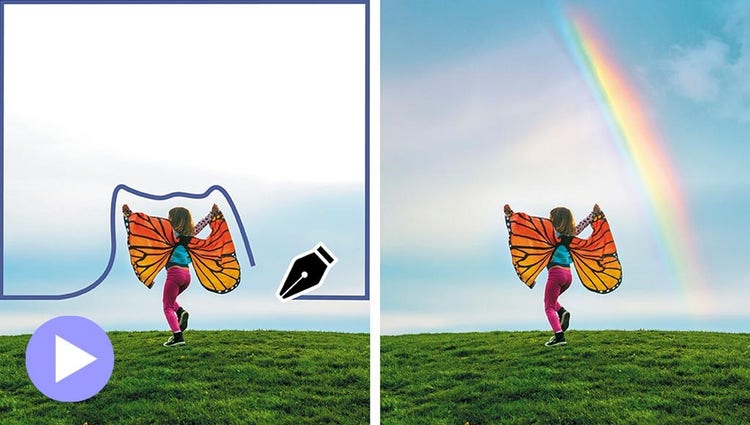
Select a specific object — or area — of your video and easily apply an effect that tracks throughout the video.
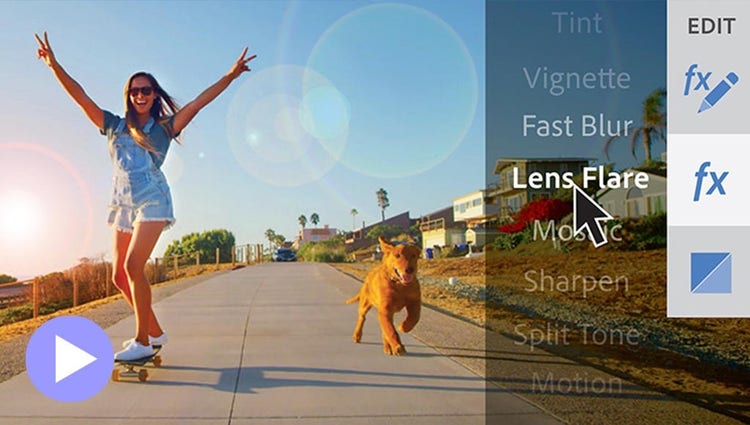
See high-quality playback of many effects without rendering first — and crop videos faster — with GPU-accelerated performance boosts in both the standard and trial version. Learn more
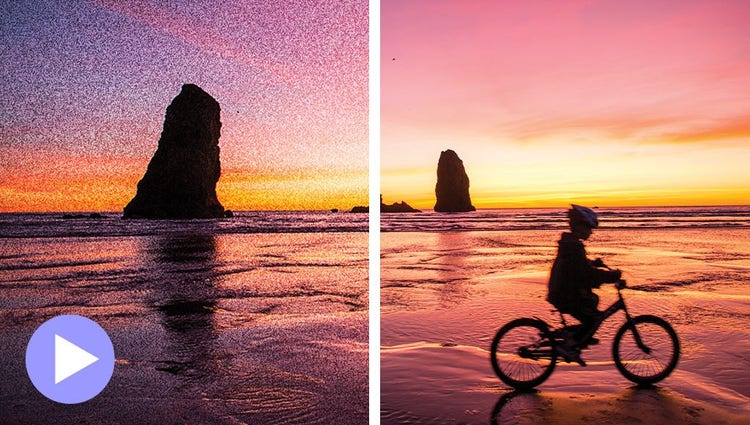
Shot your video in low light? Make it look crisper with a simple drag and drop of the Reduce Noise effect.
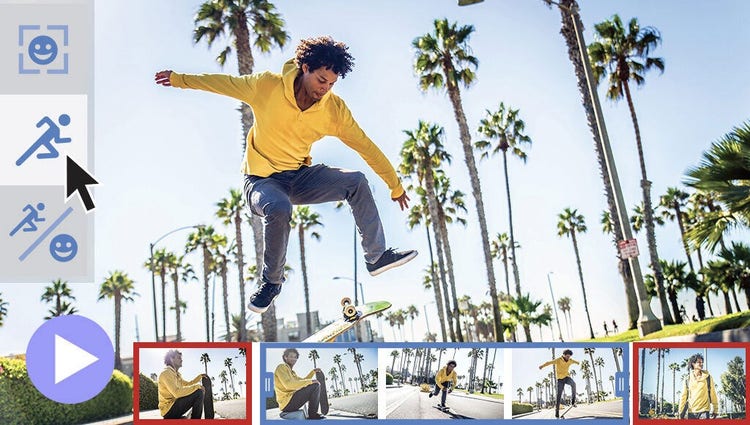
Smart Trim finds and brings together the best scenes based on the style of your video.

Wish you’d been able to capture the moment with photos? Automatically extract great photos from your raw video footage.

Turn two photos into one work of art with a captivating double exposure effect. And now you can select your subject with one click to edit faster.

Turn a photo into cool visual text. Fine-tune background opacity with a slider and then add an embossed look and drop shadows to really make it pop.

Put the focus on your subject by removing power lines, pedestrians and other distractions with the swipe of a brush thanks to improved AI technology in the Object Removal Guided Edit.
Align text horizontally, vertically or on a path or a shape with Add Text Guided Edit. Warp it and style it with gradients, textures and patterns.

Select the subject of a photo and place it on a different background to make your pic even more amazing. And spruce up your scenes with contemporary backgrounds.
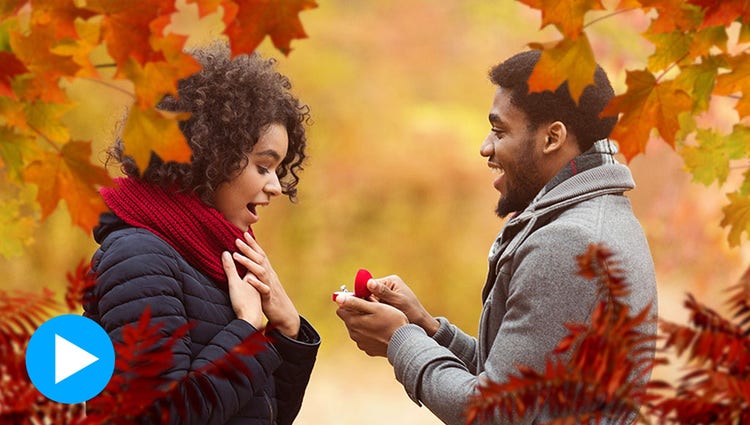
Create the illusion of depth by framing your subject with realistic overlays such as flowers and leaves. Resize, adjust blur or add a vignette to get just the look you want.

Easily find what you want to do or discover new things to try by searching on familiar terms, using keyword tags or choosing from popular options.

Give any photo a little something extra by brushing on a fun pattern — like hearts, stars, swirls and more.
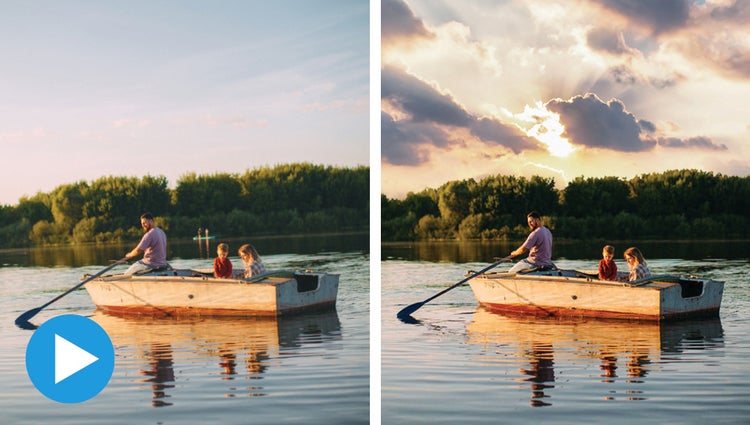
Easily replace skies, remove haze and erase unwanted objects to create epic outdoor scenes.

Frame your pets up just right, adjust colour and lighting, select and refine detailed edges like fur, fix pet-eye and remove collars and leashes in a few simple steps.
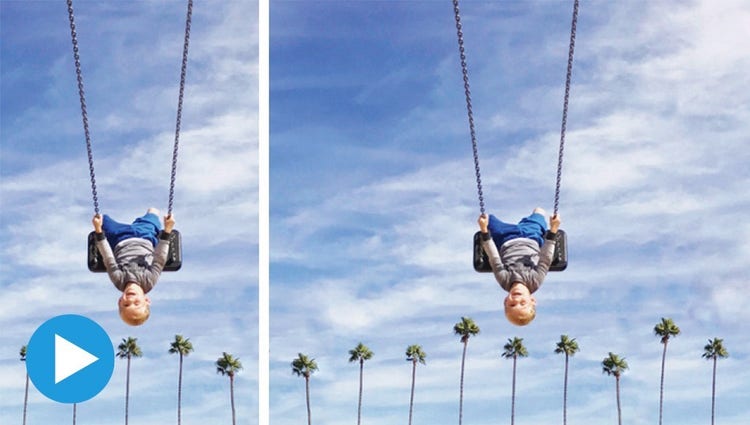
Create a stunning landscape or reposition your subject for the perfect social post by easily extending your photo’s background. Content-Aware Fill makes it all possible.
With step-by-step help, it’s easier than ever to select an object and change its position, size and more — meaning you can make your creation look exactly how you want.
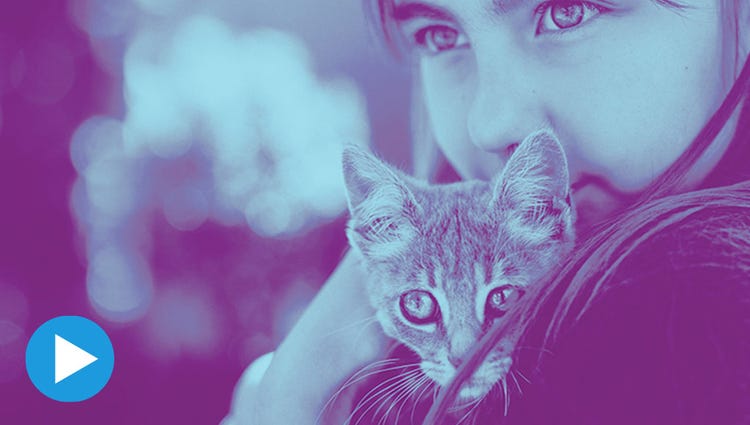
Apply cool, customised duotone effects to your photos for a beautiful two-colour creation using this simple Guided Edit. Choose from customised preset social sizes, add a gradient and more!

Highlight a single colour or a specific object, then turn the rest black-and-white for a dramatic effect.

Underscore the mood or punch up the action in your video by adding music and adjusting the length and intensity.

Discover how to record high-quality voiceover narration and apply it to a clip to add context or enhance storytelling.

Get a little guidance to expertly trim, fix lens distortions and correct colour in your action cam footage so it looks its best.

Jazz up any video with flitting butterflies, encircling hearts and other beautiful and whimsical animations. Create a whole new look in a few quick steps.
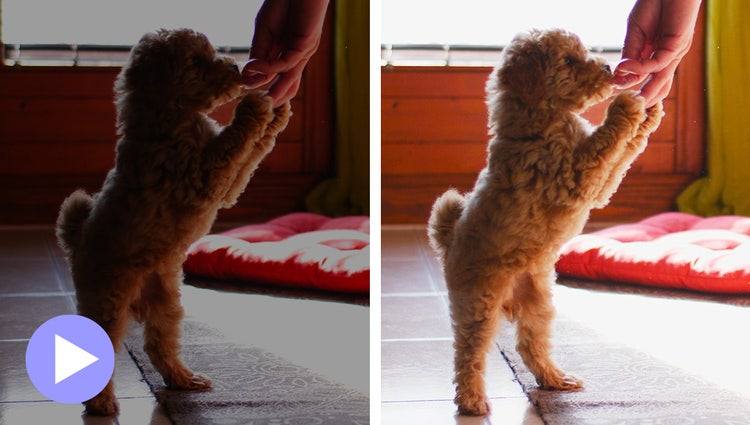
Easily reveal hidden details in the darkest or brightest areas of your videos so there’s more to see in every scene.
Turn a series of photos or videos into a fun stop-motion film that speeds up the action.
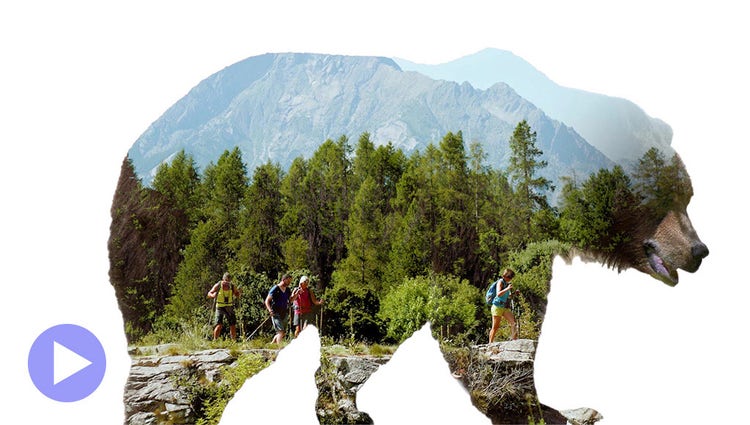
Make a little film magic with double exposures. Just follow the simple steps to play a video within a photo and get the best of both worlds.
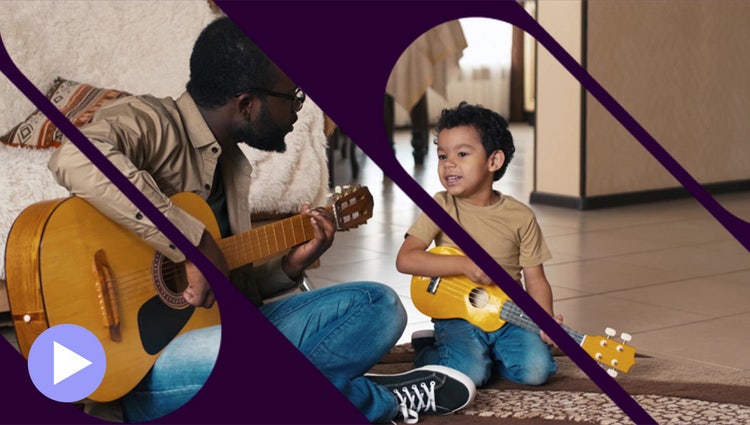
Get artistic by revealing your video with animated matte overlays. Apply different shapes and animation styles to full videos, select scenes or as transitions.
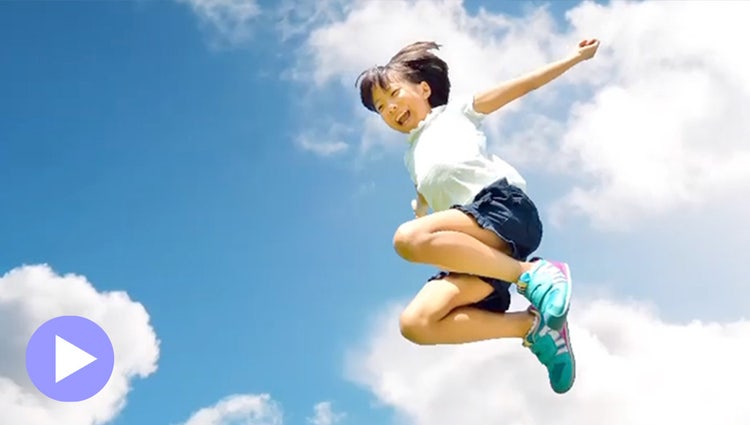
Add movement to static skies to create a captivating effect.
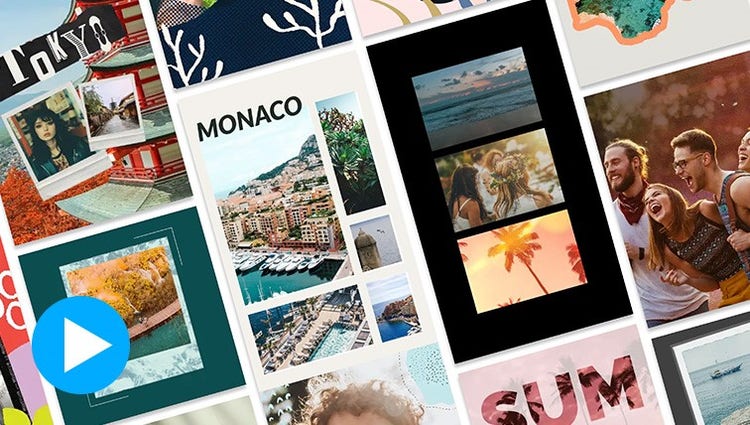
Take your photos further with thousands of free templates for social posts, videos, posters and more.

Grab attention with more vibrant text.
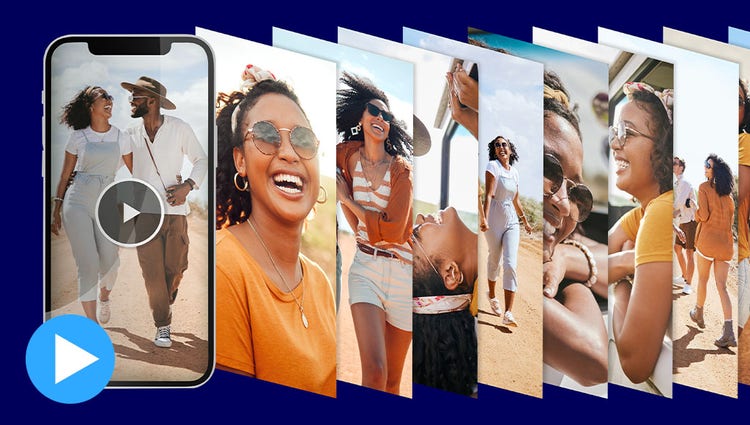
Reels zip through favourite shots, each with its own text, effects and graphics. Save them as MP4s or GIFs for easy sharing.

Create collages with just a few clicks. Choose from stylish templates and add text for a personal touch.
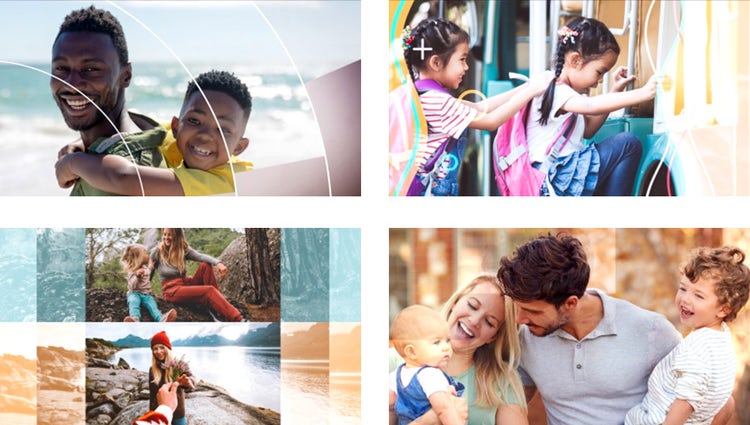
With one click, your best photos are chosen and brought together with short video clips to create an animated, customisable slideshow.

Get artistic by adding multiple effects to a single photo. Photoshop Elements walks you through it and gives you templates and themes to choose from.
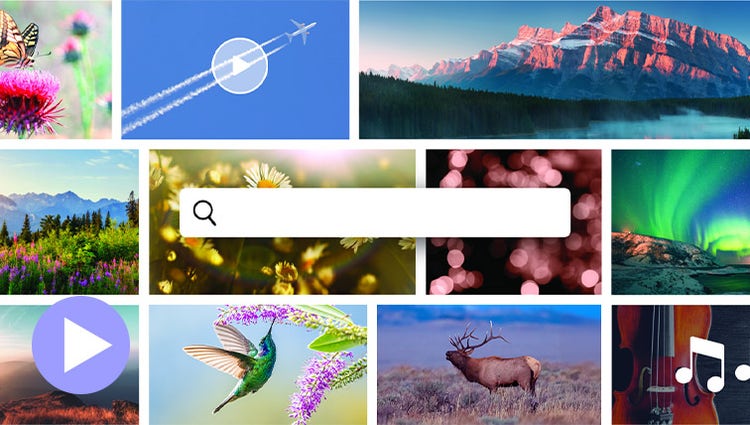
Discover high-quality photos, videos, audio clips and sound effects right inside Premiere Elements.
Style your text to match your story with controls for alignment, size, direction, colour, spacing and more. And create consistent looks fast using style templates and a style browser.
Easily add stylish text, graphics and animations.

Grab attention with more vibrant and expressive titles and text.
AI and automation quickly turn your clips into videos that draw people in by focusing on motion, close-ups and your highest-quality footage.

Share your photos and videos in animated slideshows that feature a range of modern looks and themes.
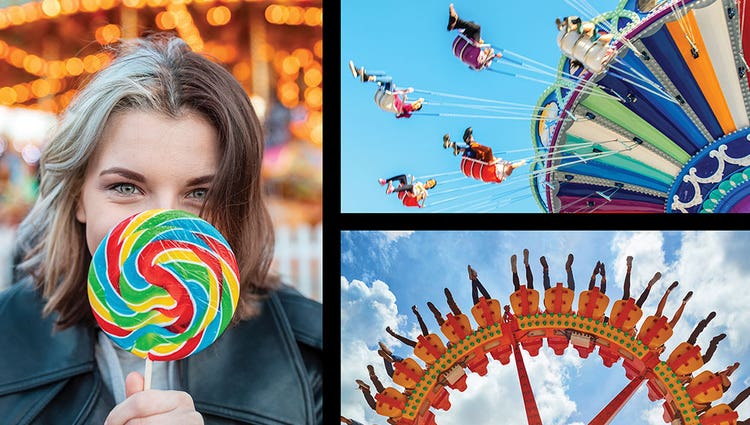
Create dynamic collages with photos and videos that bring some of your favourite memories into one creation.
Create a freeze frame of the action and then add an eye-catching motion title.

ENHANCED: Import and view more easily in the Organiser.
Quickly import from cloud services like Google Drive and OneDrive and get easier access to full-screen mode and zoom controls.
Find photos and videos faster with auto-tagging.
Smart Tags are added to your photos & videos based on subjects like sunsets and birthdays and the people in your photos are also recognised so it’s easy to tag and find them later.
GIF playback in the Organiser.
Just click to view your GIFs — the Organiser supports playback.
Find your best photos with Auto Curate.
Your photos are automatically curated based on quality, faces, subjects, Smart Tags and more, so you don’t have to search for the standouts.
Automatic sorting and backup.
Go from hundreds of mystery folders to a visual view of your photos and videos automatically sorted by date, subject, people, places and events. Catalogues are automatically backed up for easy recovery.
A two-product bundle, Photoshop Elements & Premiere Elements 2026 offers smart, fast and easy-to-use photo and video editing software designed for anyone who wants to do more with their photos and videos — no experience needed. Whether you're touching up snapshots, trimming and resizing video clips or enhancing your photos and stories with text and effects, it’s got you covered with:
Choose the Photoshop Elements & Premiere Elements 2026 bundle if you want to edit both photos and videos. The bundle gives you everything in Photoshop Elements and Premiere Elements, including:
The Elements 2026 bundle is a great value if you work with both media types and want the flexibility to grow your creative skills. Learn more
Save big on the photo and video editing bundle. 3-year term licence. Learn more.
A$241.99incl. GST
Photo editing made simple. 3-year term licence. Learn more.
A$160.00incl. GST





Based on your location, we think you may prefer the United States website, where you'll get regional content, offerings, and pricing.


