Accessibility
Adobe
Sign in Privacy My Adobe

Amherst Central School District

Providing effective professional development to Amherst teachers

Video creation in the district

The Amherst Central School District, located in Buffalo, New York, is comprised of two elementary schools, one middle school, and one high school. The district serves more that 3,000 students and has more than 450 faculty and staff members. Having been introduced to Visual Communicator® software in 2004 by Amherst Middle School teacher Rob Zdrojewski ?? who uses the product to create the schools morning news program ?? the district began to think of ways that they might use the same product to enhance their professional development for teachers.

After seeing a demonstration, Doug Wolf, technology coordinator, and Tom Ferraina, associate director of staff development, immediately knew that Visual Communicator was the perfect solution for creating training that would help keep their message consistent. They also knew that the numerous methods for saving the videos would make it ideal for distribution and archiving the information. "After seeing the videos that Zdrojewski's students put together, we quickly realized that Visual Communicator was the perfect solution for helping us to easily create, archive, and distribute our professional development courses," says Mr. Wolf. "It is a cost-effective and easy-to-use program with a quick learning curve; anyone can learn how to use it."

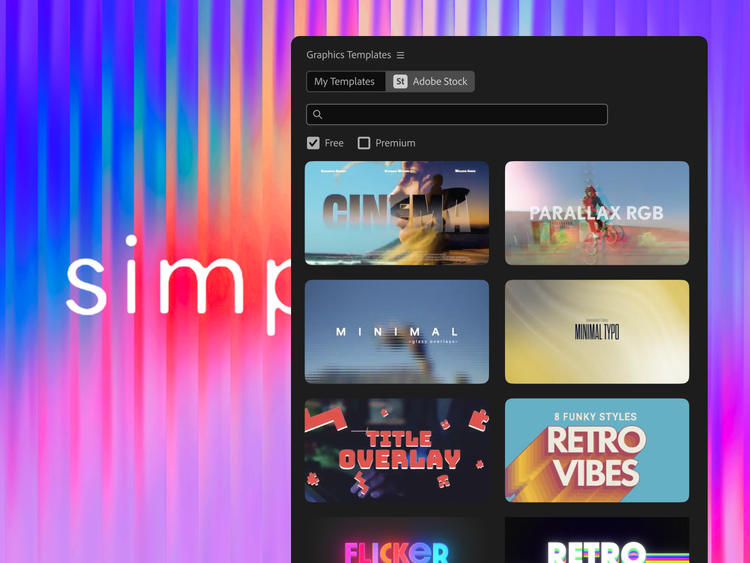
Although no special studio is required for Visual Communicator, the teachers and administrators outfitted a classroom storage room with a 12-by-10-foot green painted wall (for use with Visual Communicator's green-screen effects), a wireless mouse, and keyboard set, and a TV news-style desk on wheels, allowing for maximum versatility. The room can accommodate one or several guests, and with the green-screen effects, it can appear that they are reporting from virtually anywhere. Teachers and administrators have direct access to everything they need to create content and produce their own professional development courses. Time is of the essence for faculty and staff members who don't have hours to spend creating their professional development presentations. "With Visual Communicator, they have a starting point to build off of; they don't have to recreate the wheel. There are so many templates to choose from that there is something for everything they do, the possibilities are endless," says Ferraina.

"Visual Communicator is the cornerstone of our new professional development courses," comments Wolf. "All teachers have to do is type up their script, and they are ready to go. Doing it this way makes our teachers more comfortable and keeps the message consistent. We can easily incorporate PowerPoint slides and screen shots, so each video is personalized to effectively communicate the messages we are trying to get across."

Visual Communicator has substantially increased the quality of??the school district's professional development courses. Instead of having four or five teachers present on the same topic, one person can now create??one video. Ferraina believes that this helps keep the message consistent and takes??fewer resources. He also feels that it helps faculty and staff focus on the students by??eliminating the need for them??to miss full days for their professional development. Because they??can watch??development videos at their convenience, teachers??hired in the middle of the school year will be able to access and view presentations at any time.

Thinking ahead

Going forward, both Ferraina and Wolf see a variety of other uses for Visual Communicator. They want to??create??videos that accompany lessons,??make lesson plans for substitute teachers, or??provide absent students with any missed class material.


Next steps