Accessibility

PDF Portfolios, assessment, and lesson planning

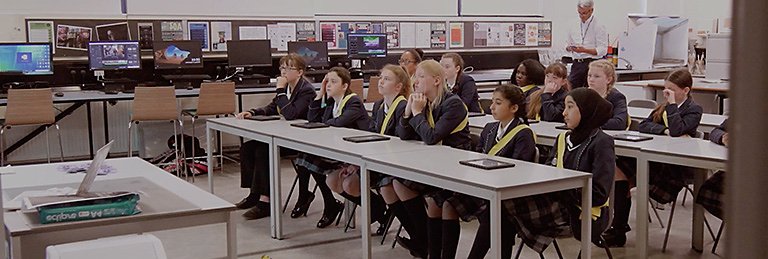
Students in Library

Student coursework is the cornerstone of measuring achievement and learning. As students use new tools to communicate their learning and express their understanding, you need new ways to plan for and assess their work and help them showcase it. Use these three guides to learn how to:

  • Help students create personalized, media-rich portfolios of their coursework in Adobe® PDF
  • Make use of the commenting and reviewing tools to digitally assess coursework
  • Streamline lesson planning using PDF forms

Creating electronic portfolios with Adobe Acrobat

Electronic portfolios are an ideal way for students to gather and showcase their work. In this guide, learn how to use Adobe Acrobat® software to help students create media-rich PDF Portfolios and share their work with teachers, peers, and prospective employers.

Digital assessment with Adobe Acrobat

To evaluate digital coursework, you need enhanced assessment tools with capabilities for digital commenting and collaborative reviewing. Digital assessment is particularly appropriate for grading collections of projects or ePortfolios, semester or year-long projects, and multimedia projects. In this guide, learn how to use the commenting, markup, and collaborative reviewing capabilities in Acrobat to digitally assess your students' coursework.

Generating lesson plans with Adobe Acrobat

Planning daily coursework for your students can be a daunting task. When you create forms in Acrobat, you automate lesson planning and save valuable time. In this guide, learn how to create custom lesson-plan forms with which you can quickly map out your teaching plan for your students.