Edit PDFs using chat
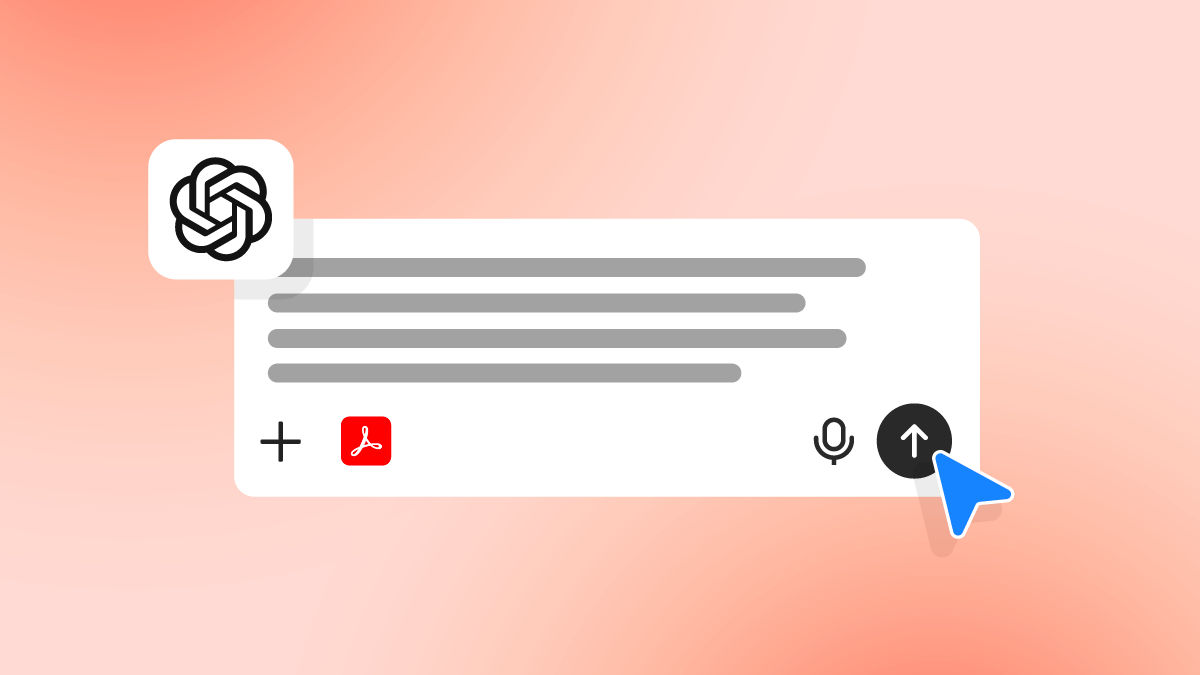
Use the Acrobat AI Assistant to perform PDF tasks by typing your request in natural language. Acrobat understands document content and structure to reorganize pages, add headers or footers, and apply watermarks.
Explore the new and enhanced features in the latest releases of Acrobat desktop.
We're rolling out some features in phases. They may not be available to everyone yet.

Edit PDFs using chat
Use the Acrobat AI Assistant to perform PDF tasks by typing your request in natural language. Acrobat understands document content and structure to reorganize pages, add headers or footers, and apply watermarks.

Track engagement in shared PDF Spaces
PDF Spaces lets you share PDFs in a single space with added context and audio summaries. Owners can track when recipients view the PDF Space and add comments to support reviews and follow‑ups.

Discover and get started with PDF Spaces
Transform everyday file sharing by bringing together files, context, audio summaries, and a custom AI Assistant to highlight what matters for recipients. Guided onboarding highlights essential setup steps, and action cards help to explore and collaborate as you work in the space.
Learn how to unlock AI-powered productivity with PDF Spaces ›

Generate presentations in Japanese and Italian
Create presentation slides in Italian or Japanese. In addition to English, French, German, Portuguese, and Spanish, you can enter prompts in these languages to generate presentation slides directly in Acrobat.
Learn more about how to generate professional presentations ›

Detect form fields more accurately when you fill and sign PDFs
Acrobat improves how form fields are detected in PDFs when you fill and sign forms. It helps you fill and sign more accurately and reduces the need for manual fixes.

Pin Acrobat Reader to the Windows taskbar
Acrobat Reader on Windows now provides an option to pin Reader to the taskbar at launch. It helps you to easily launch Acrobat Reader and keep it accessible for regular PDF tasks.

Try it in the app
Use Acrobat AI Assistant to ask questions and get clear answers from your documents.

Review a summary of the latest updates, new features, and fixed issues in recent Acrobat releases.


Find recent files more easily in Acrobat Studio
The Home view for Acrobat Studio users shows more recent files with clearer details, making it easier to locate and open documents.
Learn more about Acrobat workspace basics ›

Navigate Studio Home with accessibility features
Keyboard navigation and screen reader support are updated to reduce tab stops, support arrow‑key navigation, and provide clearer announcements for templates and file details.

Access podcasts with keyboard controls
Generate and play podcasts in Acrobat using keyboard navigation and screen readers. After playback starts, use keyboard controls, including the F6 focus cycle, to move between the podcast control bar and the expanded playback view.

Browse templates in Create
The Create experience in Acrobat is updated to make it easier to find and browse templates. You can search for templates and scroll to load additional templates automatically.
Learn more about how to create PDFs from scratch in Acrobat ›.

Review documents with an overview banner
Read a short summary of your document. A Generative summary banner provides a 60–70-word overview of files with more than 3 pages, helping you understand the document content upfront when opening supported files.
Learn more about how to get AI-generated overview and summaries ›.

Create presentations directly from Acrobat on desktop
In addition to Acrobat on the web, you can now create presentations directly from Acrobat on desktop using prompts or content from your document. Create, review, and edit slides in one place, with access to the complete set of presentation editing tools.
Learn more about how to generate professional presentations in minutes ›

Create PDF Spaces while combining files
When you combine files, you can create a new PDF Space to organize related files and notes. The combined documents are added to the new PDF Space instead of being merged into a single PDF.

Generate presentations in additional languages
Create presentation slides using Adobe Express in German, Portuguese, or Spanish. In addition to English and French, you can enter a prompt and create presentation slides directly from Acrobat using these languages.