Adobe homepage
Autoplay is on. Use the Pause button for a better experience with a screen reader.


Creative Cloud
Create at the highest level.
Photoshop, Illustrator, Premiere, and much more. Work with the tools behind the world's most iconic creative content.
Save 50% on Creative Cloud Pro for the first three months. See terms.
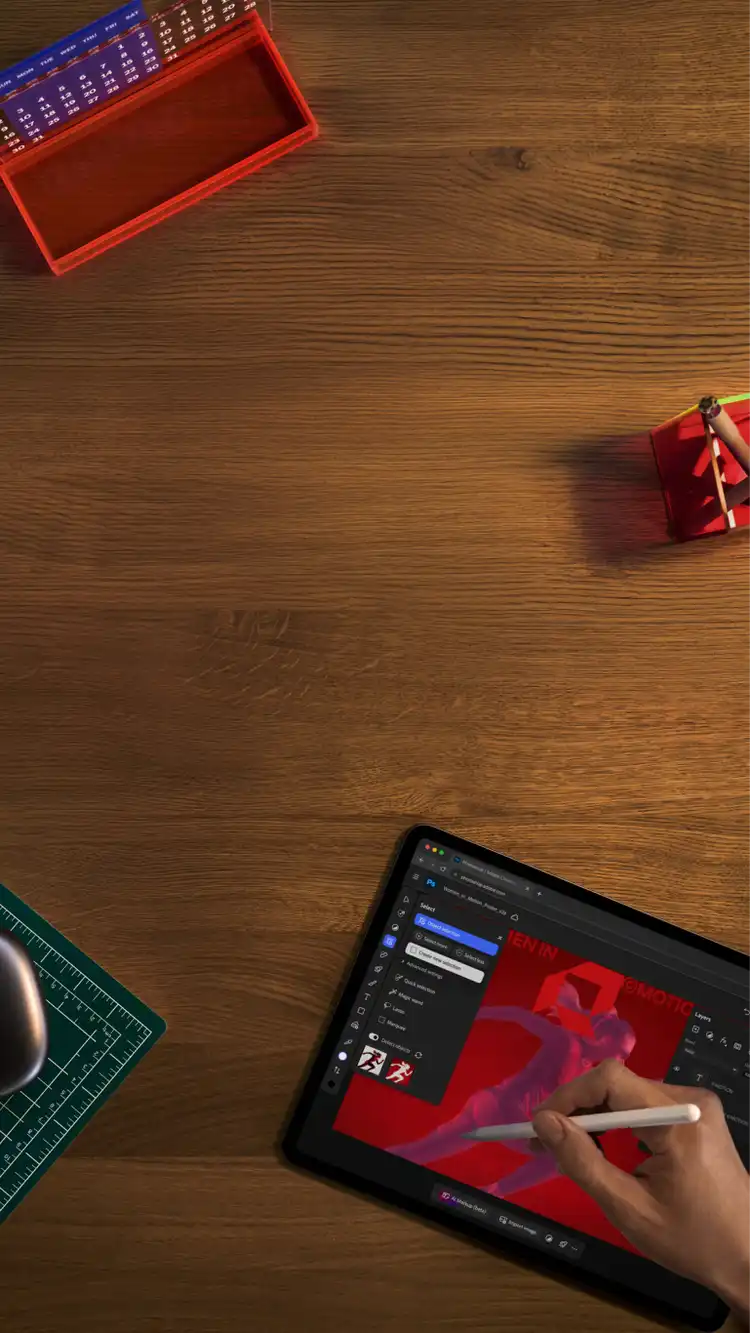
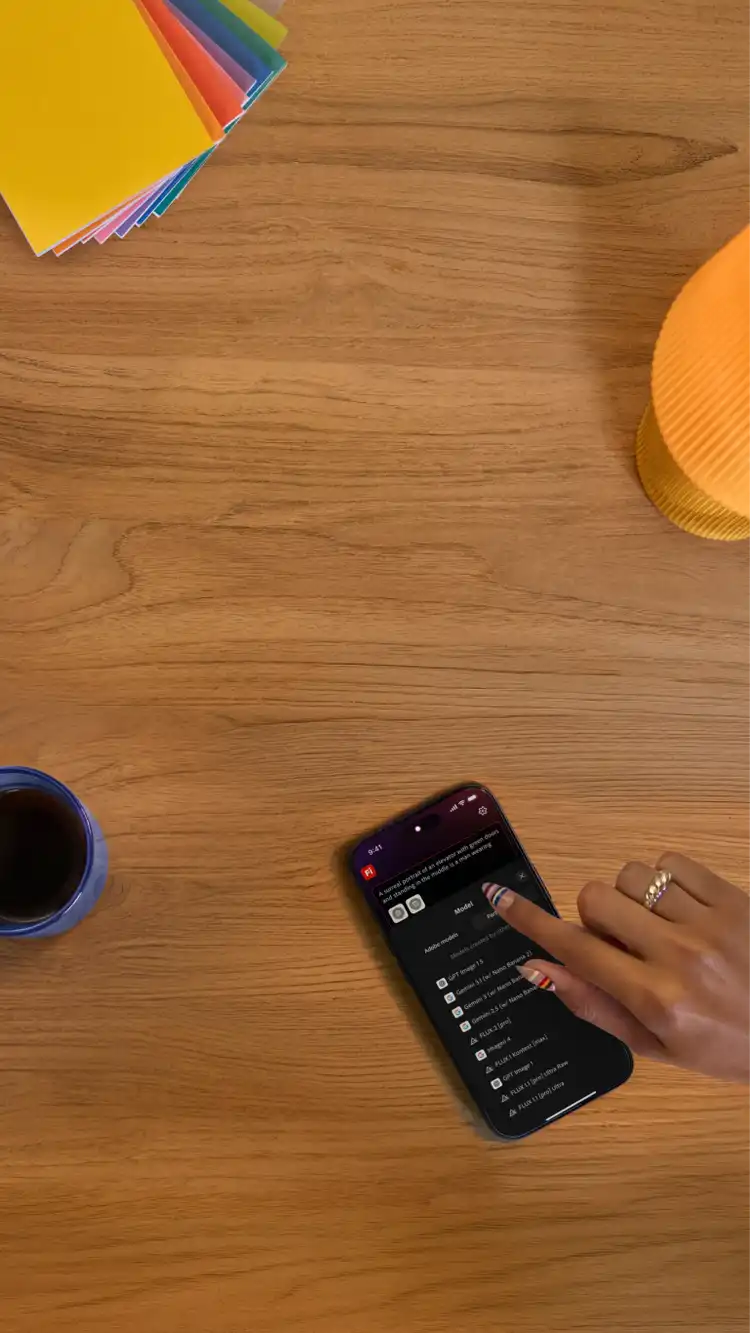


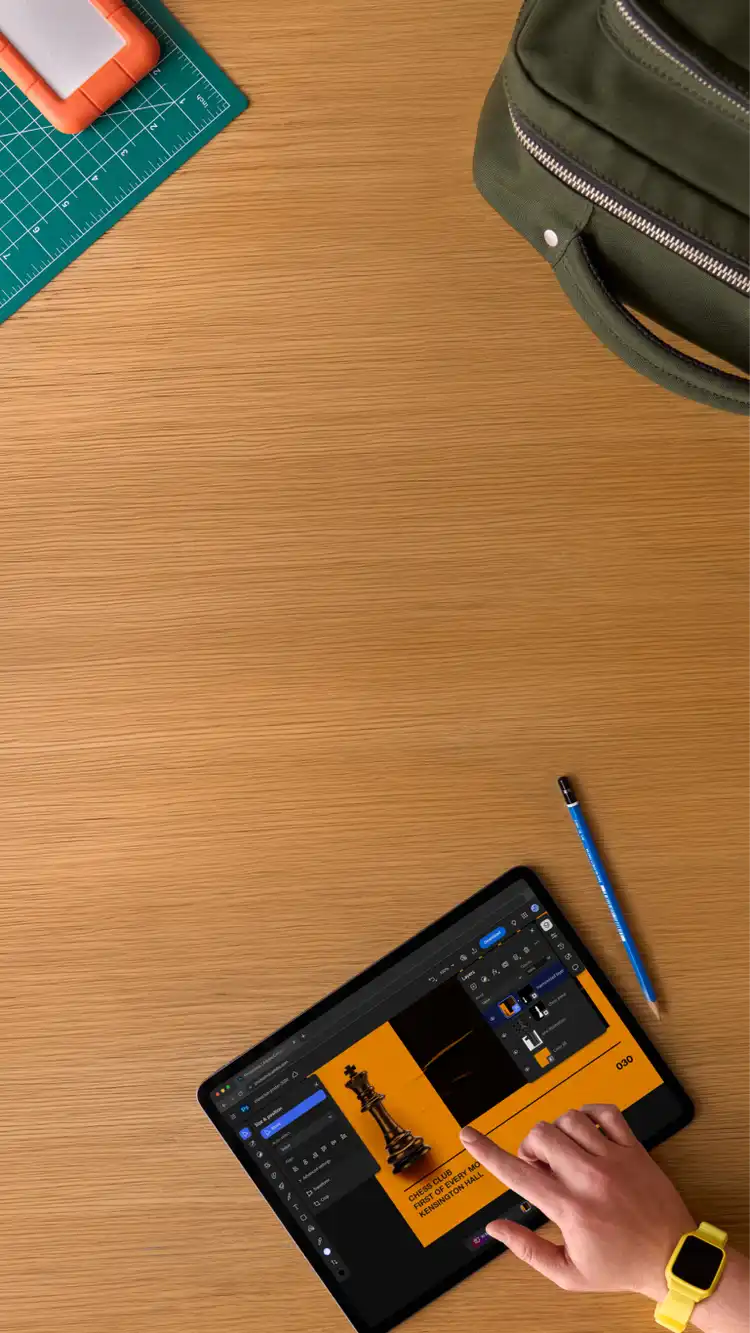
Autoplay is on. Use the Pause button for a better experience with a screen reader.
Autoplay is on. Use the Pause button for a better experience with a screen reader.
Everything you need to make anything.
Whether you’re a student, social influencer, creative professional, performance marketer, or global brand, Adobe has the apps you need to make it happen.
Features and Releases
Explore what’s new.
Discover the latest product features from Adobe.
Introducing Color Mode.
Color grading purpose‒built for editors. Now in Premiere (beta).


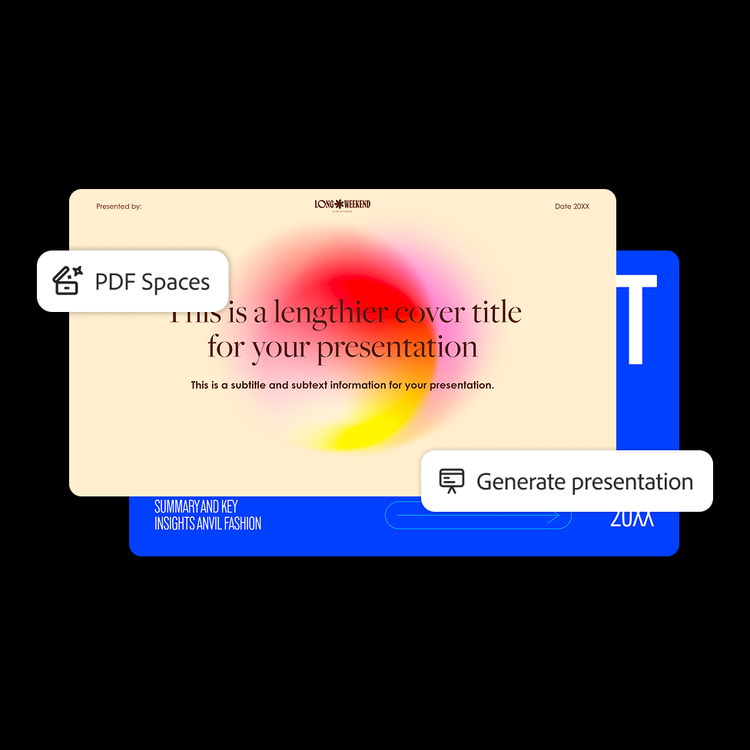
Work smarter than ever with documents.
Trusted PDF tools, now with AI for editing, insights, and content creation.

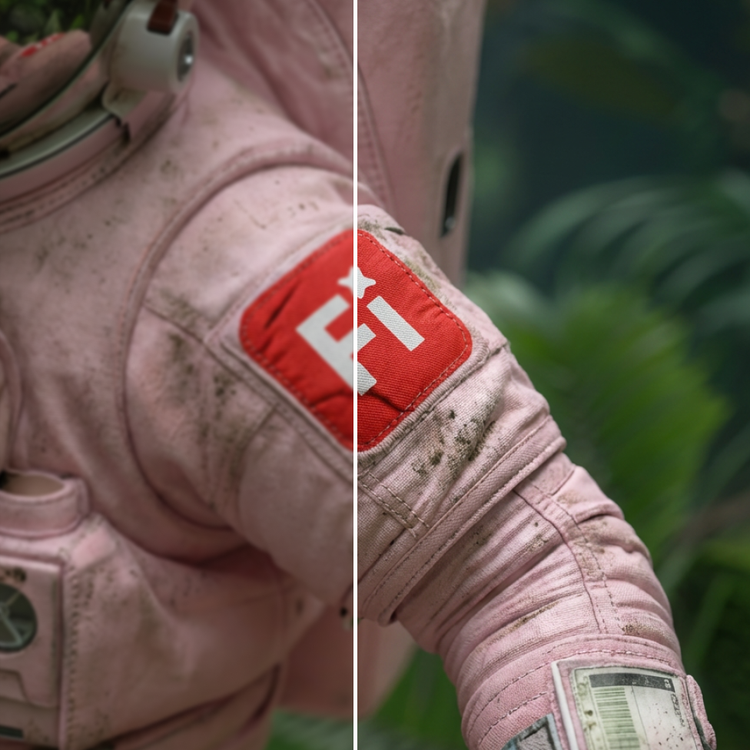
Upscale images instantly with AI.
Improve resolution, clarity, and sharpness while preserving detail—perfect for photos, designs, and creatives.

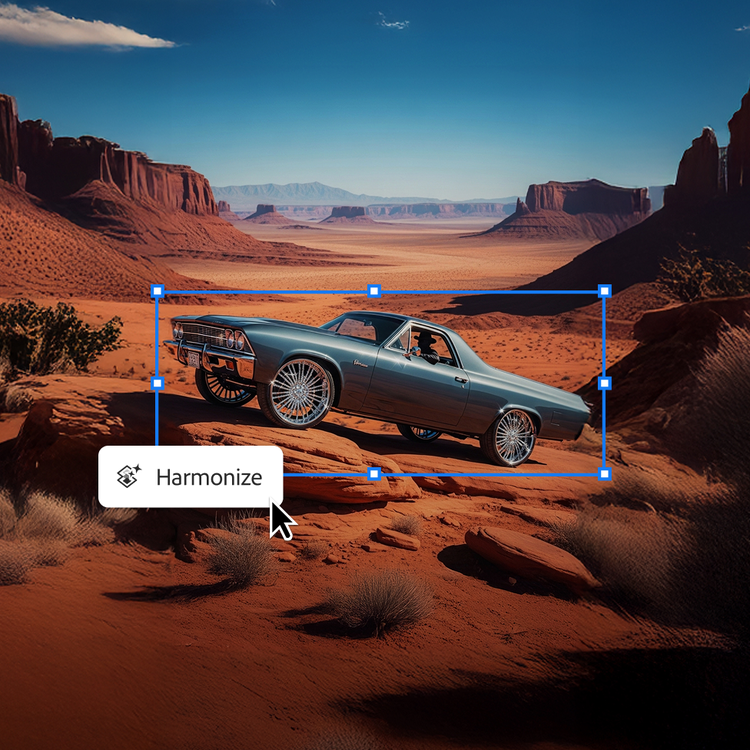
Blend images seamlessly with Harmonize.
Combine people and objects into any background instantly.





“Creative Cloud lets me create effortlessly and allows me to focus on what’s important.”
Antoni Sendra
Filmmaker



Adobe News
Explore new ways to share information with PDF Spaces.
Today in Acrobat, we're introducing a new way to share information, one designed to engage, inform and move the people who matter most.
How Adobe transformed its email marketing.
The Adobe Journey Optimizer real-time approach to campaign orchestration has overhauled how Adobe's marketers work. The platform lets them push the envelope in how they create and roll out campaigns.
Adobe for creativity: a new way to create, now in Claude.
Creative ideas and work can take shape across many places, and we want you to be able to create with the best of our tools directly in the surfaces where you work.
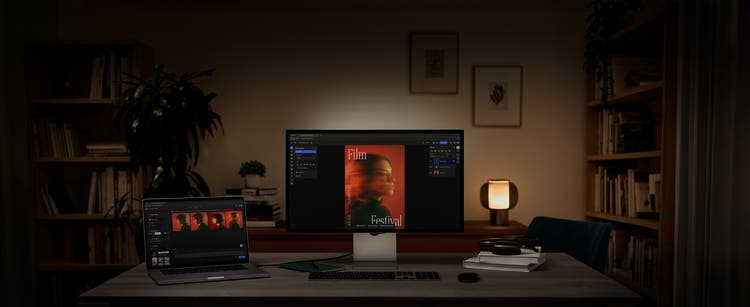
Tools that work for you.
Bring any idea to life with products for creators, businesses, and beyond.