

Desktop apps for Mac and Windows
With Adobe Acrobat Pro + AI Assistant Plus, you have trusted tools to edit and sign PDFs, generate presentations and understand your docs faster.
Fee applies of half your remaining annual commitment if you cancel more than 14 days after your free trial ends.


Work smarter with the essential PDF toolkit to edit, convert and sign your files using AI Assistant, so you can complete more in less time.
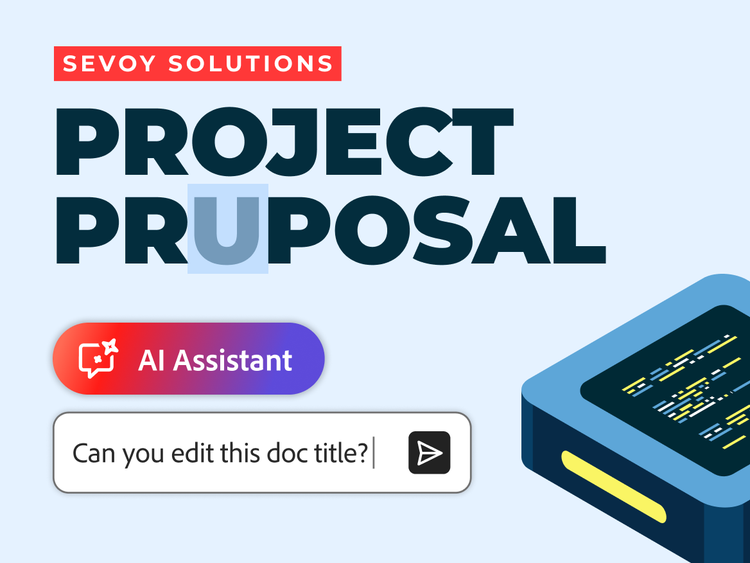
Rephrase text, add watermarks and organise pages in your PDFs. AI Assistant helps you with everyday document tasks so you can get back to work faster.
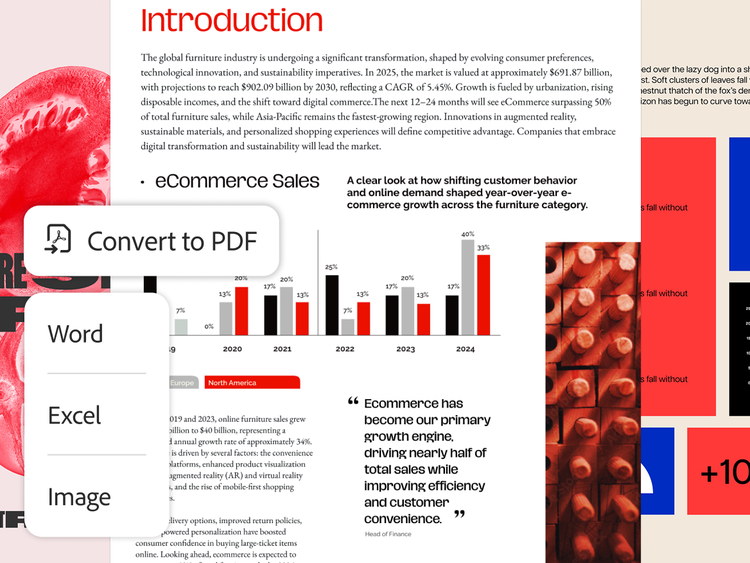
Go from Word, PowerPoint, Excel or image to PDF and back again. AI Assistant can even do it for you.
Bring all your project files, PDFs and links together in an interactive PDF Space to understand topics faster and collaborate smarter.
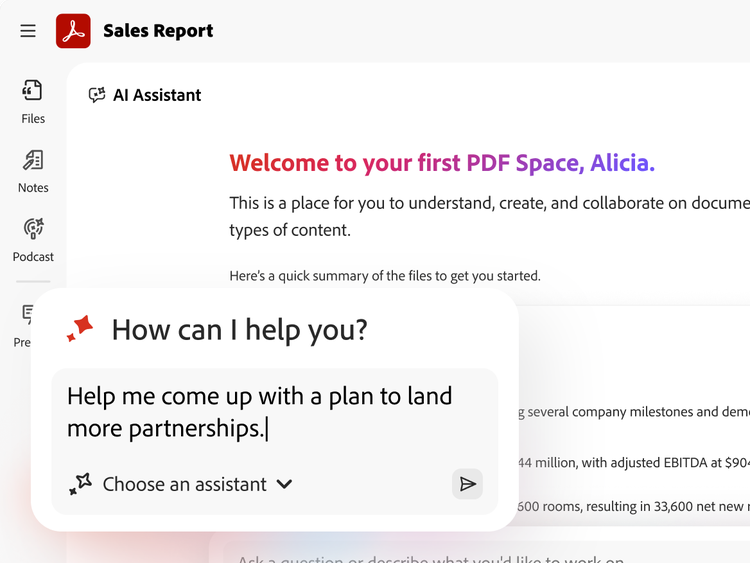
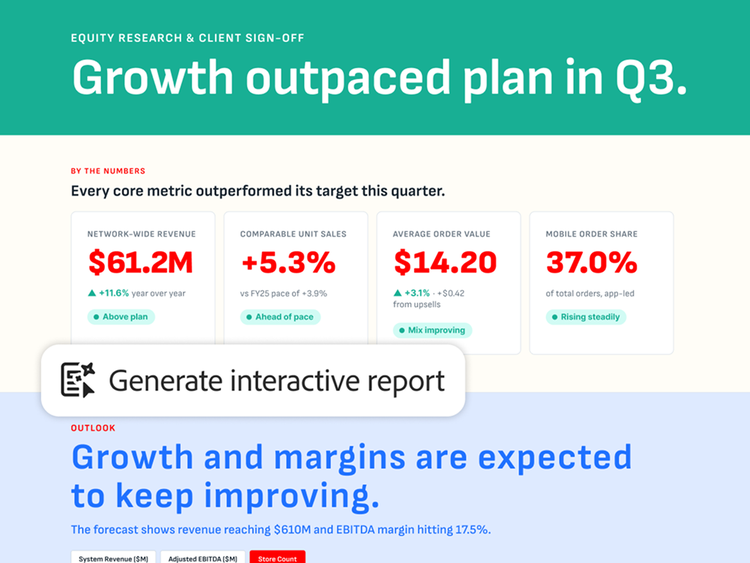
Ask AI Assistant to turn insights into action. Generate summaries and key insights with precise citations, next steps and more.
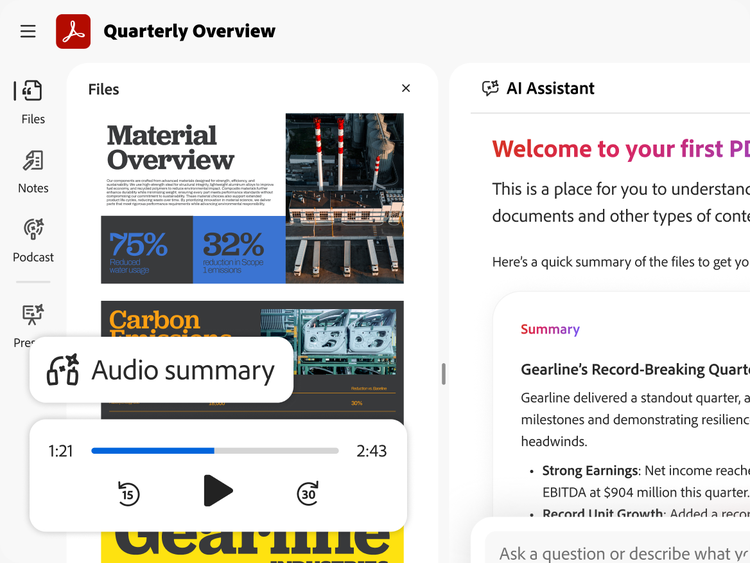
Get teams on the same page by sharing a PDF Space with a summary, podcast, visual report and AI Assistant — then see how they engage with your content.
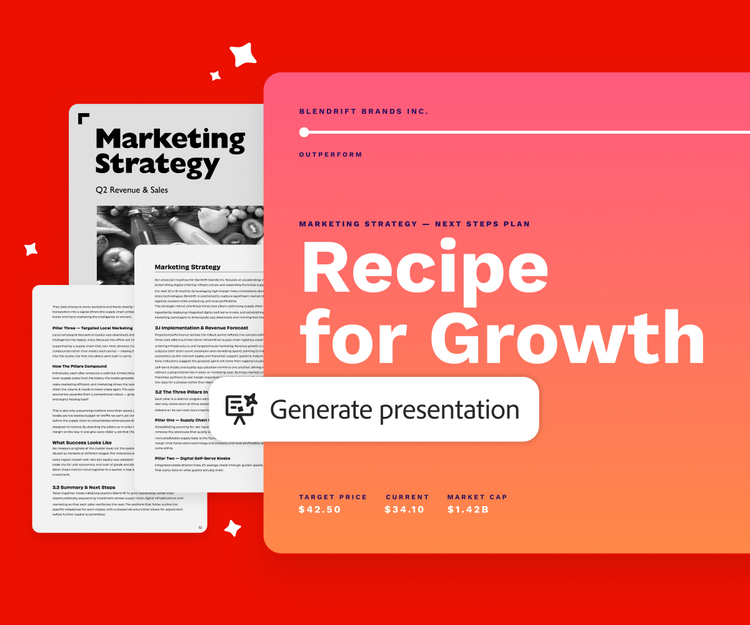
Transform your files into standout presentations, social media posts and more with Acrobat.
Transform dense documents into compelling slides with smart editing tools so your work looks professional.
PLANS AND PRICING
Free
By clicking the “Download now” button, you acknowledge that you have read and accepted all of the Terms and Conditions.
The trusted standard for viewing and sharing PDFs

View, print, share, and comment
Available on desktop and mobile
£19.97/moincl. VAT Fee applies if you cancel after 14-days
The secure solution for PDF and e-signature workflows
Create, edit, export, compare and organise PDFs
Collect e-signatures and track responses
Password-protect and redact PDFs
Create web forms, turn scans into editable PDFs and access 70+ features
£24.98/moincl. VAT Fee applies if you cancel after 14-days
The all-in-one AI-powered PDF and design solution for business workflows
Create, edit, export, compare and organise PDFs
Collect e-signatures and track responses
Password-protect and redact PDFs
Create web forms, turn scans into editable PDFs and access 70+ features

Ask AI to edit, convert or compress PDF
Understand dense documents with AI summaries, podcasts, and interactive reports
Organise, share and collaborate with PDF Spaces
Redesign resumes, reports, and invoices with professionally designed templates
Filters
Sort
Popularity
Alphabetically
coll-no-results-text
Categories
REFINE YOUR RESULTS
Close
Special Offers – opens in a new window
filter by category
RESOURCES
1 result in
results in
coll-result-mobile-text
results in
1 result in
results for
1 result in
results in
Your search for returned no results
Your search for returned no results
View more
coll-all-filters-text
coll-filters-category-text
coll-filters-applied-text
coll-filters-results-text
coll-filters-reset-text
Free
By clicking the “Download now” button, you acknowledge that you have read and accepted all of the Terms and Conditions.
The trusted standard for viewing and sharing PDFs
View, print, share, and comment
Available on desktop and mobile
£238.75/yrincl. VAT No refund if you cancel after 14-days.
The secure solution for PDF & e-signature workflows
Create, edit, export, compare and organise PDFs
Collect e-signatures and track responses
Password-protect and redact PDFs
Create web forms, turn scans into editable PDFs and access 70+ features
£296.93/yrincl. VAT
No refund if you cancel after 14-days.
The all-in-one AI-powered PDF and design solution for business workflows
Create, edit, export, compare and organise PDFs
Collect e-signatures and track responses
Password-protect and redact PDFs
Create web forms, turn scans into editable PDFs and access 70+ features
Ask AI to edit, convert or compress PDF
Understand dense documents with AI summaries, podcasts, and interactive reports
Organise, share and collaborate with PDF Spaces
Redesign resumes, reports, and invoices with professionally designed templates
Filters
Sort
Popularity
Alphabetically
coll-no-results-text
Categories
REFINE YOUR RESULTS
Close
Special Offers – opens in a new window
filter by category
RESOURCES
1 result in
results in
coll-result-mobile-text
results in
1 result in
results for
1 result in
results in
Your search for returned no results
Your search for returned no results
View more
coll-all-filters-text
coll-filters-category-text
coll-filters-applied-text
coll-filters-results-text
coll-filters-reset-text
Free
By clicking the “Download now” button, you acknowledge that you have read and accepted all of the Terms and Conditions.
The trusted standard for viewing and sharing PDFs
View, print, share, and comment
Available on desktop and mobile
£29.96/moincl. VAT Cancel anytime, no fee.
The secure solution for PDF & e-signature workflows
Create, edit, export, compare and organise PDFs
Collect e-signatures and track responses
Password-protect and redact PDFs
Create web forms, turn scans into editable PDFs and access 70+ features
£34.98/moincl. VAT Cancel anytime, no fee.
The all-in-one AI-powered PDF and design solution for business workflows
Create, edit, export, compare and organise PDFs
Collect e-signatures and track responses
Password-protect and redact PDFs
Create web forms, turn scans into editable PDFs and access 70+ features
Ask AI to edit, convert or compress PDF
Understand dense documents with AI summaries, podcasts, and interactive reports
Organise, share and collaborate with PDF Spaces
Create flyers, social content and presentations from documents
Filters
Sort
Popularity
Alphabetically
coll-no-results-text
Categories
REFINE YOUR RESULTS
Close
Special Offers – opens in a new window
filter by category
RESOURCES
1 result in
results in
coll-result-mobile-text
results in
1 result in
results for
1 result in
results in
Your search for returned no results
Your search for returned no results
View more
coll-all-filters-text
coll-filters-category-text
coll-filters-applied-text
coll-filters-results-text
coll-filters-reset-text
£20.22/moper licenceexcl. VAT Fee applies if you cancel after 14-days. Up to 10 licenses with free trial.
A highly secure PDF and e-signature solution with advanced tools and admin features.

Available on desktop, web and mobile

View, print, share and comment

Edit text and images, plus export, protect and organise documents

Collect binding e-signatures and track responses

Manage licences and users with the Adobe Admin Console

Create web forms, redact, compare and access 70+ features
£24.94/moper licenceexcl. VAT Fee applies if you cancel after 14-days. Up to 10 licenses with free trial.
Everything in Acrobat Pro plus PDF Spaces, Acrobat AI Assistant, Adobe Express Premium and admin features.
Available on desktop, web and mobile
View, print, share and comment
Edit text and images, plus export, protect and organise documents
Collect binding e-signatures and track responses
Manage licences and users with the Adobe Admin Console
Create web forms, redact, compare and access 70+ features

Summarise documents, gain insights and ask questions with PDF Spaces and a prebuilt AI Assistant

Generate presentations and create flyers, social posts and more with professional templates in Adobe Express
Filters
Sort
Popularity
Alphabetically
coll-no-results-text
Categories
REFINE YOUR RESULTS
Close
Special Offers – opens in a new window
filter by category
RESOURCES
1 result in
results in
coll-result-mobile-text
results in
1 result in
results for
1 result in
results in
Your search for returned no results
Your search for returned no results
View more
coll-all-filters-text
coll-filters-category-text
coll-filters-applied-text
coll-filters-results-text
coll-filters-reset-text
£242.64/yrper licenceexcl. VAT No refund if you cancel after 14-days.
A highly secure PDF and e-signature solution with advanced tools and admin features.
Available on desktop, web and mobile
View, print, share and comment
Edit text and images, plus export, protect and organise documents
Collect binding e-signatures and track responses
Manage licences and users with the Adobe Admin Console
Create web forms, redact, compare and access 70+ features
£299.28/yrper licenceexcl. VAT No refund if you cancel after 14-days.
Everything in Acrobat Pro plus PDF Spaces, Acrobat AI Assistant, Adobe Express Premium and admin features.
Available on desktop, web and mobile
View, print, share and comment
Edit text and images, plus export, protect and organise documents
Collect binding e-signatures and track responses
Manage licences and users with the Adobe Admin Console
Create web forms, redact, compare and access 70+ features
Summarise documents, get insights and ask questions with PDF Spaces and a prebuilt AI Assistant
Generate presentations and create flyers, social posts and more with professional templates in Adobe Express
Filters
Sort
Popularity
Alphabetically
coll-no-results-text
Categories
REFINE YOUR RESULTS
Close
Special Offers – opens in a new window
filter by category
RESOURCES
1 result in
results in
coll-result-mobile-text
results in
1 result in
results for
1 result in
results in
Your search for returned no results
Your search for returned no results
View more
coll-all-filters-text
coll-filters-category-text
coll-filters-applied-text
coll-filters-results-text
coll-filters-reset-text
£19.97/moincl. VAT Fee applies if you cancel after 14-days
A highly secure PDF and e-signature solution with advanced tools.
Available on desktop, web and mobile
View, print, share and comment
Edit text and images, plus export, protect and organise documents
Collect binding e-signatures and track responses
Create web forms, redact, compare and access 70+ features
Acrobat AI Assistant
Add AI Assistant to your Acrobat plan for £1.99/moincl. VAT£1.99/moincl. VAT.
Add AI Assistant to your Acrobat plan for £20.02/yrincl. VAT£20.02/yrincl. VAT.
Fee applies if you cancel after 14-days
Save 75% on 20+ apps including Acrobat Pro, plus Firefly creative AI for images, video and audio. Pay £16.24/moincl. VAT in the first year and £32.99/moincl. VAT thereafter.

20+ creative apps, plus everything in Acrobat Pro, including:
View, print, share and comment
Edit text and images, plus export, protect and organise documents
Collect binding e-signatures and track responses
Create web forms, redact, compare and access 70+ features
Acrobat AI Assistant
Add AI Assistant to your Acrobat plan for £1.99/moincl. VAT£1.99/moincl. VAT.
Add AI Assistant to your Acrobat plan for £20.02/yrincl. VAT£20.02/yrincl. VAT.
Filters
Sort
Popularity
Alphabetically
coll-no-results-text
Categories
REFINE YOUR RESULTS
Close
Special Offers – opens in a new window
filter by category
RESOURCES
1 result in
results in
coll-result-mobile-text
results in
1 result in
results for
1 result in
results in
Your search for returned no results
Your search for returned no results
View more
coll-all-filters-text
coll-filters-category-text
coll-filters-applied-text
coll-filters-results-text
coll-filters-reset-text
£238.42/yrincl. VAT No refund if you cancel after 14-days.
A highly secure PDF and e-signature solution with advanced tools.
Available on desktop, web and mobile
View, print, share and comment
Edit text and images, plus export, protect and organise documents
Collect binding e-signatures and track responses
Create web forms, redact, compare and access 70+ features
Acrobat AI Assistant
Add AI Assistant to your Acrobat plan for £1.99/moincl. VAT£1.99/moincl. VAT.
Add AI Assistant to your Acrobat plan for £20.02/yrincl. VAT£20.02/yrincl. VAT.
No refund if you cancel after 14-days.
Save 75% on 20+ apps including Acrobat Pro, plus Firefly creative AI for images, video and audio. Pay £193.82/yrincl. VAT in the first year and £392.98/yrincl. VAT thereafter.
20+ creative apps, plus everything in Acrobat Pro, including:
View, print, share and comment
Edit text and images, plus export, protect and organise documents
Collect binding e-signatures and track responses
Create web forms, redact, compare and access 70+ features
Acrobat AI Assistant
Add AI Assistant to your Acrobat plan for £1.99/moincl. VAT£1.99/moincl. VAT.
Add AI Assistant to your Acrobat plan for £20.02/yrincl. VAT£20.02/yrincl. VAT.
Filters
Sort
Popularity
Alphabetically
coll-no-results-text
Categories
REFINE YOUR RESULTS
Close
Special Offers – opens in a new window
filter by category
RESOURCES
1 result in
results in
coll-result-mobile-text
results in
1 result in
results for
1 result in
results in
Your search for returned no results
Your search for returned no results
View more
coll-all-filters-text
coll-filters-category-text
coll-filters-applied-text
coll-filters-results-text
coll-filters-reset-text

Add AI Assistant to your Acrobat Pro or Creative Cloud Pro student plan. £1.99/moincl. VAT for the annual, billed monthly plan.
Desktop apps for Mac and Windows

Works with the apps you already use, like Microsoft 365 and Dropbox

SSL security so you can work and share with confidence

Available on web and mobile, plus browser extensions

Integrates seamlessly with Adobe Creative Cloud and Adobe Express

Binding, compliant and secure e-signatures

Adobe Scan and Acrobat Reader mobile apps



The difference between Acrobat Standard and Acrobat Pro is the number of tools you get access to. Adobe Acrobat Standard has tools for editing and organising PDFs, as well as filling in forms and converting documents. Acrobat Pro includes everything in Standard but also includes features that let you compare PDFs, redact information, and add logos and URLs. Meanwhile, Acrobat Studio plan offers all Acrobat Pro tools, plus AI-powered workspaces and the AI Assistant. Share knowledge effortlessly and create standout content — all in one place.
Adobe Acrobat is available through subscription plans designed for different PDF needs.
Acrobat Standard includes essential tools for creating, editing, converting, and signing PDFs, making it suitable for everyday document tasks.
Acrobat Pro includes all Standard features, plus advanced capabilities such as enhanced editing, accessibility support, PDF optimisation, form creation, and print preparation. Acrobat Pro is designed for more complex, professional PDF workflows.
Acrobat Studio is available as an additional offering that extends Acrobat Pro with AI‑powered tools to help summarize and gain insights, create, transform, and generate content from documents. Availability and features may vary by plan and region.
Your subscription to Acrobat includes desktop software, online access and mobile apps, letting you effortlessly sync files across computers and devices.
To run Adobe Acrobat, you'll need a strong internet connection, plus the following for Windows and macOS:
See the Acrobat system requirements page for further information.
Adobe Acrobat is available in over 25 lanuages, including English, French, Spanish, German and Italian.
See the Acrobat system requirements page for more information.
Adobe Acrobat will update automatically when connected to the internet by default. However, if you don't have automatic updates enabled, you can find the option to update under Menu > Help > Check for updates on Windows. If an update is available, you can select Download, where you can follow the instructions.
If you're on macOS, you can update Adobe Acrobat under Help > Check for updates. You can then select Yes if an update is available.
Yes, you can get an Adobe Acrobat extension for your web browser for both Google Chrome and Microsoft Edge. With the extension, you'll be able to view your PDFs online, as well as mark up proposals and add comments in the form of sticky notes, all without leaving your browser.
You can also get an Adobe Acrobat extension for ChatGPT - making it easier than ever to optimise and edit your documents with the help of generative AI.

Contact us for more information about plans and pricing.
