Use Adobe tools where you already work with Adobe for Claude.
Bring Adobe’s creativity and productivity capabilities into your Claude conversations. Access tools from Adobe Express, Acrobat, Photoshop, Lightroom, Illustrator, Firefly, Premiere, InDesign, and Adobe Stock in one place.
Why use the Adobe plugin for Claude?
Adobe for Claude brings the right tools and skills together to help you turn ideas, images, videos, designs, and documents into polished outputs — all in one connected workflow. Simply describe what you want to accomplish right in your Claude conversation.
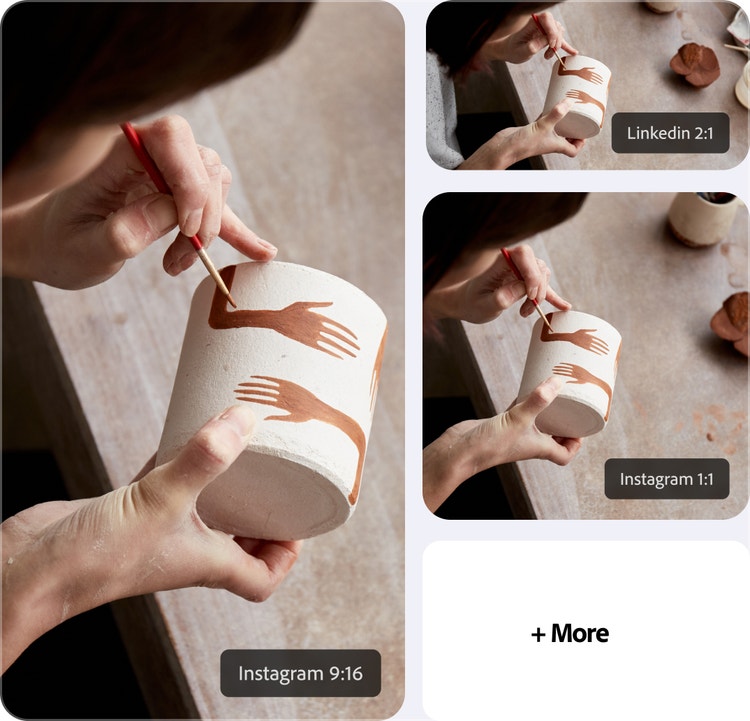
Go from idea to finished project in one conversation.
Ideate and execute in one place. Batch-edit photos, organize PDFs, resize assets for every platform, and animate designs for social — all in a single conversation.

Create polished content that matches your style.
Turn images, videos, and documents into polished outputs that reflect your preferences, so every photo, video, and design feels intentional and consistent.

Keep creating wherever you work.
Access the right Adobe tool every time, without switching between apps. With Adobe for Claude, you can continue refining assets, pick up where you left off, and stay in your flow.
Create and animate assets.
Use templates to get a head start on marketing materials, proposals, invitations, and other assets. Open the live editor to replace and resize images, update text, and change colors with more control. You can also license and edit stock images and videos, then animate or create a PDF.
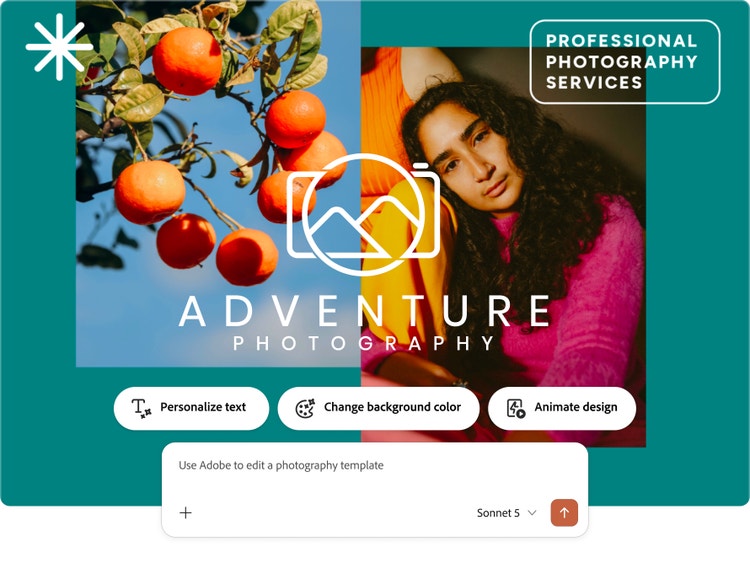

Create, review, and refine PDFs.
Turn designs into PDFs, organize pages, redact sensitive information, edit content, and add annotations. With Acrobat tools in Claude, you can edit and finalize work in a live editor without leaving your conversation.
Edit photos in bulk.
Prepare headshots, event photos, or product images for your website and social channels, all in your conversation. Upload one or more photos and balance lighting, add background blur, crop, and more. For example, tell Adobe for Claude, “Balance the lighting and auto-straighten all these photos."

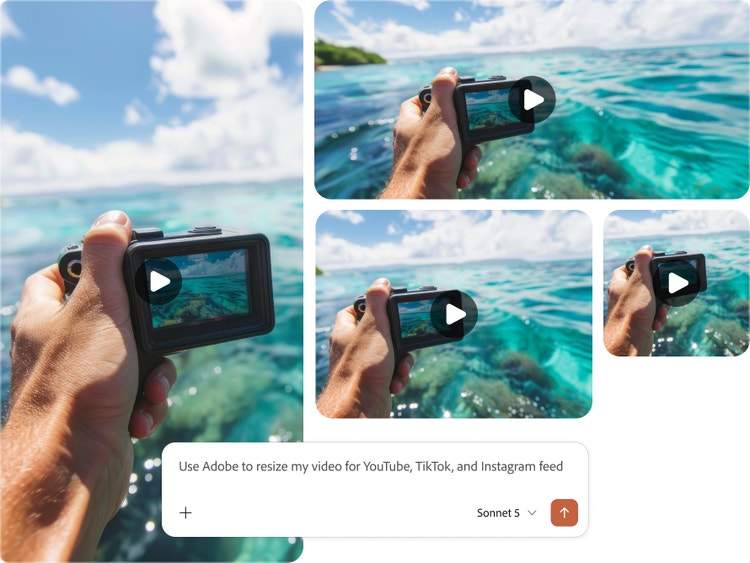
Resize assets for any platform.
Upload a video or image and crop it quickly. For example, start with a horizontal clip and tell Adobe for Claude, “Resize my video for YouTube, TikTok, and my Instagram feed.” Download your finished assets and share them wherever you want.
How to connect Adobe tools to Claude.
You don’t need an Adobe account to get started, but signing in or creating a free Adobe account unlocks more skills, generative AI tools, storage for your assets, and continuity across sessions.
Step 1
Open Claude.
Step 2
Install the Adobe plugin.
Step 3
Install the Adobe connector.
Step 4
Launch the Adobe skill.
- How to connect Adobe tools to Claude.
- Steps on how to connect Adobe tools to Claude.
- PT5M
- firefly