Create and get work done with Adobe in Microsoft Copilot.
Bring Adobe creativity and productivity capabilities into the platform where you already plan, write, and collaborate. Edit images, create and organize PDFs, repurpose video, and find Creative Cloud assets without leaving your workflow.
Why use the Adobe plugin for Microsoft Copilot?
Adobe for Microsoft Copilot brings the right tools together to help you create and get work done without leaving your Microsoft Copilot conversation.

Keep creating where you work.
Access Adobe tools inside your Microsoft Copilot chat. Build and refine assets, pick up where you left off, and stay in your flow without switching between apps.
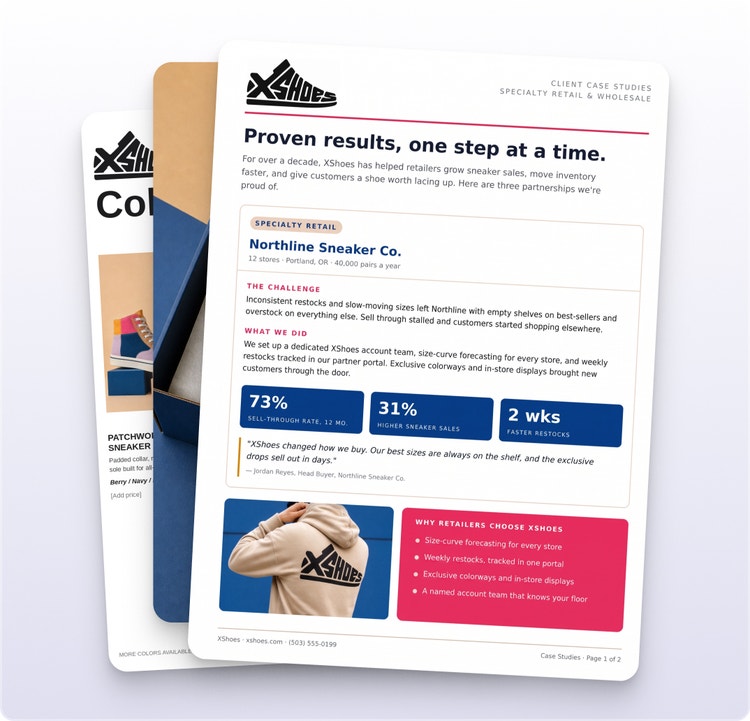
Create polished content that matches your style.
Turn your ideas, images, and documents into outputs that reflect your style and preferences, so every post, mockup, and asset feels intentional and consistent.

Move from idea to finished project in one conversation.
Brainstorm and execute in one place. Find Adobe files and assets, license Adobe Stock images, edit photos, create mockups, and create and edit PDFs — all in Microsoft Copilot.
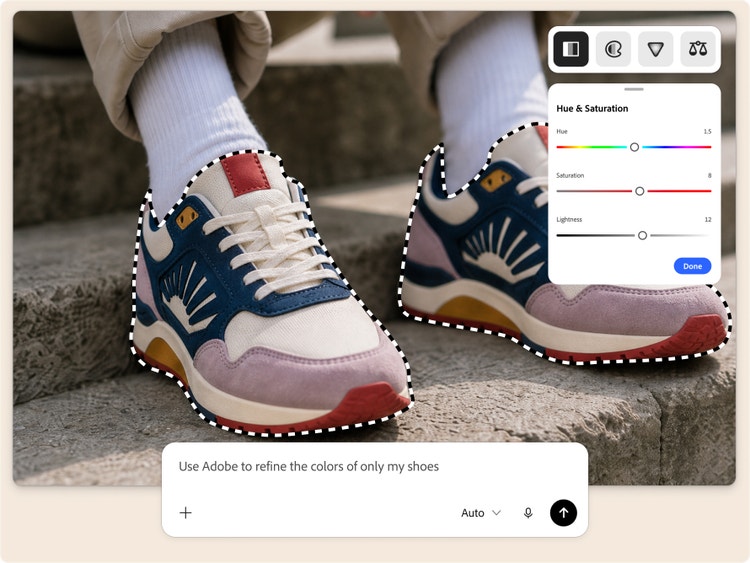
Prepare campaign and product images in bulk.
Upload photos and describe the look you want to get consistent lighting and tone, remove backgrounds, and crop versions for product catalogs, websites, and social channels. For example, try the prompt, “Use Adobe to give these campaign photos consistent lighting and tone. Then crop versions for a product catalog, website, and social channels.”
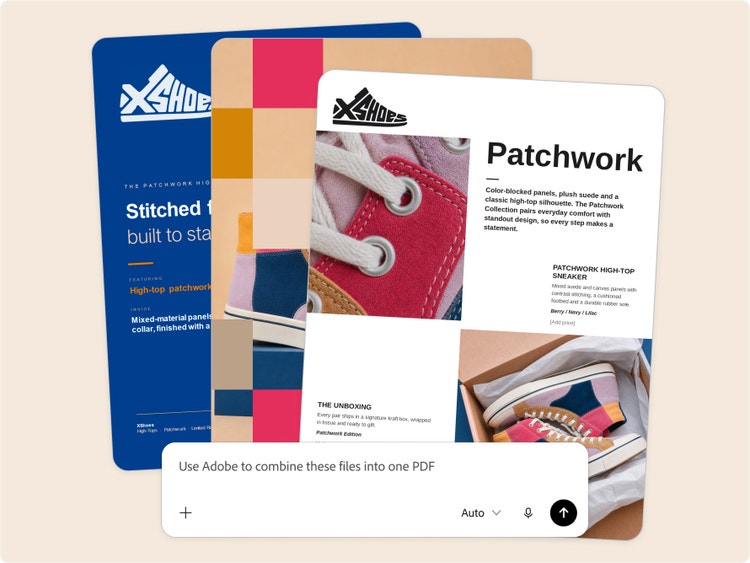
Create, combine, and export PDFs.
Create or edit a PDF for a proposal or catalog, then combine files, organize pages, compress the PDF, or export it to an Office format. For example, prompt Microsoft Copilot, “Use Adobe to combine these files into a conference proposal PDF. Organize the pages and export a Word version.”
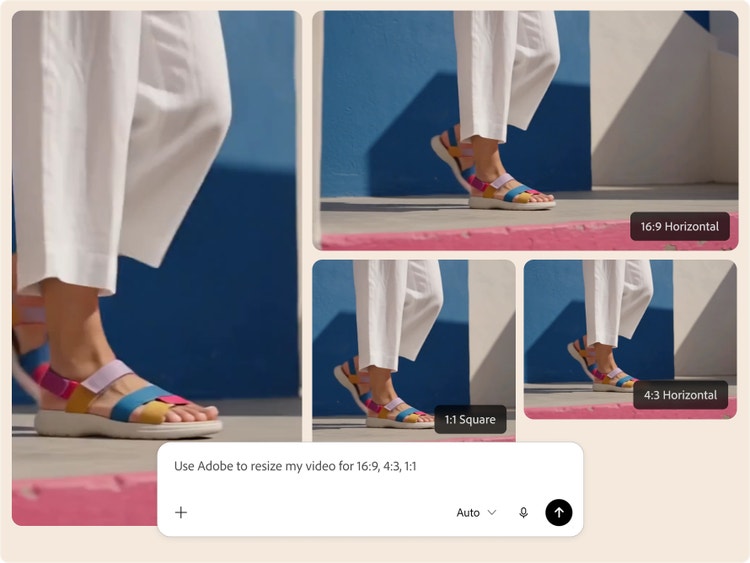
Cut and resize video for every channel.
Upload a video and ask Adobe for Microsoft Copilot to cut a quick highlight reel or resize it for different platforms. Then download your finished videos and share them wherever you want. For example, “Use Adobe to cut this event video down to a one-minute highlight reel, then resize it for Instagram Reels and YouTube Shorts.”
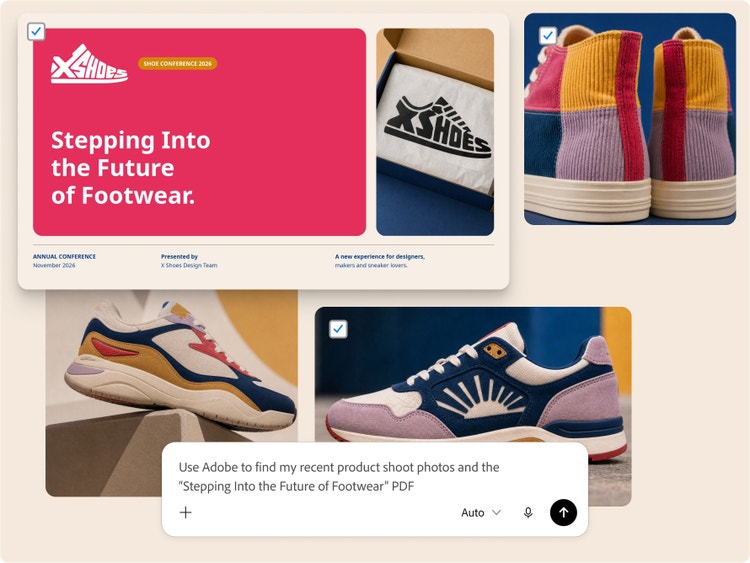
Find and reuse your Creative Cloud assets.
Search your Adobe Creative Cloud library by subject, style, or mood, then bring assets into PDFs and mockup photos. For example, “Use Adobe to find all the documents and images from our latest annual conference.”
How to connect Adobe tools to Microsoft Copilot.
Step 1
Contact your Microsoft admin.
Step 2
Open Microsoft Copilot.
Step 3
Click Connect.
Step 4
Start creating with Adobe.
- How to connect Adobe tools to Microsoft Copilot.
- Steps on how to connect Adobe tools to Microsoft Copilot.
- PT5M
- firefly