Create and collaborate with Adobe tools in Slack.
Bring Adobe’s creativity and productivity tools into the platform where you already work. Access tools from Adobe Photoshop, Illustrator, Premiere, Acrobat, Firefly, and Adobe Express, right in Slack.
Why use the Adobe app for Slack?
Adobe for Slack brings the right capabilities and skills together to help you create, edit, and refine images, designs, and documents — all in one connected workflow. Simply describe what you want to accomplish in a conversation with Slackbot.
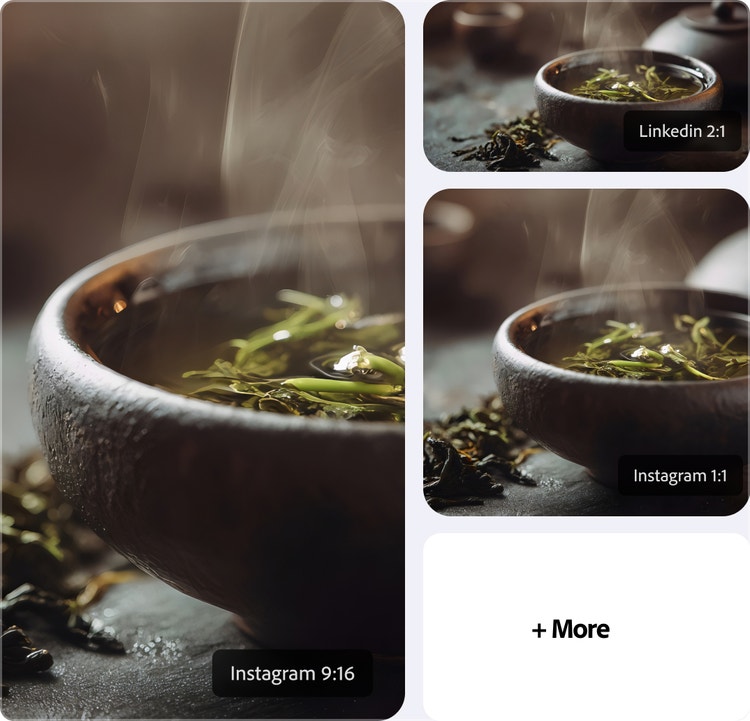
Go from idea to finished in one conversation.
Brainstorm and execute in one place. Find Adobe files and assets, license Adobe Stock images, edit photos, create mockups, and turn Slack conversations into polished PDFs — all without leaving Slack.
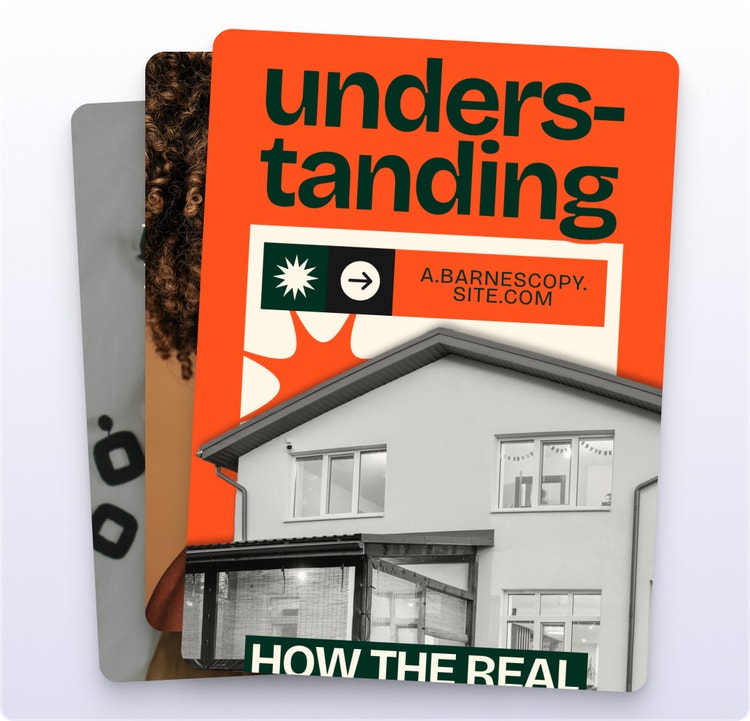
Create polished content that matches your style.
Turn ideas, images, and documents into polished outputs that reflect your style, brand, and preferences, so every post, mockup, and asset feels intentional and consistent.

Keep creating wherever you work.
Access Adobe tools within Slack, where you already ideate and work. Continue refining assets, pick up where you left off, and stay in your flow without switching between tools.
Find and share the right assets.
Search your Adobe Creative Cloud files by subject, style, or mood. Describe what you need, then share the right assets with channels and teammates to review, collaborate, and keep work moving.

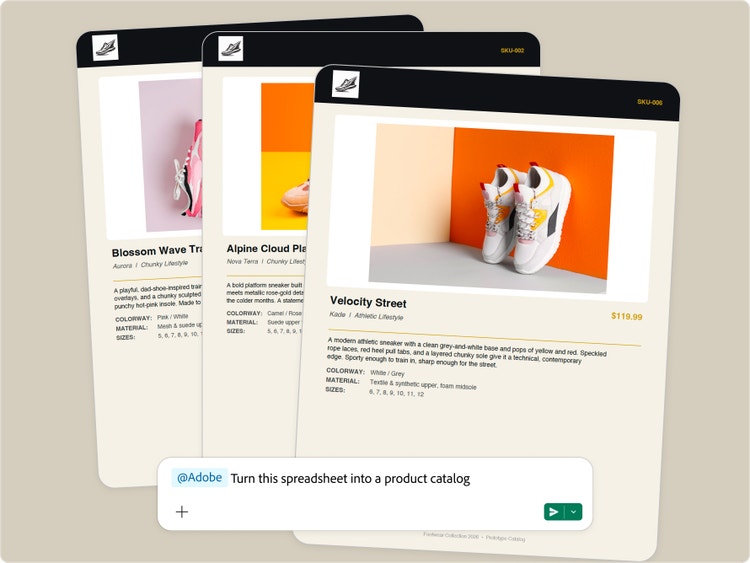
Turn information into polished PDFs.
Create, edit, and convert PDFs with Adobe for Slack. Upload a file and ask Slackbot to turn your raw data into formatted badges, cards, or catalogs. Or use Slackbot to find information from Slack conversations, channels, and canvases. Then use Adobe tools to transform that content into shareable documents and PDFs.
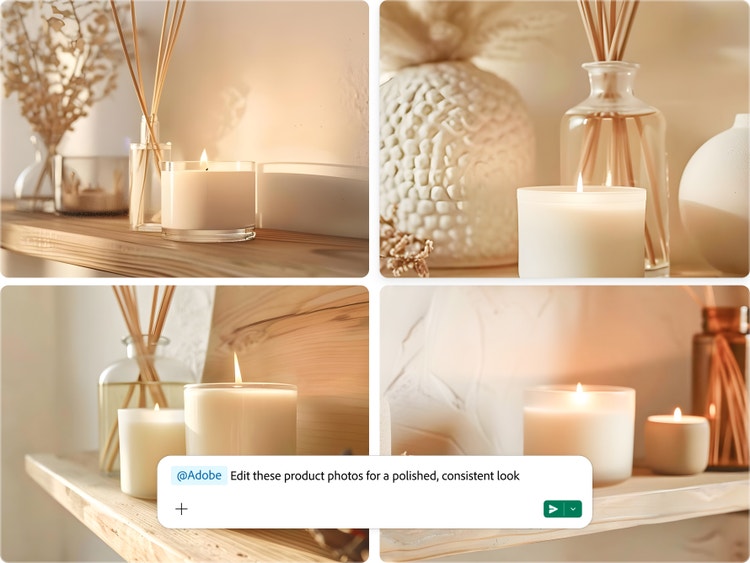
Quickly edit photos.
With Adobe for Slack, you just have to ask to adjust lighting or tone, remove backgrounds or distractions, and apply Lightroom presets. Prepare team headshots, event photos, or product images for your website and social media channels, all in your conversation.

Start fast with templates.
Choose an Adobe Express template and get a head start on proposals, invitations, posters, and other assets. Update the text, colors, and stock imagery, then export as a polished PDF or animate for social media.
Create product mockups.
Turn a product photo into a realistic packaging mockup directly in Slack. Create variations through your conversation, then share with your team for faster feedback and approvals, all without switching apps.

How to connect Adobe tools to Slack.
You don’t need an Adobe account to get started, but signing in or creating a free Adobe account unlocks more skills, generative AI tools, storage for your assets, and continuity across sessions.
Step 1
Open Slack.
Step 2
Add Adobe.
Step 3
Connect via Slackbot.
Step 4
Select the Adobe connector.
Step 5
Start creating with Adobe.
- How to connect Adobe tools to Slack.
- Steps on how to connect Adobe tools to Slack.
- PT5M
- firefly