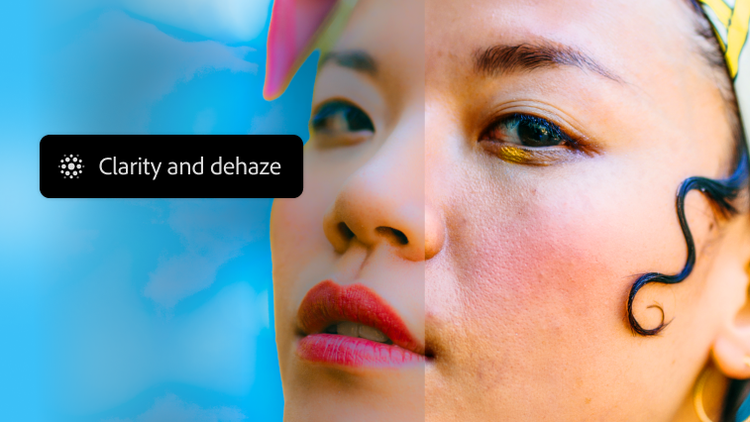
New adjustment layers: Clarity & Dehaze and Grain.
Now you can adjust texture, atmosphere and sharpness nondestructively right in the Layers panel and apply masks for pinpoint control.
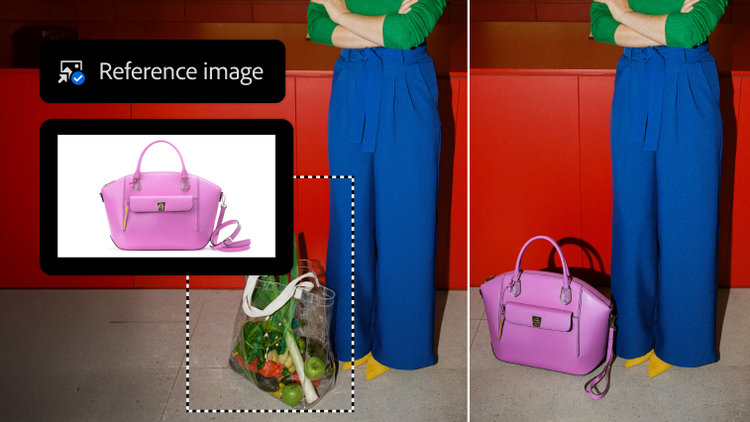
Reference objects in Generative Fill.
Reference Image now adjusts the scale, rotation, lighting, colour and perspective of an object to match your scene.
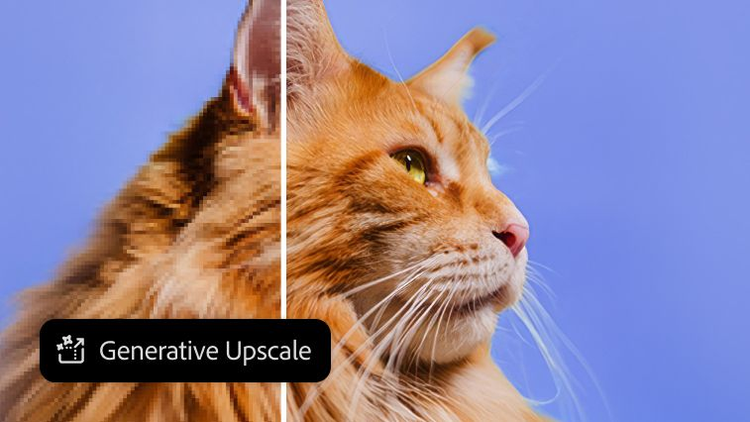
Go bigger and sharper with Topaz Labs.
Upscale images with unmatched power and flexibility using partner AI models from Topaz Labs in Photoshop. Instantly boost quality, clarity and sharpness.
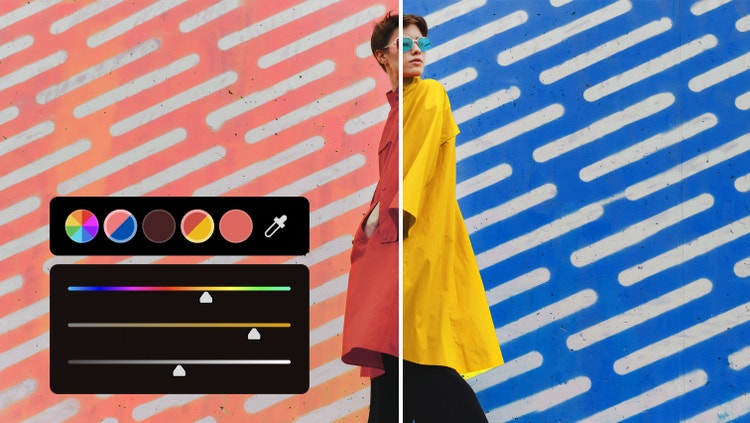
Flawless colours in fewer steps.
Experiment with colour faster than ever, right from your canvas. Plus, larger swatches offer more visibility and greater control.
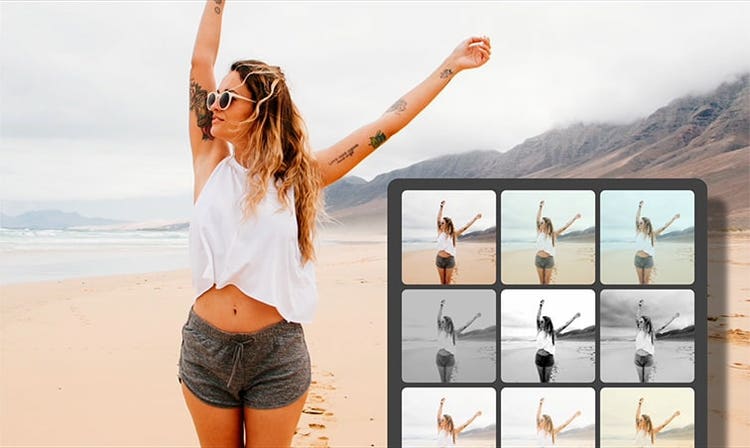
Apply filters for a new look.
Use over 30 Adjustment Presets to change images in one click. Create and save customised presets, export them to share and import new favourites. Plus, apply presets to multiple images at once.
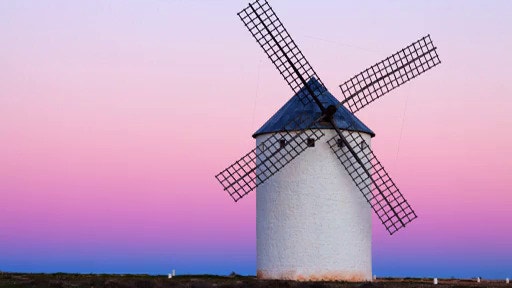
Modify colour and tone.
Merge colours and patterns between your background and foreground to create dramatic effects with Blend modes.