New features are rolling out continuously to make Creative Cloud Pro better for students.
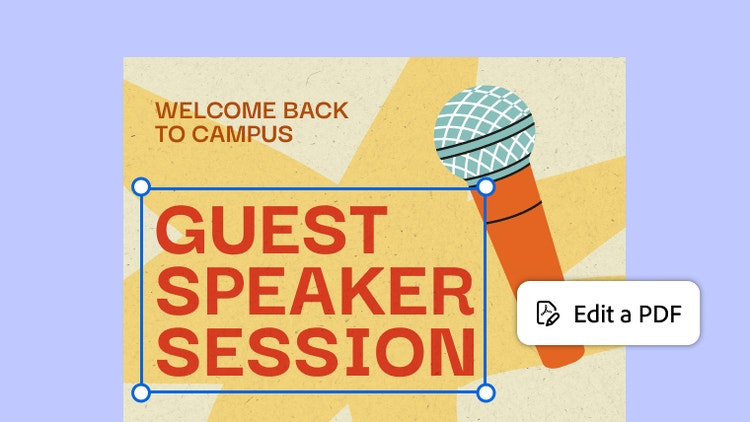
Quick edits, no do-overs.
Need to tweak text or swap an image in a PDF? Edit it directly in Acrobat without re-exporting or starting over.
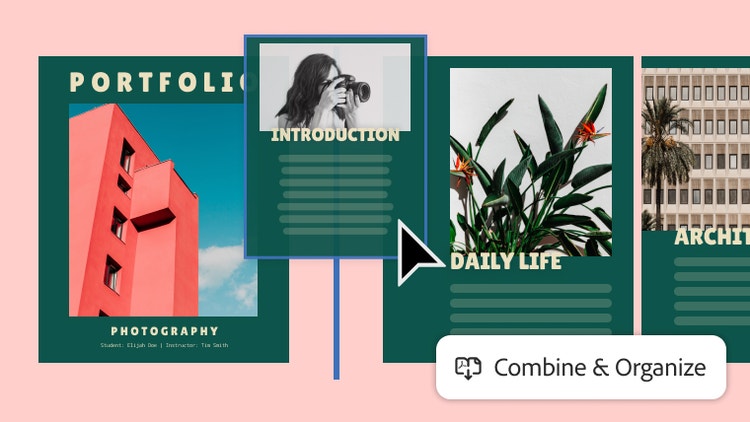
Your pages, perfected.
Reorder pages, add and delete sections, and combine files so your final paper, portfolio, or group project looks A++.

Paperwork, minus the paper.
No more searching for the campus printer. Quickly fill out forms, add your signature, and share online in a flash.

Group project? You’ve got this.
Highlight text, leave comments, and collaborate with your classmates, all without leaving the document.

Create study materials in a click.
Turn your PDFs into flashcards, quizzes, and study guides in seconds, and get built-in citations that show where every answer comes from.

Your study sidekick.
Upload your documents and ask questions to get clear summaries and step-by-step explanations based on your content.