New features are rolling out continuously to make Creative Cloud Pro better for students.

Make it portrait-perfect.
Smooth out skin, brighten smiles, and retouch details like hair and clothing in just a few clicks.

Get an instant aesthetic.
Nail the desired look without spending hours on manual edits. Apply custom filters or presets in Lightroom with one step.

Switch up the scene.
Remove a dull background in one click and swap in anything you can imagine using AI text prompts in Photoshop.

Create a convincing combo.
Lighting, shadows, and color adjust automatically in Photoshop for realistic results when combining images.
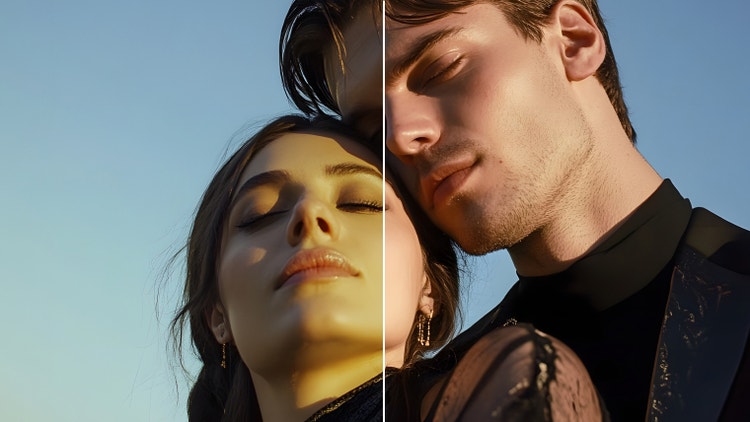
Edit with precision.
Easily fix lighting, tweak colors, and fine-tune details in a whole photo, or just certain areas.

One tap and it's gone.
Erase unwanted objects from pics (like wires, poles, or people) with a quick click in Lightroom or Photoshop.