New features are rolling out continuously to make Creative Cloud Pro better for students.
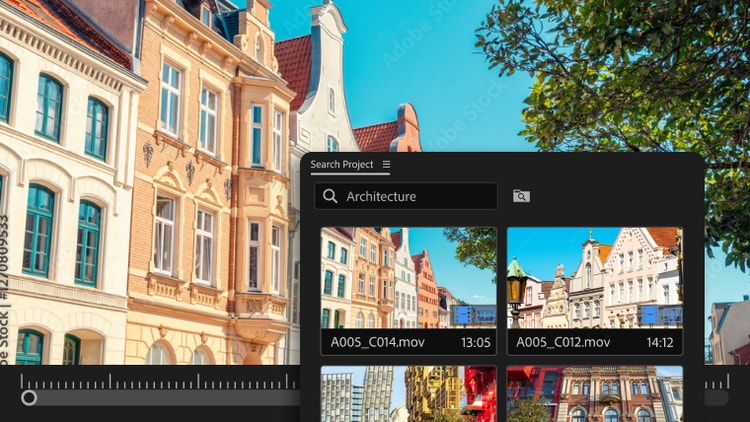
Type it, find it.
Searching for a specific clip in your project? Describe it, and {{premiere}} finds it for you using responsible AI.
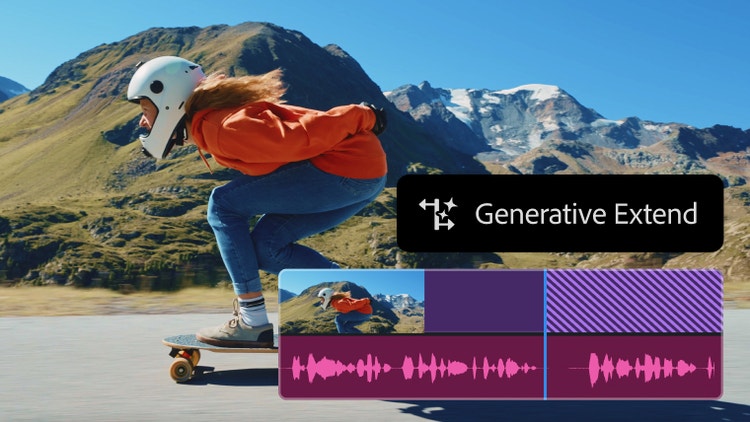
Stretch your footage.
Extend clips, fill awkward audio gaps, and create perfect timing — all with a quick click and drag in {{premiere}}.

Make it crystal clear.
Harness the power of AI to enhance speech, improve clarity, and filter out hisses, hums, and background noise in {{premiere}}.
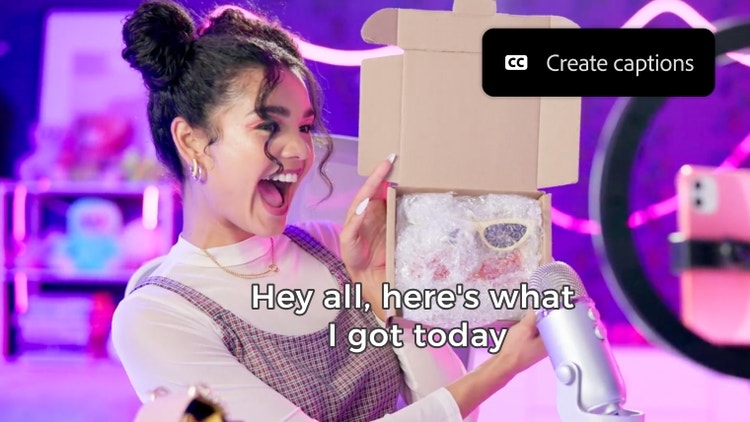
Spring into caption.
Use Speech to Text to generate transcripts and instantly add captions to your videos, improving accessibility.
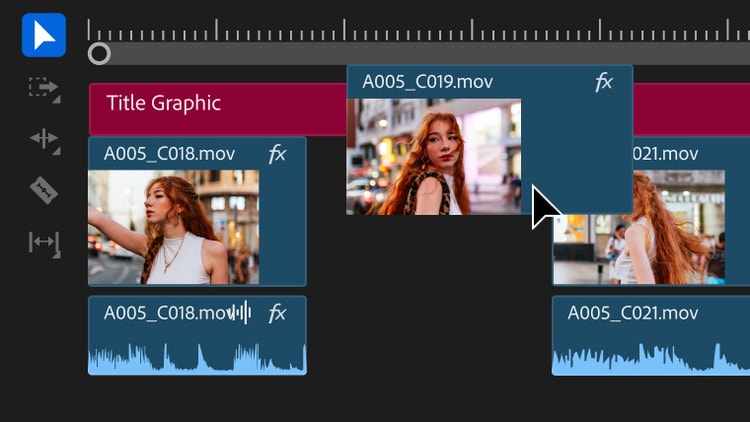
Shape your story like a pro.
Move clips, trim scenes, and get your video flowing just right. You can even edit multiple clips at once.

Put titles into motion.
Animate text, logos, and title graphics in After Effects with pro-level tools. Start from scratch or use a template.