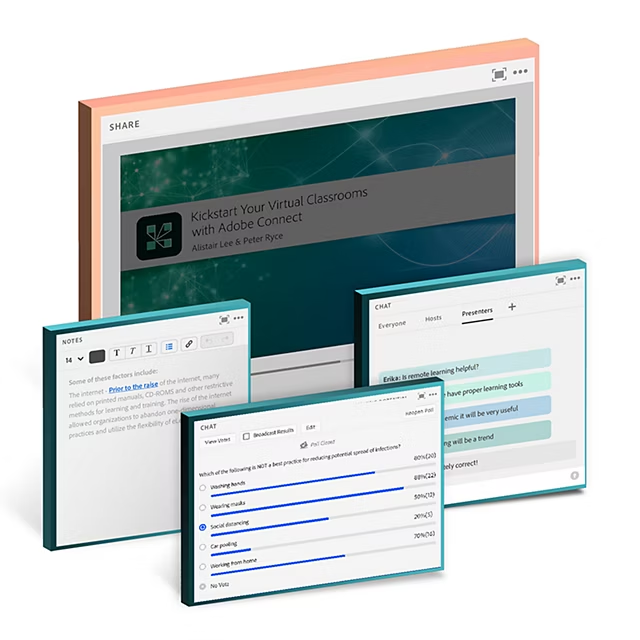
Pods
Pods are little functional windows that open up a world of virtual experience design possibilities. Just add name, position and size to the Pods while creating a webinar, to build virtual storyboards called Layouts.
Extend the horizon of possibilities with these Pods inside your rooms. Choose from our extended custom apps library, or create your own apps using our new HTML SDK..
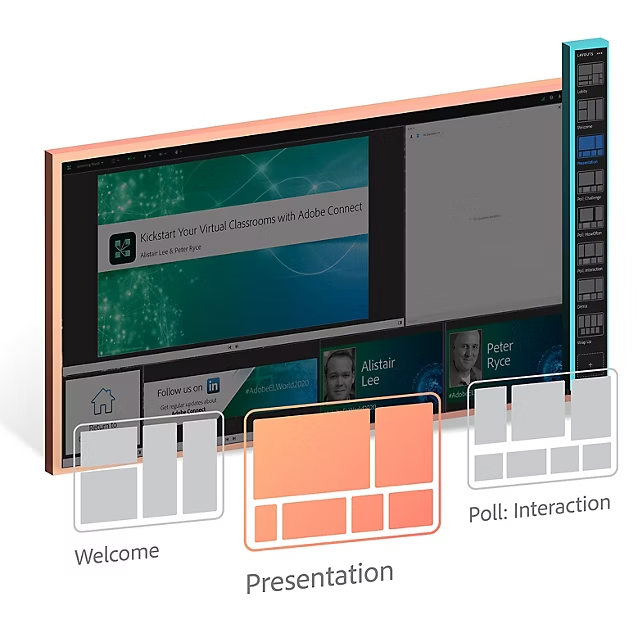
Layouts
Create storyboards to guide participants' visual attention to where you want on your stage. Once the perfect virtual stage is ready, light it up with - images, multi-media, interactive courses, polls, quizzes, chats, or notes.
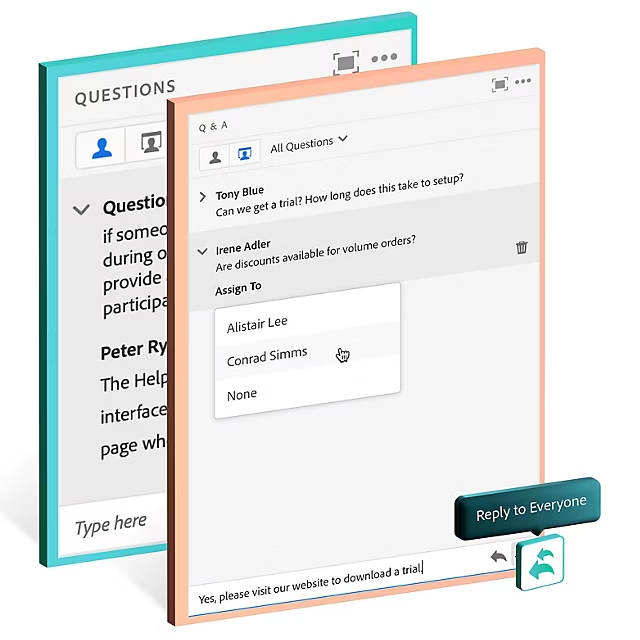
Moderated chat (Q&A)
Use a Q&A Pod to allow complete control over the visibility of questions, answers, and participant identities. Manage hundreds of questions in large webinars efficiently by assigning it to the right expert in the room.
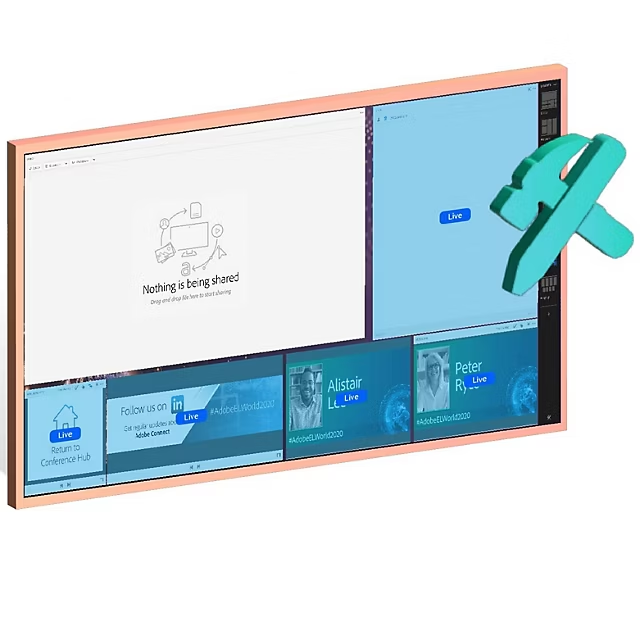
Prepare mode
The best webinar platforms enable producers to continue stage setting during live delivery but in stealth mode, without impacting the ongoing presentation for presenters or participants.
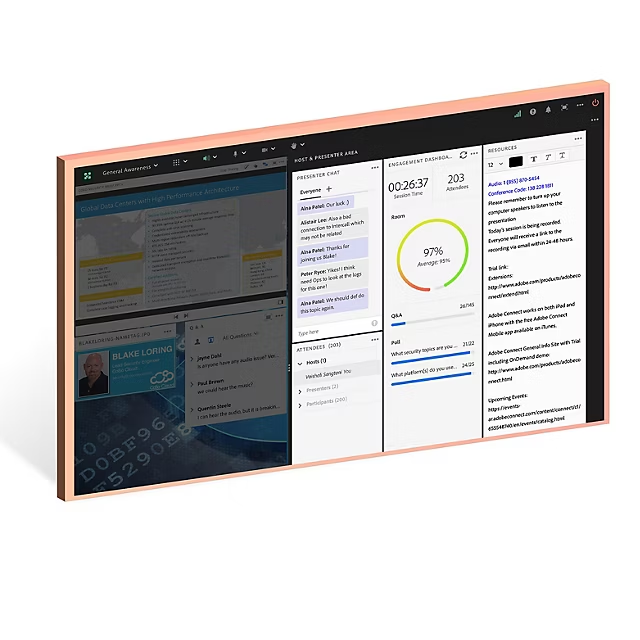
Host & presenter area
Virtual backstage for multiple hosts, presenters, and producers to collaborate discreetly & effectively, as well as add/edit the onstage experience on the fly. Have the attendee list, agenda, notes, presenter's chat, engagement dashboard, and presenter view of the moderated chat (Q&A Pod) available in this backstage area.
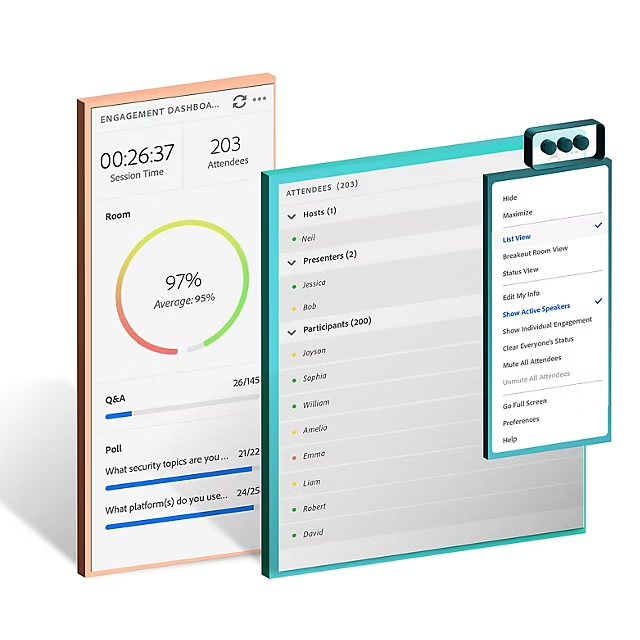
Engagement dashboard
Read your audience just like you would from a real stage. Use it as a cue to adjust your pace or delivery formats and bring them back. This score aggregates the digital body language based on various interactive participation parameters, not just attention tracking.