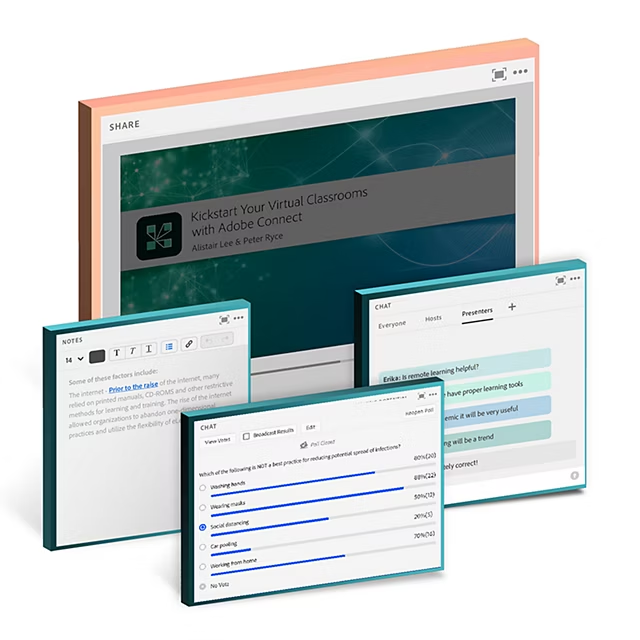
Pods
Pods are little functional windows that open up a world of virtual experience design possibilities. Just add name, position and size to the Pods in order to create virtual storyboards called Layouts.
Extend the horizon of possibilities with these Pods inside your rooms. Choose from our extended custom apps library, or create your own apps using our new HTML SDK.
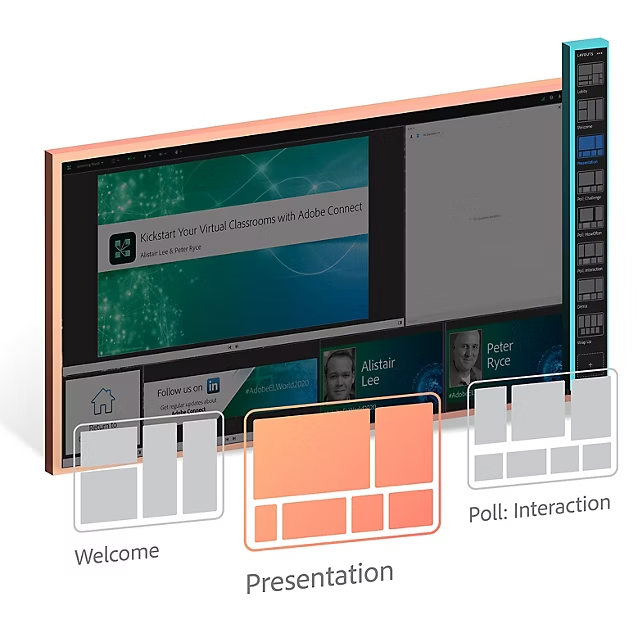
Layouts
Create storyboards to guide participants' visual attention to where you want on your stage. Once the perfect virtual stage is ready, light it up with - images, multi-media, interactive courses, polls, quizzes, chats, or notes.
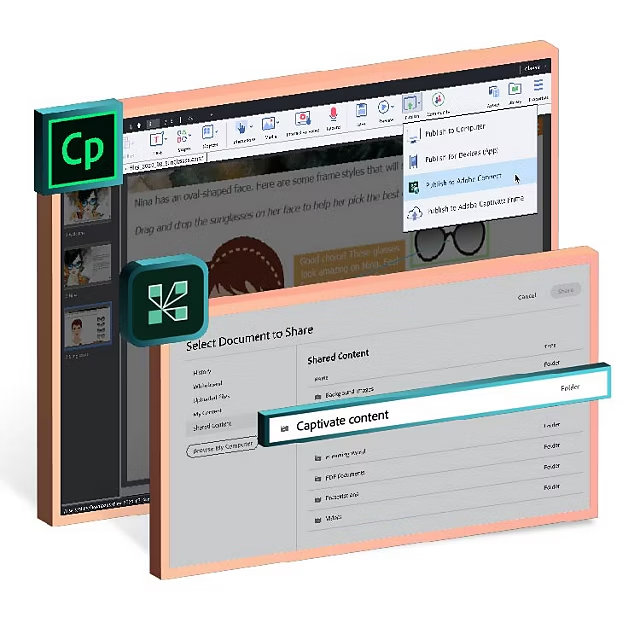
Interactive content
Rapidly create and deploy content using authoring tools such as Adobe Captivate and Adobe Presenter. Add quizzes, interactions, and simulations to your virtual classrooms.
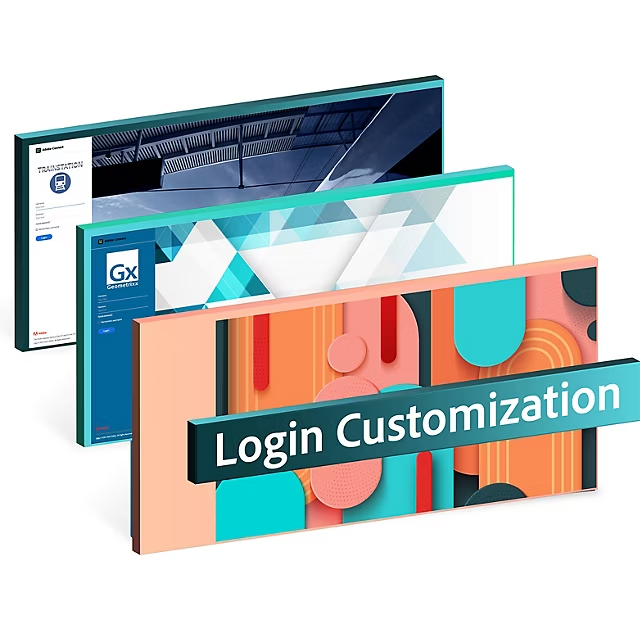
Brand customizations
Customize your room's visual aesthetics with images, logos, and colors to suit your enterprise branding or the mood or theme of your story.
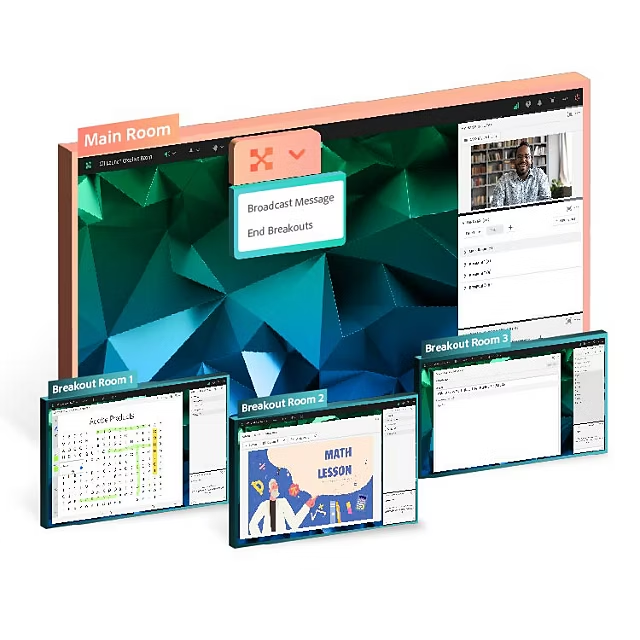
Breakouts
Split your primary classroom into multiple smaller rooms. Assign participants or use automatic even split. Bring the breakout content back to the main room to discuss & learn with the larger group.
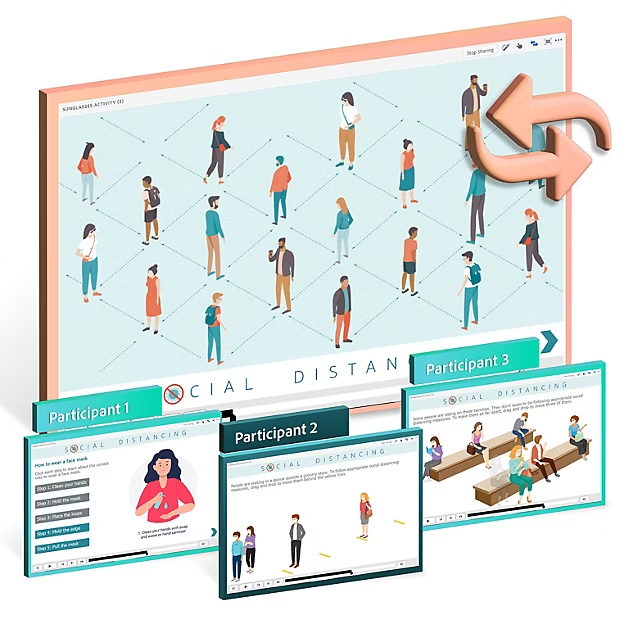
Asynchronous browse
Allow participants to browse content at their pace, while instructors can keep the class moving forward.
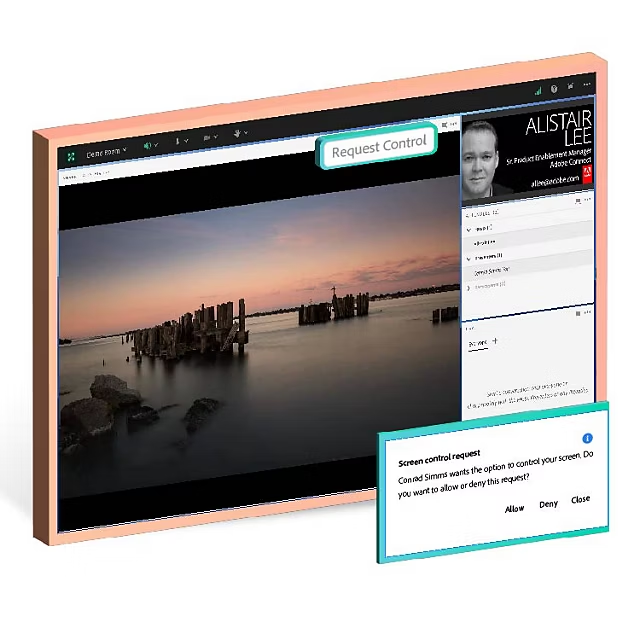
Remote desktop access
Hosts can access participant endpoints with their permission. Opens several powerful propositions for interactive product demos or customer support scenarios.