Explore everything you can do with Photoshop Elements & Premiere Elements.
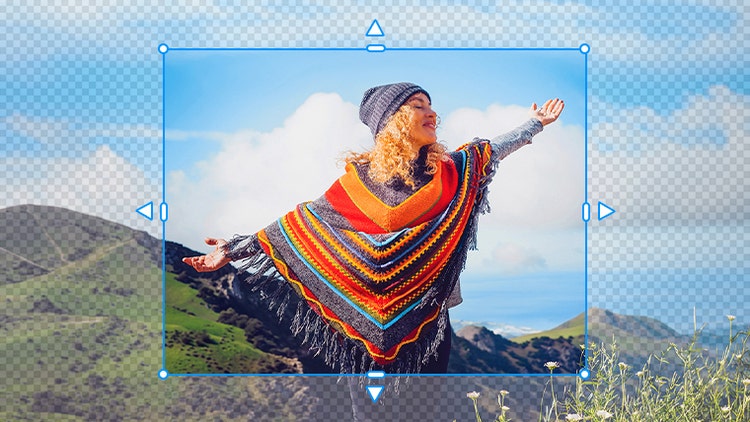
Edit with the power of AI and automation.
Easily expand a photo by dragging its edges to fill in the background, sharpen details in low-resolution photos, trim or resize clips, remix music to match the length of your video, and more. Learn more | Learn more AI features

Discover our most popular features.
Replace photo backgrounds, touch up faces, improve grainy videos, make stop-motion movies, and more. Learn more | Learn more about popular features
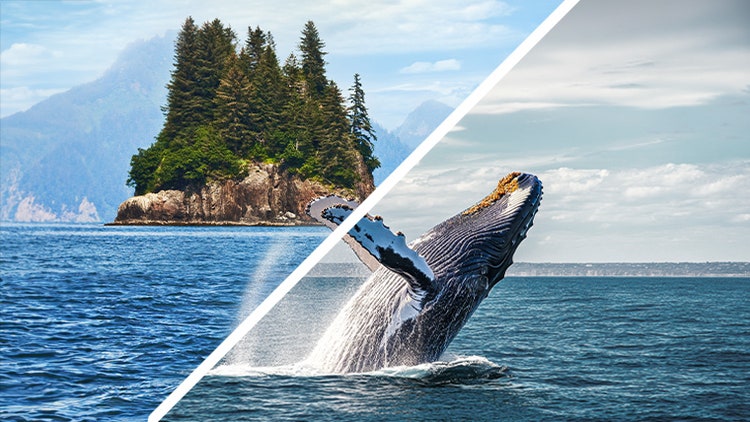
Get step-by-step help with Guided Edits.
Whether you want to learn how to combine pics and enhance landscape photos or create a double exposure video, Guided Edits will walk you through the process to build your skills. Learn more | Learn more guided edits

Elevate your creativity with templates.
Showcase your pics and videos in Photo Reels, Highlight Reels, collages, and slideshows, and access thousands of free Adobe Express templates for social posts, videos, posters, and more. Learn more | Learn more templates

Organize effortlessly.
Quickly import from popular cloud services. Sort and back up automatically. And find photos and videos fast by typing a description of what you're looking for (English-only beta). Learn more | Learn more organize

Grow as you go.
No experience? No problem. Dive right in and build your skills with Quick, Guided, and Advanced editing modes.