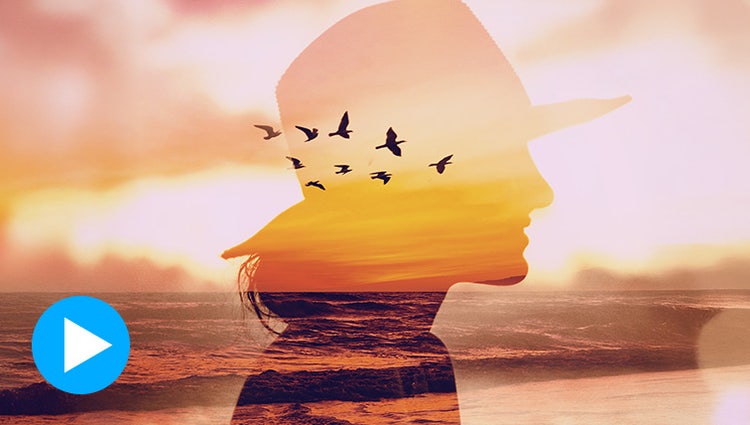
ENHANCED: Create cool double exposures.
Turn two photos into one work of art with a captivating double exposure effect. And now you can select your subject with one click to edit faster.

ENHANCED: Picture incredible text.
Turn a photo into cool visual text. Fine-tune background opacity with a slider, and then add an embossed look and drop shadows to really make it pop.

Erase distractions more quickly and easily.
Put the focus on your subject by removing power lines, pedestrians, and other distractions with the swipe of a brush thanks to improved AI technology in the Object Removal Guided Edit.

Create stylized text.
Align text horizontally, vertically, or on a path or a shape with Add Text Guided Edit. Warp it and style it with gradients, textures, and patterns.
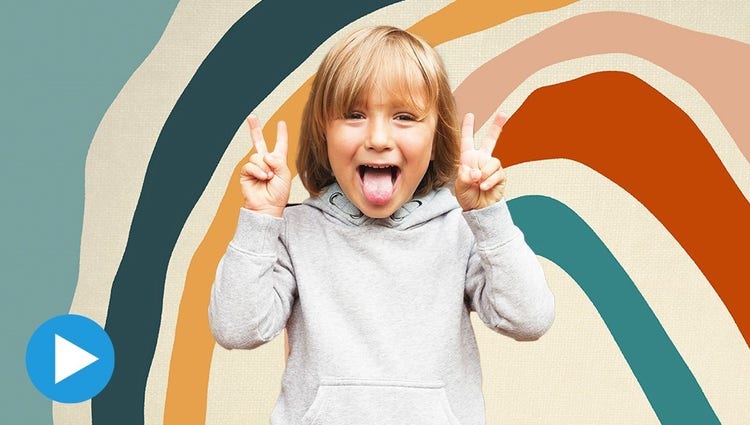
Replace backgrounds.
Select the subject of a photo and place it on a different background to make your pic even more amazing. And spruce up your scenes with contemporary backgrounds.

Add peek-through overlays.
Create the illusion of depth by framing your subject with realistic overlays such as flowers and leaves. Resize, adjust blur, or add a vignette to get just the look you want.
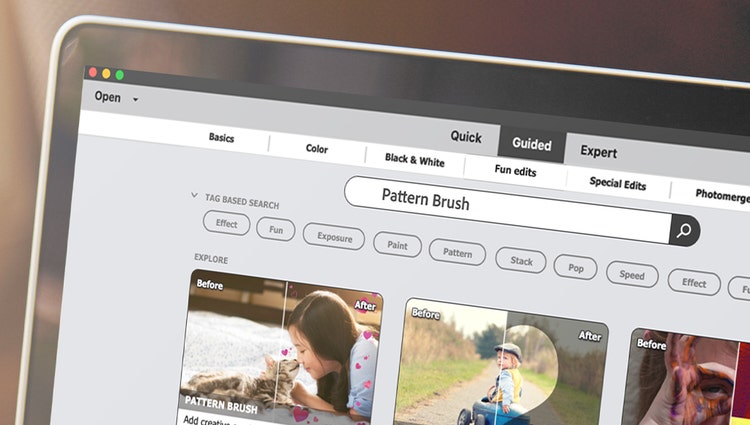
Quickly search Guided Edit options.
Easily find what you want to do or discover new things to try by searching on familiar terms, using keyword tags, or choosing from popular options.

Brush on creative patterns.
Give any photo a little something extra by brushing on a fun pattern — like hearts, stars, swirls and more.

Perfect your landscapes.
Easily replace skies, remove haze, and erase unwanted objects to create epic outdoor scenes.
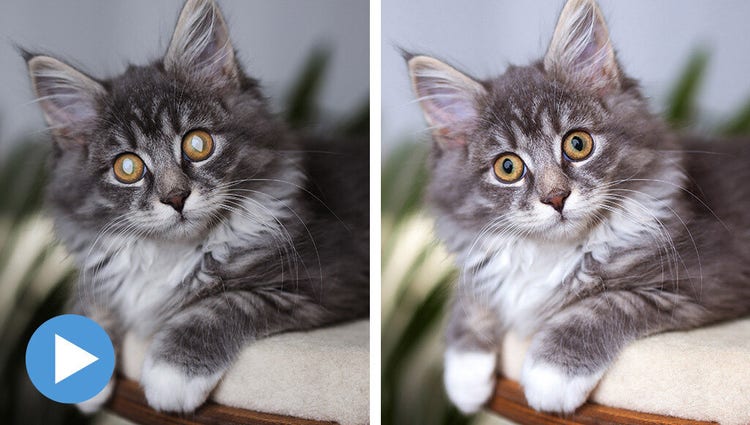
Create perfect pet pics.
Frame your pets up just right, adjust color and lighting, select and refine detailed edges like fur, fix pet-eye, and remove collars, and leashes in a few simple steps.
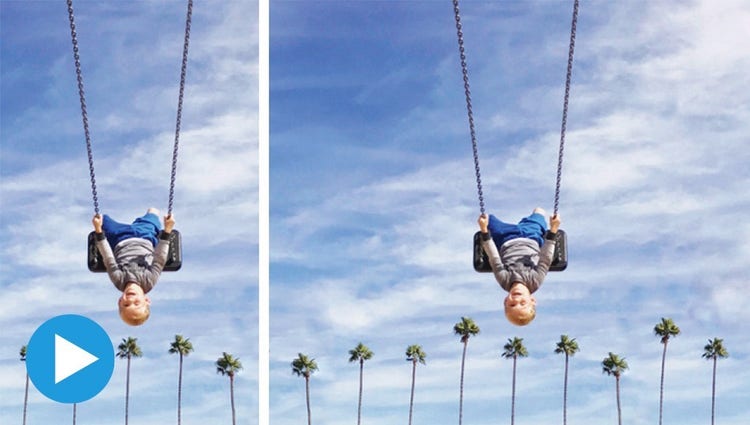
Extend photo backgrounds.
Create a stunning landscape or reposition your subject for the perfect social post by easily extending your photo’s background. Content-Aware Fill makes it all possible.

Move, scale, and duplicate objects.
With step-by-step help, it’s easier than ever to select an object and change its position, size, and more — meaning you can make your creation look exactly how you want.

Create modern duotones.
Apply cool, custom duotone effects to your photos for a beautiful two-color creation using this simple Guided Edit. Choose from custom preset social sizes, add a gradient, and more!
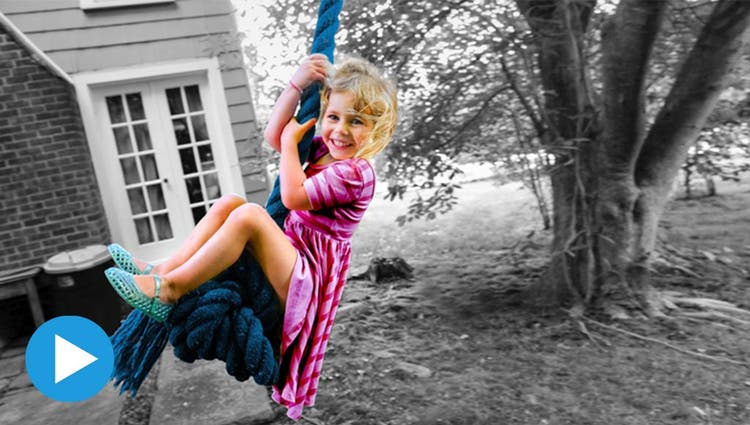
Add a pop of color to B&W pics.
Highlight a single color or a specific object, then turn the rest black-and-white for a dramatic effect.