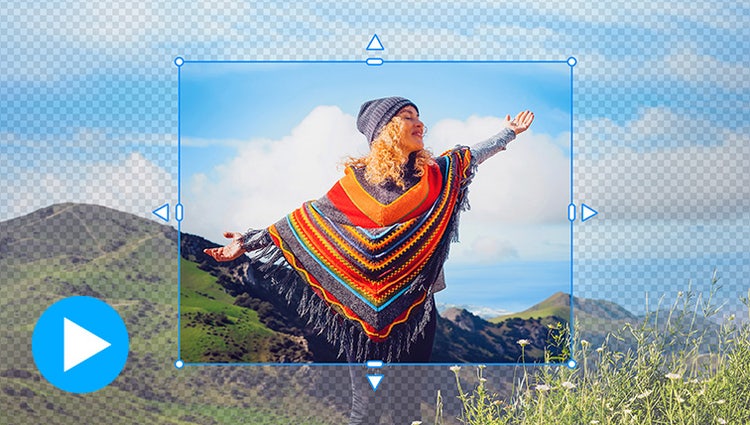
NEW | Expand a photo with generative AI.
Need more space around your photo? With Generative Expand, just drag the edges to automatically fill in the background with matching content.*
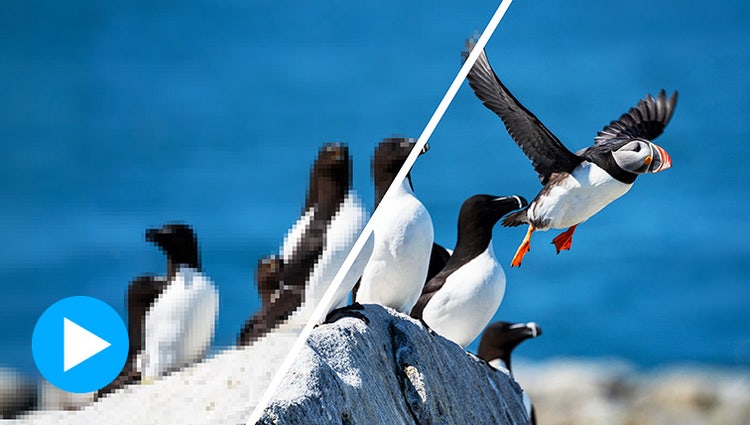
NEW | Sharpen details with generative AI.
Enhance clarity in low-resolution photos with Generative Upscale.*
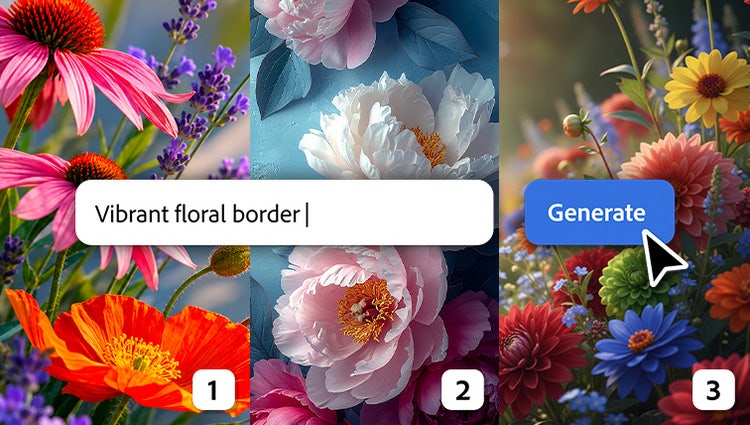
NEW | Take your creativity further with popular AI models.
Along with Adobe Firefly models, you can now choose from a curated set of partner models to generate content that fits your needs.*
NEW | Discover AI-powered features in one place.
Easily access popular AI tools so you can spend less time searching and more time creating.
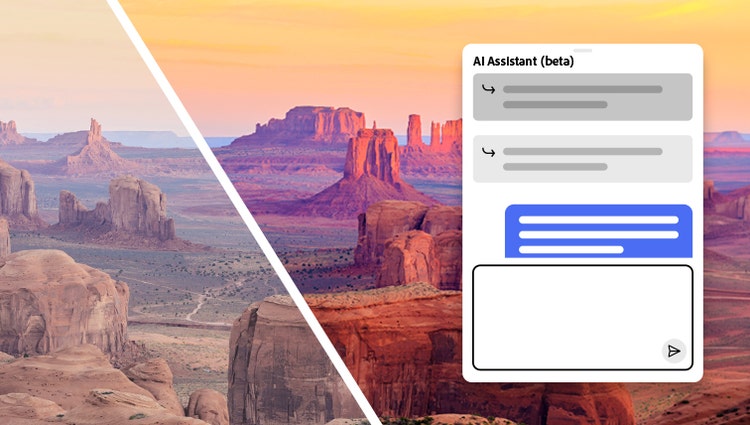
NEW | Not sure where to start? Just ask.
AI Assistant (beta) helps you find the right tools, guides you through edits, and handles common tasks — all from a simple chat.
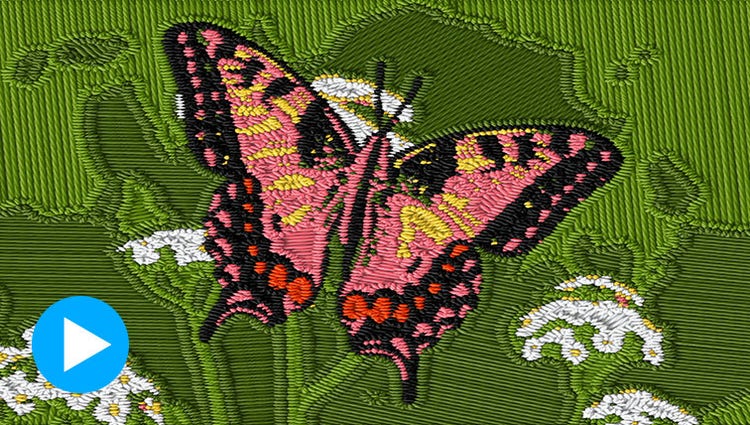
NEW | Make an instant impact with creative filters.
Try options like Embroidery, Oil Painting, or Duotone. Explore variations, and use sliders to fine-tune intensity, texture, and color.

Bring ideas to life with Generate Image.
Type a description to create anything from a basic background to a detailed image.*

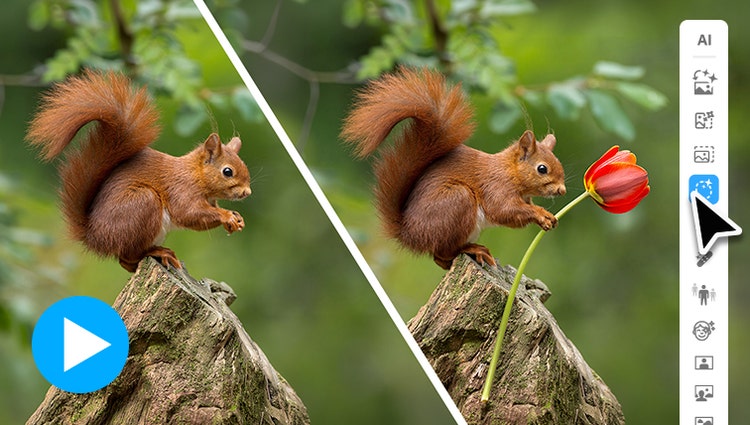
Add new elements like magic.
Brush over an area and then type a description of an object to see it appear. It's all powered by generative AI.*

Make anything disappear in seconds.
The Remove tool now automatically detects people in the background of your photos for easy removal.

Restore photos with AI.
Revive memories by erasing scratches, creases, and wear and tear.

Automatically colorize photos.
Give black-and-whites new life or change up the colors in your pics with automatic colorization.

Add realistic depth of field with precise control.
Choose your focal point and Depth Blur filter automatically adds blur just where it’s needed. Adjust details like blur strength plus focal distance and range.

Change the color of any object.
Just use the automatic selection tools to choose what you want to change, pick your new color, and refine to suit your style.

Discover one-click Quick Actions in one place.
Popular one-click edits are at your fingertips. Add four types of motion effects, instantly blur or remove a background, smooth skin, dehaze or colorize a photo, and more.

Quickly touch up facial features.
Get the perfect shot every time by automatically opening closed eyes, turning frowns upside down, fine-tuning face tilt, automatically smoothing skin, and more.

Select a sky or background with one click.
Automatic selections make it simple to enhance or replace just one area.

Warp photos to fit any shape.
Place one photo inside another by wrapping it around an object like a coffee mug or fitting it inside shapes like the lenses of your subject’s sunglasses.

Turn photos into art.
With Artistic Effects, just click to add effects inspired by famous works of art or popular art styles.

Select an area and make it move.
Add movie magic to any photo by selecting an area and adding motion. Choose the direction, adjust the speed, and then save as an MP4 or GIF to share on social.

Layer on some animation.
Add moving overlays like snowflakes and sparkles, and create fun animated frames. Then save your photos as MP4s to share on social and more.

Learn and edit with ease.
Get up to speed with built-in tooltips and edit fast with toolbars that adjust based on what you’re doing.