#fff
Edit and enhance 360° and VR videos.
Position your footage and add effects, transitions, text, and graphics. Export in VR or standard formats for easy social sharing.
Watch video | Play Premiere Elements edit and enhance 360° and VR videos video
Access free Adobe Stock media.
Discover high-quality photos, videos, audio clips, and sound effects right inside Premiere Elements.
Watch video | Play Premiere Elements access free Adobe Stock media video
Format text with style templates and a style browser.
Create consistent looks fast by using included text style templates or creating your own, and save your favorites in a visual browser for easy access.
Watch video | Play Premiere Elements format text with style templates and a style browser video
Explore more motion title templates.
Easily add stylish text, graphics, and animations.
Watch video | Play Premiere Elements explore more motion title templates video
Enhance text with color fonts and emojis.
Grab attention with more vibrant and expressive titles and text.
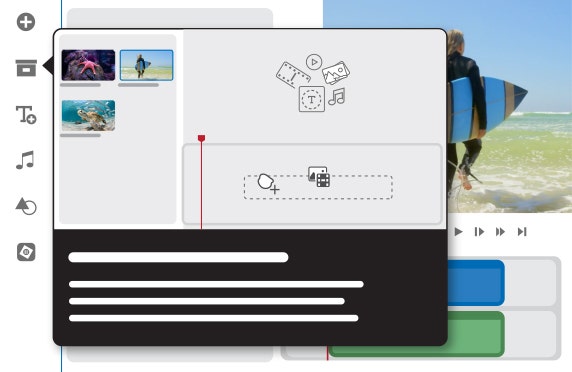
Learn and edit more easily than ever.
Built-in hints and animations help you get up to speed fast, and you can delete Timeline gaps all at once and experience faster shake stabilization.
Frame scenes better with freehand crop.
Just drag crop handles to resize your videos.
Import and view more easily in the Organizer.
Quickly import from cloud services like Google Drive and OneDrive, and get easier access to full-screen mode and zoom controls.