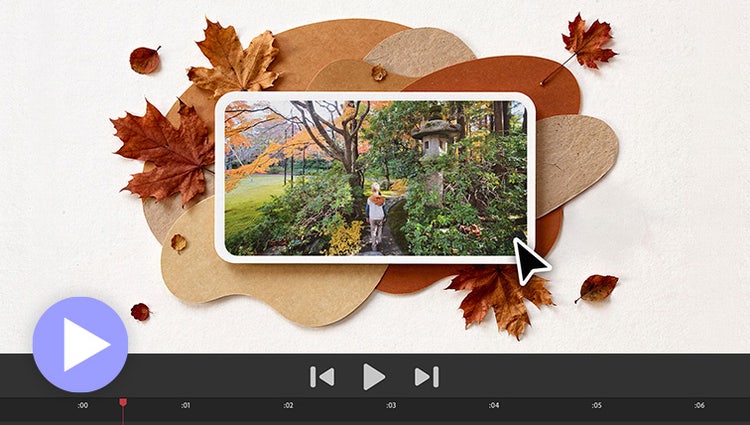
NEW | Generate custom images with AI.
Need to fill a visual gap in your story or create a unique overlay? Just type a description to generate a custom image and then drop it right into your video.*
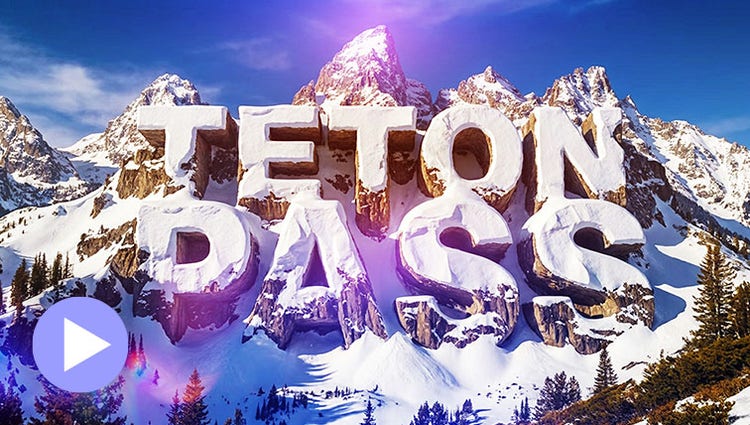
NEW | Generate creative title art.
Describe a look, from road signs to frosting to snow-capped cliffs, and AI turns your title into custom art ready to layer over your video.*
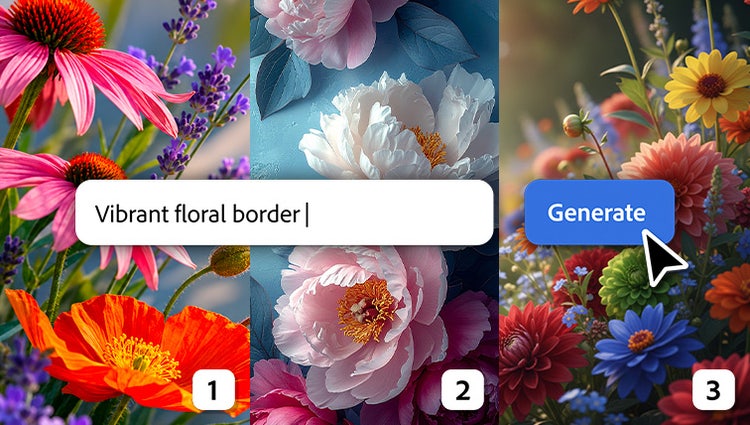
NEW | Take your creativity further with popular AI models.
Along with Adobe Firefly models, you can now choose from a curated set of partner models to generate content that fits your needs.*
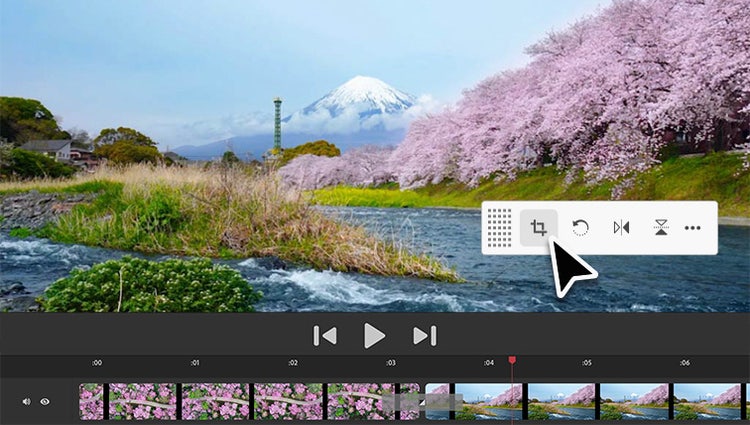
NEW | Find the tools you need when you need them.
Contextual toolbars put the best editing tools for the task right at your fingertips so you can stay in your creative flow.
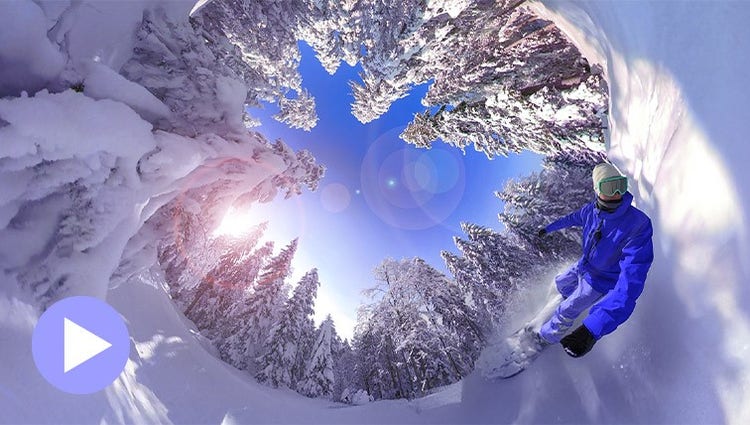
Edit and enhance 360° and VR videos.
Position your footage and add effects, transitions, text, and graphics. Export in VR or standard formats for easy social sharing.
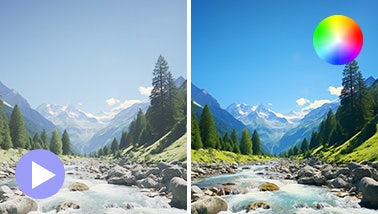
Get your colors just right.
Ensure that clouds and snow look truly white with the White Balance tool, and make precise color and brightness adjustments using color correction Curves.
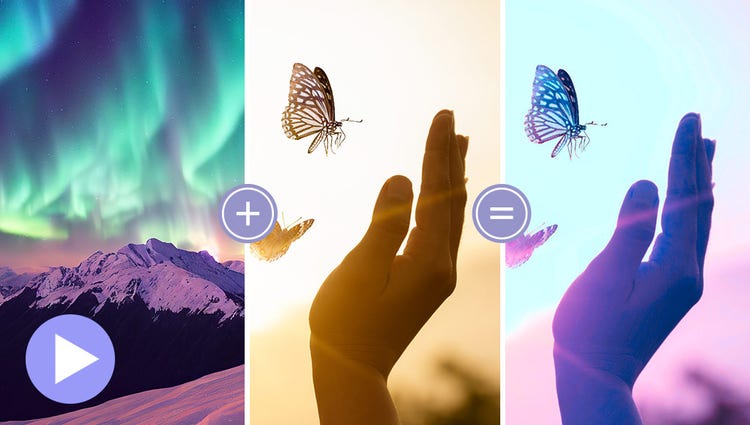
Match color and tone.
Choose a video or photo with colors you love, click once, and then fine-tune hue, saturation, and brightness with sliders.

Automatically create Highlight Reels.
AI and automation quickly turn your clips into videos that draw people in by focusing on motion, close-ups, and your highest-quality footage.
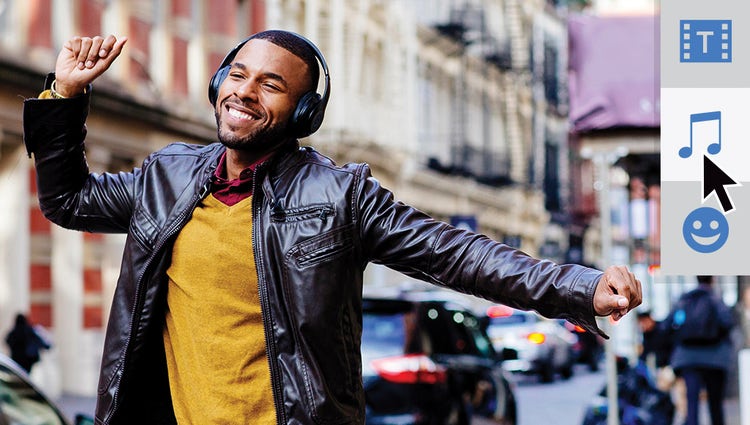
Enhance your storytelling with audio effects.
Try effects like Reverb, Vocal Enhancer, and DeHummer to improve your listening experience.
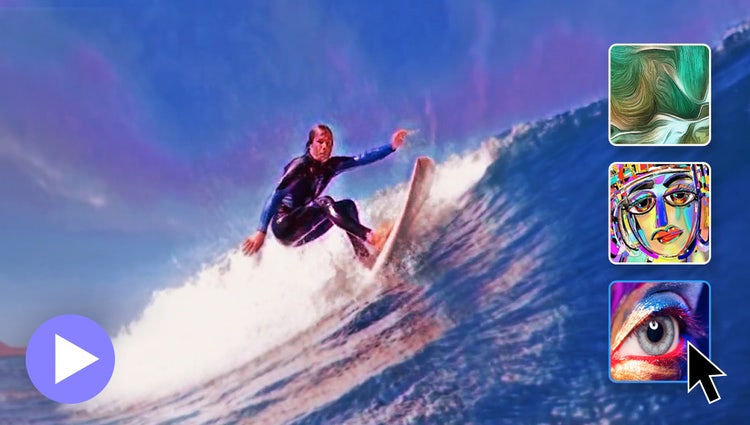
Turn your videos into art.
In one click, transform your clips with effects inspired by famous works or art or popular art styles.
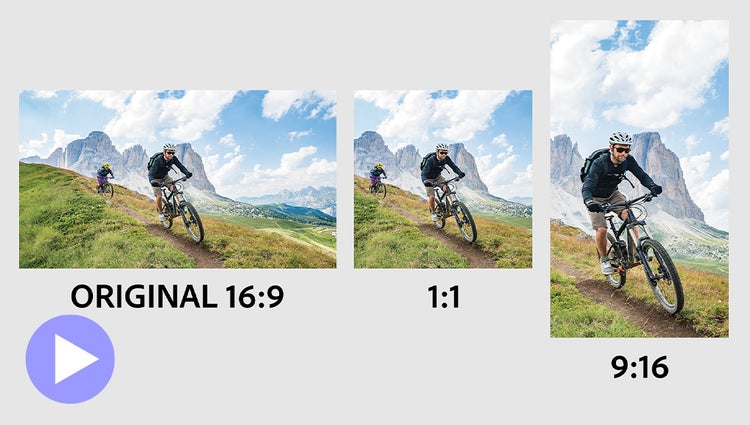
Auto-reframe your subject.
Easily resize your videos for social media and more while keeping the most important part of the action in the frame.
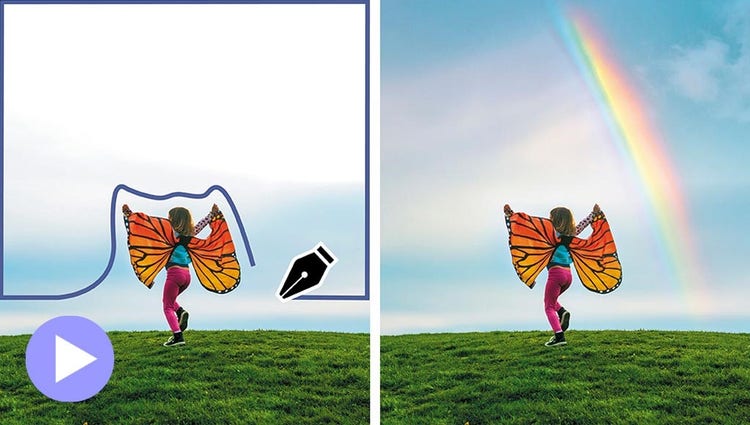
Make precise selections.
Select a specific object — or area — of your video and easily apply an effect that tracks throughout the video.
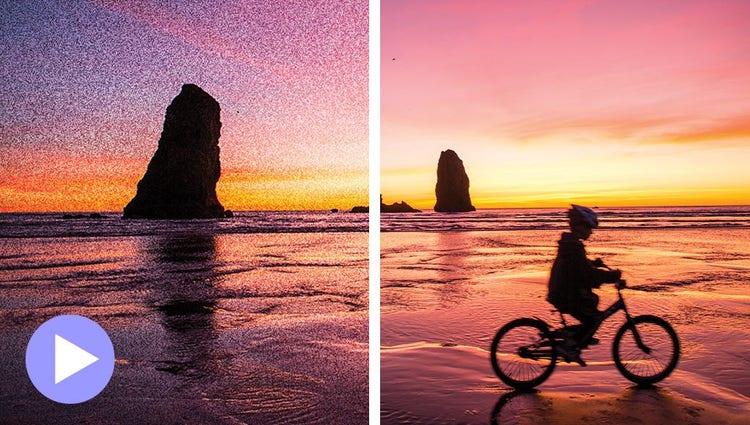
Improve grainy videos.
Shot your video in low light? Make it look crisper with a simple drag and drop of the Reduce Noise effect.
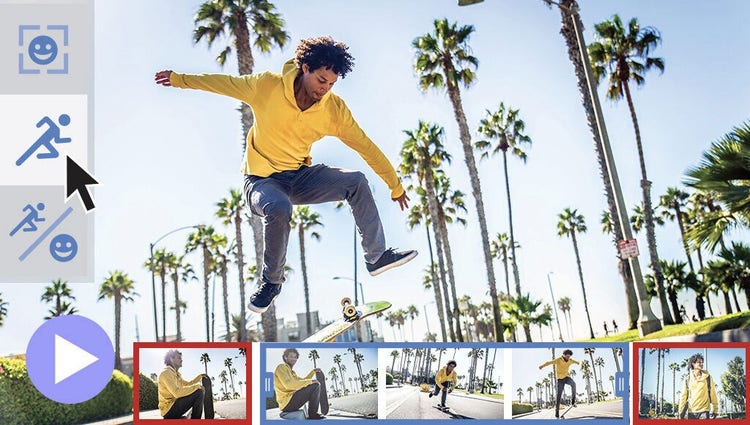
Instantly trim all but the good stuff.
Smart Trim finds and brings together the best scenes based on the style of your video.
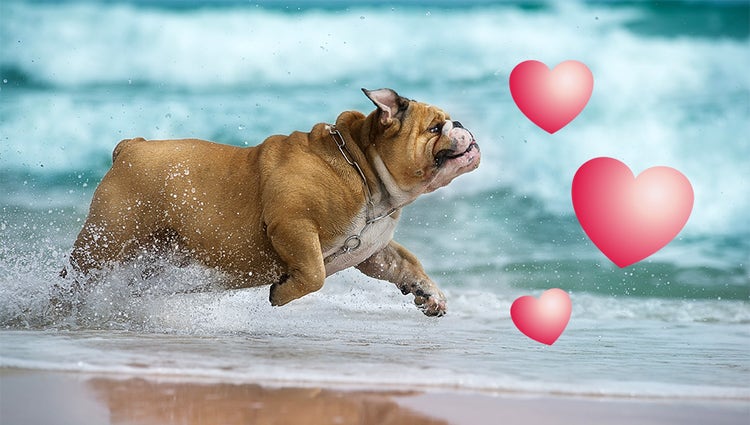
Punch up your videos with fun graphics.
Emphasize key moments or just add some eye-candy with modern graphics.