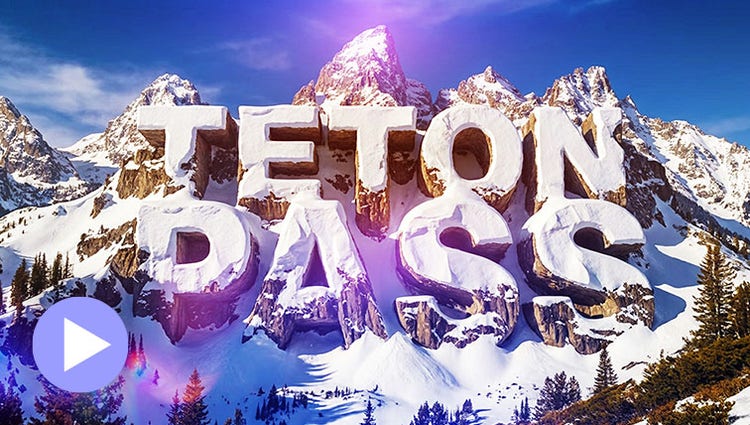
NEW | Generate creative title art.
Describe a look, from road signs to frosting to snow-capped cliffs, and AI turns your title into custom art ready to layer over your video.*
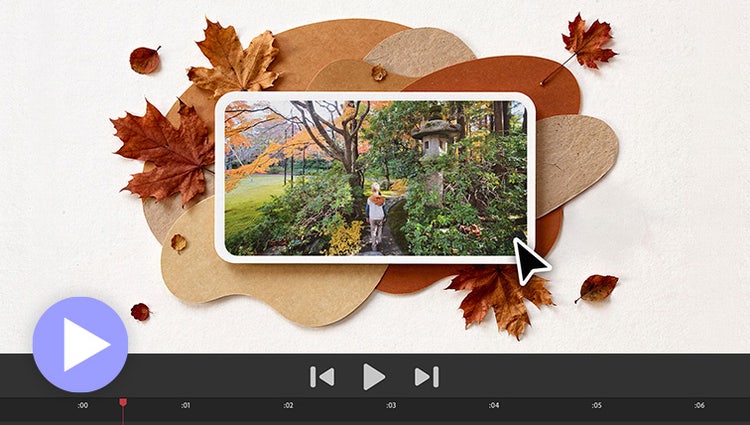
NEW | Generate custom images with AI.
Need to fill a visual gap in your story or create a unique overlay? Just type a description to generate a custom image and then drop it right into your video.*
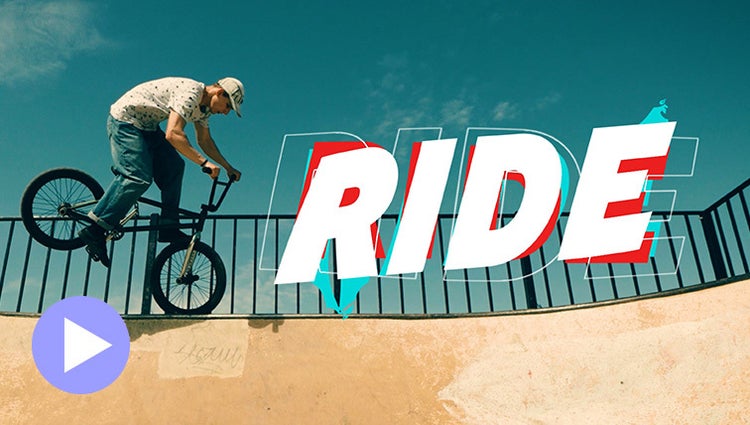
Explore motion title templates.
Easily add stylish text, graphics, and animations.
Get your colors just right.
Ensure that clouds and snow look truly white with the White Balance tool, and make precise color and brightness adjustments using color correction Curves.
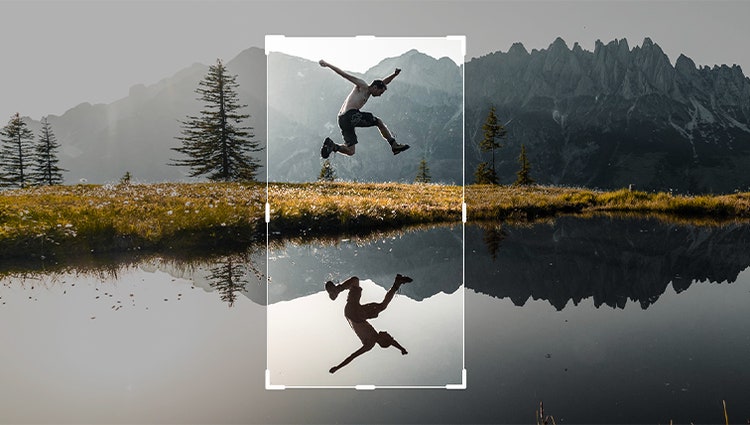
Frame scenes better with freehand crop.
Just drag crop handles to resize your videos.

Create dynamic titles with text controls.
Style your text to match your story with controls for alignment, size, direction, color, spacing, and more. And create consistent looks fast using style templates and a style browser.
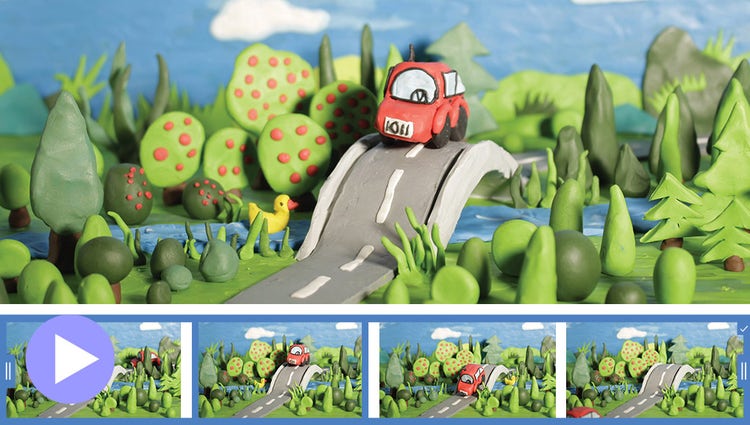
Produce dynamic stop-motion videos.
Turn a series of photos or videos into a fun stop-motion movie that speeds up the action.
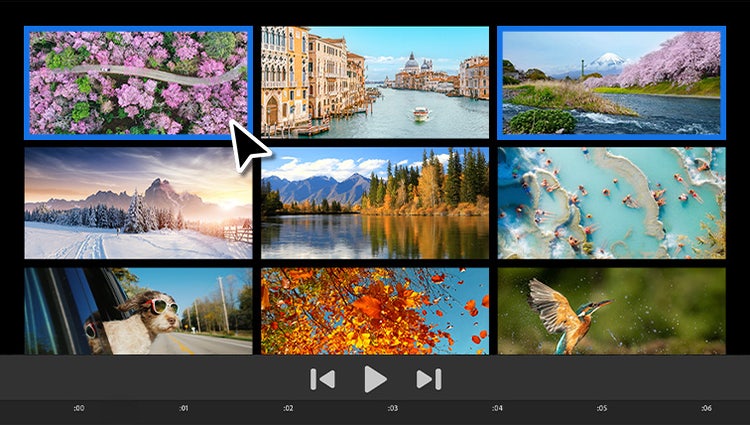
NEW | Test-drive features using sample media.
Built-in photos and videos let you start editing and learning right away.
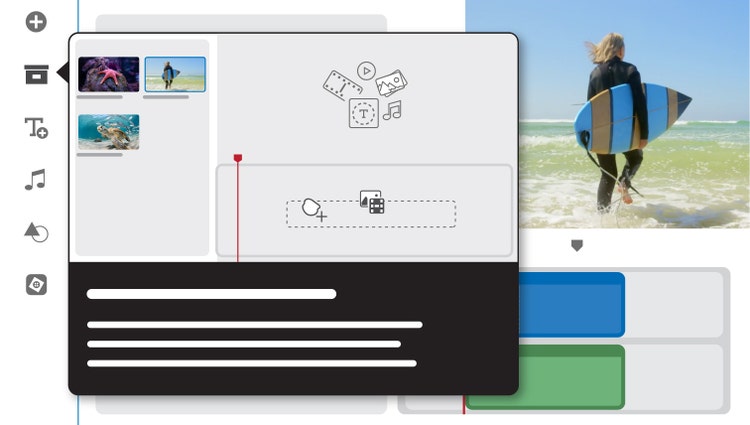
Learn with visual tooltips.
Built-in hints and animations help you get up to speed fast.
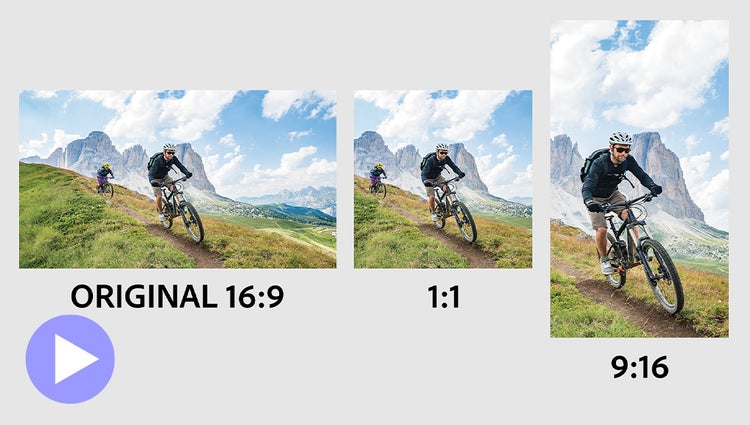
Auto-reframe your subject.
Easily resize for social media and more while keeping the most important part of the action in the frame.
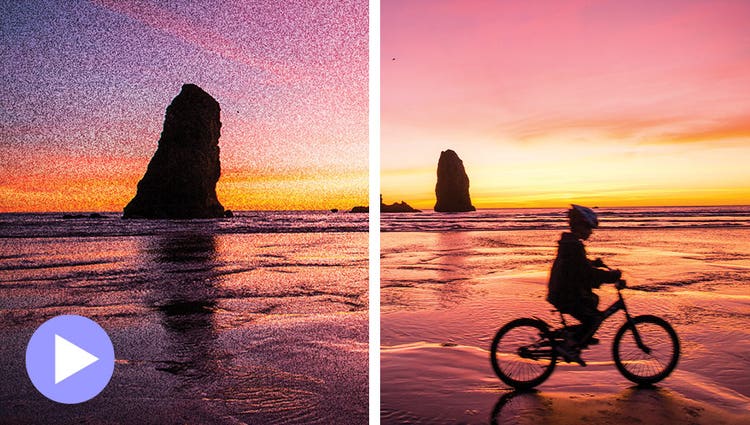
Improve grainy videos.
Shot your video in low light? Make it look crisper with a simple drag and drop of the Reduce Noise effect.
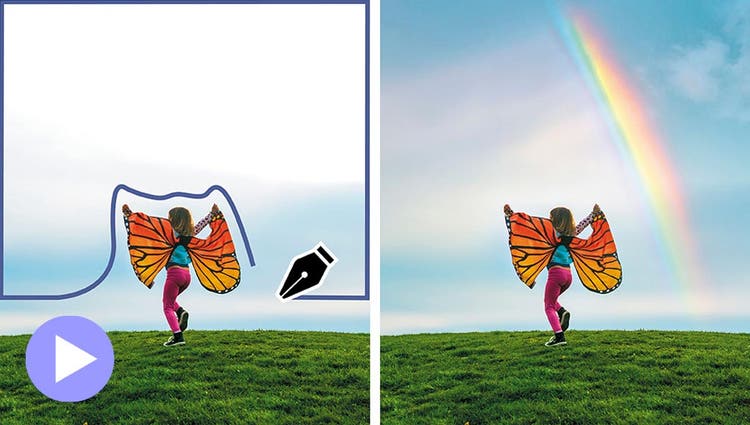
Make precise selections.
Select a specific object — or area — of your video and easily apply an effect that tracks throughout the video, like brightening the subject or blurring the background.
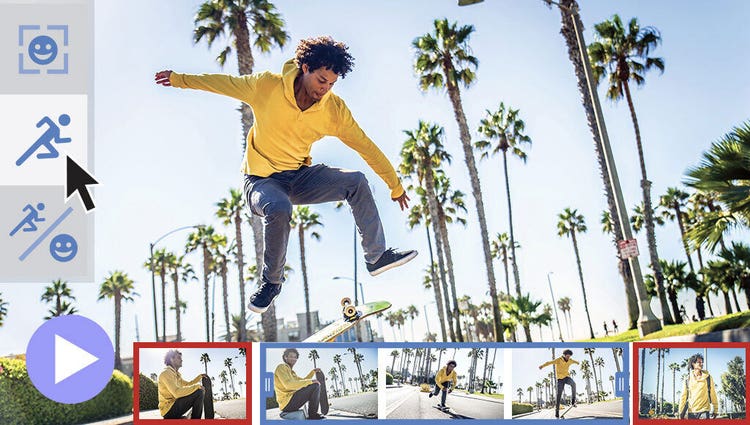
Instantly trim all but the good stuff.
Smart Trim finds and brings together the best scenes based on the style of your video.
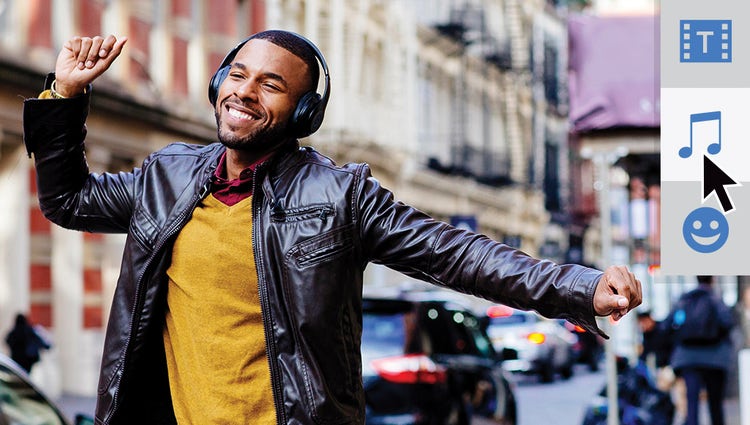
Try out great audio tracks.
The perfect video needs the perfect soundtrack. Create just the feel you want with fresh audio tracks.
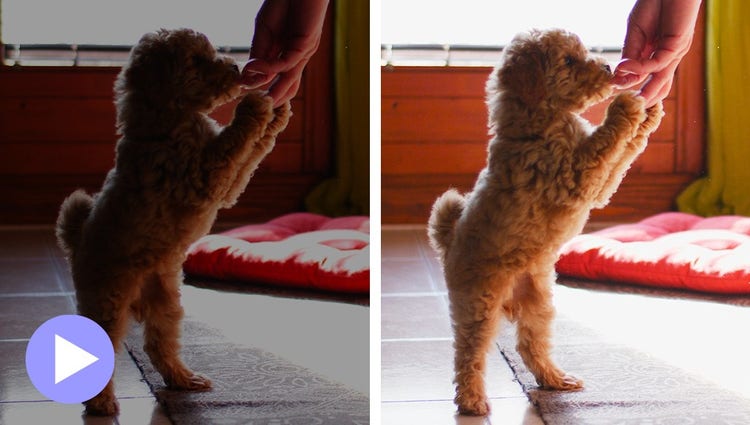
Adjust shadows and highlights.
Easily reveal hidden details in the darkest or brightest areas of your videos so there’s more to see in every scene.