Take your designs to new dimensions.
With Project Neo and Illustrator, it’s easy to turn dimensional artwork into vectors — or the reverse. Create 3D designs in the intuitive Project Neo app, then directly export them to Illustrator as editable vectors. Or, import vectors from Illustrator that you can edit as 3D designs.
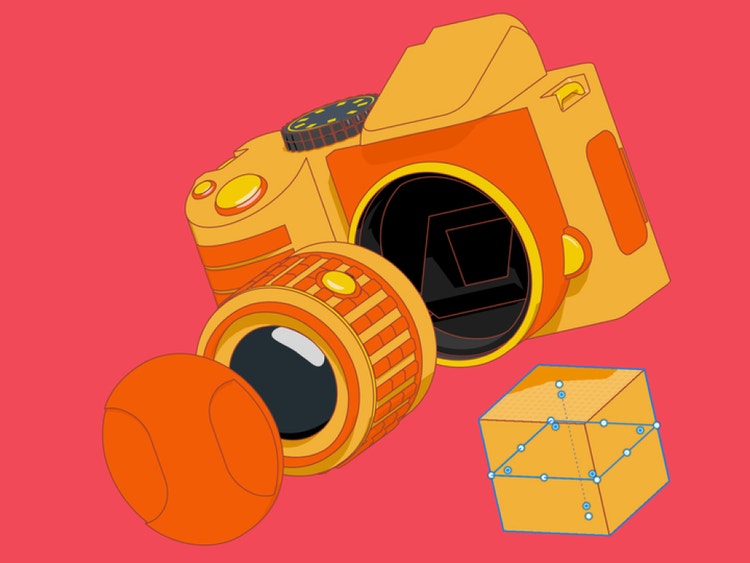
Go from volumetric to vector with ease.
Create comprehensive designs for clients that include dimensional and 2D versions. Use familiar tools and concepts such as shape building and anchor points to create 3D designs in Project Neo, then export them to Illustrator as vectors you can immediately start applying to logos, branding, and mockups. Or, import your vector designs from Illustrator and turn them into 3D variations.
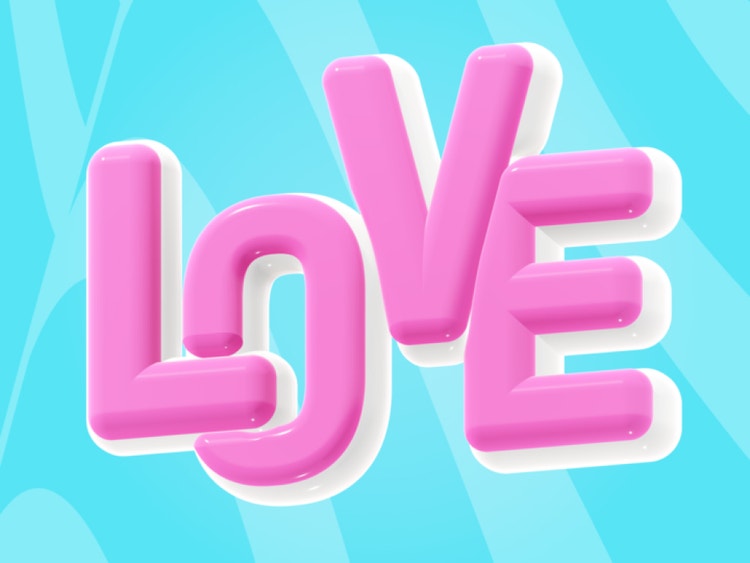
Design custom 3D typography.
Project Neo is integrated with Adobe Fonts. Access over 30,000 typefaces and add them to your 3D designs. Extrude, light, blend, and position text to create custom typography for brand identities and beyond.
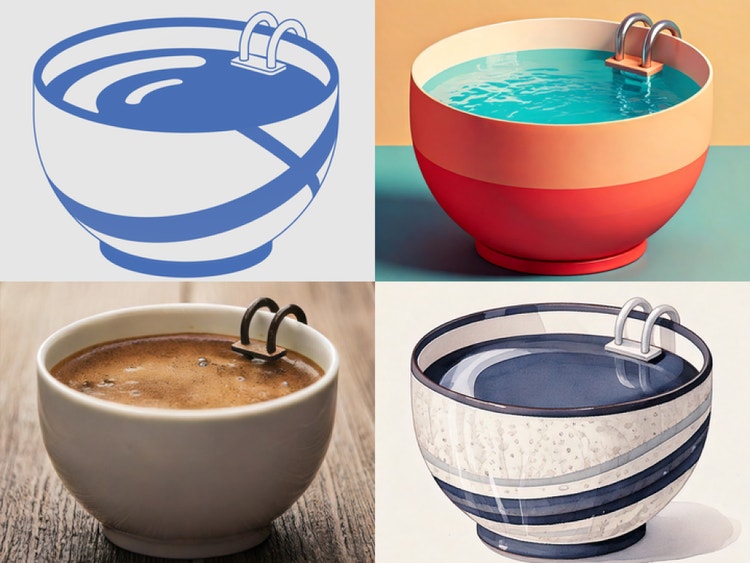
Create design variations quickly.
Use Scene to image to produce a new version of your 3D design. Simply enter a prompt to generate a new take on your original artwork. Quickly fill a storyboard with concept art for a client, all in your own unique style.