Explore Adobe Illustrator features.

Draw perfect lines, every time.
Smart snapping helps you draw in record time. Use Snap to Tangent or Snap to Perpendicular to make precise, clean lines without adding anchor points.
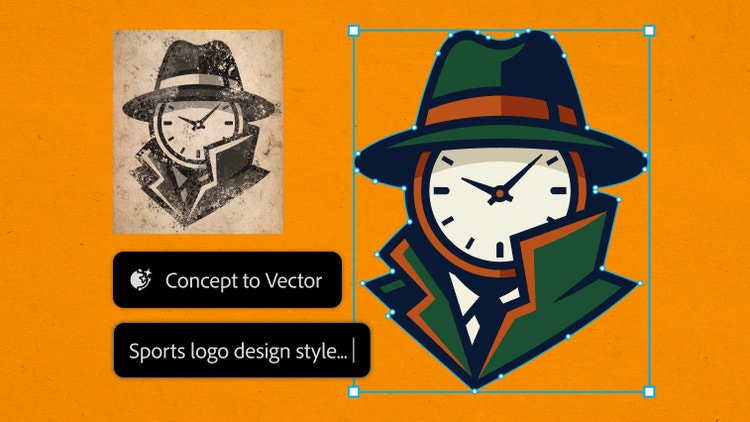
Turn rough ideas into vectors.
Drop a sketch or low-res image into Illustrator and start refining, not redrawing. Concept to Vector transforms outlines into editable graphics — ready to reshape, restyle, and explore new directions.
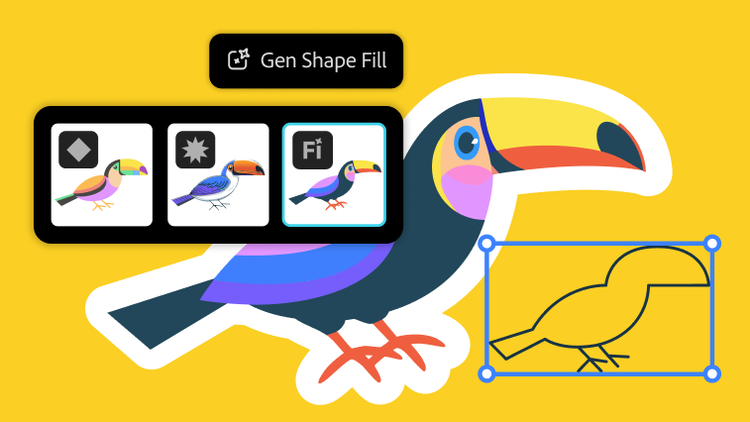
More flexible ways to fill shapes.
Explore different design possibilities with powerful AI models like GPT‑4o, Gemini 2.5, and more — now in Generative Shape Fill.
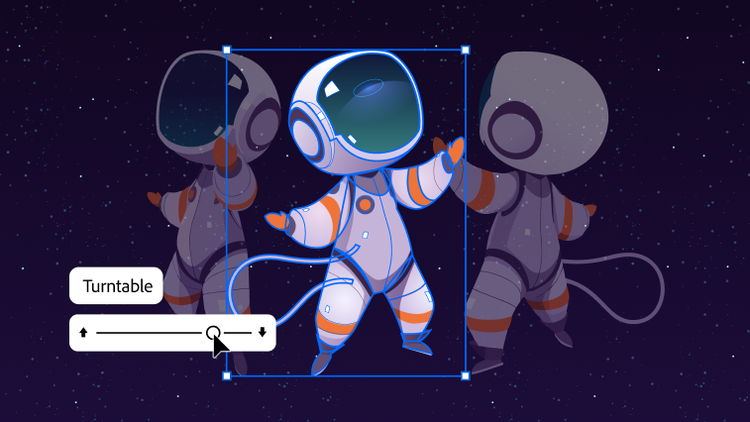
See your art from every angle, instantly.
Bring new perspectives to your work with Turntable in Illustrator. Skip hours of redraws, refine designs, and add motion for presentations or social.
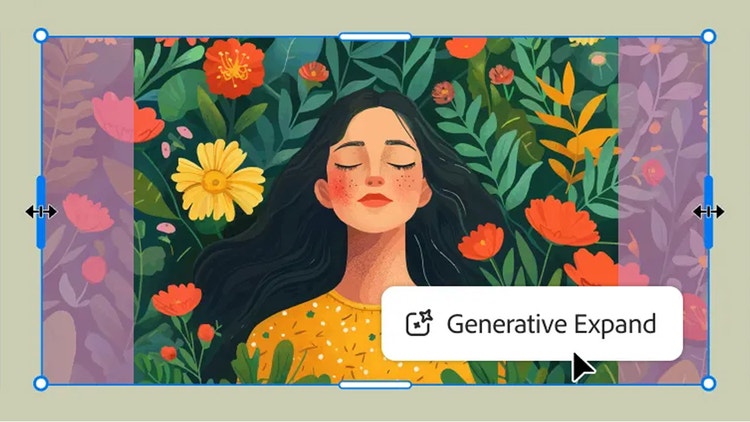
Expand your artwork seamlessly.
Maximize your productivity with new Generative Expand. Resize graphics, add bleeds, and explore concepts for professional designs.
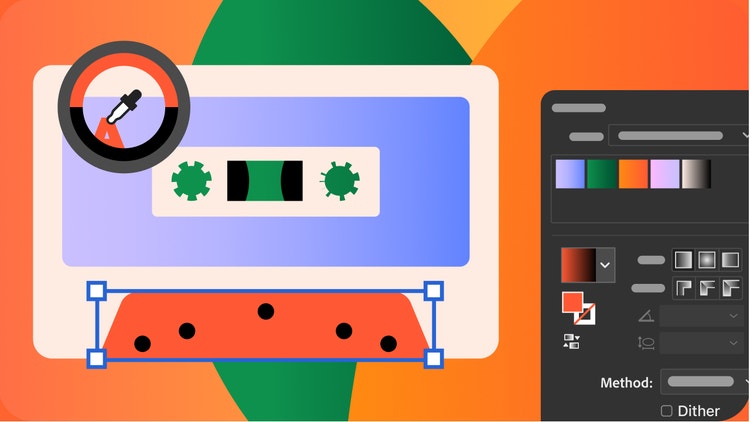
Fine-tune every shade.
Supercharge your workflow with a smoother Gradient tool and presets for more precise color transitions. A new Color Picker icon makes finding the perfect color easier than ever.