Go wherever your imagination takes you.
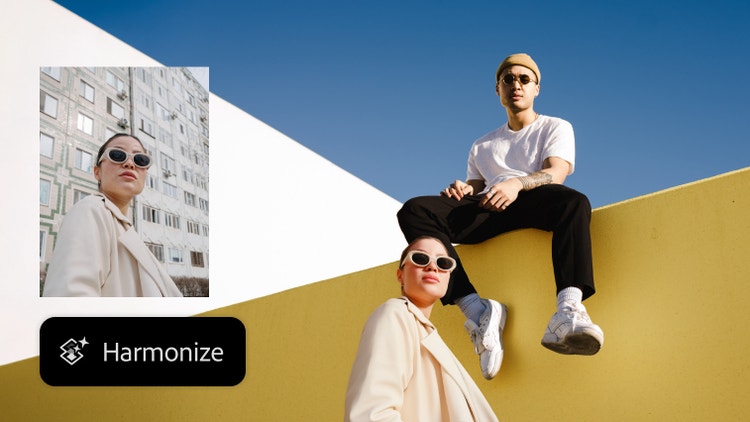
Easily blend elements with your scene.
Instantly blend people and objects into any background. Harmonize matches the lighting, shadows, colors, and other details for a seamless scene in seconds.
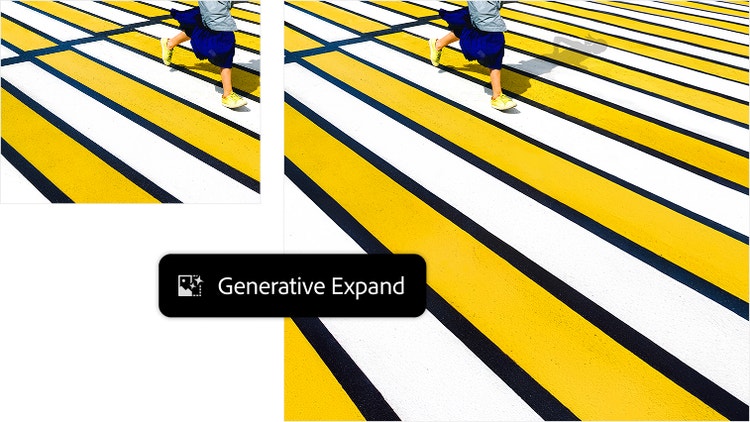
Quickly resize images.
Extend images in a few steps with Generative Expand. Just click and drag beyond the borders of an image with the Crop tool to fill the expanded canvas with new content that blends with the existing image.
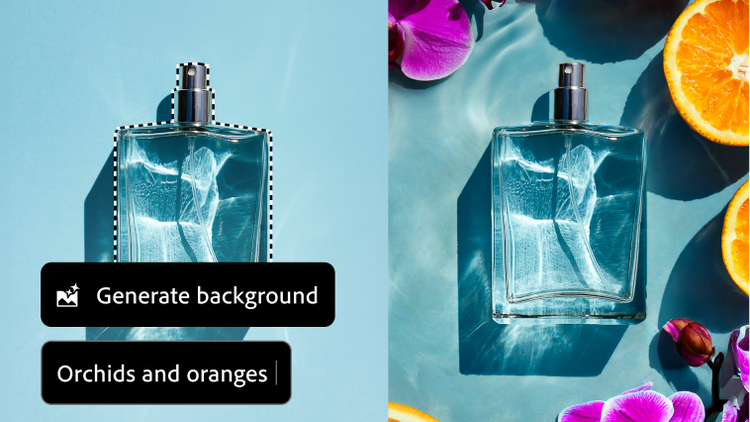
Add new backgrounds instantly.
Use Generate Background to add or replace a background with generated content that matches the lighting, shadows, and perspective of your subject in fewer steps, right from the Contextual Task Bar.