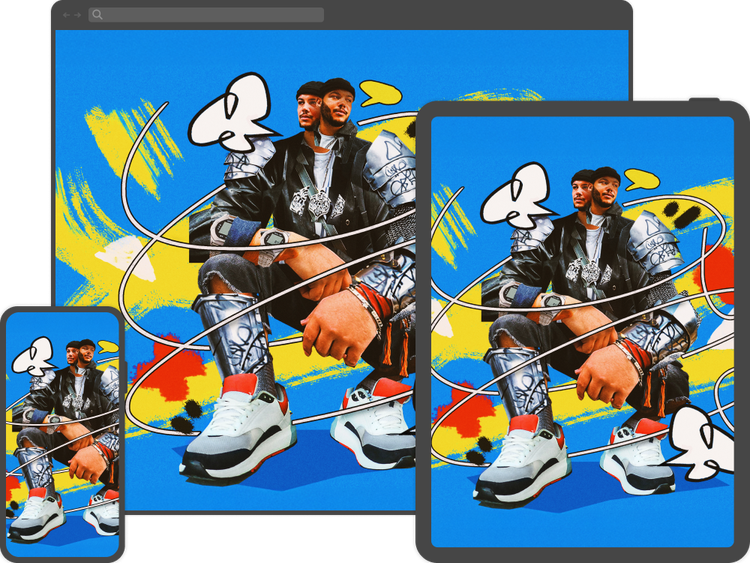
Make precise edits and realistic images.
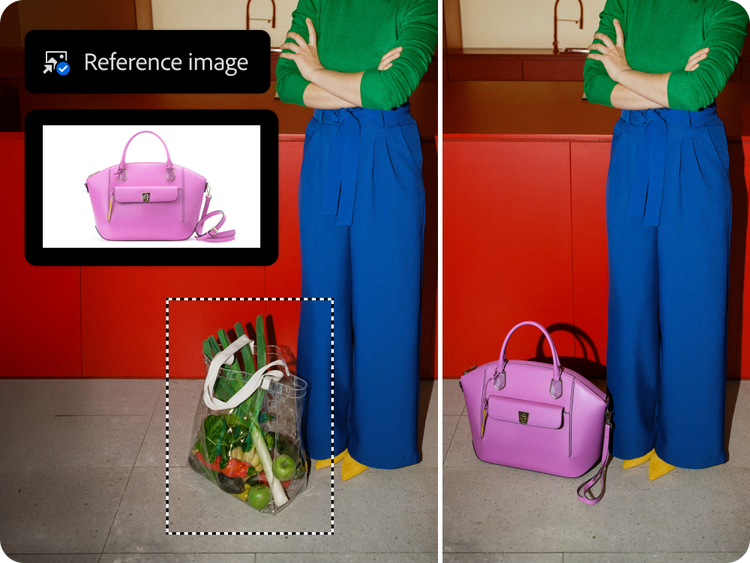
Generative Fill can help you make complex edits and quickly realize your vision. Get better results and more choice with leading AI models from Adobe, Google Gemini (Nano Banana Pro), and Black Forest Labs (FLUX models), directly in Photoshop. Use a Reference Image to visually guide results or add a specific object to your design, and details like scale and lighting are automatically adjusted to match the scene.
Create seamless composites.
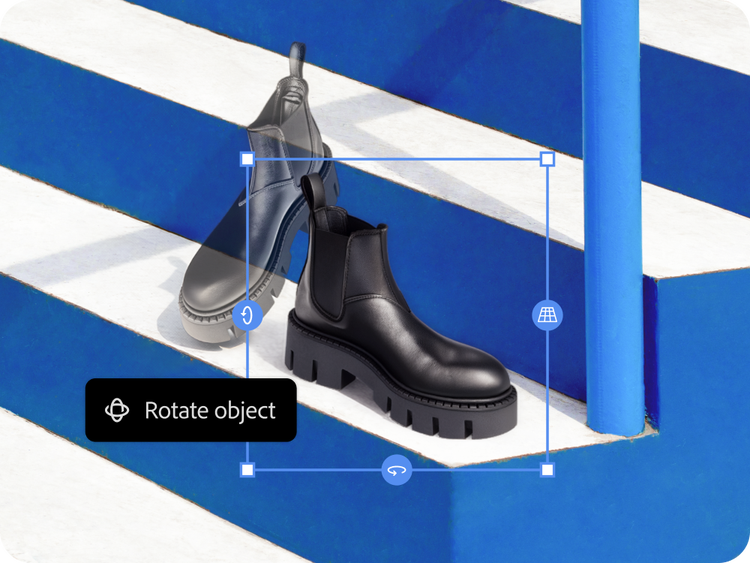
Explore new angles and compositions faster with Rotate Object. Tilt, rotate, and scale objects in real time — without rebuilding all the details. Then use Harmonize to instantly blend your object into any background and match details like lighting, shadow, and color to create a seamless composite. Create anything from polished interior design plans to realistic product mockups with ease.
Quickly expand images.
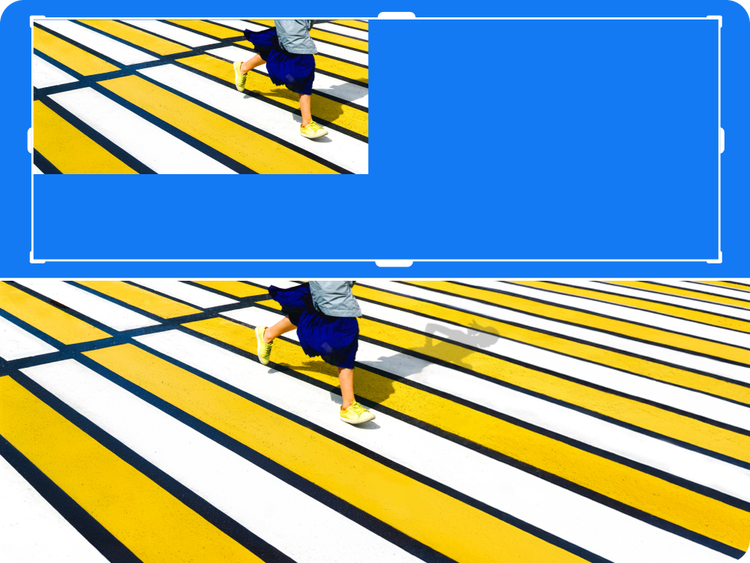
Easily expand an image in any direction with Generative Expand. Resize the borders to fit the dimensions you need, and generate content that seamlessly blends with the existing image. Or type in a prompt to get a more specific result.
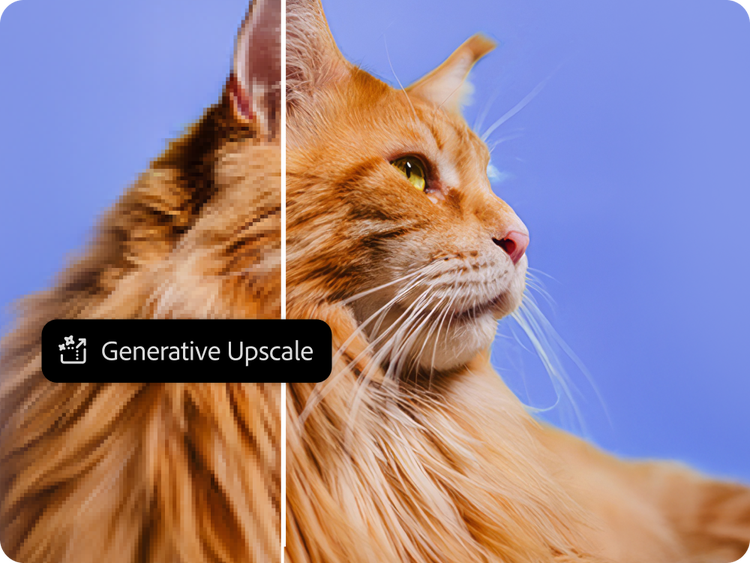
Upscale instantly.
Enhance images with power and flexibility using Generative Upscale and partner models from Topaz Labs. Instantly boost quality, clarity, and sharpness. Increase resolution on your production files and client projects, enhance old photos and scanned images, and more.
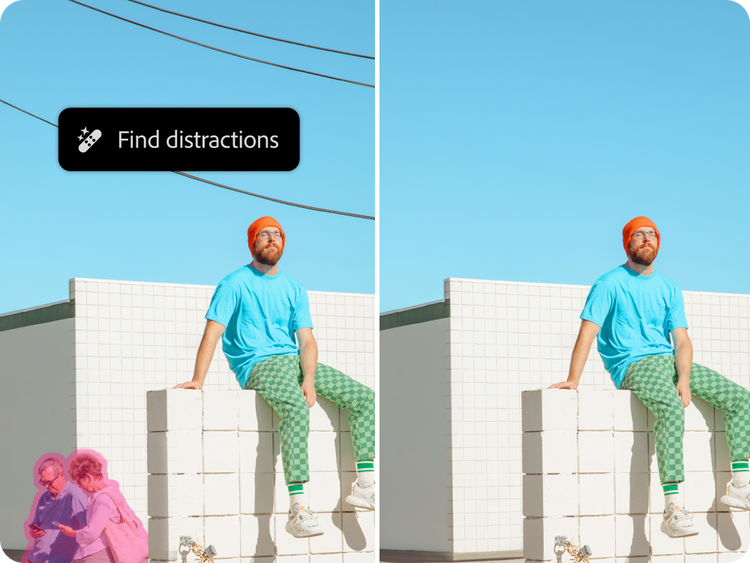
Declutter on demand.
Tidy up your scene in a click. Distraction Removal in the Remove tool automatically detects and deletes unwanted elements like wires, background people, vehicles, and poles, then fills in the removed area with new content that matches the background. And use Reflection Removal to delete reflections and clean up images taken through glass.

Swap backgrounds in seconds.
Transport your subject from a local city street to a location across the globe with Generate Background — just type in a description to instantly swap your scenery for a new one that matches the lighting, shadows, and perspective of the subject.
Edit on the go.
Find select AI tools, including Generative Fill and Generative Expand, in Photoshop on the web and in the mobile app. Make a major transformation or precise adjustment wherever inspiration strikes — on your phone, iPad, or in your browser. Your files stay synced, so you can easily move between devices.