Explore top features in Adobe Premiere on mobile.

Get set for social.
Premiere on mobile is made for social-first editing with exclusive effects and transitions, unlimited auto captions, and fonts for every style.
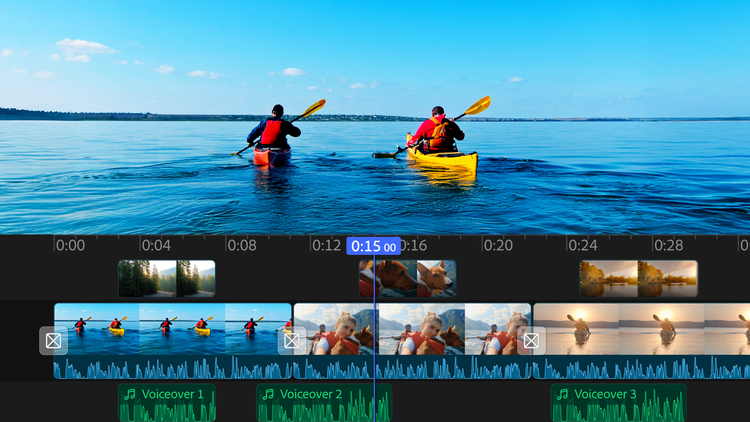
Edit with an unlimited number of tracks.
Overlay clips and organize your content on a multi-track timeline designed for speed and precision.
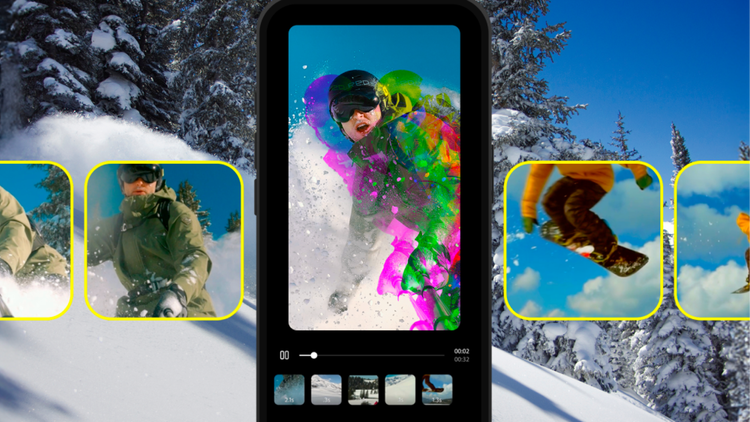
Free editing. Free from distractions.
Edit without watermarks, upsell pop-up ads, or clutter. The only time you pay is when you want to use generative AI credits. Enjoy a seamless editing experience that lets you stay focused on your content.
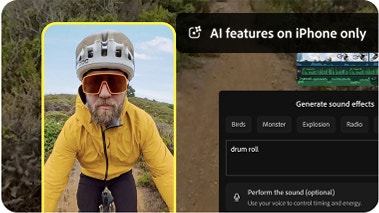
Turn your voice into sound effects.
Create custom sound effects for your videos using the Generate Sound Effects feature. Simply use your iPhone’s mic to capture the timing and inflection you want, and let AI do the rest.
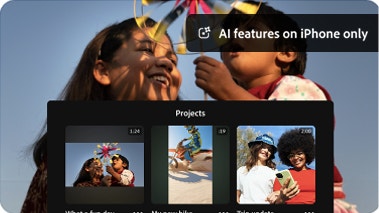
Create with confidence.
Adobe doesn’t claim any ownership of your content, and we only train Adobe Firefly generative AI models on content where we have permission to do so.
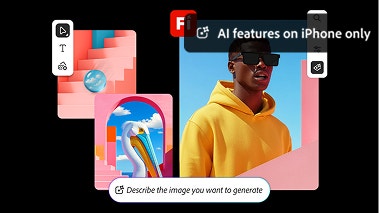
Quickly generate standout visuals.
Use features powered by Adobe Firefly AI to generate stickers and images, extend backgrounds, or turn images into clips. You can also help yourself to free creative assets from a massive in-app library.