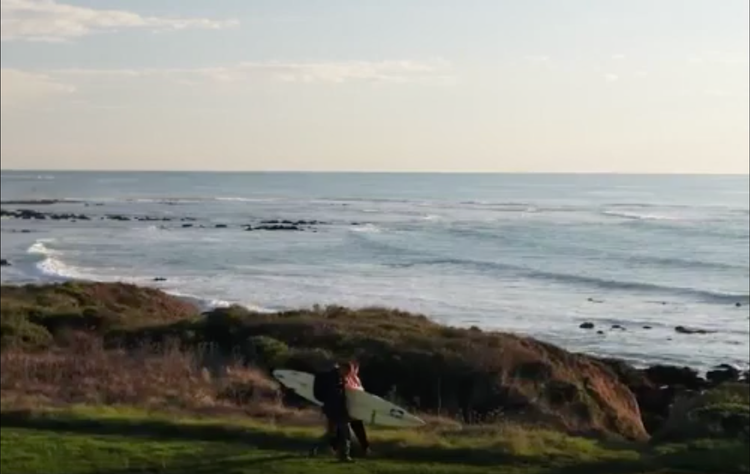
Epic edits, on your iPhone.
Premiere on iPhone is expressly designed for on-the-go editing. Trim, reorder and layer clips with amazing creative control. Apply cinematic colour in a tap and easily add animated captions.
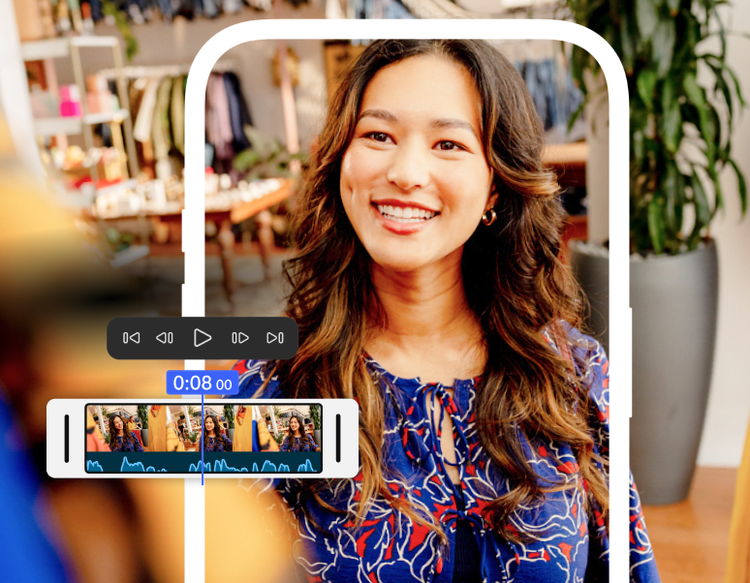
Tell the perfect story.
Bring your school projects to life with video. Use professional-quality tools to create cinematic videos, master foundational editing techniques and develop your visual storytelling skills.
Get all the audiovisual tools you need.
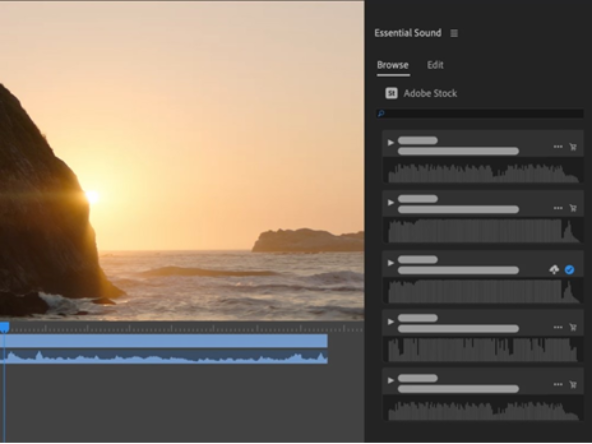
Experiment with colour, audio, effects and titles to shape your video. Balance colour with ease. Mix audio in a few clicks. And quickly create eye-catching titles, graphics and transitions.
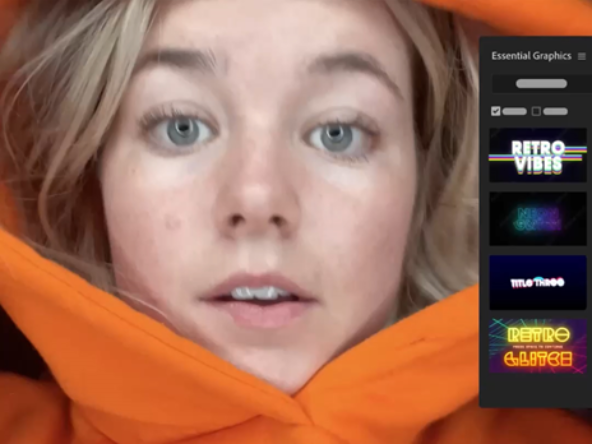
Grab attention and gain followers.
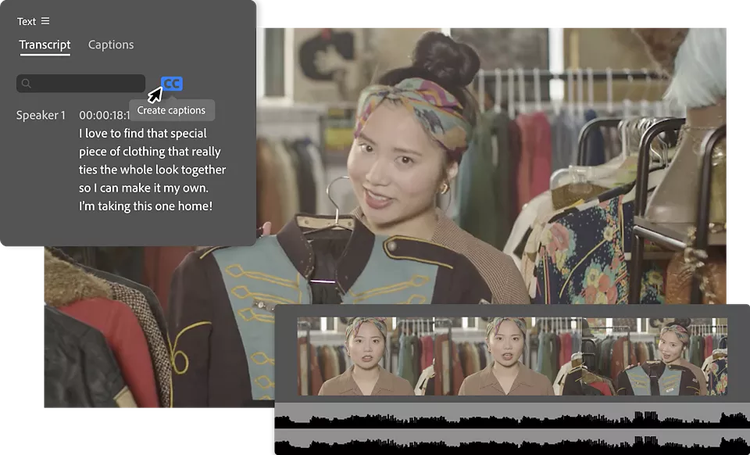
Use ready-made templates for posting on major social media platforms, automatically add or translate captions and use AI to reframe for vertical formats. You can upload your videos straight to TikTok, YouTube and more.
Say goodbye to annoying edits.
Edit faster and open exciting new creative possibilities with AI. Spend less time on tedious tasks like searching footage, creating transcripts or adjusting audio. Add a few more frames to any clip with Generative Extend.