Free word search maker.
Designing a word search from scratch can be time-consuming. Whether you’re creating word searches for rainy day fun with the kids or to challenge your friends, you can use the Puzzle Craft add-on in Adobe Express to quickly design word searches all while adding personalized flare with colors, icons, borders, and more.
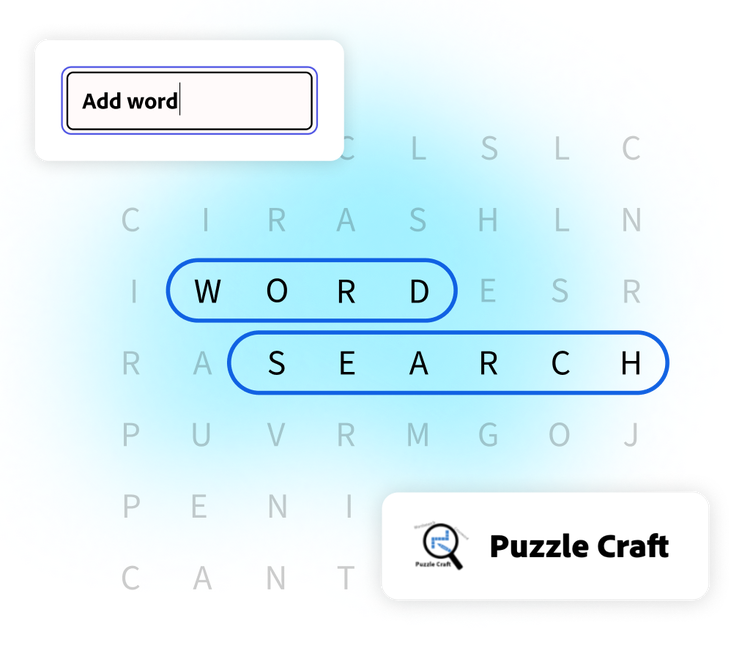
How to generate a word search.
1. Launch Adobe Express.
Open Adobe Express on your desktop. Select the add-ons panel in the left menu and install the Puzzle Craft add-on.
2. Generate your word search.
The Puzzle Craft add-on can create word searches or crosswords. Select word search. Type the words and clues you’d like to include. Give your puzzle a headline and subhead. Then select the theme. Click Add word search when you’re finished.
3. Continue editing.
From the Adobe Express editor, you can continue to edit the look of the word search by adding a background or borders, re-arranging the letters, and including other design assets.

Create word searches for different occasions.
Tailor your puzzle to fit your needs. With the Puzzle Craft add-on in Adobe Express you can create word searches with completely custom word lists. Whether you want to highlight new vocabulary your students are learning or send your sweetheart a hidden ‘I Love You’ message, word searches are fun for all. Not sure what to put on your word list? Take a look at a sample list in the add-on and customize from there.
Word searches add a hands-on element to your design project.
After you’ve generated your word search, add it to your design to keep editing. Word searches are a great addition to coloring books, lesson plans, and kids' menus. Add extra pages to your design to feature a collection of fun.
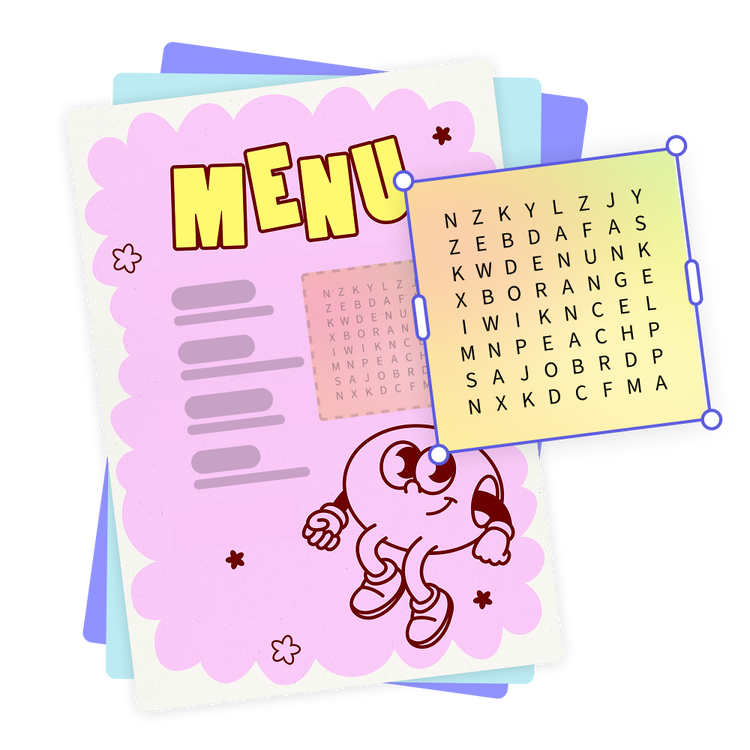
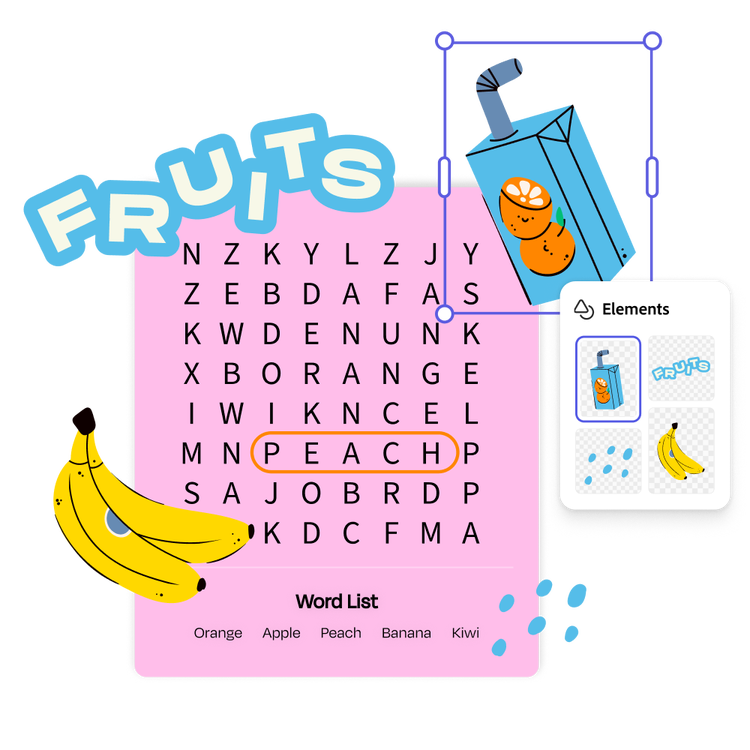
Make the word search your own in the Adobe Express editor.
Add design elements to make your word search even more fun. Select the theme that catches your eye in the Puzzle Craft add-on. Then keep customizing within Adobe Express. Add cartoon icons or a whimsical border. You can also add text to give directions or create a story that involves all the words in your word bank.