




.

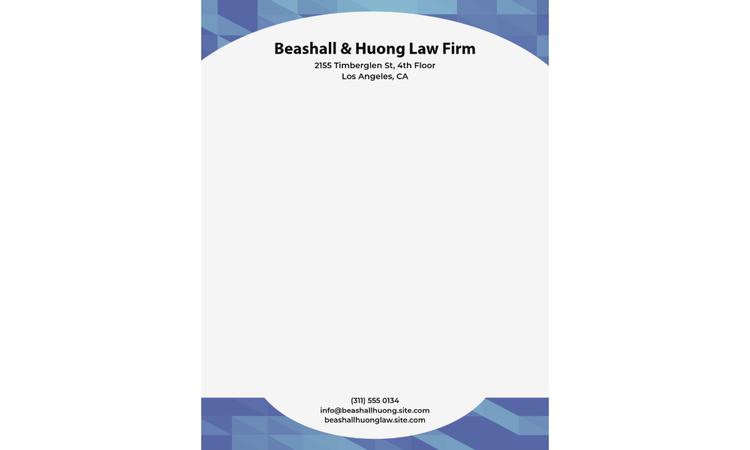
Letterhead examples.

Make custom and unique letterhead for free in minutes with Adobe Express.

Start designing

Free to useNo credit card required

Easy all-in-one editor
One-click edits from any device
Fast creation with generative AI
Thousands of professionally-designed templates

Simple letterhead design.

A clean, minimalist design can be just as impressive as any other. If you’re creating a letterhead for a brand or business, use company colors and logo to make up the design. Or, for personal stationery, pair your favorite color with your monogram or initials. The bottom line is that you should choose 2-3 design elements that reflect you or your brand and then leave plenty of white space to write. Make it an even more impressive presentation by printing your design with letterpress on cardstock.

Black & Gray Simple Letterhead
Edit this template
Yellow & White Outline Accounting Letterhead
Edit this template
Beige & Green Realtor Letterhead
Edit this template
Teal Black Marcel Designs Letterhead
Edit this template

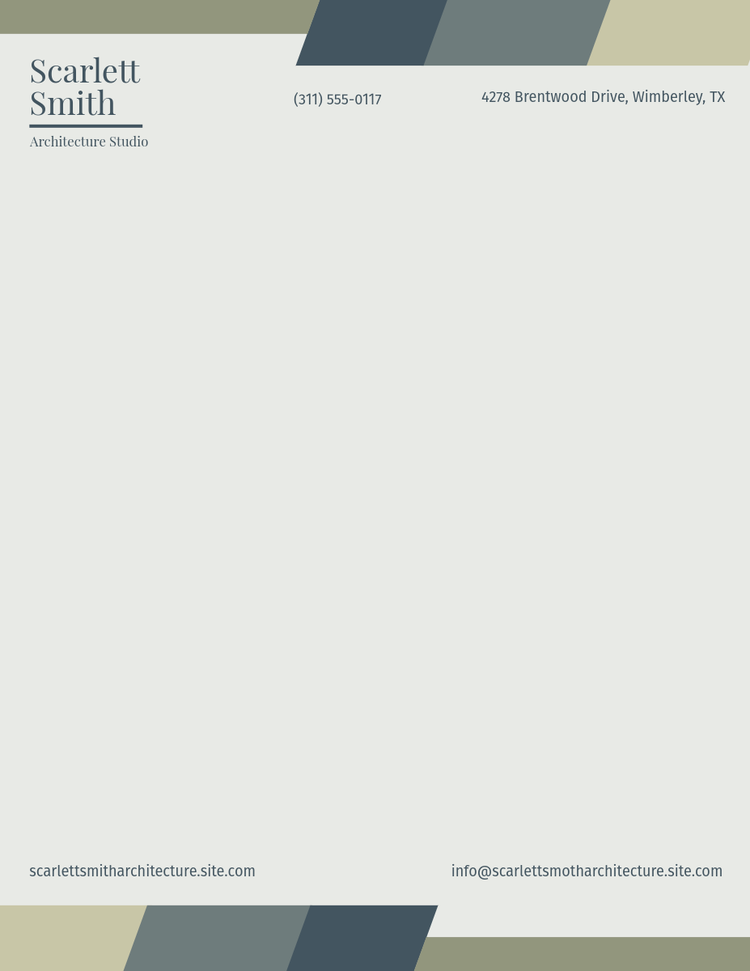
Create a decorative header with geometric shapes.

Be bold by starting your letterhead with a firm header design Use shapes, like rectangles or obtuse triangles, or even circles, to create a header at the top of the page. Pick a contrasting color for any text or icons that sit in your header’s space, so it’s easy to read. Spice things up even more by adding a pattern, transparent image, or texture to your shape for something truly one-of-a-kind.

Green and Gray Professional Letterhead
Edit this template
Blue & Black Geometric Law Letterhead
Edit this template
Pink and Violet Elementary School Letterhead
Edit this template
Red & White Corporate Letterhead
Edit this template

Use geometric shapes to make a sidebar.

A sidebar on letterhead is an unexpected approach, so if that’s your style, then let’s get creative. Keep in mind that a wide sidebar will lessen the amount of writing space you have, so use this for letterheads that are more for short notes than long letters—drop-in a logo, your contact info at the bottom, and any imagery that fits your brand. Your sidebar can even serve as a purely decorative space, too, if you wish to place your contact info elsewhere on the page.

Red Geometric Design Studio Letterhead
Edit this template
Grey and Red Properties Company Letterhead
Edit this template
Bright Red and Pink Elementary School Letterhead
Edit this template

Having a bold header or footer helps a reader understand where the more critical information is on the page. If you use an enticing footer, make sure that’s where all your contact or call-to-action information sits. Keep it simple with a rectangle, take it to the next level with an asymmetrical shape, or make it extra fancy with a patterned or textured fill. Try to keep a balance on the page as you design – if you choose to have a bold footer, keep your header light and airy with lots of writing space in between.

Blue And White Company Letterhead
Edit this template
Orange And Black Business Letterhead
Edit this template
Black and Pink Pastel Illustrative Letterhead
Edit this template
Bright Pink and Blue Elementary School Letterhead
Edit this template

Use a background color in your design.

Adding a background to your letterhead is a beautiful custom choice if you’re looking to make something that stands out among the rest. Use a solid color fill that is preferably something lighter so any ink will still show up on the page. If your letterhead is digital, go for a dark color (or any color for that matter) and choose one for the font that contrasts the background. Make sure your printer is aware of your background design so your letterhead can be printed with full-bleed (meaning the color goes all the way to the edge of the page).

Green and Black Minimal Organic Letterhead
Edit this template
Purple Floral Letterhead
Edit this template
Orange & Cream Events Letterhead
Edit this template
Green And Beige Chef Letterhead
Edit this template

Add a pattern in the background.

Background patterns add a dynamic look to your letterhead. Explore different background patterns such as abstract shapes, letters, monograms, or even your logo. Blow up the design to fill the page, and play with placement options that work best so that way the background doesn’t take away from the text written on the page. You can also adjust the transparency (recommended) to make it a subtle design choice.

Blue and White Tech Letterhead
Edit this template
Blue Green Medical Hospital Letterhead
Edit this template
Orange Colorful Toys Brand Letterhead
Edit this template
Orange Gender and Social Equity Letterhead
Edit this template

Use photos to represent your business.

Upload your photos to your letterhead, or find a stock photo that speaks to your brand or business. Use your image as a full header or sidebar, or crop it in exciting ways that intertwine with the rest of your design. Cropping is an excellent tool for design, so don’t be afraid to zoom in on one part of your image instead of showing the whole thing. Get creative and use photography to your advantage here.

Orange & Black Typewriter Letterhead
Edit this template
Green Resort Letterhead
Edit this template

How to make a custom letterhead.

  1. 1. Start with inspiration.

    We hook you up with thousands of professionally designed templates, so you’re never starting from a blank canvas. Search by platform, task, aesthetic, mood, or color to have fresh inspiration at your fingertips; once you find a graphic to start from, tap or click to open the document in the editor.

Feature black and white photos.

Black and white photos work great if you’re going for a greyscale letterhead. Play with placement, and use different types of black and white filters for a variety of looks. One idea to try is cropping your image either in the header and footer or as sidebars, as it invites the reader’s eye to travel across the page.

Edit this template

Play with color gradients.

Ideally, you don’t want to use too many colors on your letterhead. Choosing 2-3 colors is a great place to start. However, this doesn’t mean that you shouldn’t explore all the different shades of those colors. Create a dynamic, colorful design by using gradients in your headers or footers.

Multicolor Marketing Letterhead
Edit this template
White And Pink Gradient Photographer Letterhead
Edit this template
Pink Mental Health and Wellbeing Letterhead
Edit this template
Gradient Digital ICT Teacher Letterhead
Edit this template

Showcase address & contact information.

Not all letterheads need contact information, but if yours does, then be sure to make sure it’s legible and spelled correctly. Play around with the formatting of your contact details. You can arrange it all on one line, stack it, place some in the header and other information in the footer, among countless other options. Just make sure to include the address and contact details that would benefit your reader the most to save space on your page.

White & Blue Professional Solicitor Letterhead
Edit this template
Green Lines Minimal Professional Letterhead
Edit this template
Blue and White Tech Solutions A4 Letterhead
Edit this template
Brown Gingham Check Letterhead
Edit this template

Use icons as imagery on your letterhead.

Icons are an excellent tool when it comes to branded collateral such as letterhead. Use icons to draw attention to details such as a phone number, email, or social handle on your page. Or, play with icons in your header and footer, or even use icons to make the header or footer. If you’re using multiple icons across your page, try to select ones that all have a similar style to them for a cohesive presentation.

Hot Yellow and Bright Orange Elementary School Letterhead
Edit this template
Blue and Grey Resort Letterhead
Edit this template
Blue and Grey College Charity Letterhead
Edit this template
Blue Equality Letterhead
Edit this template

Play with logo placement.

Logos don’t always need to go front and center. Based on the personality of your brand, explore other logo placement options. If your logo is left-aligned, it might look nice in the left corner of the page. You can also turn symbols sideways and use them on the sidebar or drop it into the footer along with the rest of your contact details. Just make sure your logo is large enough on the page for all the details to be easily read.

Navy Blue and Grey Lawyer Letterhead
Edit this template
Pink and Green Florist Letterhead
Edit this template
Peach and White Yoga Club Letterhead
Edit this template
Retro Letterhead
Edit this template

Explore colors within your typography.

As we’ve discussed, a good rule of thumb is to stick to 2-3 colors in your letterhead design. One of those colors can work as an accent color, meaning that it sticks out and highlights an important piece of information on the page. Use accent colors on important text such as your company name or central point of contact. Another option is sending your letterhead digitally; you can make the body text a different color than the standard black or blue to match your letterhead design.

Pink Translations Professional Letterhead
Edit this template
Orange & Cream Letterhead
Edit this template
Cream & Turquoise Simple Initial Letterhead
Edit this template

Use contrasting colors.

There are lots of ways you can go about picking your color palette with your letterhead design. You can use similar colors, such as pastels or earth tones, grayscale colors like black, white, and gray, or whatever your brand colors are, to name a few examples. If you get to choose a custom color palette, play with contrasting or complementary colors. Take a quick look at a color wheel to see how complementary colors make each other stand out. Adjust your header color, text, and contact details with these types of colors to make each item stand out next to the others.

Yellow Beauty Wellness and Spa Business Letterhead with Pattern
Edit this template
Green and Beige Professional Letterhead
Edit this template
Cream Teacher Letterhead
Edit this template
Purple Letterhead
Edit this template

You might also like...