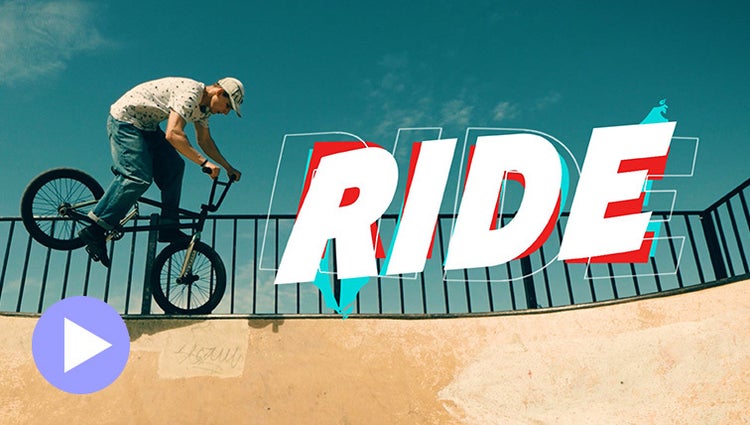
ENHANCED: Explore more motion title templates.
Easily add stylish text, graphics and animations.
Easily add stylish text, graphics and animations.
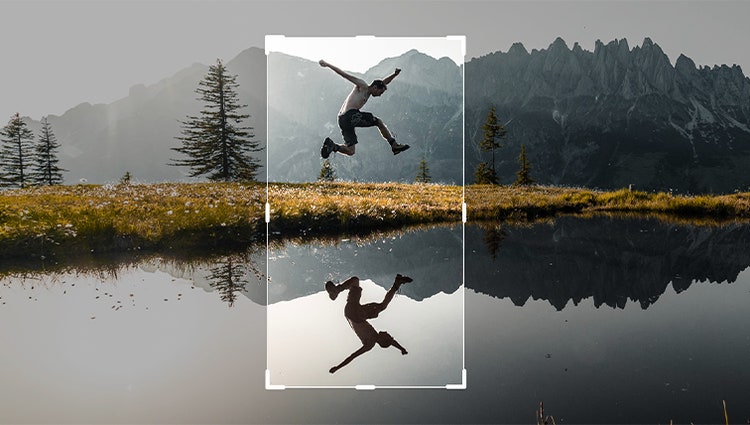
Just drag crop handles to resize your videos.
Ensure that clouds and snow look truly white with the White Balance tool and make precise colour and brightness adjustments using colour correction Curves.
Style your text to match your story with controls for alignment, size, direction, colour, spacing and more. And create consistent looks fast using style templates and a style browser.
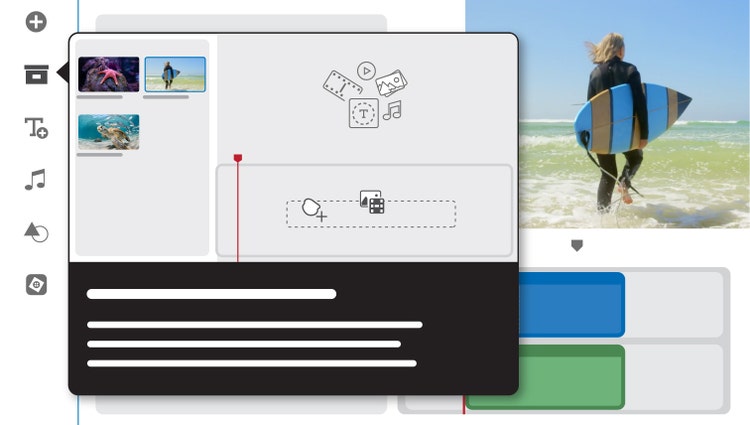
Built-in hints and animations help you to get up to speed fast.
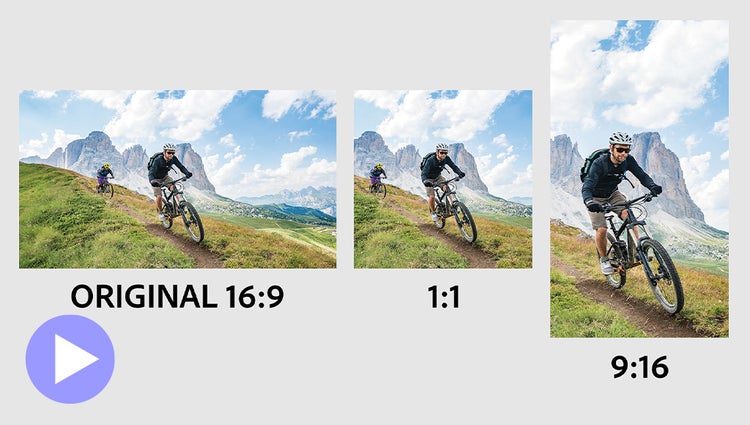
Easily resize for social media and more while keeping the most important part of the action in the frame.
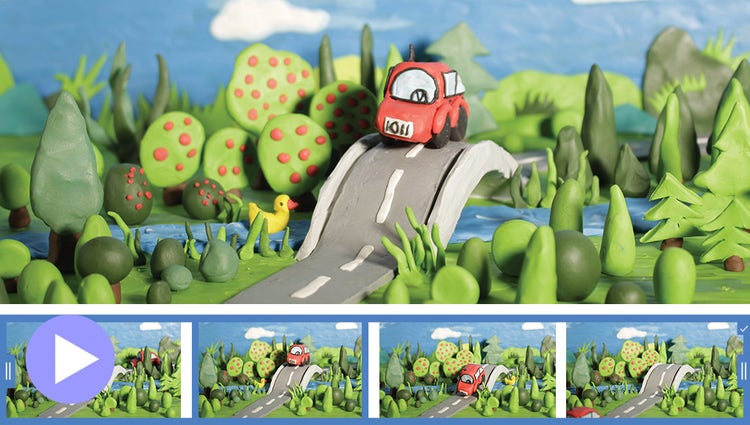
Turn a series of photos or videos into a fun stop-motion film that speeds up the action.
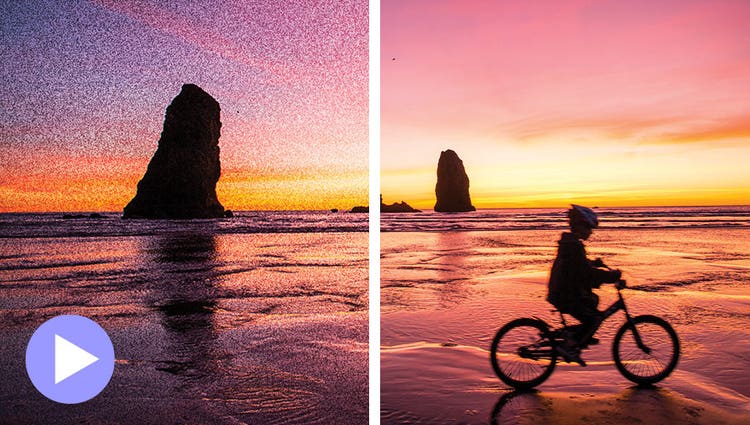
Shot your video in low light? Make it look crisper with a simple drag and drop of the Reduce Noise effect.
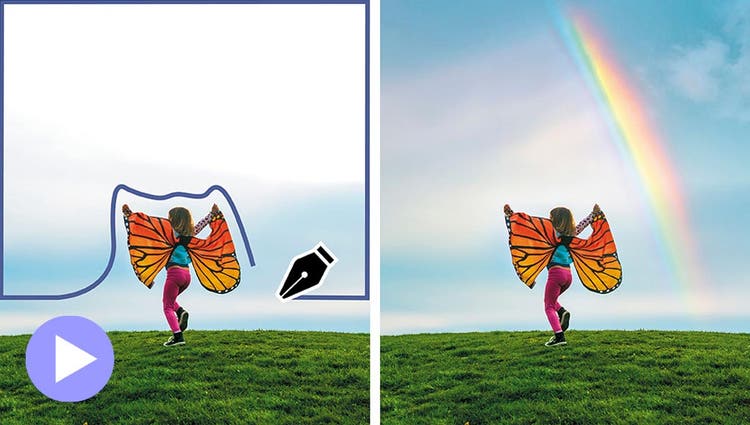
Select a specific object — or area — of your video and easily apply an effect that tracks throughout the video, like brightening the subject or blurring the background.
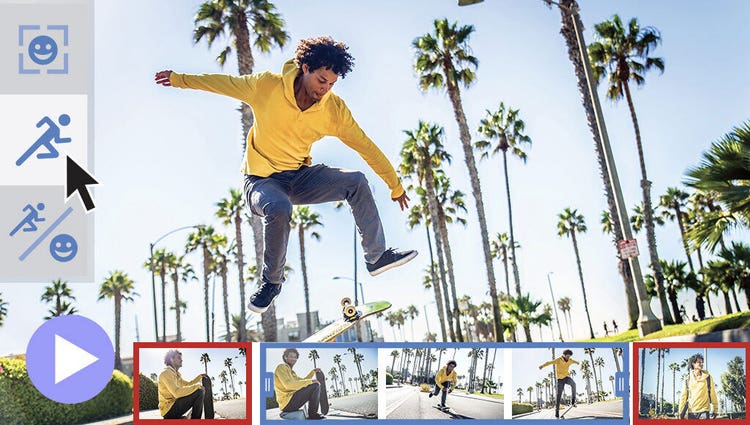
Smart Trim finds and brings together the best scenes based on the style of your video.
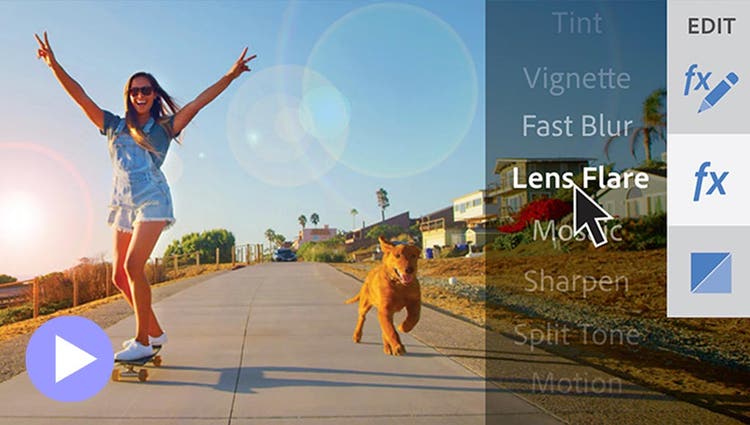
See high-quality playback of many effects without rendering first — and crop videos faster — performance boosts in both the standard and trial version. Learn more | Recommended GPU cards
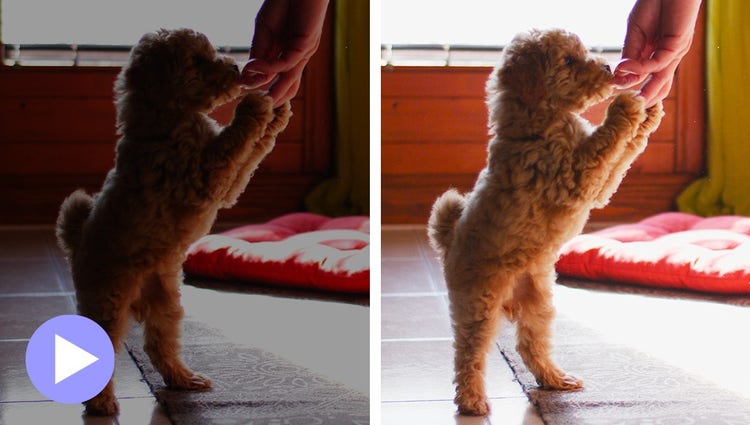
Easily reveal hidden details in the darkest or brightest areas of your videos so there’s more to see in every scene.
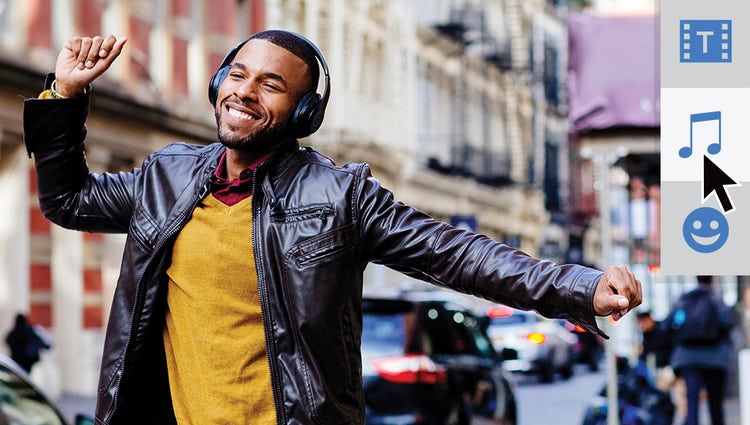
The perfect video needs the perfect soundtrack. Create just the feel you want with fresh audio tracks.
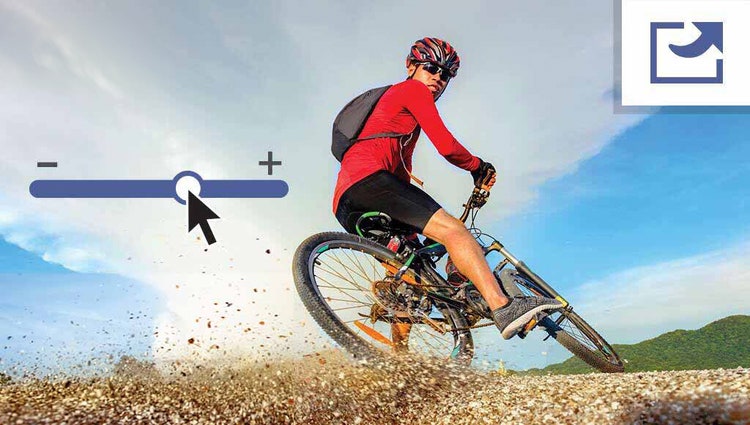
Use a simple slider to reduce the size of your films so you can easily upload them to web and social sites, send them in text messages and more.

Emphasise key moments or just add some eye-candy with modern graphics.