Editing
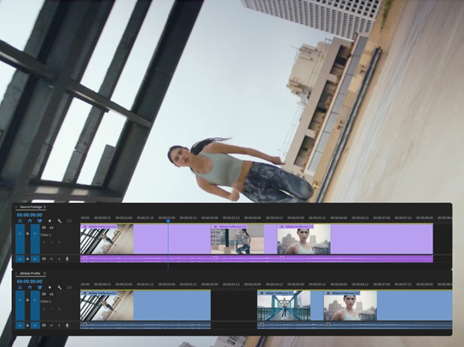
Craft the perfect story.
Use industry-standard video editing tools and timesaving AI features to get to the right cut fast. Hone your narrative with three-point editing. Try Text-Based Editing to refine, reorder and trim clips just like you’d edit a text doc. And quickly search your footage with AI-powered Media Intelligence to identify objects, locations, framing and other details.
Colour
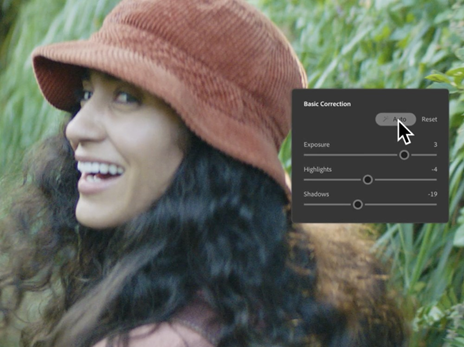
Balance colour and set the tone.
Get the right look for your video with powerful colour correction and grading tools. Drop footage from nearly any camera into your timeline instantly and transform your raw and log footage on import without LUTs. Balance colour fast with AI, use professional colour wheels and curve controls and check your results with built-in video scopes.
Audio
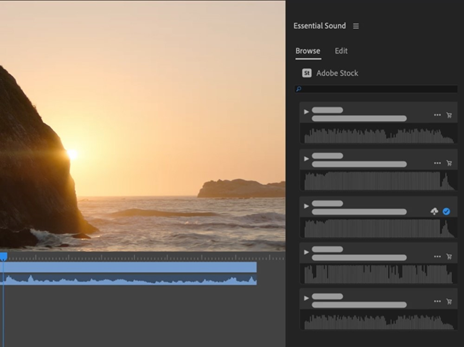
Mix audio for a memorable soundtrack.
Reduce noise and enhance dialogue with pro audio tools and add advanced effects as you master sound design. Browse music tracks, use AI to auto-fit them to your clips and license them — all within Premiere.
Effects
Add eye-catching effects.
Choose from hundreds of cinematic effects and transitions — or get started with professionally designed templates, then adjust them to create looks that are all your own. And with redesigned shape masks in Premiere (beta), you can easily tackle precise effects with absolute control.
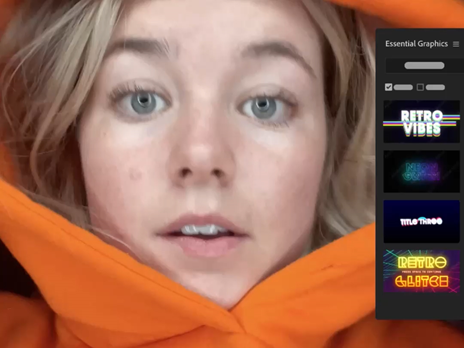
Titles
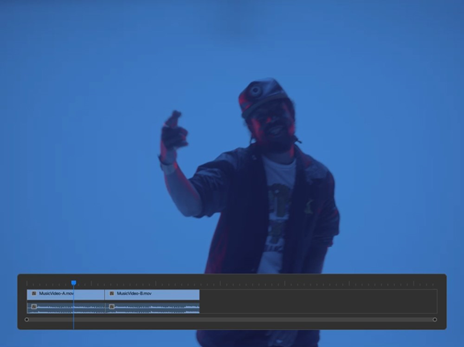
Create animated titles.
Design polished, professional-quality titles, captions and graphics fast with templates. Customise them to fit the feel of your video directly inside Premiere. And quickly translate captions in 18 languages.