
使用 Lightroom 嘗試這些教學課程
美化、整理及分享您的相片。
Discover an iPhone setting that adds extra content to your mobile photos, so you have more flexibility for cropping later.
What you learned:
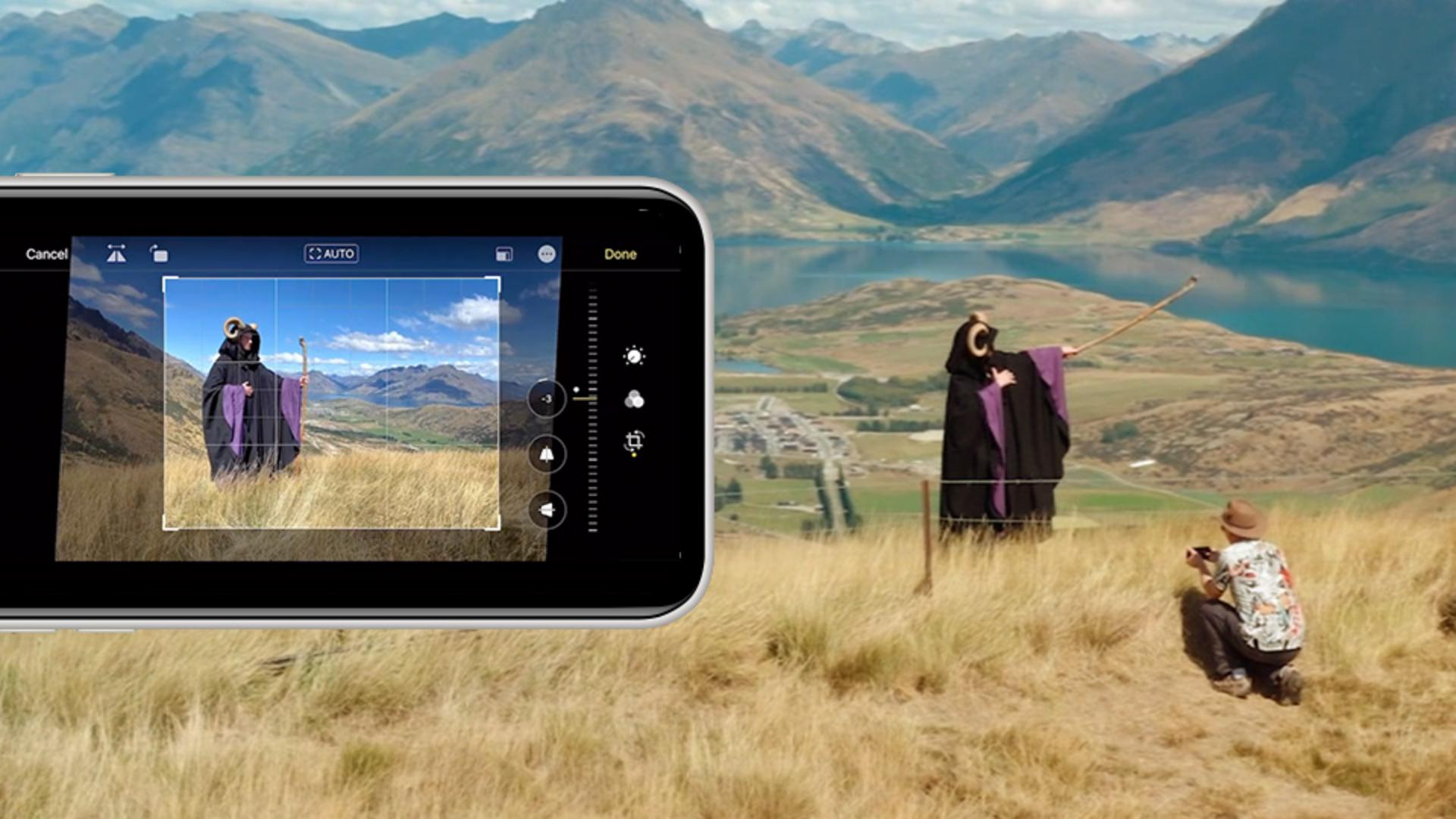
Go to Settings > Camera in your iPhone 11 or later, and turn on Photos Capture Outside the Frame. With this setting enabled, the iPhone camera captures content outside the preview frame.
The additional content comes into view when you use the Crop tool in the Photos app, giving you more latitude to change the composition to match your vision.