




FEATURES
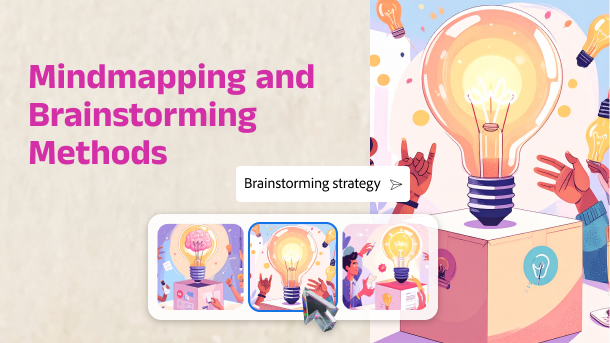
Generate image
Images that you imagine
Bring your content to life. Easily illustrate concepts, workflows, and learning scenarios. Use Adobe Firefly-powered image generation to create unique, high-quality visuals from simple text prompts or reference images.
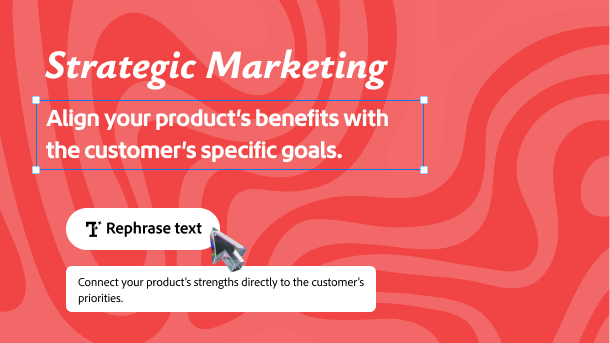
Generate text
Make every word count
Polish your text content instantly. Just type a prompt or select existing content to rephrase, expand, improve grammar, readability or itemize any text block with one click.
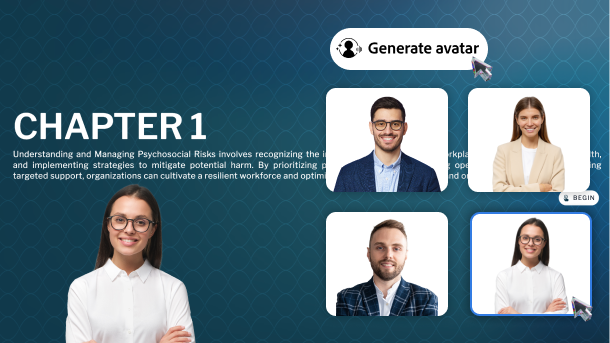
Generate avatar
Add a human touch
Add AI-generated avatars or narrators to your slides—choose a voice, style, or character to make learning more engaging and life-like.
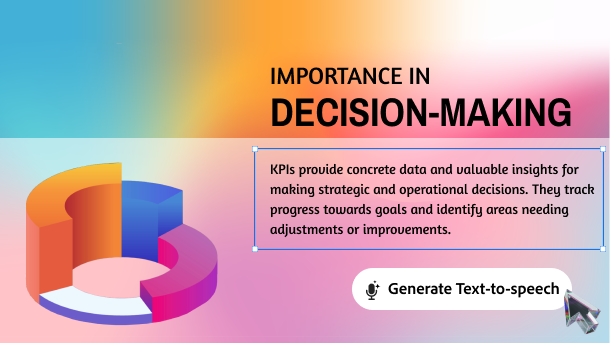
Generate voice
Narrate in many voices
Find the perfect voice for your course. Select language, accent, and tone to resonate better with your audience. Save recording cost and hassles.
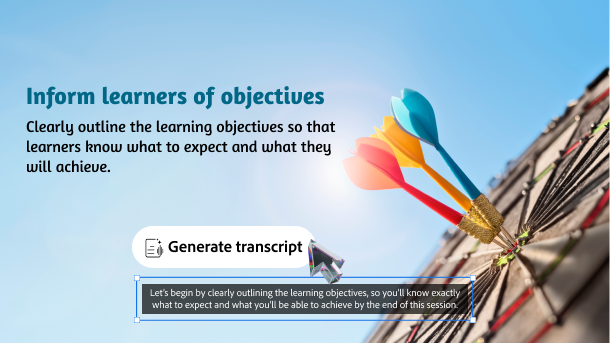
Generate transcript
Script it swift
Quickly generate accurate closed captions for course voiceovers, accessibility, and more. Just select slide content and get transcripts in one-click.
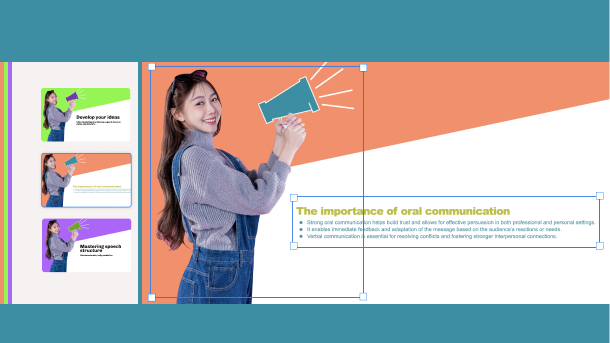
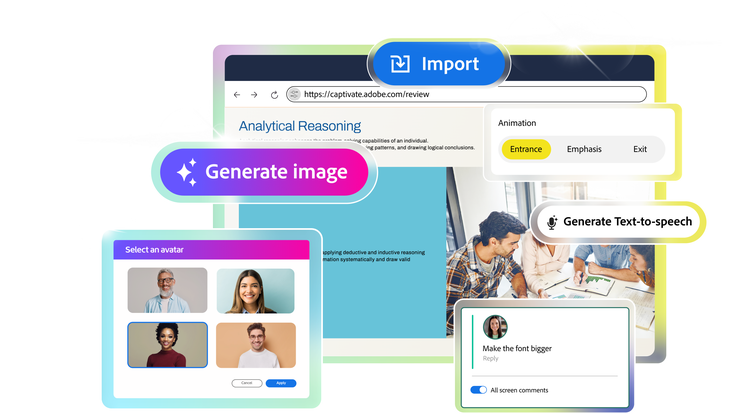
Import
Bring in slides in seconds
Easily import presentation decks with existing training and subject matter expert content. Each slide element is smartly converted into native objects - ready for edits, media additions, and interaction setup.
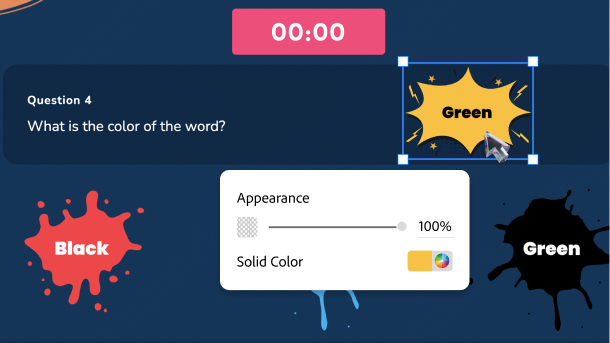
Edit
Refine content with ease
Customize every single slide element of your imported PowerPoint deck. Freely edit text, images, audio, animations, shapes and more.
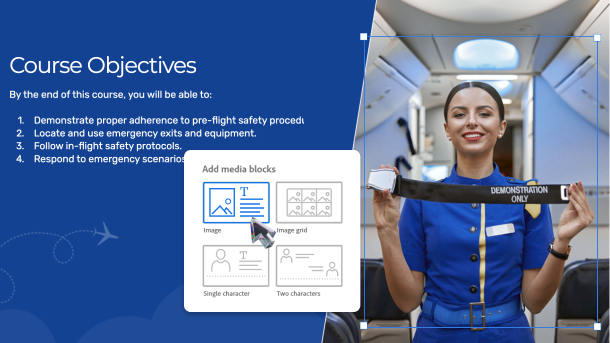
Add media
Fascinate learners with rich media
Insert images, SVGs, characters, audio, and video to your imported slides, or generate fresh visuals and voiceovers with AI.
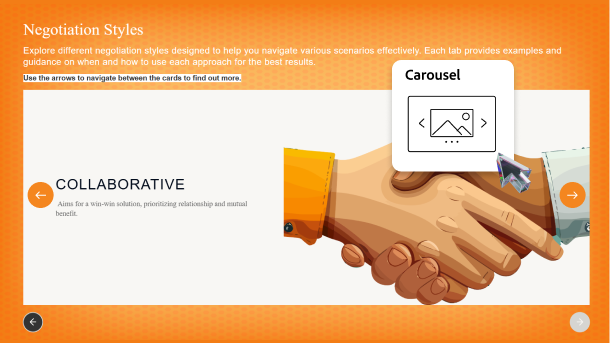
Add interactivity
Engage with immersive elements
Add branching, object states, trigger actions, widgets, quizzes and more, to turn static slides into interactive learning experiences.
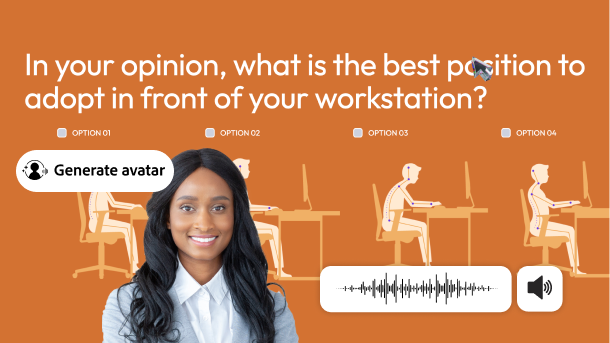
Add narrator
Add human touch to your training
Tell your course story with a human-like narrator. Easily generate AI avatars or voiceovers that can read slide notes or transcripts, to keep your learners involved.
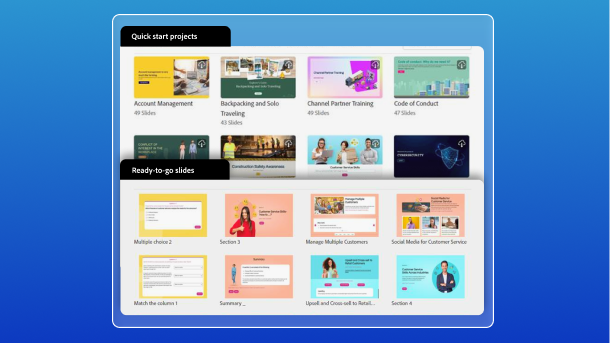
Templates
Fast-track authoring with templates
Build courses faster with customizable templates, branding blocks, Quick Start Projects, and ready-to-go slides. Swap default images and text with your content, and quickly launch a training.
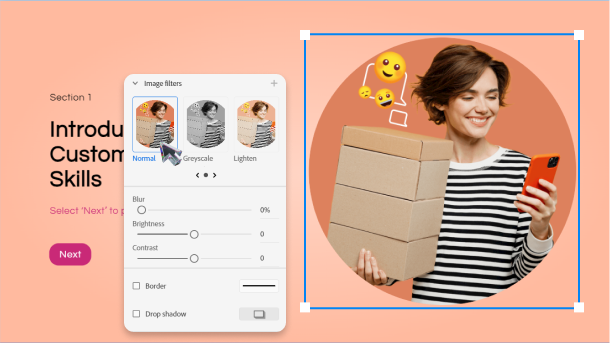
Visual appeal
Design dazzling content
Create visually rich learning content like a pro. Use native image editing, scroll-based storytelling, animations, stylish fonts, royalty-free assets, responsive design options, SVG support, and more.
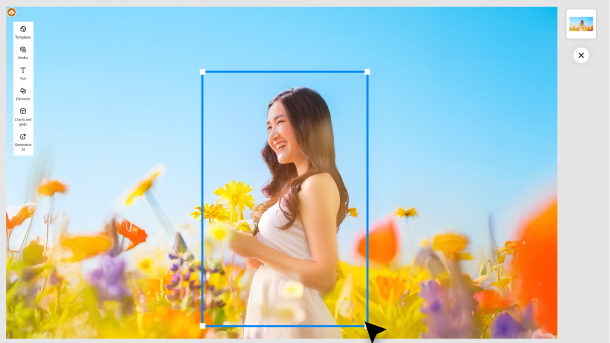
Audio and video
Boost attention and retention
Create immersive learning experiences to help learners grasp concepts better. Capture attention with video-based courses. Improve learner retention through interactive simulations and hands on training.
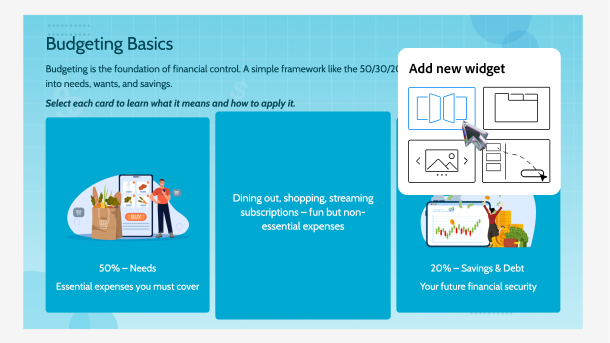
Widgets
Woo with the Widget Gallery
Effortlessly build advanced interactions without coding. Choose widgets like drag-and-drop, click-to-reveal, flip cards, hotspots, timelines and more. Plug in your content and get ready to impress your audience.
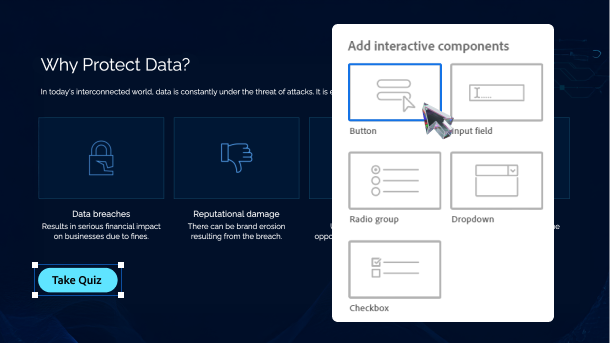
Interactivity
Drive active learner participation
Enable learners to explore, reflect and respond to your courses. Build custom interactions using interactive components, table of content, playbar, trigger actions, and multi state objects.
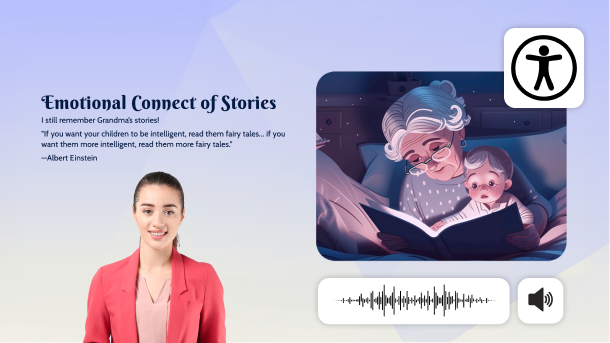
Accessibility
Design for all with accessibility
Easily generate eLearning content that meets accessibility standards like Section 508 and WCAG 2.1. For learners with special abilities, define text equivalents, clickable areas for keyboard access, and more.
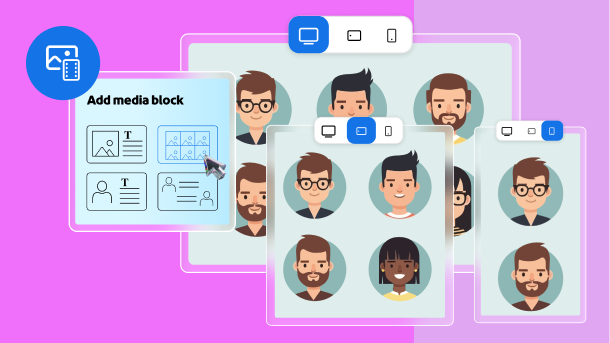
Device adaptive media blocks
Fit to frame
Add images, videos, SVG, text, and characters using device adaptive media blocks that allow you to seamlessly resize and reposition based on screen sizes.
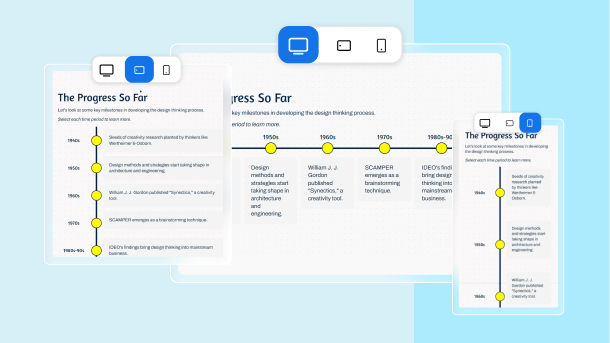
Responsive text blocks
Adapt text to every screen
Add text in multiple layouts using responsive text blocks. Deliver visually appealing experience across devices as the blocks automatically adjust size, placement, and formatting to fit your learner's screen.
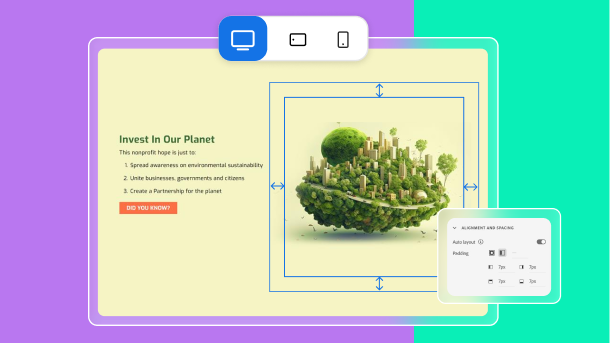
Customizable text layouts
Optimize spacing with advanced layout options
Effortlessly customize how your course looks across devices, by using padding. Easily get the desired padding width through drag and drop, auto layout, or pixel value.
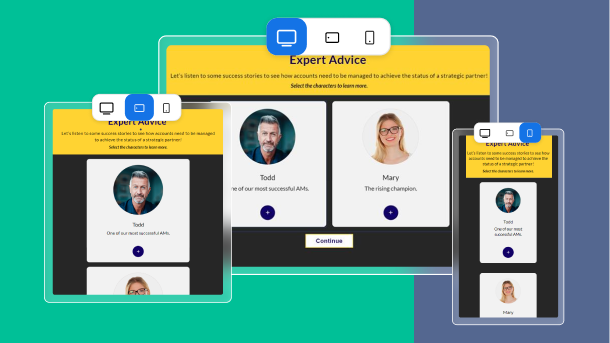
Multi-device preview
Preview for all screen sizes
See your course adapt to different screens, in landscape and portrait orientations. While authoring, easily check your course’s responsiveness by selecting desktop vs. tablet vs. mobile preview icons.
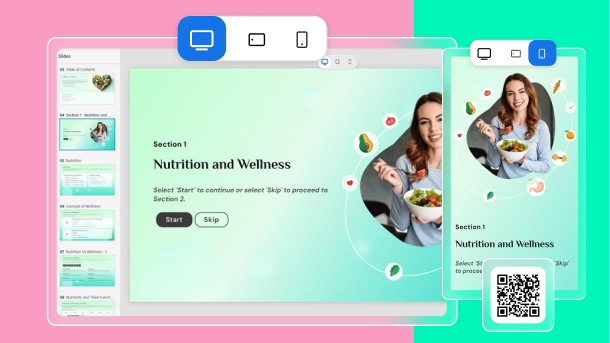
Live device preview
Eliminate guesswork
See exactly how your content will play out on different devices. Scan a live device preview QR code, using your mobile device and mirror the project real-time on the device browser.
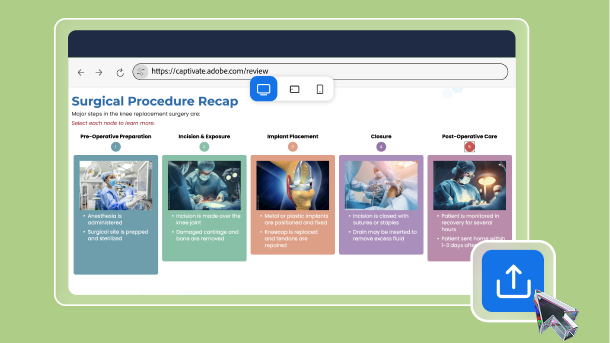
Share for review
Collaborate effectively with teams
Share projects for review and leverage your team’s collective genius. Generate dedicated project review links for multiple stakeholders. Easily refresh links with updated content. Reviewers do not need software installation.
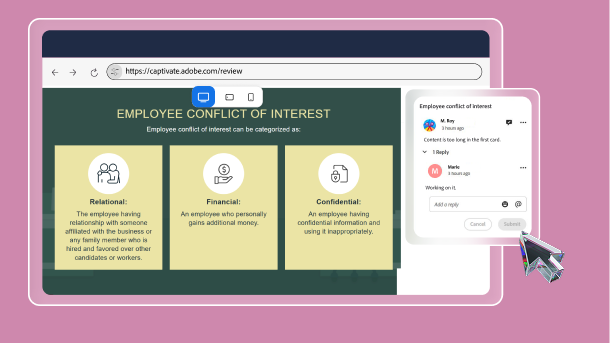
Precise commenting
Give device-specific feedback
Easily add comments for each slide. Comment separately for desktop, tablet, and mobile view. Effortlessly edit, reply to, resolve, or delete comments and tag the relevant stakeholders.
