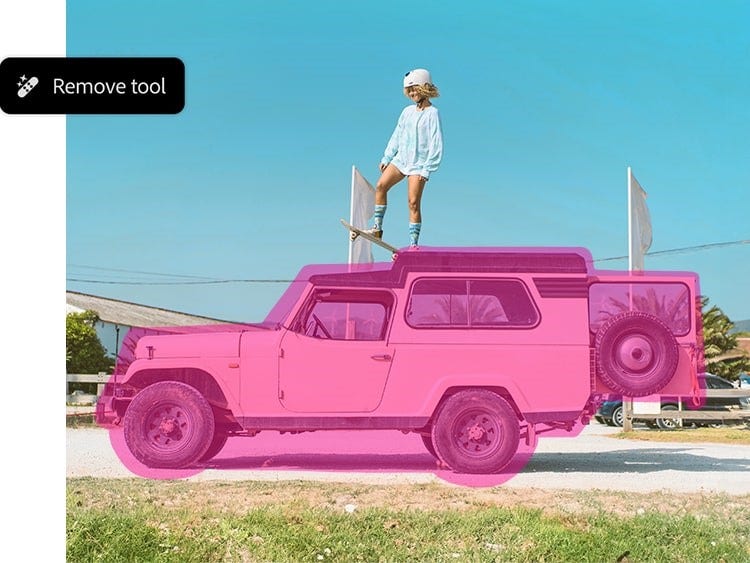
A photo eraser to brush away unwanted objects.
Use the Remove tool to easily erase objects of any shape and size, from bits of trash on the ground to a passing car. Just paint over them to remove them from your image.
Whether you’re editing on desktop or mobile, this tool offers a user-friendly way to remove unwanted object from photo AI-style with precision.
Remove and declutter on-demand.
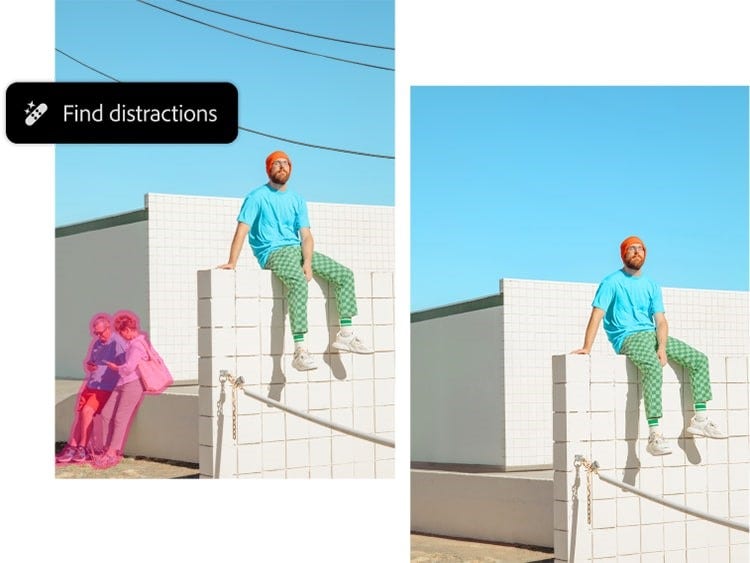
Tidy up your scene in a click. Distraction Removal within the Remove tool automatically detects unwanted people, wires and cables and deletes them — no need to manually brush over them. This tool helps users wondering how to remove unwanted object from photo quickly and with minimal effort.
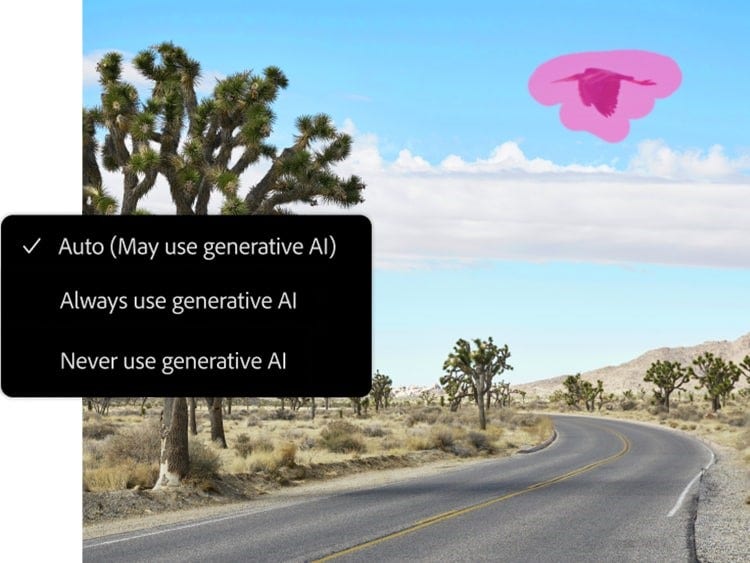
Use the generative AI object remover your way.
Decide how you want to use generative AI when using the Remove tool. You can always use it, never use it or set it to be used automatically when it’s the most effective option for removal.
Whether you’re working with complex backgrounds or simple scenes, AI remove object from photo workflows allow for enhanced flexibility and realism..