Free Ganesh Chaturthi banner maker.
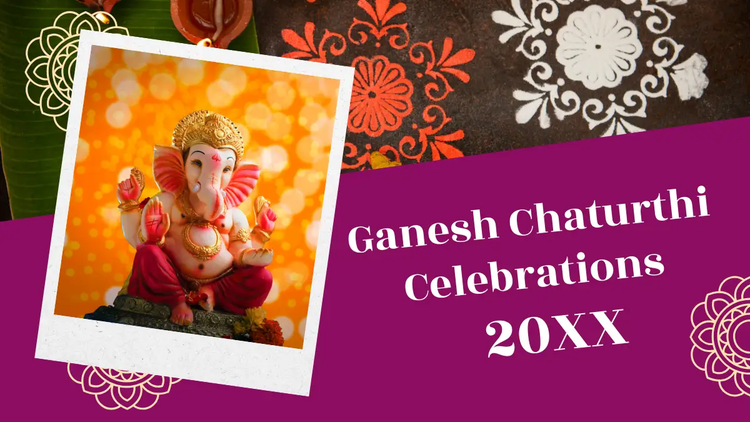
Banners are flexible and fun. Celebrate the festival by using our free templates for all your Ganesh Chaturthi banners. Choose a layout; mix up the colours, type and images. No experience required.

Collection ID
(To pull in manually curated templates if needed)
Orientation
(Horizontal/Vertical)
Width
(Full, Std, sixcols)
Limit
(number of templates to load each pagination. Min. 5)
Sort
Most Viewed
Rare & Original
Newest to Oldest
Oldest to Newest
Animated
(true, false, all) true or false will limit to animated only or static only.
Premium
(true, false, all) true or false will limit to premium only or free only.
Make it a festival to remember with creative banners.
Celebrate everything to do with the God of new beginnings by making fresh banners for all the festivities. Explore our banner templates as a starting point, incorporate a positive and prosperous colour theme with red, yellow, orange, green and gold, and create striking banners that can be printed or displayed online in no time.
Collection ID
(To pull in manually curated templates if needed)
Orientation
(Horizontal/Vertical)
Width
(Full, Std, sixcols)
Limit
(number of templates to load each pagination. Min. 5)
Sort
Most Viewed
Rare & Original
Newest to Oldest
Oldest to Newest
Animated
(true, false, all) true or false will limit to animated only or static only.
Premium
(true, false, all) true or false will limit to premium only or free only.
How to create a Ganesh Chaturthi banner.
Design a flex banner for your event promotion.
When organising events for Ganesh Chaturthi, consider using a flex banner to inform the community. As this type of banner is generally viewed from a distance, there are a few tips to keep in mind. Ensure the words are large enough to be easily read; use vivid colours to attract attention; and leave empty space so that your message stands out. For extra information, create a QR code that links to a website page with the details. All this is easily done in Adobe Express so get ready to get noticed with your Ganesh Chaturthi flex banner design.
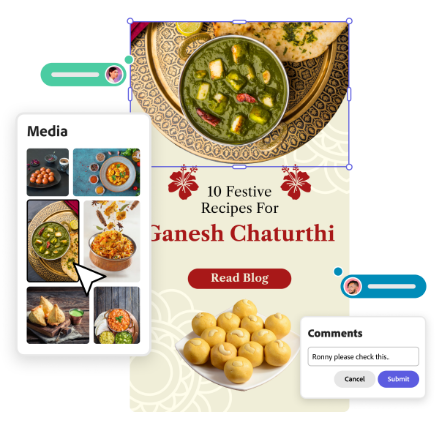
Update your socials with Ganesh Chaturthi banners.
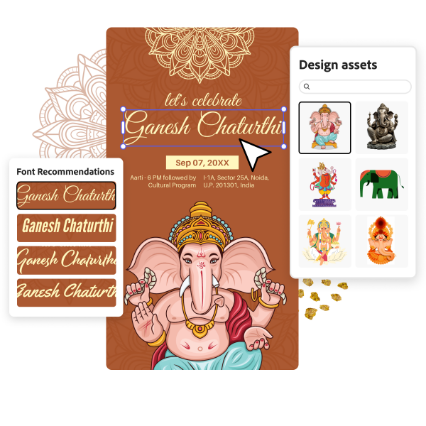
The festival of Ganesh Chaturthi is the ideal time to update your social profiles with a new banner. Start by selecting a festival background or template from Adobe Express. Add a quote to mark the occasion. "May Lord Ganesh keep enlightening your lives and bless you always" is a generous message to share with followers. Browse through the recommended fonts to find one that has an impact. Once you've made your own, offer to make banners for your friends as well. It's easy to customise Ganesh Chaturthi banners to suit individual preferences.
Shine with a new Ganesh Chaturthi banner background.
A banner is a versatile piece of decor that can be used year after year. Make a small one as a puja background or a larger one for a community pandal. When editing a Ganesh Chaturthi banner, the background sets the tone for the piece. So, start your banner design by thinking about the background and the items that will be placed in front. Go for a bright festival colour and search the Adobe Express library for Vinayaka-related motifs and place these around the edges. Embellish the design with gold accents and you're ready to send it to print.
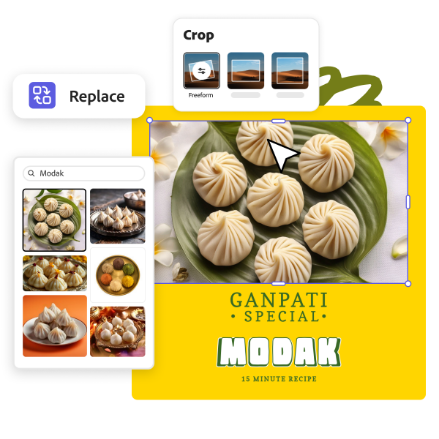
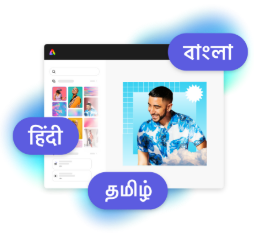
Design in Hindi, Bengali and Tamil.
No more language limitations. Adobe Express is now available in three of India’s most spoken languages, making it even easier to create everything from cards and social posts to flyers and video content. Design with confidence in the language that feels most natural to you.