Free Janmashtami greeting card maker.
Send festive greetings far and wide this Janmashtami. Choose from beautifully designed Janmashtami greeting card templates and customise them with Adobe Express. No experience required.

Orientation
(Horizontal/Vertical)
Width
(Full, Std, sixcols)
Limit
(number of templates to load each pagination. Min. 5)
Behaviors
(still/multiple-pages/video/animated)
Sort
Most Viewed
Rare & Original
Newest to Oldest
Oldest to Newest
Premium
(true, false, all) true or false will limit to premium only or free only.
Make heartfelt Janmashtami greeting cards with Adobe Express.
Janmashtami is a special time to share love and blessings with family and friends. What better way to celebrate than by sending a personalised greeting card? Bring your wishes to life by customising any of our beautifully crafted templates with your own messages and creative touches. When you are ready, you can easily share your card online, send it via email or print and post the cards to your loved ones near and far.
Orientation
(Horizontal/Vertical)
Width
(Full, Std, sixcols)
Limit
(number of templates to load each pagination. Min. 5)
Behaviors
(still/multiple-pages/video/animated)
Sort
Most Viewed
Rare & Original
Newest to Oldest
Oldest to Newest
Premium
(true, false, all) true or false will limit to premium only or free only.
How to create a Janmashtami greeting card.
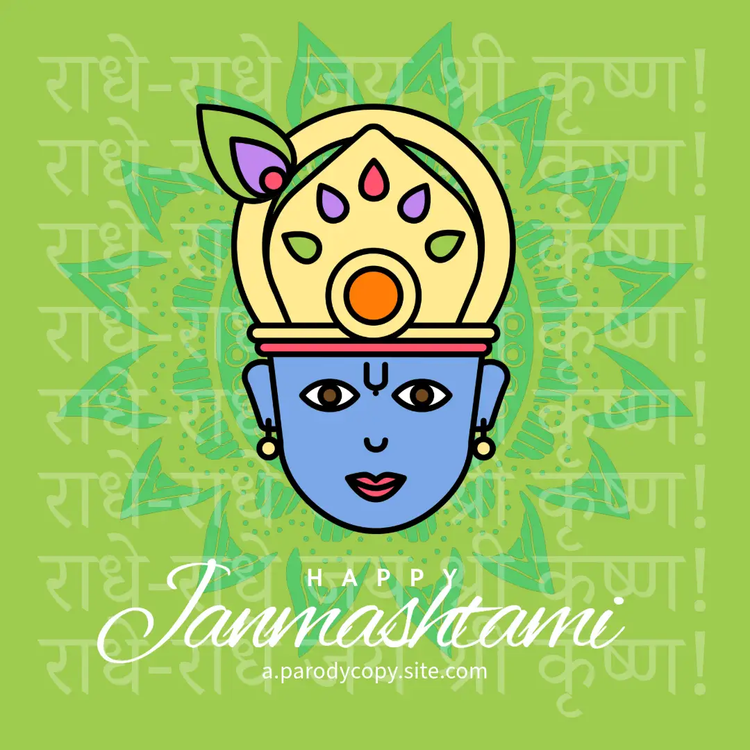
Design your Janmashtami card to your heart’s content.
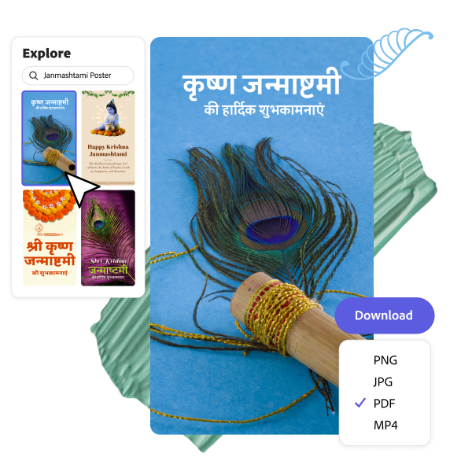
Celebrate Janmashtami by choosing from a variety of beautiful card templates in Adobe Express. Pick a design that captures the spirit of the festival, then customise it with your own colours, fonts and festive elements. You can draw inspiration from Krishna’s flute, peacock feathers or the soft glow of diyas and decorations at home.
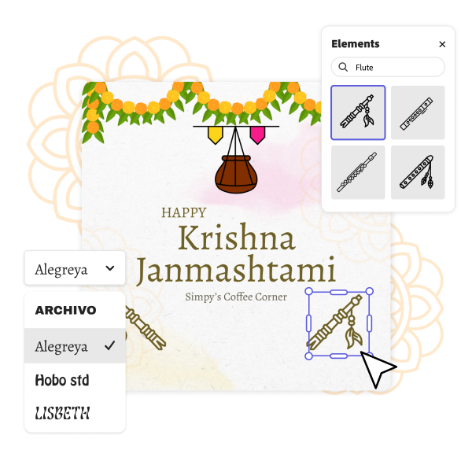
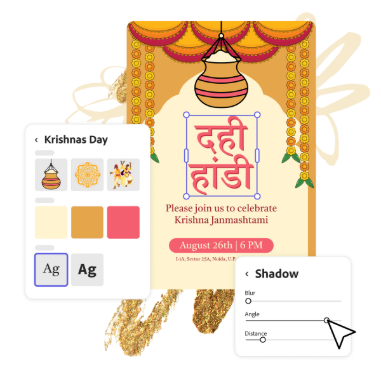
Share your Janmashtami card across multiple platforms.
Once your Janmashtami greeting card is ready, you might want to send it to family over WhatsApp, post it on Instagram with a festive caption, or even print it to include with a gift or place near your home pooja space. With Adobe Express, it’s easy to download your design in the format you need, add a personalised message, and share it wherever you like, all without any design experience. It’s a simple way to spread blessings and joy during the celebrations.
Save time with Adobe Express.
Making a Janmashtami card has never been easier. With thoughtfully designed templates, customisable fonts and a wide range of festive graphics, you can create a beautiful card in just a few minutes. Simply pick a template, add your own message or images and adjust the colours to match your style. If you're making multiple cards, whether for family, friends, work or a community event, you can save your favourite designs, images and elements to use again later. This makes it easy to keep a consistent look while still personalising each card.
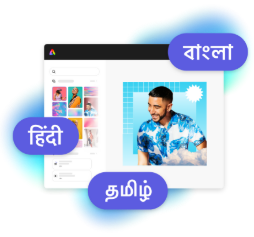
Design in Hindi, Bengali and Tamil.
No more language limitations. Adobe Express is now available in three of India’s most spoken languages, making it even easier to create everything from cards and social posts to flyers and video content. Design with confidence in the language that feels most natural to you.