Make New Year cards for free in minutes.
Ring in the new year with a beautiful Happy New Year card made using Adobe Express. It’s quick and easy to personalise your own with free, professionally designed templates you can customise in a few easy steps.
* Available for print in US, UK, Australia, and Canada
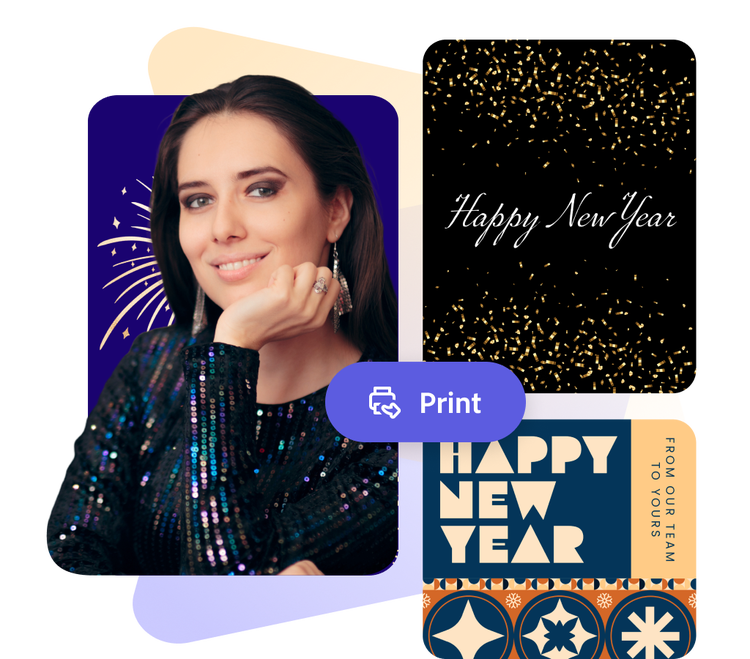
Or start with these popular templates
How to make your own New Year card.
1. Pick a card template.
Browse through a variety of New Year card templates, featuring designs that range from sleek and modern to timeless and corporate. Find the perfect card for your loved ones or coworkers.
2. Customise it.
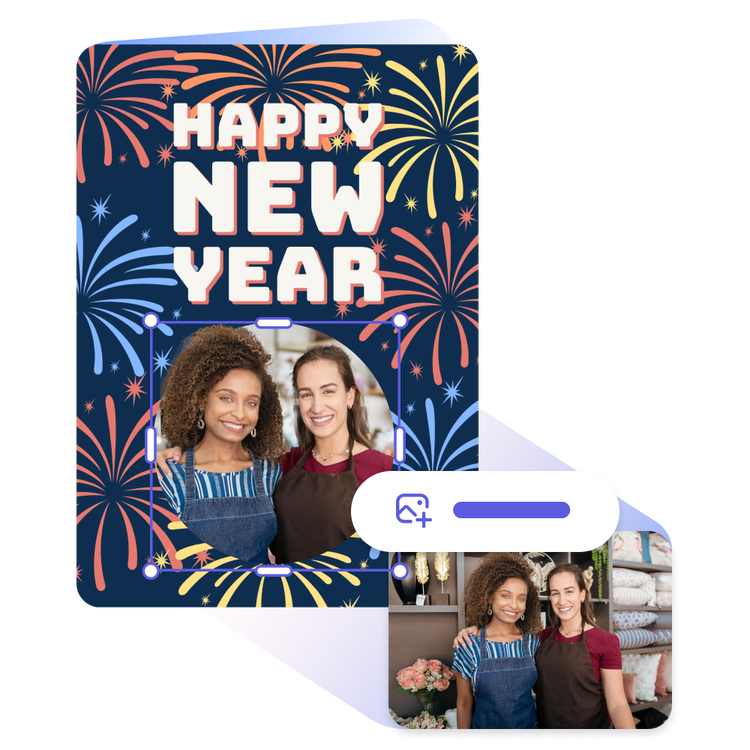
Tap on any text box to customise it with your own message or change the fonts. Add photos or explore free Adobe Stock images in the full Adobe Express editor to create a personalised card.
3. Order your printed cards.
Save your card as a PDF, JPG, or PNG file to share it anywhere. If you’re creating your card using the US, UK, Australia or Canada desktop version of Adobe Express, you can order high-quality prints in the full online editor and get it delivered to your door.
Create a custom Happy New Year card fast.
Drag and drop the New Year vibes onto your card design. Mix and match tons of unique and curated font and colour combinations, themes, graphics, icons, and thousands of free design assets at your fingertips. Thanks to Adobe Express, it’s free and easy to make the perfect card for any occasion as big as this one.


Add animation to your New Year cards.
If you plan on sending your Happy New Years wishes via email or sharing it on your social channels, try something different by adding animated effects to your card in the full Adobe Express editor. Surprise when your friends receive your card with a message or graphic that pans or flickers across the page. Simply select any element in your card design and pick from our one click animation options to see what’s possible.
Let Adobe Express be your New Year card design expert.
With Adobe Express on your side, designing a card for any occasion is fun and easy. Get inspired by our wide collection of stunning, professionally designed New Year card templates to choose from. Establish a theme for your card by adding photos, icons, logos, personalised fonts, and other customisable elements to make it feel entirely authentic. Print your card on high-quality paper to mail out or add animation to any element in your design for an attention-grabbing e-card you can email to recipients.

Design in Hindi, Bengali and Tamil.
No more language limitations. Adobe Express is now available in three of India’s most spoken languages, making it even easier to create everything from cards and social posts to flyers and video content. Design with confidence in the language that feels most natural to you.
Start with customisable New Year card templates from Adobe Express.
Whether you celebrate the New Year early or late, it’s always the perfect time to send greeting cards to friends, family, and followers. Start with our customisable templates and add symbols and heartfelt wishes that make your card unique. With Adobe Express, creating greeting cards to welcome the year ahead is simple and hassle-free.

Collection ID
(To pull in manually curated templates if needed)
Orientation
(Horizontal/Vertical)
Width
(Full, Std, sixcols)
Limit
(number of templates to load each pagination. Min. 5)
Sort
Most Viewed
Rare & Original
Newest to Oldest
Oldest to Newest
Behaviors
(still/multiple-pages/video/animated)
Premium
(true, false, all) true or false will limit to premium only or free only.