

Free birthday invitation maker.
Make your own personalized birthday invitations with Adobe Express. Get started fast with fully customizable, high-quality templates for any occasion, then swap out text, images, and color schemes in just a few clicks.
* Available for print in US, UK, Australia, and Canada
Start making an invitation by searching for an event
Create custom invitations fast with Adobe Express. Easy to use, endlessly customizable, and perfect for any occasion.


 Free to use
Or start with these popular templates


1. Pick your template.
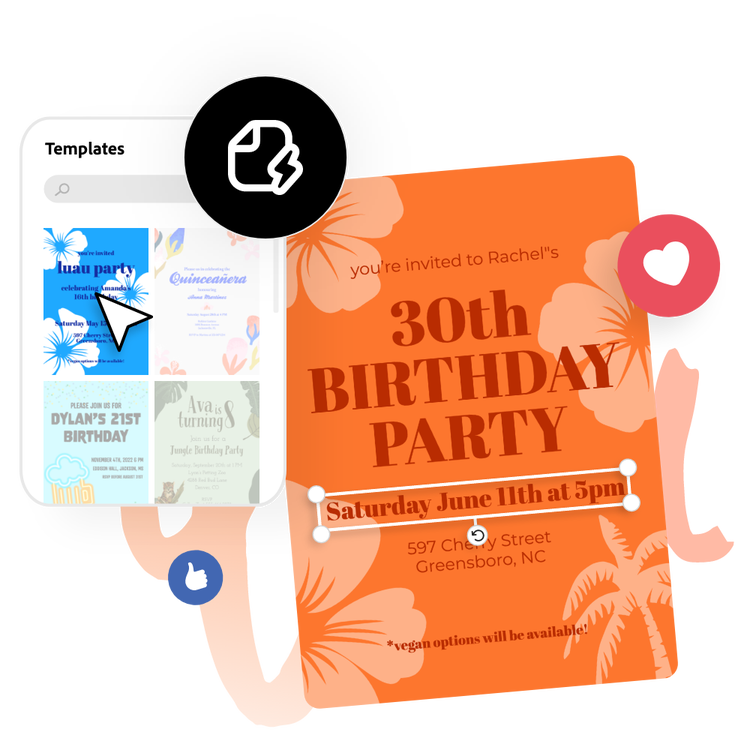
Browse birthday invitation templates and choose one that best matches the recipient. From rustic to bold or whimsical to modern, Adobe Express has tons of templates to choose from.
2. Customize it.
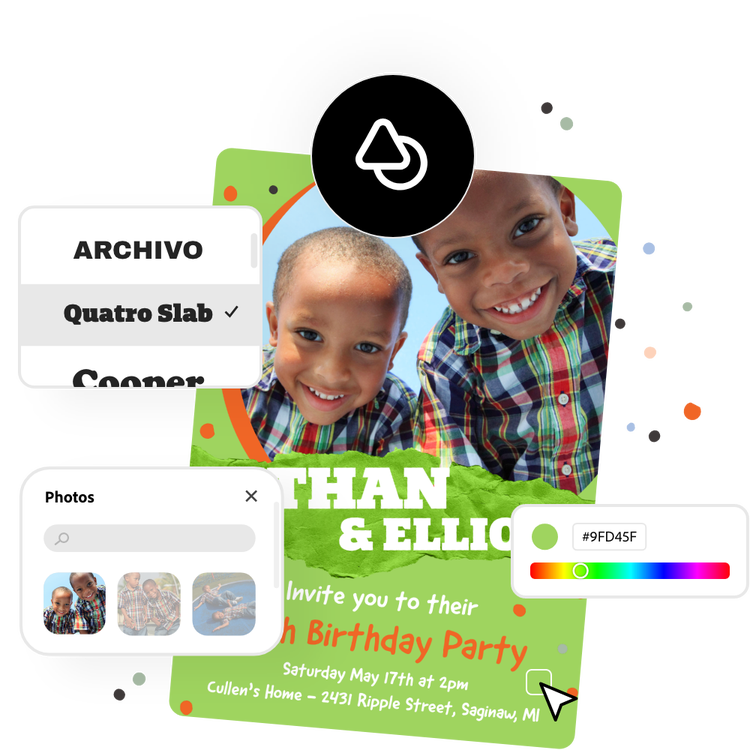
Tap on any text box to change font styles and add in your invitation's details such as invitees' names, dates, and locations. Upload photos for a personal touch or choose from free Adobe Stock images in the full Adobe Express editor.
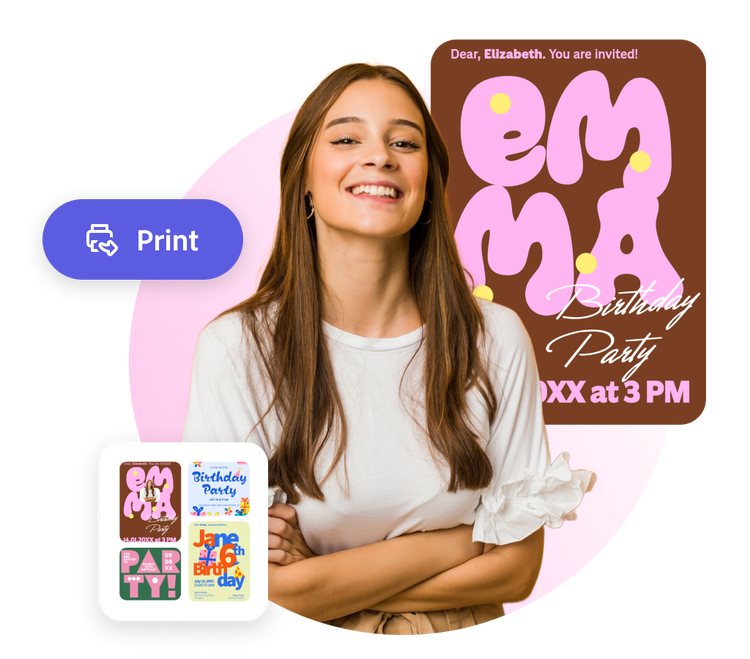
3. Download or print.
Download your birthday invitation as a PDF, JPG, or PNG file to share anywhere. If you’re a US, UK, Australia, or Canada desktop or mobile user, you can order high-quality prints from Adobe Express and have them delivered to you.
Make your own birthday invitations with creativity on your side.
A birthday party is a celebration of someone’s life, so it’s always a good idea to make it unique and special. The very start of this process involves the creation of a stunning invitation that characterizes the individual. And because there are so many free birthday invitation templates available from Adobe Express, finding something that’s both distinctive and original isn’t difficult.
Let Adobe Express be your birthday invitation design expert.
Explore professionally designed templates to get your wheels spinning or create your wedding from scratch. Establish a theme for your designs using photos, icons, logos, personalized fonts, and other customizable elements to make them feel entirely authentic. With Adobe Express, it’s free and easy to make, save, and share your designs within minutes.
Add to the celebration with fun text effects.
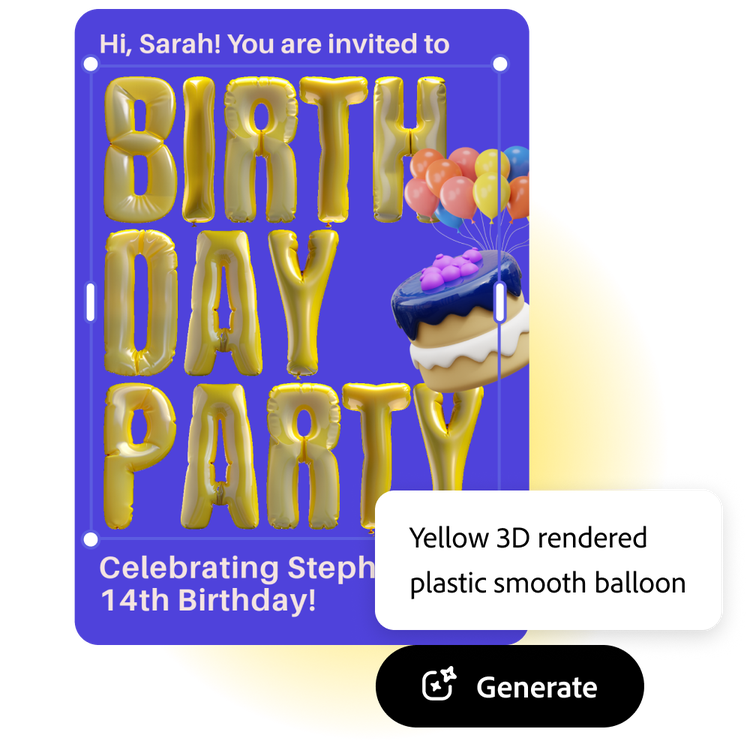
Use the Generate text effects tool available in the full Adobe Express editor to make your birthday invitation title look like it’s made of candles or add a balloon texture by simply typing in a description of what you want to see in the prompt box. Watch as your idea comes to life in a matter of moments. It’s a piece of cake.
Celebrate with free birthday party invitation templates.
Every unforgettable birthday party begins with sending out the perfect invitations. Spark excitement for your celebration with invitations that are not only eye-catching but also simple to design. With Adobe Express, creating custom birthday invitations is effortless. Just choose a template, fill in your event details, and personalize the imagery in just a few clicks. No design experience is required to craft an invitation that will grab attention and let your guests know a memorable event is on the horizon.
Frequently asked questions.
What is the standard size of a birthday invitation?
A standard invitation size is 5 x 7 inches. Adobe Express offers your standard invitation size, as well as A5, 7 x 5 inches, 3.5 x 5 inches, and 5 x 3.5 inches. Open the full Adobe Express editor to see all the invitation sizes we have to offer.
What details should my birthday invitation include?
Feature the usual who, what, where, when, and why, along with a dress code, RSVP contact details, or a website or registry if applicable.
When should I send out my birthday invitation?
Six to eight weeks in advance is normally a good time to send out invitations for formal events. If you don’t have your invitations ready in time, you can always send out a Save the Date card, followed by your invitation once it’s ready.
How do I share my birthday invitation as an e-card?
Sharing your new birthday invitation as an e-card is quick and easy with Adobe Express. Just download your finished invitation when you’re done, then share it via email or on your favorite social channels.
Can I get Adobe Express for free? If so, what’s included?
Yes, Adobe Express has a free plan that includes core features like photo editing tools and effects and thousands of free templates. Learn more about our plans and pricing.
illustrator