



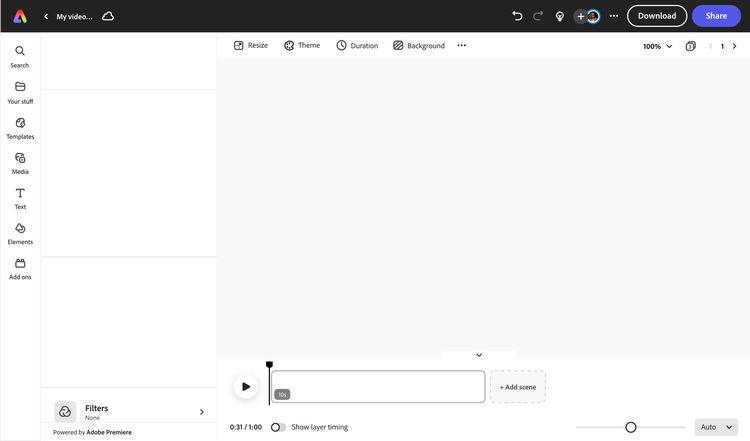
Create an impressive infographic video using Adobe Express.
Infographic videos are a great way to catch your audience’s attention and deliver details about your brand, product, service, or personal project in a short and visually appealing way. Adobe Express makes video editing a breeze—start with tons of free, fully customizable infographic templates at your fingertips, then swap in your own content and media anytime. To keep your audience engaged, add music, captions, or a voiceover. With Adobe Express, anyone can make an impressive infographic video in minutes.


How to create an infographic video.

Download and publish.
Invite others to edit your video project directly. Or select any element in your video to animate in just a few taps. When you’re finished, download your video and share to any digital destination.
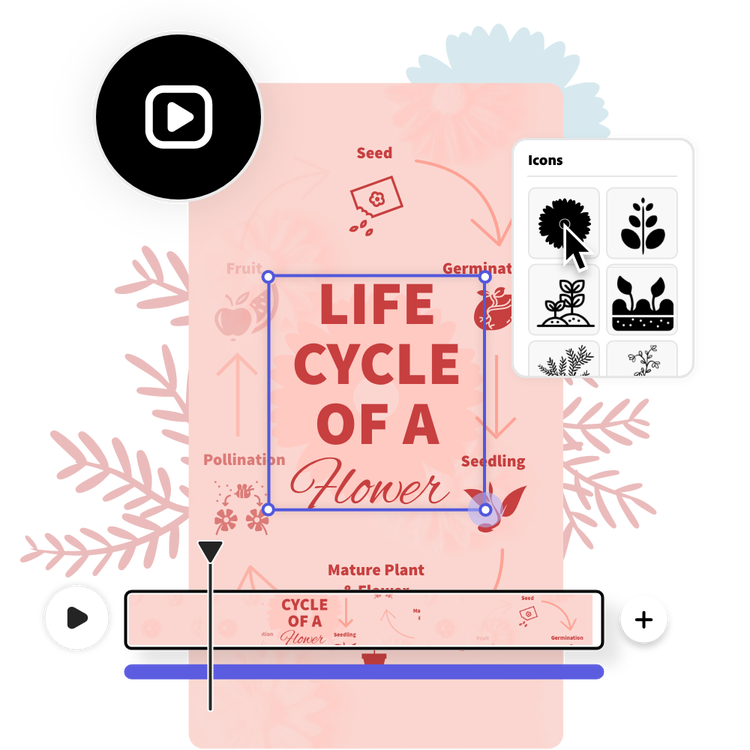
Add text, icon, images, graphs, and more.
Now that you’ve got all your visuals ready to go, add captions and icons to help guide your viewers as you educate them. Try a bold font to make your text stand out. Apply your brand logo and color schemes to deliver your message #onbrand.
Edit your video.
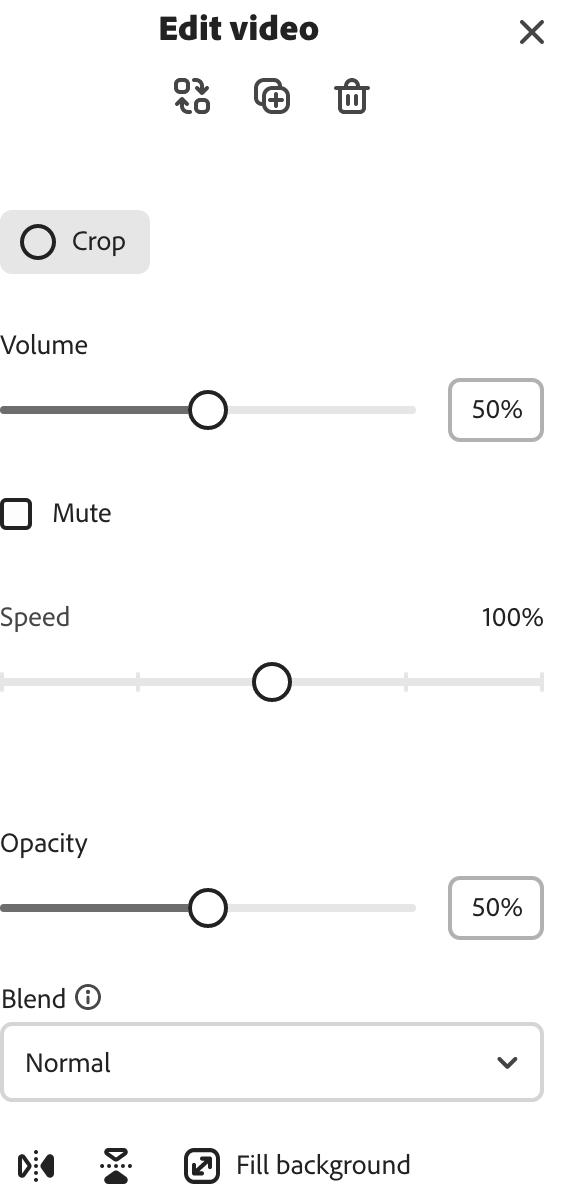
You’ll want to make a video that informs and entertains in a short amount of time. Cut, crop, and trim your video to your liking. Add your own voiceover, music, or choose from tons of free soundtracks in Adobe Express to drag and drop into your timeline.
Discover tons of infographic templates.
Find tons of ready-made, free infographic templates to start editing. Select the one that best matches your style and preferred color scheme, then populate it with your own content.
Open Adobe Express in your browser.
Upload your own images and videos or select the kind of video format you want to create in Adobe Express.

Trim, split & crop videos.
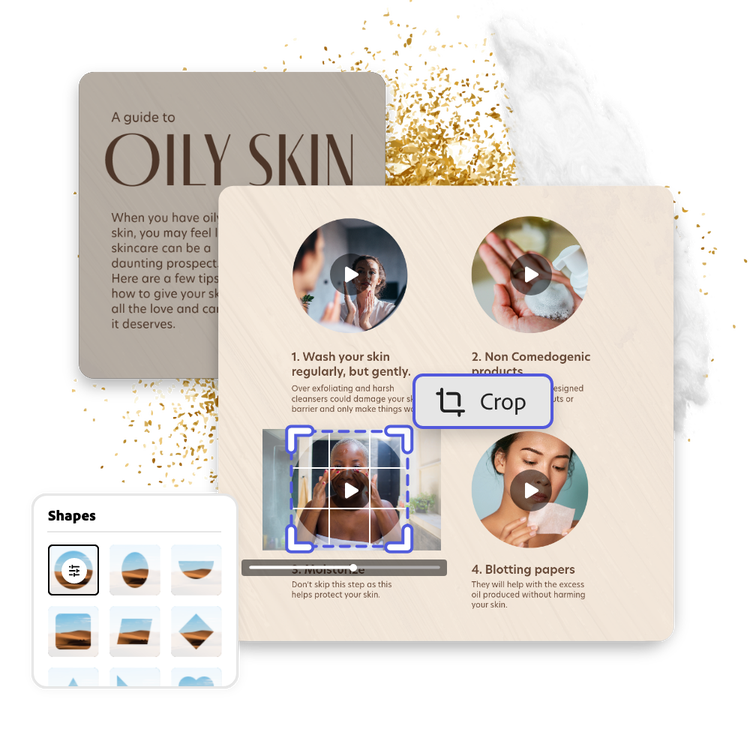
Shorten or lengthen video footage in your infographic easily by dragging the corners of each frame.
Resize dimensions for any channel.
Make an infographic once, then resize in one click to share across all your social channels without compromising video quality.

Animate elements.
Add movement to any caption, icon, image, or video in your project to keep viewers engaged.

Adjust video speed.
Select any video clip in your project to speed up or slow down, no experience required.
Work on the same project together.
Invite team members to edit, view, or comment on your infographic video at the same time.
Download and share.
Download your finished project instantly to share online and make as many videos as you’d like.

Add audio to your project.
Upload your own voiceovers and music or choose from tons of royalty-free soundtracks in Adobe Express to add to your video.

Enhance videos with filters.
Play around experiment with duotone filter effects or adjust brightness, contrast, and so much more.
Make engaging educational content from your browser.
An all-in-one online editor.
Create static or video infographics that blend photos and videos in the same project. Easily resize and share to any social media channel.
Royalty-free design assets at your side.
Customize infographics with high-quality, rights cleared stock music, videos, photos and more. Add bar graphs, shapes, and captions to make it yours.
Tons of free-to-use infographic video templates.
Start with fully customizable free infographic templates. Drop in your own media anytime.
Share your knowledge with a visually appealing video infographic.
It’s easier than ever now to make an aesthetic, easy-to-read video infographic in the Adobe Express online editor. Data doesn’t need to be daunting– nor does turning it into a video infographic. You’ll have infographics video templates free for you to use right at your fingertips, along with stunning pie charts, bar graphs, and more to add to your project and tie things together.
Stunning video infographics fit for any occasion.
Adobe Express is loaded with thousands of free design assets such as royalty-free stock videos, images, graphics, and more to add to your video infographic. Crop your favorite videos instantly to your preferred dimension, then drag and drop them anywhere on your video template. Have logos, graphics, and other design assets of your own? Upload directly to your project and edit as needed for a personal touch.
Frequently asked questions.
How can I make an infographic video for free?
The Adobe Express infographic video maker is free to use. Start creating your own in minutes right in your browser, upload your own media, or choose from thousands of free design assets to drag and drop to your project.
Can an infographic be a video?
Gone are the days of creating only static infographics. In fact, creating a video infographic is a great way to pique your audience’s interest and keep them engaged. Add bar graphs, pie charts, and more to your videos for free in Adobe Express to get started.
Can students make videos in Adobe Express?
Yes, students and educators can use Adobe Express for free to make any visual project for the classroom. Find tons of free infographic video templates right at your fingertips to start customizing. You’ll be able to create everything you need for the classroom, from stunning slideshows, presentations, infographics, and more in video format for free.
What is the best infographic maker?
Adobe Express boasts one of the best video editing platforms out there. It’s free and easy to use, and all projects you create are auto-saved for you right in your browser safely. Plus, you’ll have access to royalty-free stock images, videos, icons, graphics, and more that you can drag and drop into your project. You’ll never have to download any video editing software to make videos when using Adobe Express.
Do I need prior video editing experience in order to make videos in Adobe Express?
It’s easy to get started on creating and editing videos in Adobe Express. Whether you’re a seasoned professional or beginner at making videos, our online editor makes traditional editing tools as simple as dragging and dropping scenes to your timeline. And, you’ll never have to start from scratch if you don’t want to—simply pick a free video template and begin editing from there.



