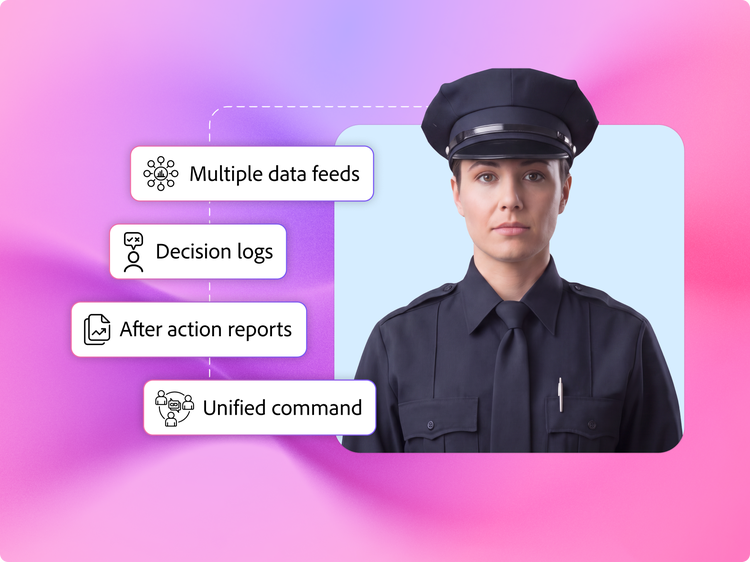
Government agencies often struggle with hand-stitching siloed C2 feeds into a static & temporary operational picture, using various workflow and collaboration tools. Adobe Connect solves it by merging all live data feeds into one persistent, dynamic and real-time common operating picture for supporting faster decisions and maximised mission readiness.

Purpose built for government

Adobe Connect supports the highest standards for security and compliance for government agencies to operate across high-impact missions.

Adobe Connect for Defence

Adobe Connect for Defence

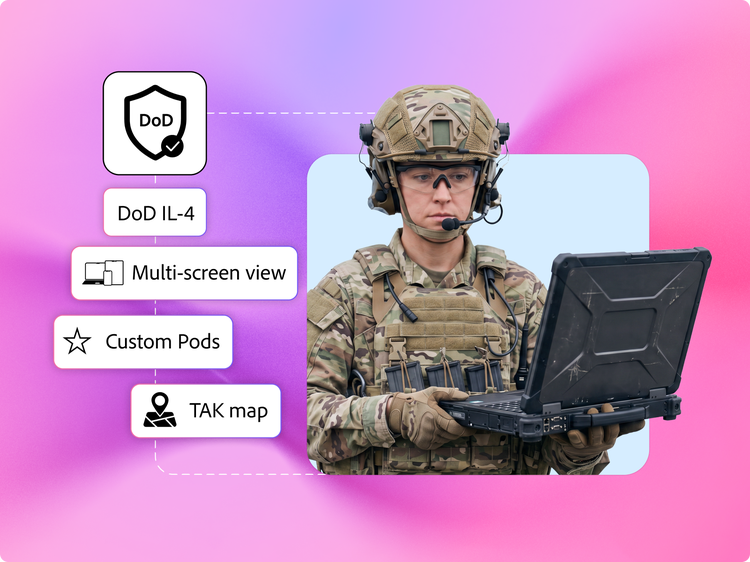
Operate in DoD IL4 for Controlled Unclassified Information connecting directly to NIPRNet.

Adobe Connect for Federal

Adobe Connect for Federal

Manage federal missions and civilian workloads in FedRAMP High authorised environment.

Adobe Connect for State and local

Adobe Connect for State & Local

Set up secure command across jurisdictions and networks.
On-premise deployment

On-premise deployment & managed services

Run inside your agency's own ATO or in private single tenet infrastructure managed by Adobe.
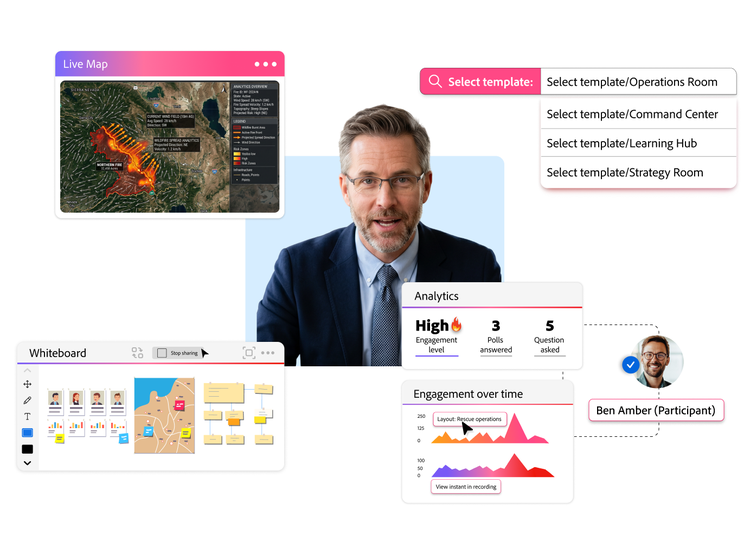
Improved training & mission readiness

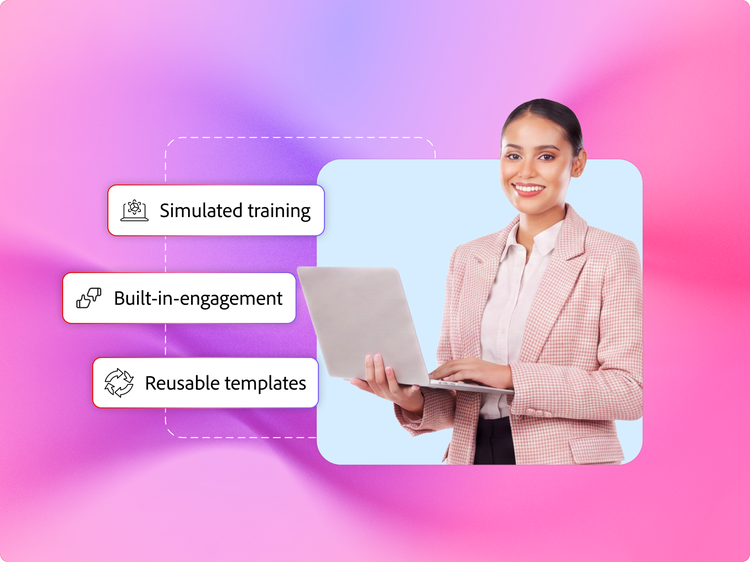
Adobe Connect enables government agencies to train and measure readiness using simulated training, reusable virtual rooms and readiness analytics.

  • Best-in class simulated training: Design virtual training that mirrors mission environment and measure readiness with detailed reports.
  • Native quizzes, polls and surveys: Run interactive tests & surveys with leaderboards, proctoring tools and comprehensive reporting.
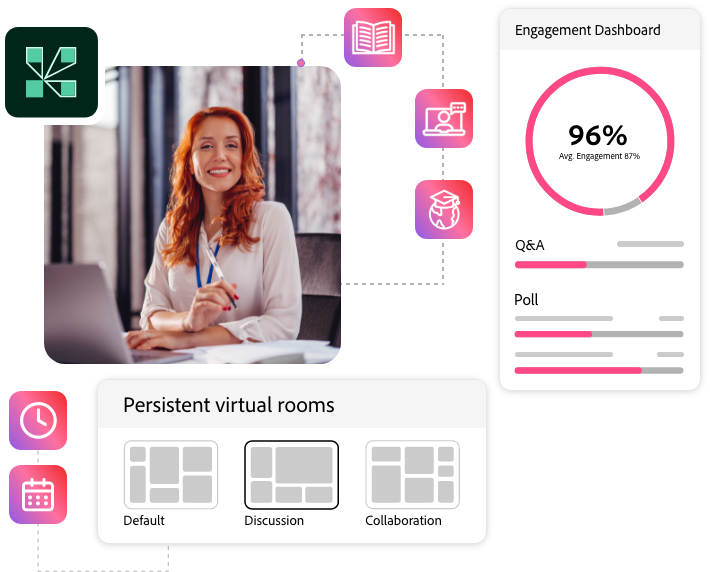
  • Live engagement scoring: Track learner attention and interaction in real time.
  • Interactive recordings for after-action review: Give full access to all session resources and links for replay and analysis.

Persistent real-time co-ordination

Adobe Connect keeps the operating picture live across the full operational period so that all partner agencies can act in real-time.
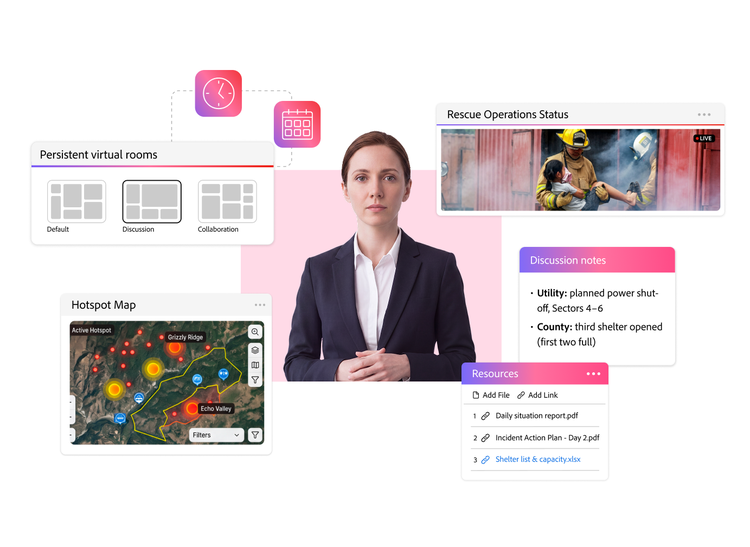
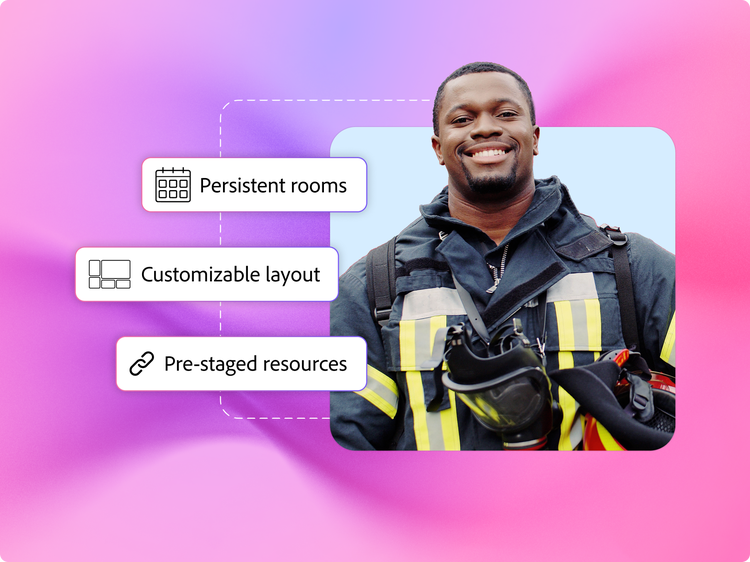
  • Persistent rooms: Create always-on virtual environments that retain content, layout and logs across sessions.
  • Persistent breakouts: Pre-set breakouts with resources and video feeds, to facilitate better co-ordination.
  • Modular pods and layouts: Arrange each shared source in resizable windows and build customised layouts for every operational view.
  • Pre-staged content: Store, organise and reuse frequently used assets for quick access and secure sharing across any session and device.
Interoperability and Extensibility

Interoperability & Extensibility

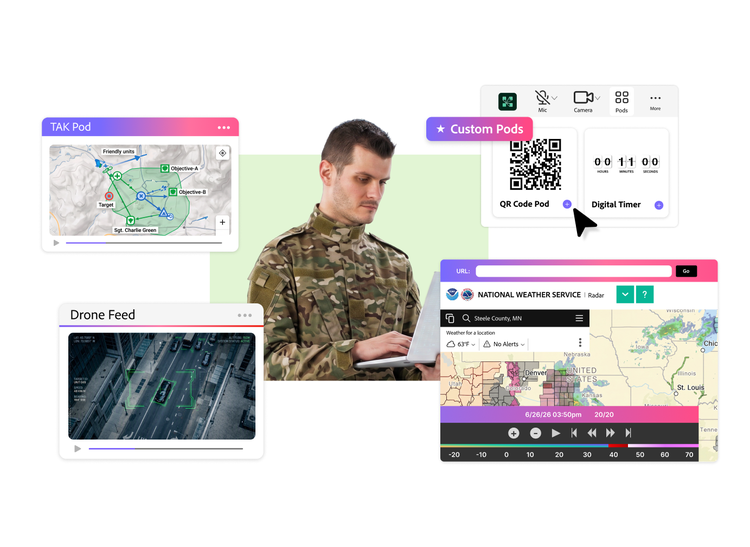
Adobe Connect brings data from multiple operational systems like TAK and other C2 tools into one dynamic operational picture.

  • Multiple simultaneous screens & chats: Display several screen shares, feeds and chats in a single layout, instead of one active share at a time.
  • Pods library: Select from available customised Pods made for government like TAK Pod, MapConnect Pod, URL Pod etc.
  • Customised Pod SDK: Build tools with mission-specific capabilities, visualisations and interactivity tailored to your operation.
  • Low-bandwidth network architecture: Keep sessions stable on satellite, radio and other intermittent connections.

Scalable multi-agency operations

Adobe Connect enables access to partners with one-click, plugin-free, browser access.
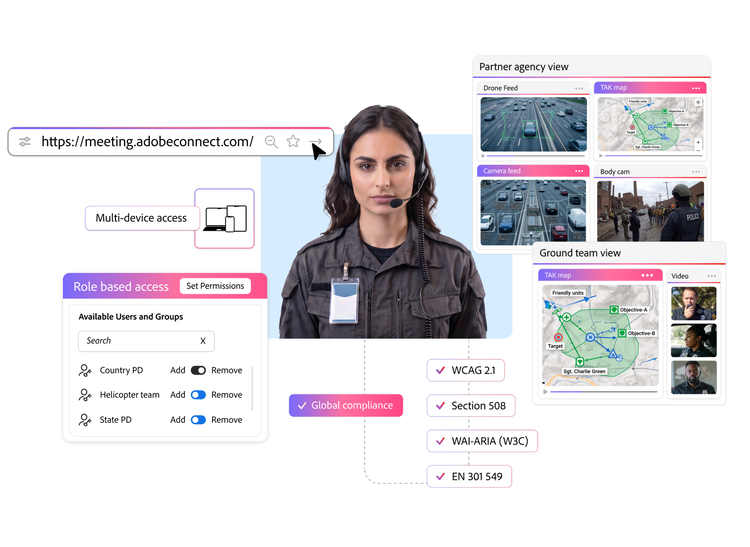
  • Secure access with SSO Integration: Provide one-click, plugin-free access to partnering agencies outside your networks.
  • Role controls & user groups: Extend access without exposing core systems using granular controls and read-only user groups.
  • Inclusive design: Automated transcription, closed captions, subtitles, descriptive audio, screen readers, contrast and colour tools.
  • Global accessibility standards: Comply with WCAG 2.1, Section 508, WAI-ARIA (W3C) and EN 301 549.
Scalable multi-agency operations

How Adobe Connect powers government use cases.

Helping government agencies deliver successful missions.

United States Marine Corps

United States Marine Corps

The elite branch of the armed forces trained more than 300,000 Active-Duty Marines, Marine Reserves, Sister Services and authorised civilians to better support their mission readiness.

Learn more >
Naval Safety & Environmental Training Centre

Adobe Connect enabled virtual training sessions that could mirror on-site experiences to foster a safety-centred culture and ensure combat readiness.

Learn more >
Global security and accessibility standards.

HIPAA

HIPAA

FERPA

FERPA

GLBA

GLBA

GDPR

GDPR

WCAG 2.1

WCAG 2.1

WAI-ARIA (W3C)

WAI-ARIA (W3C)

Section 508

Section 508

EN 301 549

EN 301 549

Why government agencies prefer Adobe Connect over meeting or workflow tools.

Government missions need a purpose-built solution for efficient decision making.
Mission Needs
Generic Meeting or Workflow Tools
Adobe Connect
Integrate multiple mission systems.
Cannot integrate live C2, TAK or sensor systems. Data is fragmented.
Integrate multiple systems data into one view for everyone.
Share multiple screens and data feeds into a single view.
One shared screen at a time.
Multi-screen view with TAK data, maps, live video, documents and multiple chats side by side.
Maintain the operating picture across multi-week activations.
Meeting tools reset after every session. Context, chat and layouts are gone.
Content, chat and layouts stay intact across the mission period.
Bring in partner agencies fast.
Difficult to onboard partners from different networks and clearance levels.
Browser access, with role-based views for faster and efficient co-ordination.
Keep teams mission-ready.
Passive video and basic polls. Not built for training.
Simulated training exercises with native engagement tools, live engagement scoring and participant profiles to onboard, train and measure readiness at scale.
Operate in the field and low-network areas.
Sessions drop and field teams lose the picture in video-first tools.
Built to run on limited bandwidth, sessions stay active on radio/satellite/intermittent networks.

Dive deeper into what Adobe Connect can do for your agency.

Adobe Connect for government training

Adobe Connect for government training

Simulating reusable operational environments for training.

Learn more >

Adobe Connect for Common Operating Picture

Adobe Connect for Common Operating Picture

When continuity is critical, persistence is non-negotiable.

Learn more >

The platform federal agencies trust

The solution federal agencies trust

How Adobe Connect expands security for mission readiness and workforce transformation.

Learn more >
Frequently Asked Questions

What is a Common Operating Picture (COP) and how does Adobe Connect deliver it?
A COP is a unified, real-time view of operations that speeds up co-ordination and decisions. Adobe Connect delivers it by pulling maps, live video, C2 feeds, documents and chats into one persistent view.
What makes Adobe Connect different for public sector agencies?
Adobe Connect is a persistent virtual command and training solution that enables agencies deliver a common operating picture, co-ordinate multi-agency response and train at scale in one secure space.
Can Adobe Connect handle sensitive information?
Yes. Adobe Connect supports FedRAMP High and DoD IL-4 for Controlled Unclassified Information (CUI), in addition to on-premises deployment for the highest classification levels.
Why do government agencies prefer DoD IL-4 deployment?
DoD IL-4 covers Controlled Unclassified Information with authenticated access only, over NIPRNet through a Cloud Access Point, offering the security standards needed for high-stakes government missions.
How does Adobe Connect support emergency management and disaster response?
Agencies set up a virtual command centre in minutes and co-ordinate every partner from one space. The room stays live across the full activation, so context carries forward across shifts.
Can partner agencies join without an Adobe Connect account or registered licence?
Yes. Adobe Connect runs in the browser with no install and commanders can grant instant, role-based guest access to partners on any network.
How does Adobe Connect work in low-bandwidth or remote field conditions?
Adobe Connect works even in low-bandwidth areas by converting shared content into lightweight data instead of continuous video, running as low as 40 to 50 kbps per participant. Admins can set default bandwidth and quality account-wide and hosts can adjust video quality per session from 240 p up to 1080p. Chat, camera and file sharing run as separate pods, so hosts can close non-essential ones to protect bandwidth. Participants can dial in over a standard phone line instead of VoIP, keeping audio steady while slides and content stay synced.
How does Adobe Connect integrate with C2, TAK and sensor feeds?
Adobe Connect offers a Custom SDK which can be used to build dedicated pods to integrate C2 systems, TAK data and ISR and drone feeds directly into a single virtual room. A native TAK pod syncs the map, layers and annotations across every participant.
How does Adobe Connect preserve operational context between multiple sessions?
Persistent rooms in Adobe Connect keep content, chat, layouts and decisions intact across multi-week activations and shift changes.
How does Adobe Connect support training and mission readiness?
Training leaders can build simulated training in reusable rooms and templates, then run the same set-up across cohorts. Native polls, quizzes and live engagement scoring measure comprehension in real-time while participant reports help measure individual mission readiness as government agencies onboard and train workforce at scale.
How does Adobe Connect support read-only access to protect sensitive data?
Hosts can tailor each room by role and clearance, creating read-only views for wider distribution. Admins can add customised groups with specific permissions on top of the default roles available on Adobe Connect for targeted access. Once a room is configured, including the roles and layouts set-up, it can be saved and reused as a template so the same configuration relaunches for all future sessions.
#f8f8f8

Let’s talk about what
Adobe Connect can do for your government agency.

Contact us

Free trial - Adobe Connect