Photography
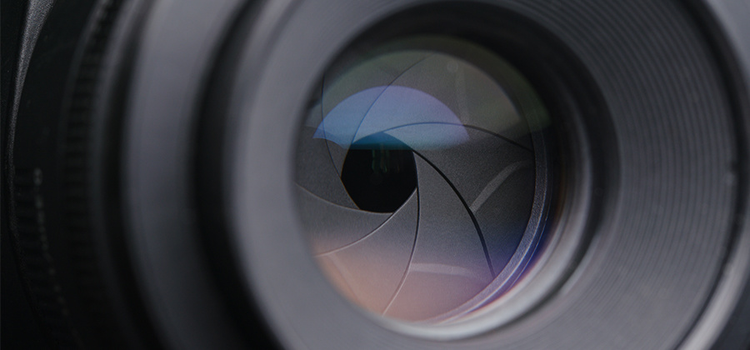
What is lens aperture?
Learn how aperture affects your photos and how understanding f-stop settings is a foundational skill for great photography.
Photography
Learn how aperture affects your photos and how understanding f-stop settings is a foundational skill for great photography.
From vintage muscle cars to a luxurious Mercedes or the newest Lamborghini, people are passionate about cars. To capture everything from automotive advancements to car culture meetups, professional car photography has picked up speed to become an art of its own. It’s a love letter to rides and whips, a mix of product shots and ways to immortalize the space where craft meets engineering.
“You’re trying to find the right angles on the car. You’re trying to match it with the correct background, the right light — there’s a lot that goes into it,” says photographer Aedan Petty.
Whether you’re into cars for the speed, the looks, or the souped-up modifications, car photography can put you in the pits with beautiful machines and the like-minded people who love them.
“Car photography captures what car enthusiasts really love — the styling, the aggressive looks, all the modifications that people do, and people’s builds,” says Petty. “It’s a way to capture the beauty of the machine, and it’s also about capturing action, whenever you get moving shots.”