ヒントとコツ

写真を合成

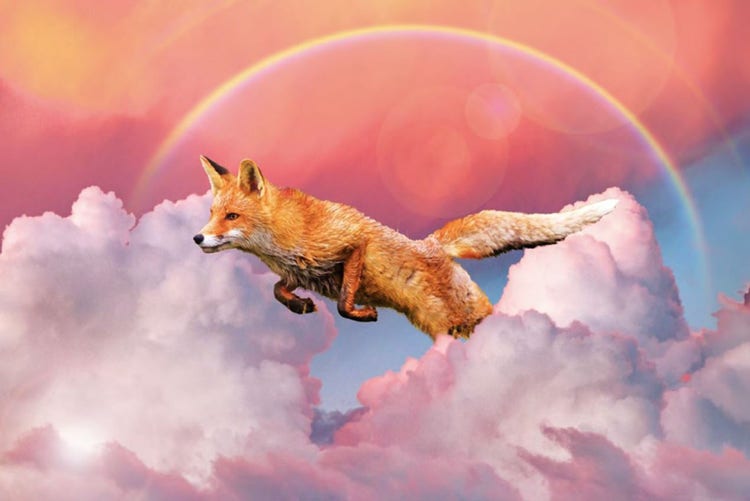
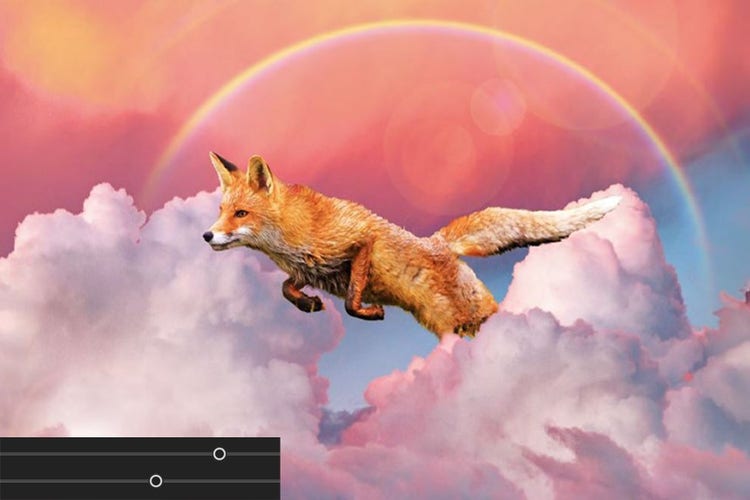
複数の画像を合成して完璧な写真を作成します。 写真を組み合わせて、被写体を別のショットに追加したり、シュールなシーンを作成したりできます。

写真を合成、画像

1. Choose your photos.

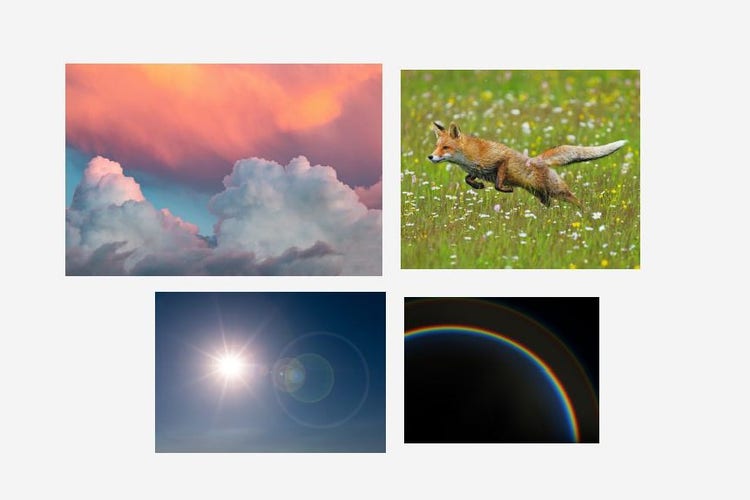
画像メニューをクリックして、「写真を合成」を選択します。 画像を読み込みます。

1. 写真を選択します。画像

2. 背景画像を選択します。

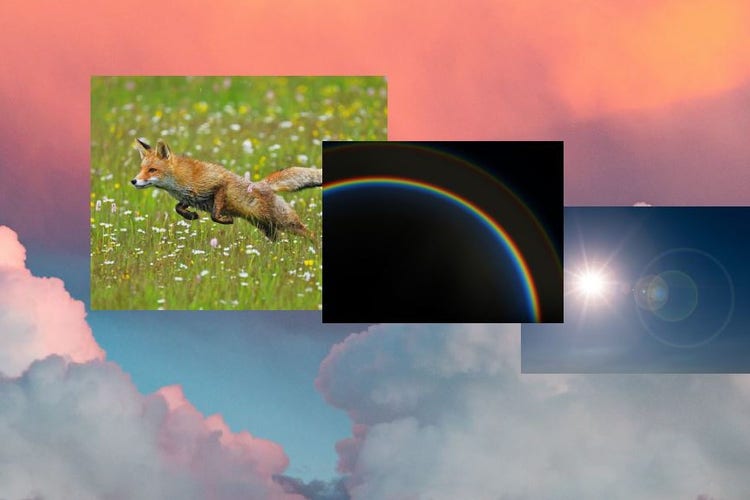
背景として使いたい写真を選択します。

2. 背景画像を選択します。画像

3. 合成するオブジェクトを抽出します。

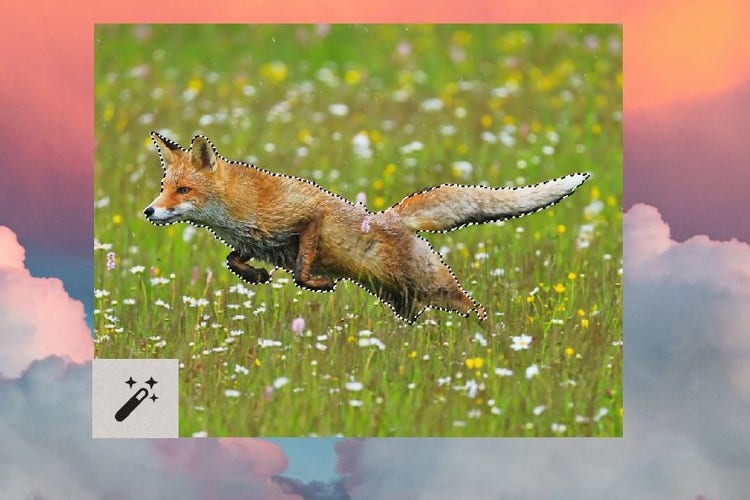
選択ツールを使用して、他の画像から要素を追加します。 必要に応じて選択範囲のエッジを調整します。

3. 合成するオブジェクトを抽出します。画像

4. 自然に仕上げます。

カラートーンの「自動一致」をクリックし、スライダーを使って微調整します。

4. 自然に仕上げます。画像
linear-gradient(90deg, rgba(91,181,231,1) 4%, rgba(87,157,244,1) 51%, rgba(86,110,234,1) 67%, rgba(87,52,231,1) 88%)

https://main--da-cc--adobecom.aem.page/cc-shared/fragments/products/elements/photoshop-elements/pse-faq

https://main--da-cc--adobecom.aem.live/cc-shared/fragments/products/elements/pse-pepe-merch-segment

https://main--da-cc--adobecom.aem.page/cc-shared/fragments/products/elements/photoshop-elements/pse-trial-speedbump

https://main--da-cc--adobecom.aem.live/cc-shared/fragments/products/elements/photoshop-elements/pse-footer

linear-gradient(90deg, rgba(91,181,231,1) 4%, rgba(87,157,244,1) 51%, rgba(86,110,234,1) 67%, rgba(87,52,231,1) 88%)