

Meet AI-powered PDF Spaces.

Bring your files into one smart workspace to generate insights, audio overviews and new content. Then share it as a guided, interactive experience with an AI Assistant.
Try PDF Spaces Free trial | Free trial Adobe Acrobat Studio

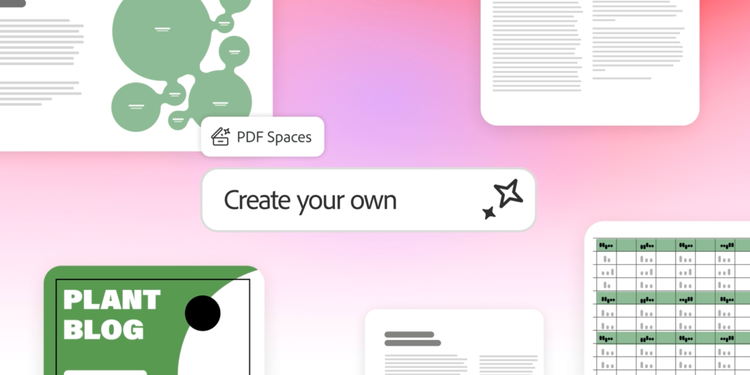
https://main--da-dc--adobecom.aem.page/dc-shared/assets/videos/acrobat/generative-ai-pdf/media_10cb55a8d74a3f89cb6bc1df71695acc2ea784ac7.mp4#_autoplay1 | Acrobat PDF Spaces graphic showing a pastel workspace with documents, charts and a ‘Create your own’ callout.

Explore PDF Spaces, packed with inspiration.

Check out these curated PDF Spaces to discover new ideas, insights and knowledge.

  1. Featured
  2. Productivity
  3. Lifestyle
  4. All PDF Spaces
active tab
1
id
explore
Learn how to use PDF Spaces with these examples and get inspired along the way.

https://main--da-dc--adobecom.aem.page/dc-shared/fragments/acrobat/generative-ai-pdf/pdf-spaces/explore-featured-tab

Learn how to use PDF Spaces with these examples and develop your own practical guides and actionable insights.

https://main--da-dc--adobecom.aem.page/dc-shared/fragments/acrobat/generative-ai-pdf/pdf-spaces/explore-productivity-tab

Learn how to use PDF Spaces with these examples for everyday life, from personal growth and wellness to entertainment and travel.

https://main--da-dc--adobecom.aem.page/dc-shared/fragments/acrobat/generative-ai-pdf/pdf-spaces/explore-lifestyle-tab

Learn how to use PDF Spaces with these examples and kickstart ideas with ready-to-use knowledge.

https://main--da-dc--adobecom.aem.page/dc-shared/fragments/acrobat/generative-ai-pdf/pdf-spaces/explore-all-tab

Take PDF productivity through the roof.

Whether you’re a college student or professional, PDF Spaces makes it easier to organise information, get answers from your docs and speed up your workflows.
#fff

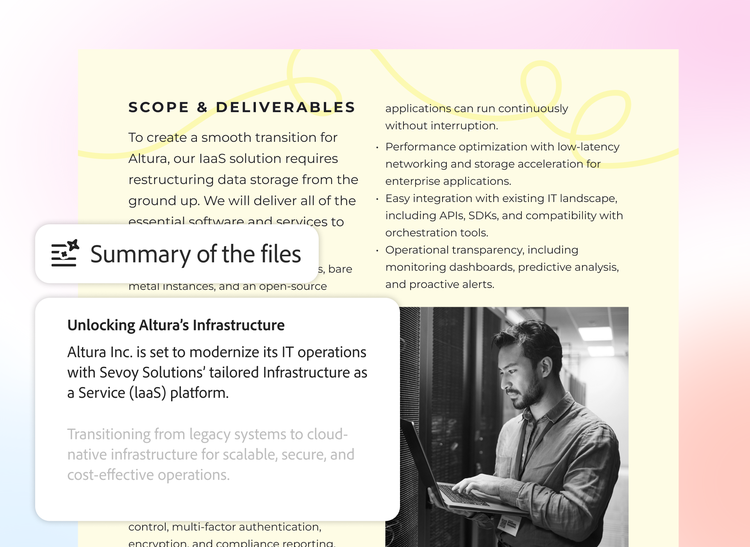
Get up to speed across multiple docs.

Turn complex information into actionable insights with AI-powered summaries and audio overviews that surface key info.
#fff

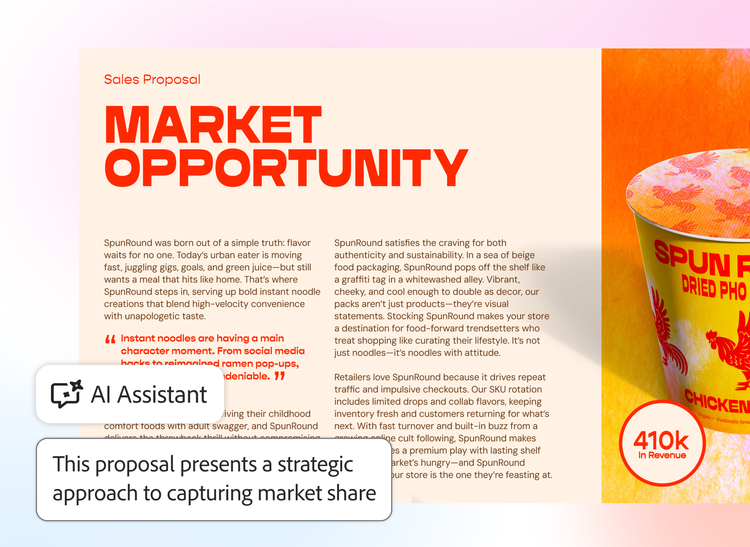
Find what you need fast.

Just ask AI Assistant questions about your documents and get answers with linked citations.
#fff
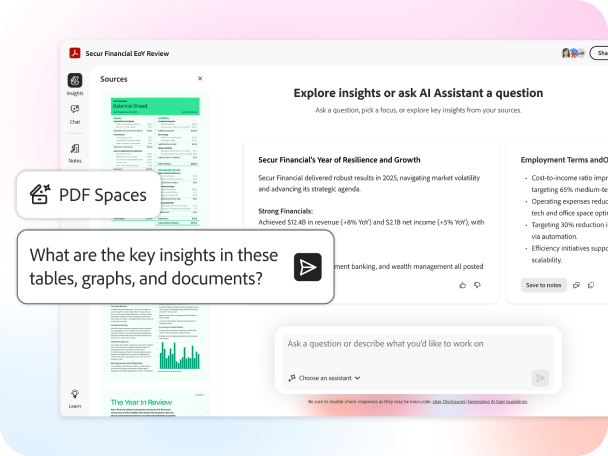
An AI-powered PDF Space with a featured chat bubble requesting key insights.

Share PDFs as interactive experiences.

Turn project files into a PDF Space with a personal AI Assistant that guides recipients through your content.

How to create your first AI-powered workspace.

https://main--da-dc--adobecom.aem.page/dc-shared/assets/images/shared-images/tools/icon-select-gray.svg

1. Open PDF Spaces.

In Adobe Acrobat, navigate to PDF Spaces under “Files” or “Tools” on desktop, laptop or mobile.

https://main--da-dc--adobecom.aem.page/dc-shared/assets/images/shared-images/tools/icon-comment-gray.svg

2. Add multiple files.

Upload PDF files, documents, web links and more — then organise them how you need.

https://main--da-dc--adobecom.aem.page/dc-shared/assets/images/shared-images/tools/icon-ai-sparkles-gray.svg

3. Summarise. Chat. Analyse.

AI Assistant automatically summarises your files. Now you can start a chat for answers, clarification or data-driven insights.

https://main--da-dc--adobecom.aem.page/dc-shared/assets/images/shared-images/tools/icon-share-people-gray.svg

4. Share and collaborate.

Customise your PDF Space and share with others to guide them through content and move work forward faster.

The possibilities are endless with PDF Spaces.

Check out all the ways sales, marketing and business teams are using PDF Spaces to level up document management, research and collaboration.

https://main--da-dc--adobecom.aem.page/dc-shared/assets/images/shared-images/tools/icon-sales-price-tag-gray.svg

Sales

Get your team on the same page by sharing competitive analyses, market trends and more in one PDF Space. You can also share an interactive experience with clients to help seal the deal.

https://main--da-dc--adobecom.aem.page/dc-shared/assets/images/shared-images/tools/icon-marketing-megaphone-gray.svg

Marketing

Create a campaign marketing plan in seconds from all your audience insights and strategy docs. Plus, uncover trends and create content for blogs, white papers and social media.

https://main--da-dc--adobecom.aem.page/dc-shared/assets/images/shared-images/tools/icon-business-people-gray.svg

Business

Streamline your research and reporting with PDF Spaces, designed to help you make data-driven decisions and collaborate with your teams.

Questions about PDF Spaces? We have answers.

What makes PDF Spaces different from regular PDF files?
PDF Spaces transform traditional PDFs into AI workspaces that you can use to search, review and interact with all of your documents. When you add multiple documents, you can quickly get answers, summaries and rewrites to move your projects along quickly. You can share an entire AI workspace with colleagues, instead of trudging through zip files or folder access, to achieve greater document efficiency
Can I use PDF Spaces on mobile devices?
Yes, PDF Spaces are accessible via the Adobe Acrobat Reader mobile app, allowing you to create, manage and collaborate on workspaces from your smartphone or tablet. With Acrobat you can take AI-powered productivity with you on the go.
How secure are my documents in PDF Spaces?
All documents within PDF Spaces benefit from Acrobat’s robust security protocols, including encryption and controlled sharing settings to help keep your information protected.
Are there templates available for common business use cases?
PDF Spaces includes curated examples and templates in Adobe Express tailored for business scenarios like sales strategies, marketing campaigns and project management. Explore these in the PDF Spaces gallery.
How do I share a PDF Space with my team?
You can easily share a PDF Space by inviting collaborators directly from Acrobat. Team members receive access to the workspace with permissions you control.
Is there a cost for using PDF Spaces?
PDF Spaces is included with select Acrobat plans. Check the Acrobat pricing page for details on availability and pricing.
What are the different agent types available in PDF Spaces?
PDF Spaces offers three styles of AI agents, each designed for distinct tasks. You can customise agent capabilities to match your document needs, whether it is reviewing content, comparing documents or extracting insights from multiple files.