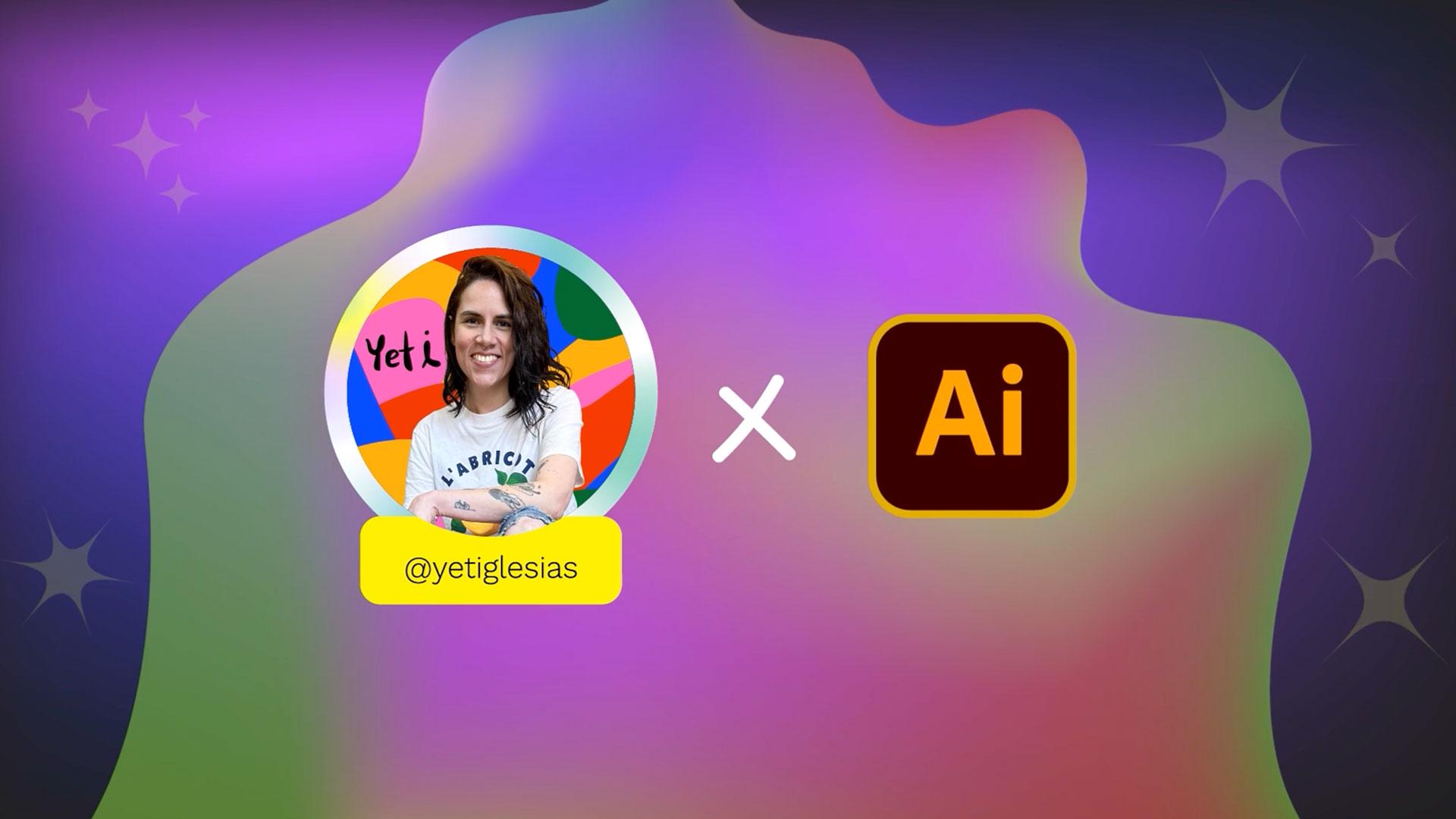
Si creciste en los 2000, seguro te acuerdas de los grafitis llenos de colores en las paredes de tu ciudad. Un lenguaje visual exagerado, lleno de neón, brillos metalizados, tipografías con sombras infinitas, efectos 3D, degradados intensos… Esa estética con espíritu dosmilero hoy está de vuelta convertido en tendencia global: el estilo Y2K.
Ver tutorial en Illustrator
Seguir en la aplicación
Hi, I’m Yeti Iglesias, a digital illustrator and your go-to millennial.
Want to relive the 2000s?
Join me in this tutorial.
The 2000s are full of vibrant, metallic, and neon colors.
Learn how to create a holographic effect using gradients.
You’ll use the mesh tool to add lots of colors and also learn how to give your typography a 3D effect.
Let’s celebrate Year 2K!
Elementos que necesitarás
Practicar en la aplicación
Un tutorial para revivir el brillo del milenio
La estética visual de finales de los 90 y principios del 2000 volvió ¡y nos llena de nostalgia! Impulsada por una generación que ama lo retro, pero vive en lo digital. Lo que antes quedaba guardado en carpetas viejas de la compu o en CDs grabados, hoy reaparece en campañas de moda, portadas de álbumes y hasta en el branding de nuevas marcas en Behance. Ese universo brillante, exagerado y futurista es el Y2K.
Quien atravesó de cerca esa transición digital es la artista millennial Yeti Iglesias. Inspirada en aquellos días de pantallas brillantes, tipografías audaces y grafitis improvisados, desarrolló un tutorial de Illustrator que reinterpreta con frescura los efectos que marcaron toda una época pero con herramientas actuales.
A través de un paso a paso claro y dinámico —ideal tanto para quienes están dando sus primeros pasos en Illustrator como para quienes ya dominan el programa y quieren sumar nuevas destrezas—, propone sacarle el máximo provecho a las herramientas y funciones del programa para volver a diseñar con el brillo del milenio.
Lo que vas a aprender
Con una ilustración retro lista para intervenir, en este proceso vas a:
Editar un degradado para simular el brillo de un CD
Trabajando con las herramientas Elipse, Cuentagotas y editando Trazos vas a lograr el icónico efecto iridiscente de los antiguos discos compactos.
Generar un efecto holográfico manipulando degradados
Para lograr este efecto en el que la superficie parece cambiar de color según cómo le dé la luz, se utilizará la función “Editar degradado”: vas a manipular estratégicamente cada punto de color que lo compone, guiándote con un video referencial, y luego, al superponer formas y ajustar los valores en el panel Transparencia, aprenderás a potenciar la profundidad de color hasta conseguir esa sensación futurista propia del estilo Y2K.
Usar la herramienta Malla para mezclar múltiples colores con profundidad
Yeti te enseña cómo funciona la herramienta Malla, cómo controlar sus puntos y transiciones de color y, lo más importante, cómo usarla a tu favor para crear mezclas con mucha riqueza visual.
Aplicar un efecto 3D metálico a una tipografía
La función Efecto > 3D y materiales tiene infinitas posibilidades, y aquí vas aprender a configurar propiedades específicas para lograr un texto con acabado metálico, brillante y bien dosmilero.
Crear estrellas a partir de formas básicas
Las estrellas fosforescentes son la cereza de este tutorial. Con mínimos ajustes y usando la función Efecto > Distorsionar y transformar › Fruncir y engordar... vas a generar tres tipos de estrellas.
Mas que nostalgia, una herramienta creativa
Ya sea que vayas a crear algo nuevo, refrescar tu porfolio o a renovar el diseño de tus tarjetas de presentación, con estos nuevos recursos podrás sumar personalidad y hacer que cualquier proyecto futuro se destaque.
¿Listo para crear con actitud Y2K? ¡Comienza este tutorial ahora!
¡Conoce a la artista detrás de este tutorial!
Yeti Iglesias es una ilustradora independiente mexicana. Su estilo es vibrante, único, atrevido y está lleno de colores. Las plantas, las formas orgánicas, las sombras, los degradados y la textura son muy frecuentes en sus proyectos. Ha colaborado con grandes marcas alrededor del mundo, potenciando sus mensajes a través de impactantes ilustraciones.
You can control how Adobe websites use cookies and similar technologies by making choices below. But note that if you disable cookies and similar technologies entirely, Adobe websites may not function properly.
Cookies are small text files stored by your web browser when you use websites. There are also other technologies that can be used for similar purposes like HTML5 Local Storage and local shared objects, web beacons, and embedded scripts. These technologies help us do things like remembering you and your preferences when you return to our sites, measure how you use the website, conduct market research, and gather information about the ads you see and interact with.
You can make choices in the menu below about what cookies and other technologies you want us to use on Adobe sites when you visit them from this browser. You can always change those choices later by clicking on the Cookie Preferences link at the bottom of the page.
If enabled:
We can improve your experience by tailoring the site and the content to things we think might be of interest
We can better keep track of your preferences — like what language you prefer to use
We will better understand your likely interests so we can provide you more relevant Adobe ads and content on non-Adobe websites and in non-Adobe apps
It will help us improve the performance of our website and those of our partners who use the Adobe Experience Cloud
If disabled:
We won’t be able to remember you from session to session so the experience may not be tailored to your interests
You’ll still have access to the content of the site but certain features that depend on cookies may not function
You’ll still see ads, they just may not be as relevant to you
General information
You can control how Adobe websites use cookies and similar technologies by making choices below. But note that if you disable cookies and similar technologies entirely, Adobe websites may not function properly.
Cookies are small text files stored by your web browser when you use websites. There are also other technologies that can be used for similar purposes like HTML5 Local Storage, web beacons, and embedded scripts. These technologies help us do things like remembering you and your preferences when you return to our sites, measure how you use the website, conduct market research, and gather information about the ads you see and interact with.
You can make choices in the menu below about what cookies and other technologies you want us to use on Adobe sites when you visit them from this browser. You can always change those choices later by clicking on the Cookie Preferences link at the bottom of the page.
If enabled:
We can improve your experience by tailoring the site and the content to things we think might be of interest
We can better keep track of your preferences — like what language you prefer to use
We will better understand your likely interests so we can provide you more relevant Adobe ads and content on non-Adobe websites and in non-Adobe apps
It will help us improve the performance of our website and those of our partners who use the Adobe Experience Cloud
If disabled:
We won’t be able to remember you from session to session so the experience may not be tailored to your interests
We’ll still count your use of our site and services
You’ll still have access to the content of the site but certain features that depend on cookies may not function
You’ll still see ads, they just may not be as relevant to you
Operate the site and core servicesOperate site and measure engagement
Always active
These cookies are required, and they are used to enable the site and related services core functionality. Without them the site could not operate, so they cannot be disabled.
These cookies enable the site and related services’ core functionality and collect statistics about user engagement, such as counting active use to help us understand trends. These cookies cannot be disabled.
Measure performance
These cookies are used to analyze site usage to measure and improve performance. Without them Adobe cannot know what content is most valued and how often unique visitors return to the site, making it hard to improve information we offer to you.
These cookies are used to analyze site usage to measure and improve performance. Without them Adobe cannot know what content is most valued, making it hard to improve information we offer to you.
Extend functionality
These cookies are used to enhance the functionality of Adobe sites such as remembering your settings and preferences to deliver a personalized experience; for example, your username, your repeated visits, preferred language, your country, or any other saved preference.
Personalize advertising
These cookies are used to enable Adobe and our partners to serve ads more relevant to your interests. Without them you will still see ads, but they might not be as relevant to you.
Personalize advertising
These cookies are used to enable Adobe and our partners to serve ads more relevant to your interests. Without them you will still see ads, but they might not be as relevant to you.