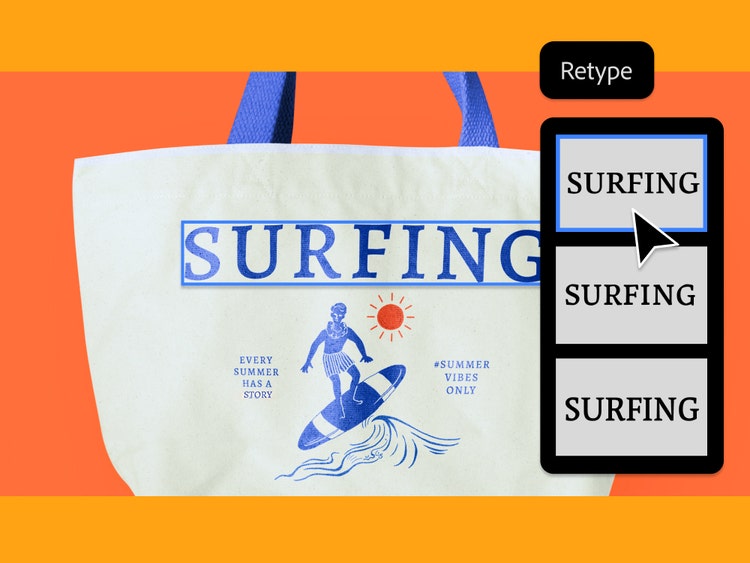
Solve font mysteries, fast.
Retype is integrated with Adobe Fonts and quickly searches a library of over 30,000 typefaces to find you the perfect font for every project.
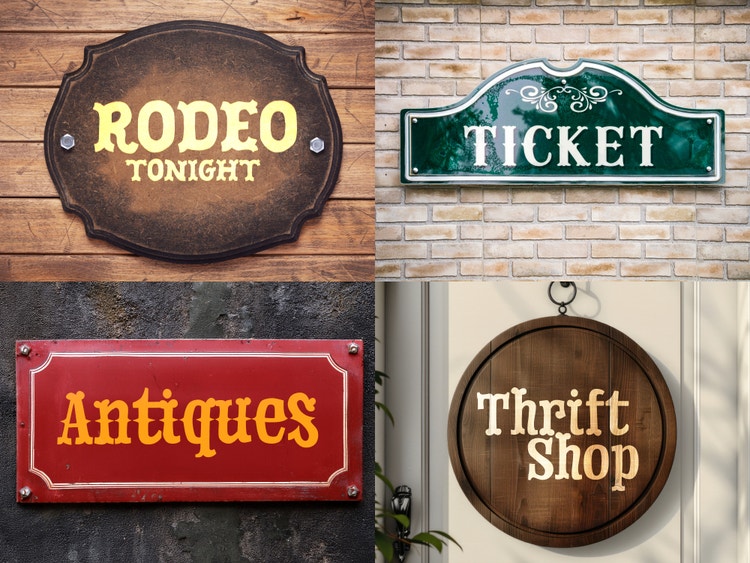
Find inspiration — anywhere.
Whether you're building a brand system for a global client or designing a poster for your local band, snap inspirational photos on the go, then open them in Illustrator and locate the font you need.
Save time with Retype.
Identify fonts in any image — even static ones — so you don’t have to spend time searching through typefaces looking for a match.
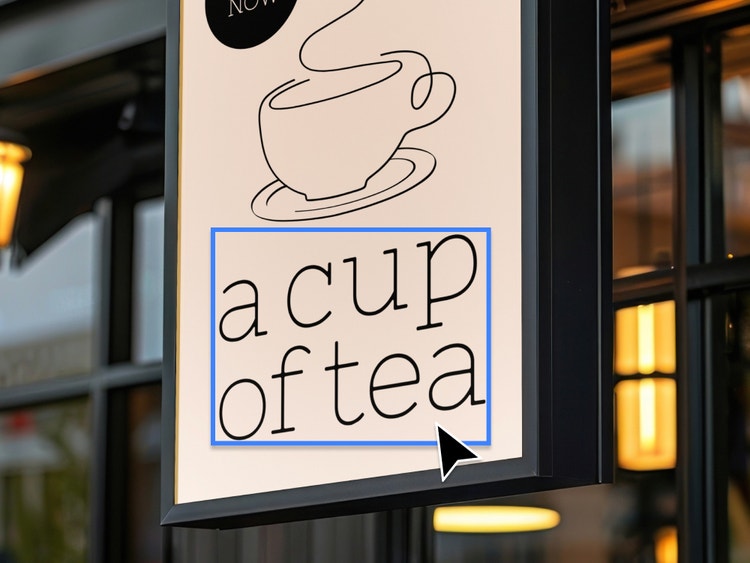
Identify fonts from past projects.
Use Retype to identify a rasterised or outlined text in an old project by quickly searching more than 30,000 fonts from the Adobe Fonts library or your local font library to find the perfect match.
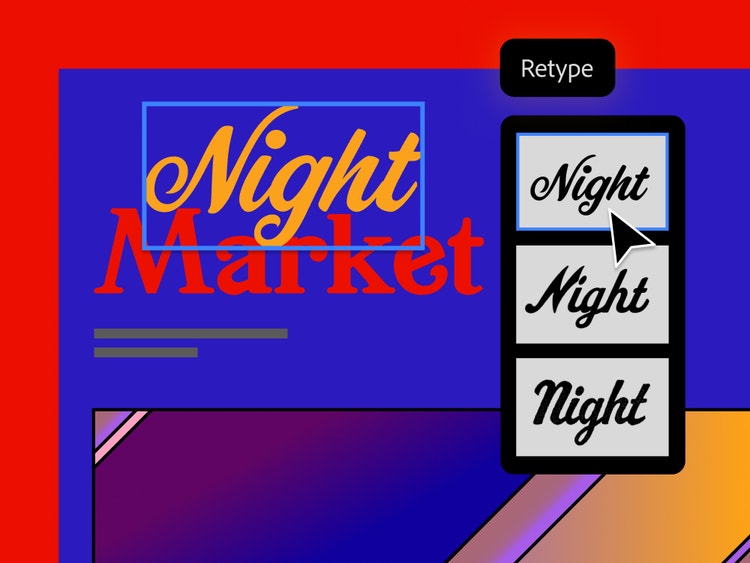
Discover similar typefaces.
Retype finds the closest match to the font you’re looking for, as well as several similar fonts so you can experiment with different looks until you find the one you like best. Favourite fonts right in the Retype tool so it’s easy to find them later.