Level up your {{lightroom}} skills with short tutorials

https://main--cc--adobecom.hlx.page/uk/cc-shared/assets/video/creativecloud/photography/basics/light/media_11f76d620c06358f2765ec24245dadc2b80b2b551.mp4#_autoplay | Masking Outline

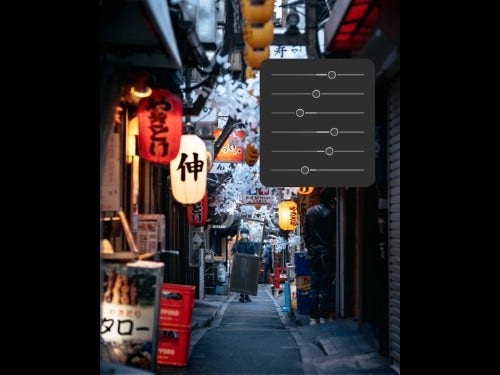
Bring out the detail of dimly lit scenes.

Adjust light levels and use the Masking Tool to make specific adjustments for a twinkle effect.
Watch the tutorial Try {{lightroom}} for free

https://main--cc--adobecom.hlx.page/uk/cc-shared/assets/video/creativecloud/photography/basics/light/media_1ec0b7152448d72a4a95ea29cf17710c8536c87f3.mp4#_autoplay | Select Subject

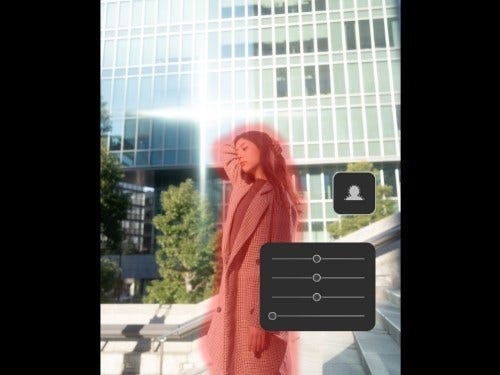
Let your subject shine.

Automatically Mask people and features by using the light panel to create a glow.
Watch the tutorial Try {{lightroom}} for free

https://main--cc--adobecom.hlx.page/uk/cc-shared/assets/video/creativecloud/photography/basics/light/media_14ed0b30ab992360cf7b014b57e5cd3dd34c27cd9.mp4#_autoplay | Sky Detection

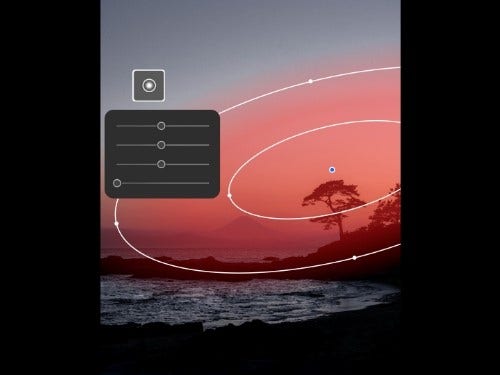
Brighten up the sky in your landscapes.

Experiment with light to dark using Masks and Radial Gradient.
Watch the tutorial Try {{lightroom}} for free

https://main--cc--adobecom.hlx.page/uk/cc-shared/assets/video/creativecloud/photography/basics/light/media_1db18973092234cbe1ae58a636a64e20c3caa554f.mp4#_autoplay | Photoshop Transform

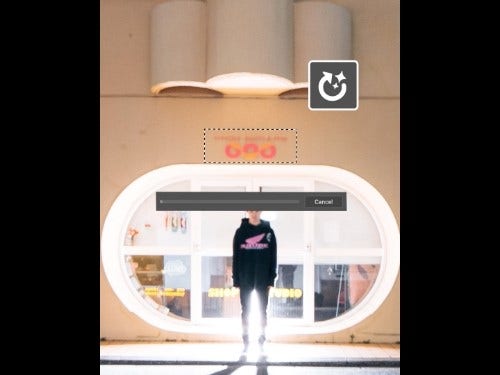
Remove distractions with Generative Fill.

Use Generative fill to remove distractions and create content from scratch with AI.

Watch the tutorial Try Photoshop for free