#f8f8f8

ADOBE CONNECT FEATURES

Presenter productivity

Adobe Connect enables effortless virtual room setup, content sharing, and live session management for smarter team workflows.

Watch video › Free trial

Persistent rooms and layouts

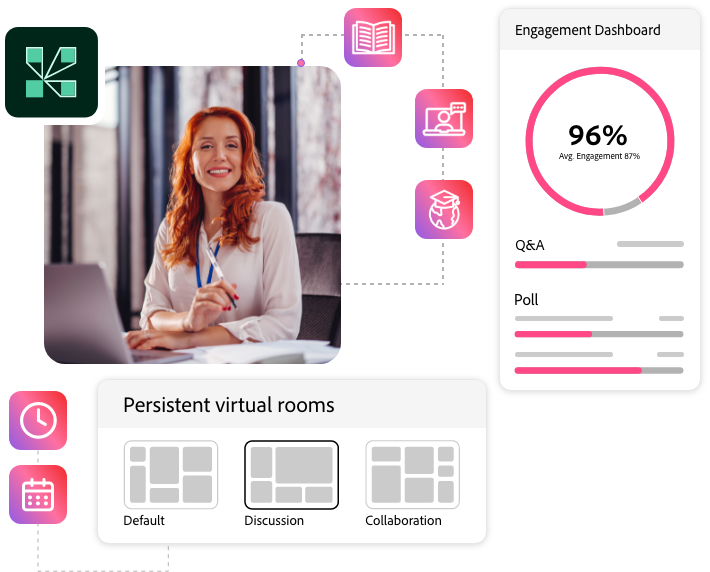
Persistence keeps your setup, shared content, and chat exactly as you left them, ensuring your rooms are always ready for the next session. This saves time, eliminates rework, and provides a consistent, professional experience.

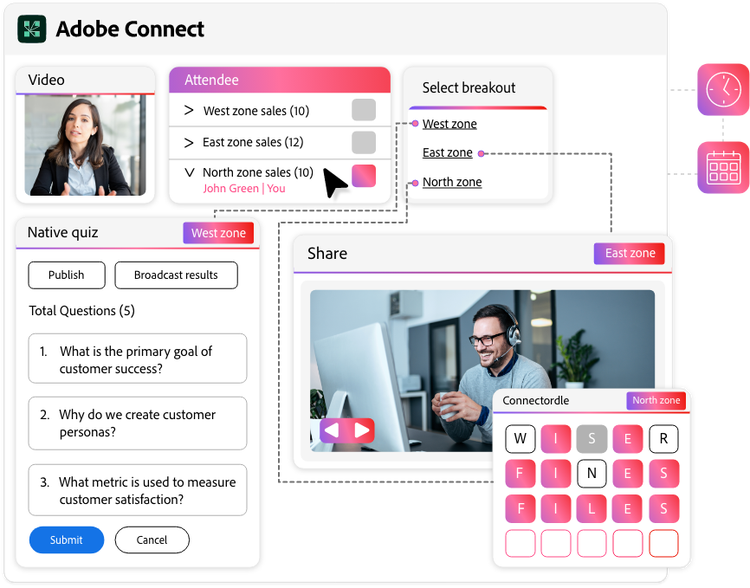
  • Persistent rooms: Virtual rooms that save their layout and content, always ready for your next session.
  • Persistent breakouts: Breakout rooms that keep their setup and content, perfect for recurring team activities.
Persistent-rooms-and-breakouts
predefined sharable template

Predefined sharable templates

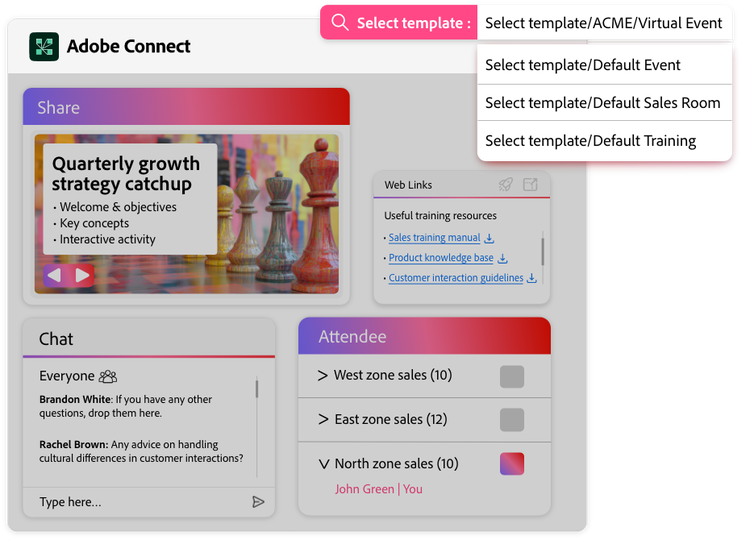
Convert your ideal room setup into unlimited number of brandable and reusable templates for faster, consistent room creation.

  • Shared room templates: Room templates allow you to create and share pre-designed virtual rooms including Pods, Layouts, and branding. Templates let you quickly launch consistent, branded virtual rooms with pre-designed Pods and Layouts, saving setup time and eliminating rebuilding.

Powerful Presenter controls

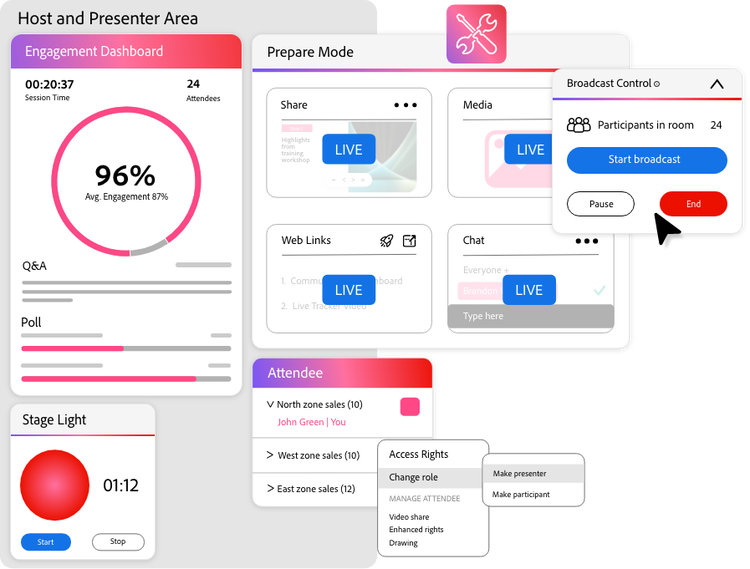
Empower presenters for efficient, impactful delivery, with a professional environment offering a powerful backstage, green room, multi-screen monitoring, and granular participant management capability.

  • Prepare mode: Discreetly adjust layouts and content during live sessions without disrupting the presentation flow.
  • Powerful backstage: Access a private, customizable space for hosts, presenters, and facilitators to collaborate without losing main room visibility.
  • Granular Participant management: Assign roles and manage permissions for every attendee. Control who can present, share, or interact in real time.
  • Multi-Participant Monitoring: Monitor the engagement, activity, and interaction of multiple participants in a single, real-time view.
  • Custom User Roles & Groups: Organize users into custom groups for controlled access, enabling targeted event promotion and streamlined management.
Powerful Presenter Control
Simulated-live-webinar

[New] Simulated Live Webinars

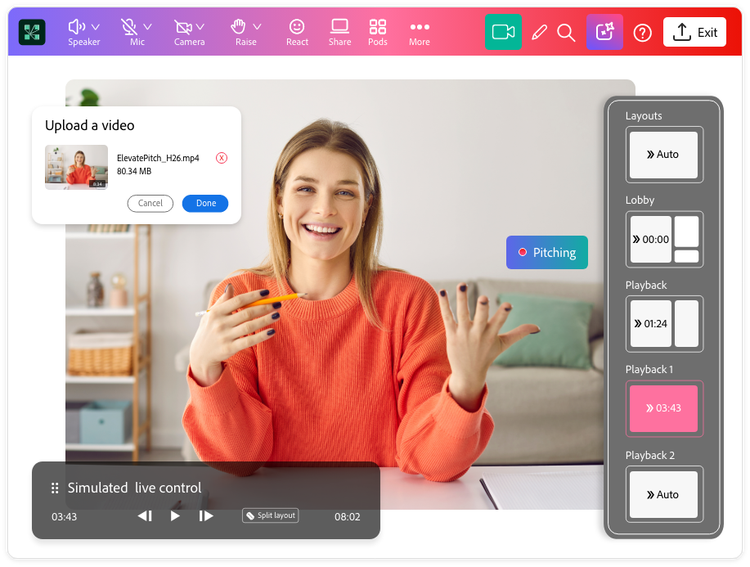
Deliver high-quality, pre-recorded content at scheduled times, while your team actively engages the audience with live chat, polls, and Q&A.

  • Customizable Lobby, Playback, and Outro layouts: Design professional webinars with customizable Lobby, Playback (for interactive pre-recorded video), and Outro layouts (for post-session content like surveys/links).
  • Automated playback with manual controls: Choose automatic content playback for smooth pre-defined transitions through the layouts, while hosts retain manual control to pause for extended Q&A or polls.

Content library

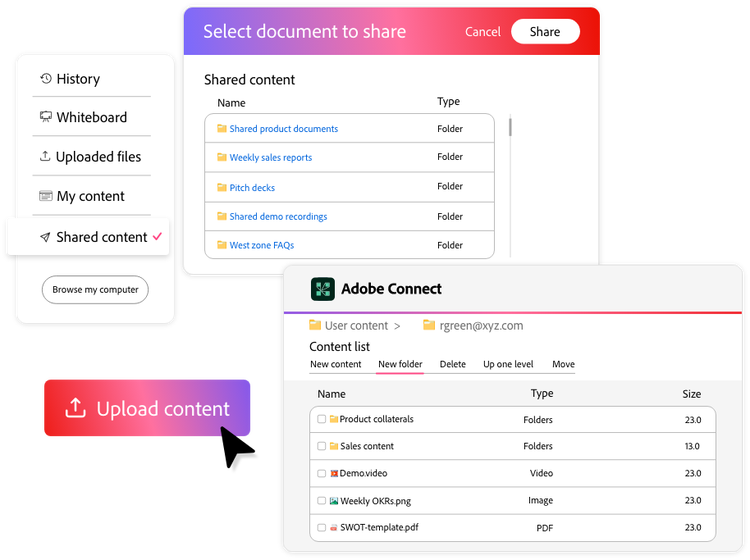
Pre-load frequently used content for quick access and easy, secure internal and secure external sharing.

  • Content library: Store, organize, and quickly reuse content across any session and device, saving time and ensuring consistent delivery, even in low connectivity.
Content library
Pre-and-Post-Event-automation

Pre- and post-event automation

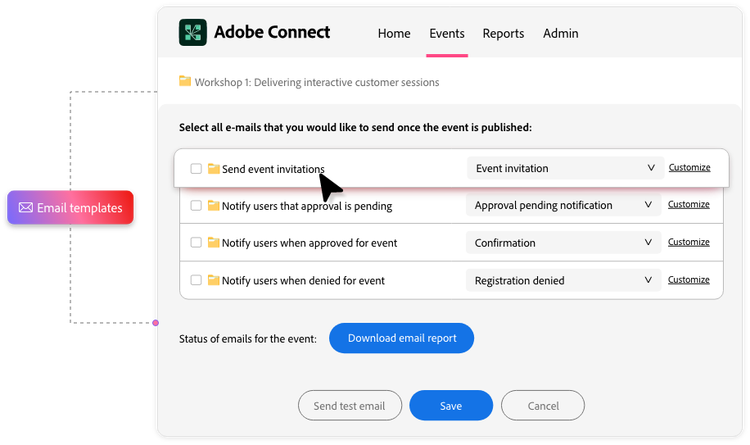
Automate every event stage—from branded invites and reminders to post-session surveys and ROI tracking—to drive maximum impact and optimize campaigns.

  • Automated promotions and event management: Streamline event creation and promotion with customizable emails and reminders.
  • Automated post-session follow-ups: Reinforce key messages, gather feedback, or nurture leads to drive ongoing engagement and conversions.
  • ROI and conversion tracking: Track key metrics like lead generation and engagement. Evaluate ROI by comparing outcomes against your event investment.

https://main--cc--adobecom.aem.page/cc-shared/fragments/products/adobeconnect/lets-talk