
Less effort. More Wow!
Let AI do the heavy lifting. Generate images, text, avatars, voices and transcripts in seconds. Create smarter, faster and more engaging learning experiences.



Let AI do the heavy lifting. Generate images, text, avatars, voices and transcripts in seconds. Create smarter, faster and more engaging learning experiences.
Rewrite without rework
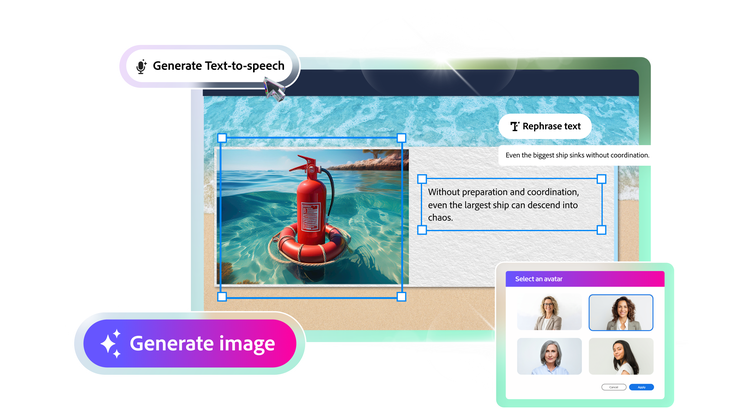
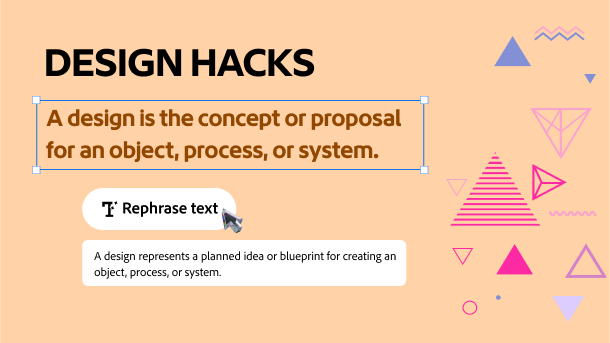
Quickly rephrase any sentence to improve clarity, tone, or flow. Just select the text and let AI do the rest.
Expand short notes
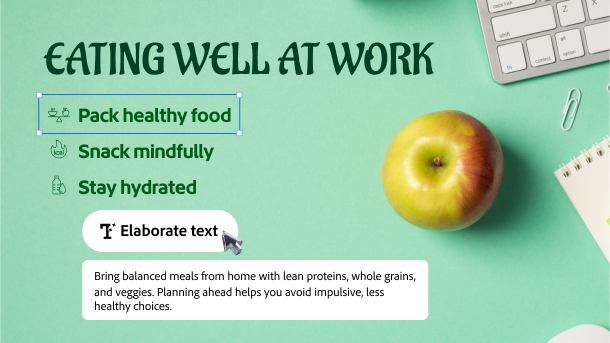
Add clarity without adding clutter. Turn brief content or bullet points into full instructional paragraphs.
Make it crystal clear
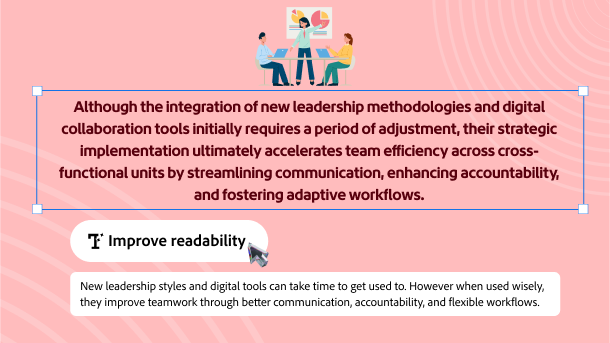
Simplify complex sentences to improve clarity and readability and help learners understand faster.
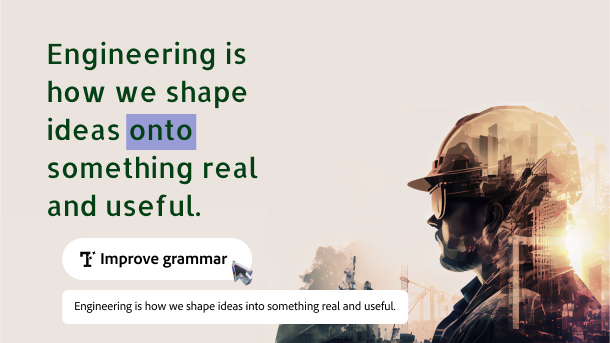
Fix grammar as you go
Automatically correct grammar, punctuation, and sentence structure to make your content clean, clear, and professional.
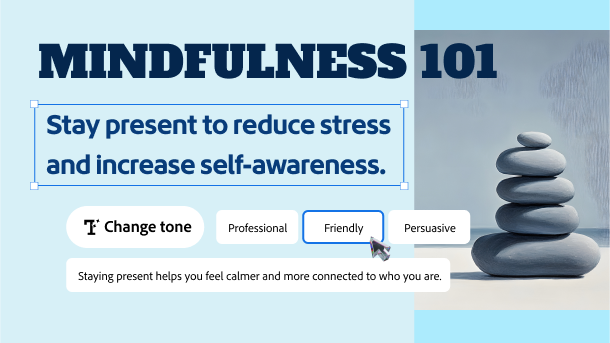
Set the right tone
Easily adjust content tonality. Make your content formal, friendly, or professional without reworking from the beginning.
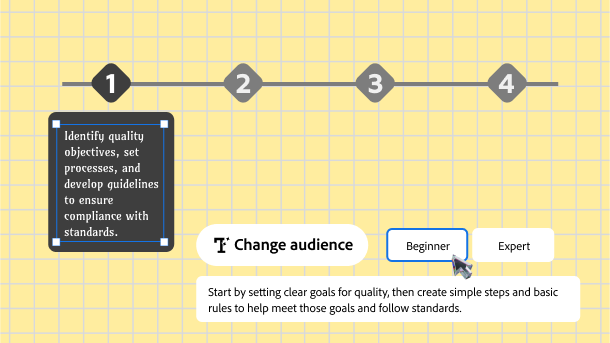
Tailor content for any audience
Easily adapt your message to suit different learner groups from beginners, experts, to specific roles.
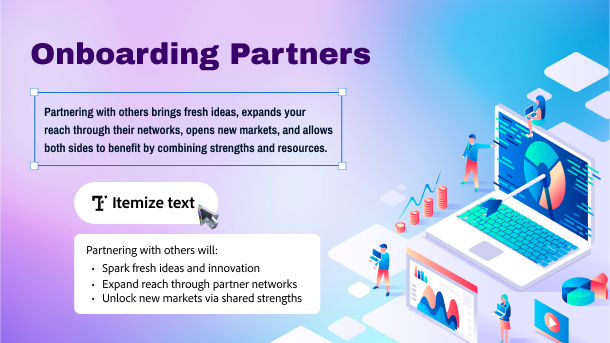
Convert to lists or steps
Effortlessly transform complex text or long paragraphs into easy-to-follow bullet points or step-by-step instructions.
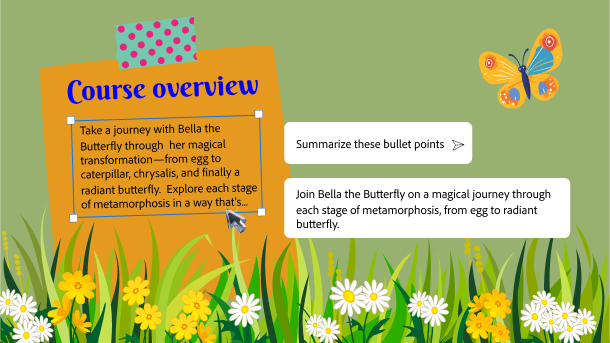
Put it in a nutshell
Transform your text heavy slides into easily understandable training content. Sum up takeaways, briefs, or conclusions in a jiffy.
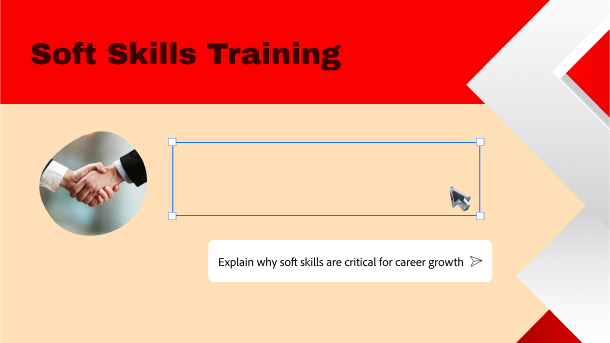
Overcome writer’s block
Use AI to think of something new. Come up with fresh ideas on questions, discussion prompts, learner reflections and more.
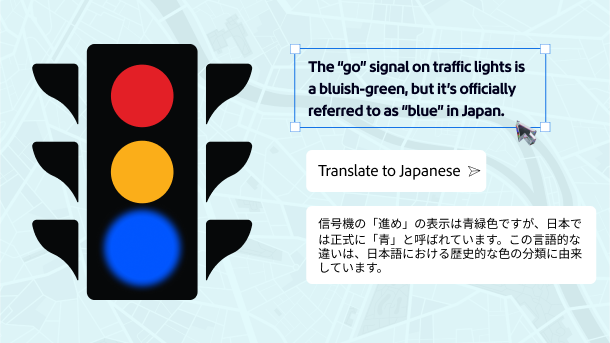
Say it like a native
Translate your course text to various languages so everyone can learn. Select text, write your prompt, and get it done in seconds.
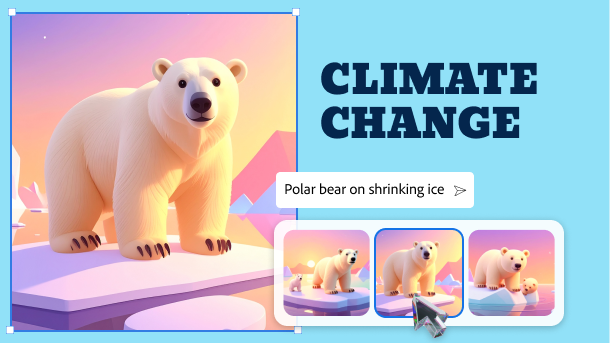
Turn words into wonder
Prompt an idea, generate high quality visuals. Keep exploring until you get the desired image.
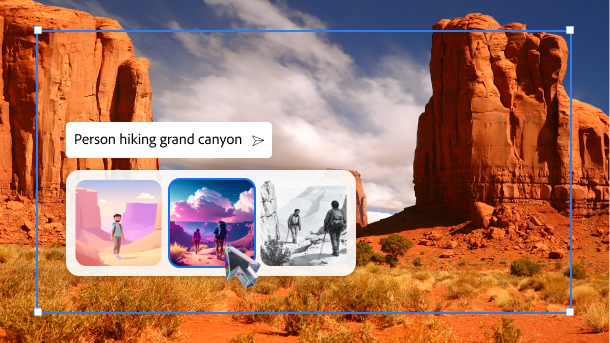
Change the style by reference
Apply a new visual treatment to any image. Just select an image, choose or describe a style and get a fresh version.
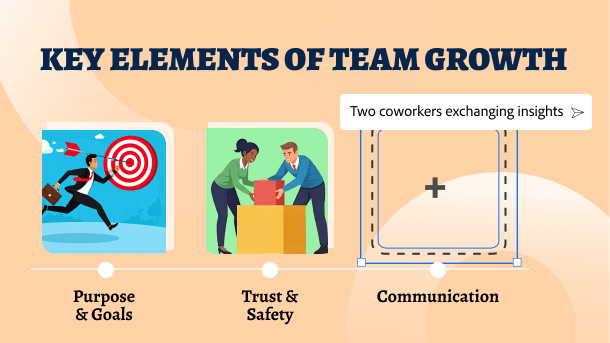
Explain with pictures
Some ideas are too big for words alone. Turn abstract thinking into clear, compelling visuals that are easy to grasp and hard to forget.
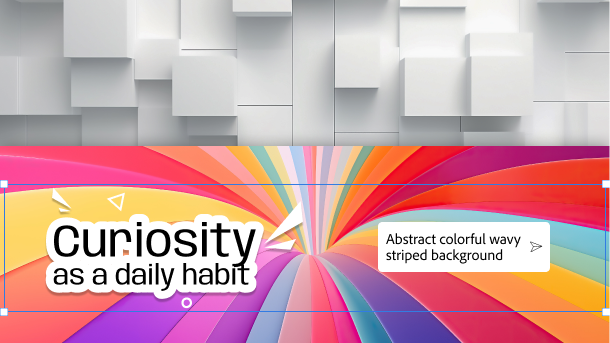
Design the backdrop.
Set the stage for your ideas. Generate custom backgrounds with unique styles, colors, and elements to give your slides a distinct visual identity.
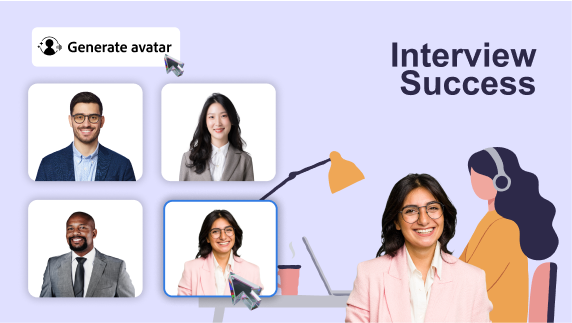
Make it relatable
Use avatars that reflect your learners’ world. Select from narrators that reflect diverse ethnicities, roles and more. Help every learner feel more connected to the content.
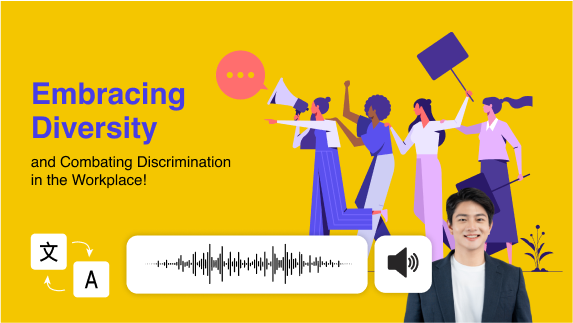
Reach learners in any language
Use avatars to deliver content that feels local and personal. Choose a suitable narrator, add the transcript in language of your choice, select an appropriate voice and generate narration.
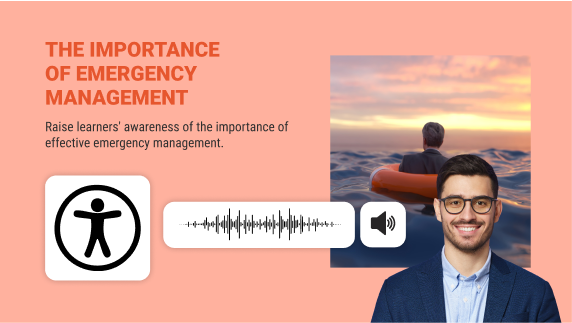
Make it inclusive
Support every learner’s needs. Use avatars to provide narration for learners with visual disability or reading difficulties, ensuring your content is designed for all.
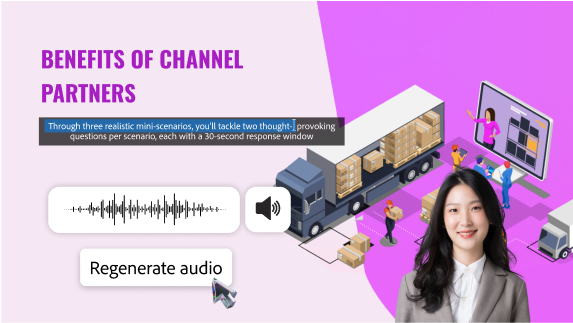
Keep Courses Current
Edit your script and regenerate the avatar video to update your course. Skip the re-recording process and keep your content fresh with minimal cost and effort.
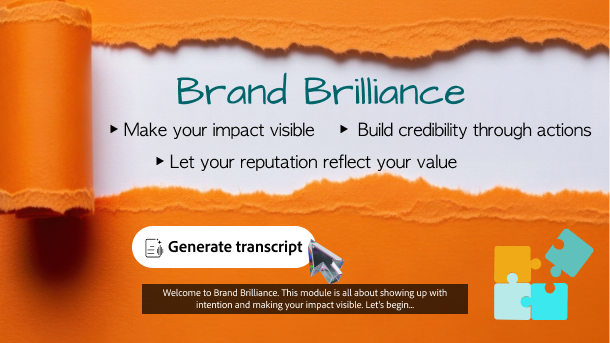
Speed up script to speech
Skip typing the script. Let AI generate closed captions and time them according to your slide content. Use it best to create quick voiceovers.
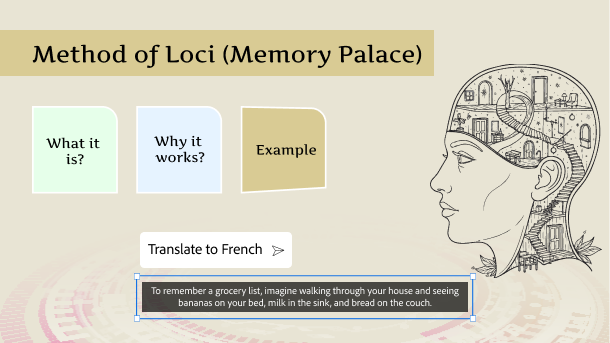
Reach a global audience
Translate your AI generated scripts with quick prompts and make your course meaningful for learners everywhere.
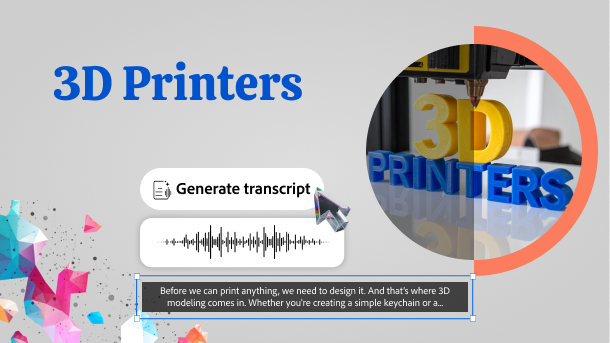
Create level learning field
Generate and edit engaging transcripts in minutes to make your courses inclusive. Ensure every learner can understand, engage and succeed.
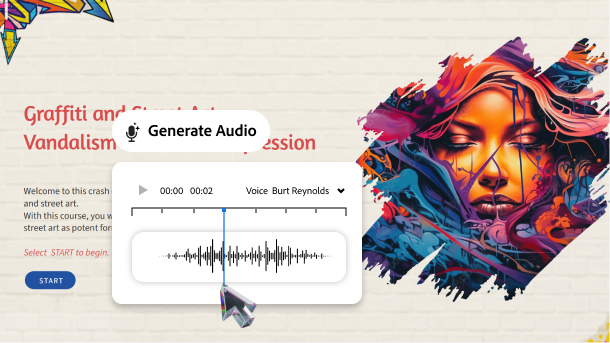
Speak to the learners’ emotions
Make learners connect with the course, so they can relate and remember. Easily add warmth, urgency, excitement with expressive voices that sound human.
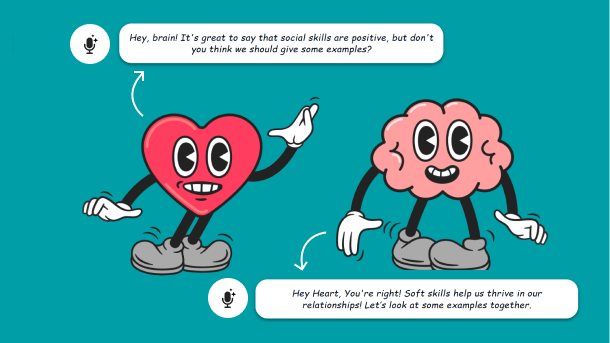
Cast every role uniquely
Create rich multi-character scenarios and roleplays with distinct voices. Add depth and realism in the dialogues to narrate impactful stories.
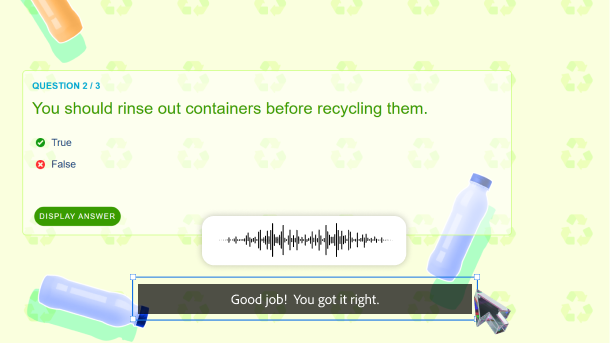
Guide learners effectively
Provide timely feedback at every step of the course. Use clear, expressive voiceovers to explain concepts, encourage learners, and correct their path.
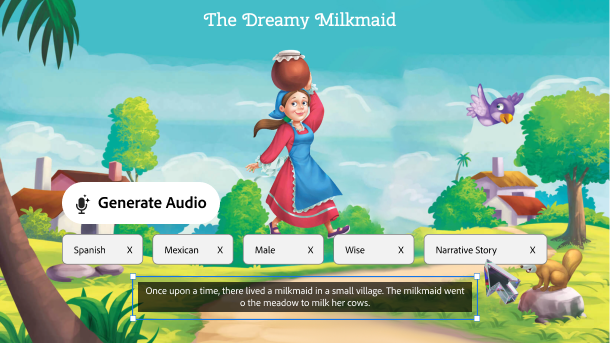
Tailor your training at scale
Write just one script and customize it for a global audience. Easily swap accents, tones, and generate a new voiceover, to resonate better with learners from different geographies.

